


Introducing G2.ai, the future of software buying.Try now

Jira Reviews & Product Details

Pricing

Pricing provided by Jira.

Free

Free
10 Users Per Month

Jira Integrations

(148)
Verified by Jira

Jira Media

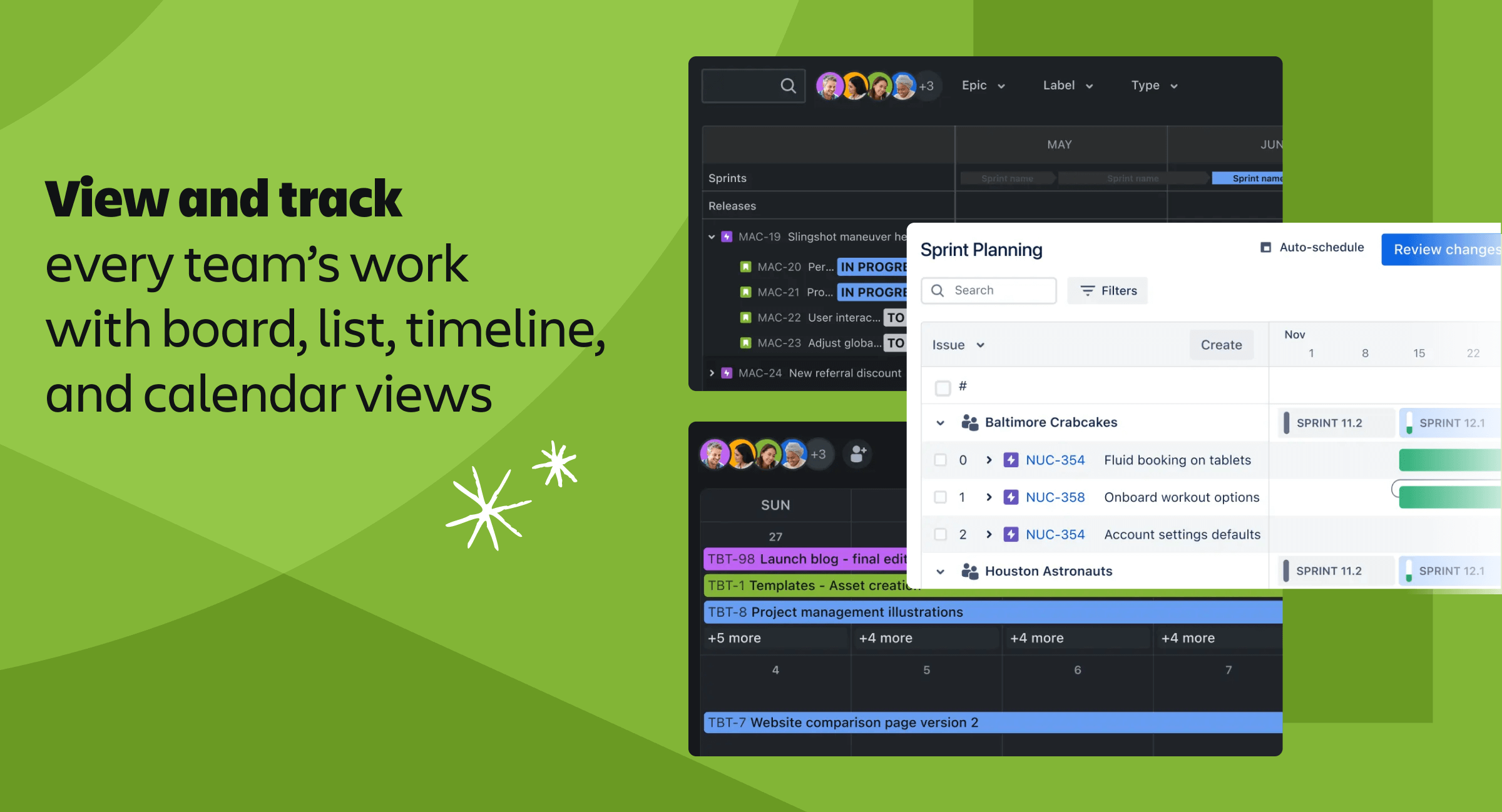
Jira Demo - Jira Views
Jira - View and track every team's work with board, list, timeline, and calendar views
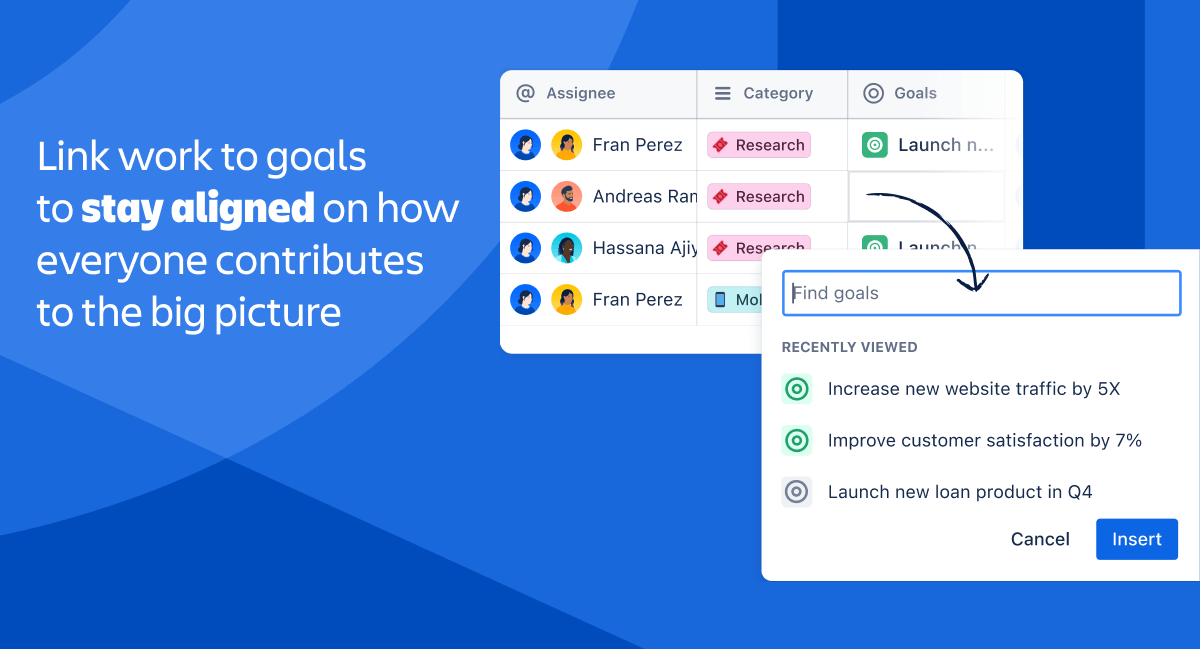
Jira Demo - Jira Goals
Jira - Link work to goals to stay aligned on how everyone contributes to the big picture
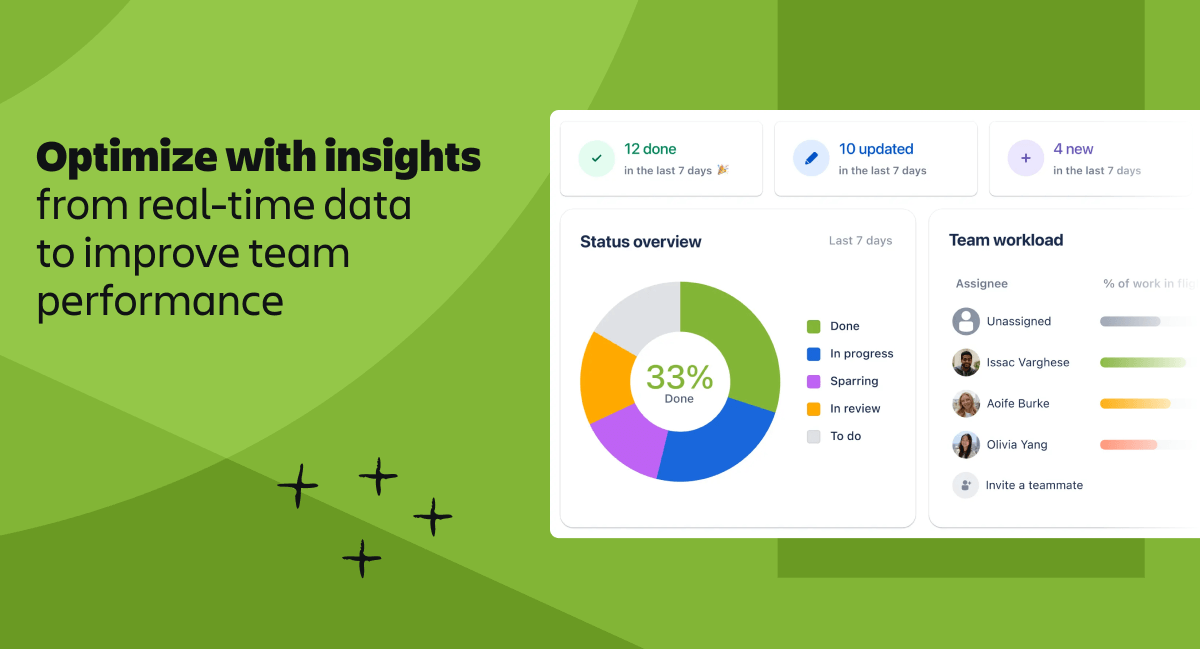
Jira Demo - Jira Insights
Jira - Optimize with insights from real-time data to improve team performance
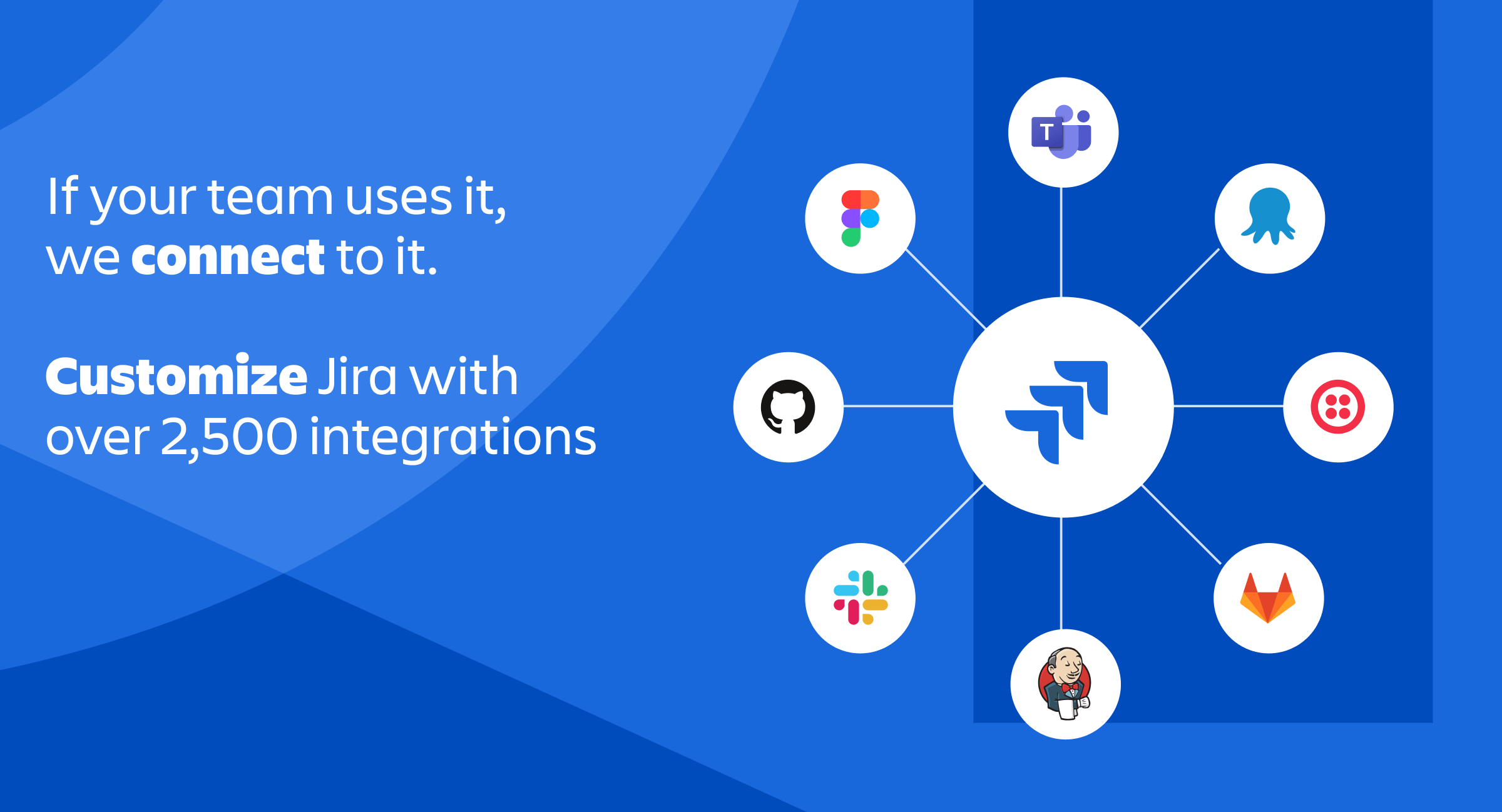
Jira Demo - Jira - Integrations
Jira - If your team uses it, we connect to it. Customize Jira with over 2,500 integrations
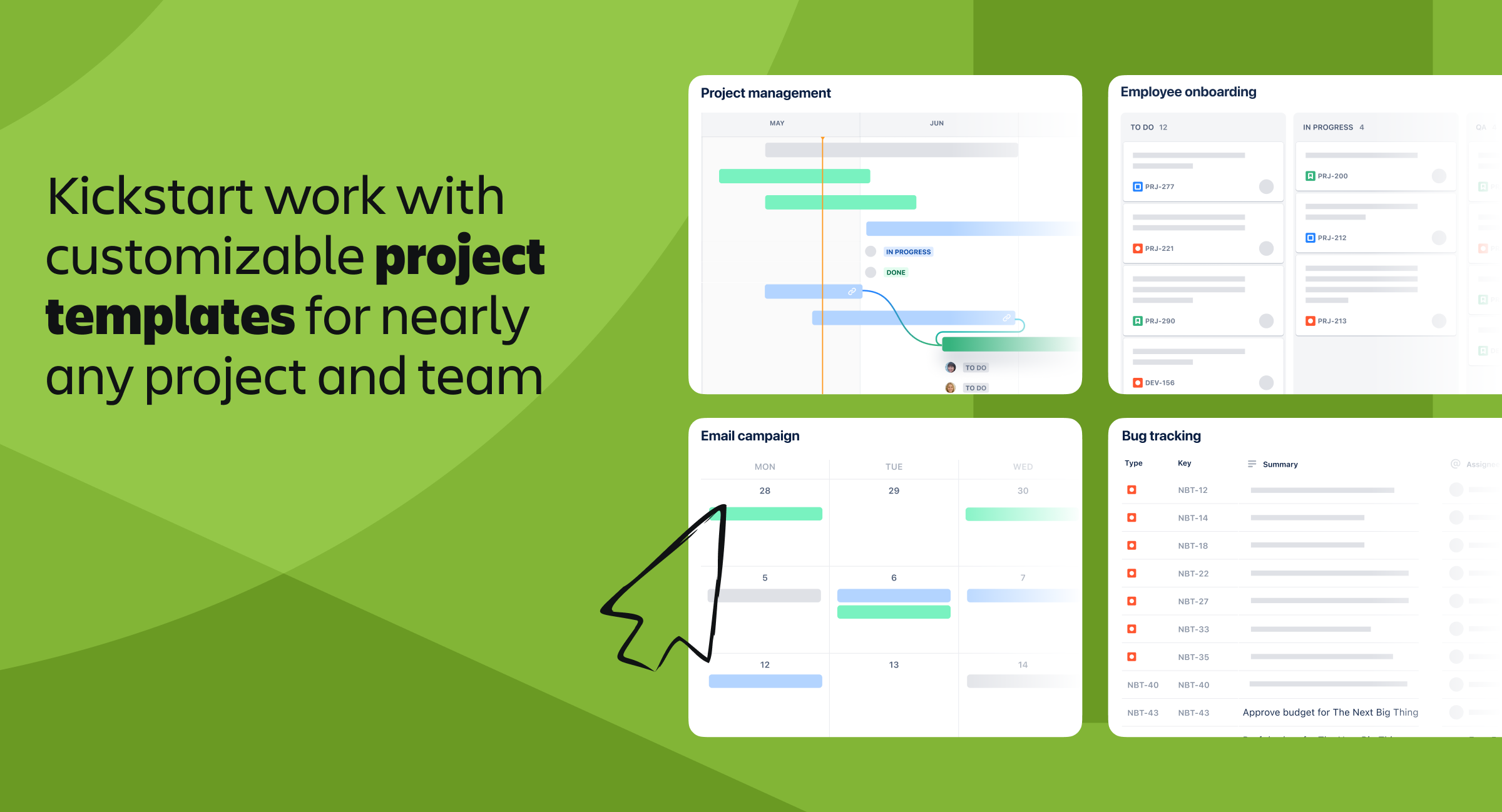
Jira Demo - Jira - Templates
Jira - Kickstart work with customizable project templates for nearly any project and team
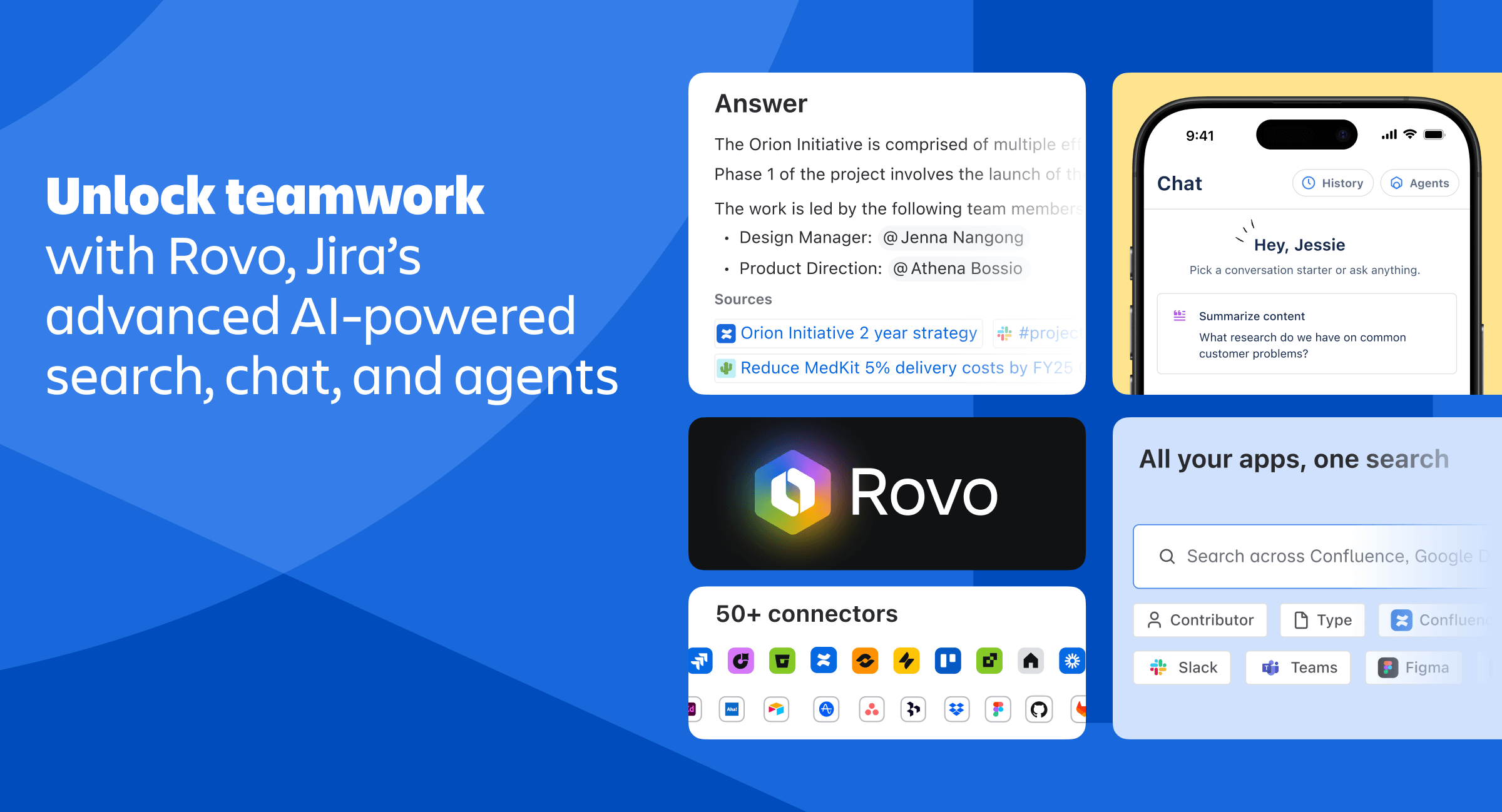
Jira Demo - Jira - Rovo AI
Jira - Unlock teamwork with Rovo, Jira's advanced AI-powered search, chat, and agents
Play Jira Video
Play Jira Video
Play Jira Video
Play Jira Video
Product Avatar Image

Have you used Jira before?

Answer a few questions to help the Jira community

Jira Reviews (7,193)

View 16 Video Reviews
Reviews

Jira Reviews (7,193)

View 16 Video Reviews
4.3
7,194 reviews

Pros & Cons

Generated from real user reviews
View All Pros and Cons
Search reviews
Filter Reviews
Clear Results
G2 reviews are authentic and verified.
Shakti Prasad P.
SP
Support Specialist
Enterprise (> 1000 emp.)
"Comprehensive Project Management with Powerful Analytics and Agile Customization"
What do you like best about Jira?

The platform offers efficient task prioritization and provides detailed project visibility, allowing for agile workflow customization. Real-time progress tracking is available, along with seamless integration for developers. Its robust reporting analytics and automated recurring tasks help maintain clear accountability. Additionally, the system supports scalable issue management and thorough backlog grooming, making it a comprehensive solution for project management. Review collected by and hosted on G2.com.

What do you dislike about Jira?

The interface is highly complex, with an overwhelming number of configuration options that can make it difficult to navigate. Performance tends to be slow, especially when working with large boards, and the user interface often feels cluttered. The onboarding process is steep, and the rigid hierarchy structures can be limiting. There is also a lot of notification noise, which can be distracting, and bulk editing is challenging to manage. Additionally, handling dependencies is often cumbersome, and the premium add-ons are quite expensive. Review collected by and hosted on G2.com.

Charan B.
CB
Associate Engineer
Mid-Market (51-1000 emp.)
"Seamless Jira Integration Makes Tracking Effortless"
What do you like best about Jira?

I have been using Jira for over a year now, and I appreciate how it links stories or bugs to the pull requests or commits we create in Bitbucket. This integration makes tracking work much more convenient. Review collected by and hosted on G2.com.

What do you dislike about Jira?

There isn’t much to dislike about Jira, but I think it would be helpful if there were a confirmation step before assigning a ticket to someone. Sometimes, I accidentally assign tickets before I’ve added a proper description, which can cause confusion. Additionally, I believe that making JQL queries available for dashboard public APIs would be very beneficial for us. Review collected by and hosted on G2.com.

Pinisetti T.
PT
Database Administrator
Mid-Market (51-1000 emp.)
"Flexible Workflow Automation and Powerful Collaboration with Jira"
What do you like best about Jira?

What I appreciate most about Jira is its flexibility and robust workflow automation. The platform enables us to tailor boards, issue types, and approval processes to fit our specific internal workflows. Its comprehensive visibility across projects, along with advanced reporting and dashboard capabilities, greatly simplifies tracking work, dependencies, and overall progress. In summary, Jira enhances collaboration and helps maintain accountability throughout our teams. Review collected by and hosted on G2.com.

What do you dislike about Jira?

What I find challenging about Jira is that certain configurations can become quite complex, particularly when handling multiple projects that each have their own workflows. The interface sometimes feels cluttered, and learning some of the more advanced settings can take extra time. Additionally, performance may lag when working with large projects or dashboards that contain a lot of data. Despite these drawbacks, I believe these issues can be managed effectively with the right configuration and governance. Review collected by and hosted on G2.com.

Leo B.
LB
QA Analyst
Mid-Market (51-1000 emp.)
"Ease of Use and Visual Organization that Transform the Workflow"
What do you like best about Jira?

Ease of use and the way it visually organizes tasks, making workflow tracking very intuitive. Ease of implementation is also a positive point, as it adapts well to different teams and processes. Review collected by and hosted on G2.com.

What do you dislike about Jira?

Because it is very comprehensive and has many features, it ends up making the interface a bit complex in some situations. In teams that do not use the system very often, this learning curve can be a challenge. Another point is that some integrations require additional configuration and are not always so simple to implement. Review collected by and hosted on G2.com.

Phelan M.
PM
Operations Lead
Mid-Market (51-1000 emp.)
"Essential Tool for Streamlined Task Management and Automation"
What do you like best about Jira?

This tool has been extremely helpful for managing tasks within our team and for setting up automated workflows and reminders. We rely on it to keep track of many recurring tasks, which helps us make sure everything gets completed on time each month. Review collected by and hosted on G2.com.

What do you dislike about Jira?

When you're just starting out, configuring the system can feel a bit clunky. There are important factors to consider when setting up projects for a team or an entire company, as these choices can affect your overall configuration and settings. Some adjustments made in team settings may not apply at the company level, and the reverse is also true. It's important to have a clear understanding of custom fields and how you intend to use them. Review collected by and hosted on G2.com.

SHIFIN C.
SC
Senior Systems Development Engineer
Information Technology and Services
Enterprise (> 1000 emp.)
"Jira: The Ultimate Powerhouse for Agile Project Management"
What do you like best about Jira?

Jira shines as a powerhouse for project management, giving teams crystal-clear visibility and control over their work. Its Agile-friendly design makes sprint planning, backlog grooming, and progress tracking effortless, while customizable workflows adapt to any industry or team size. With robust reporting tools, seamless integrations, and automation that cuts down repetitive tasks, Jira transforms chaos into clarity. In short, it’s the go-to platform for teams that want to stay organized, collaborate effectively, and deliver results faster. Review collected by and hosted on G2.com.

What do you dislike about Jira?

Jira’s downsides mainly stem from its complexity and steep learning curve, which can overwhelm new users. Customization options, while powerful, often lead to cluttered workflows and require ongoing maintenance. It can also feel slow or cumbersome in large projects, and costs rise quickly as teams scale. In short, Jira demands careful setup and disciplined use to avoid becoming more of a burden than a benefit. Review collected by and hosted on G2.com.

SC
Software Developer
Mid-Market (51-1000 emp.)
"Empowers Workflow with Robust Features and Seamless Integration"
What do you like best about Jira?

I like most about it that how much control it gives over your workflow. Once everything is setup it is actually pretty easy to use and it fits nicely into daily work. The implementation took a bit of planning but it was not difficult and the customisation options were worth it. It has huge set of features from board and sprints to report automation rules and i end up using it almost every day. It also integrates well with other tools. It customer support was professional and quick to respond. Review collected by and hosted on G2.com.

What do you dislike about Jira?

It can feel overwhelming at first because there are so many setting and configurations. If managing an big projects or lot of plugins it sometimes feels a bit slow. Also setting up custom workflows can take more time than expected. Review collected by and hosted on G2.com.

Attikka D.
AD
Advisor
Mid-Market (51-1000 emp.)
Business partner of the seller or seller's competitor, not included in G2 scores.
"Review on Jira"
What do you like best about Jira?

I appreciate how jira provides complete visibility into, tasks, timeline, and workloads. The ability to track issues from creation to closure to helps teams stay aligned and accountable. And what I like most is how jira centralizes communication. All comments, attachments and updates stays within the issue, reducing confusion and improving collaboration across teams. Review collected by and hosted on G2.com.

What do you dislike about Jira?

One draw back of jira is that it can feel overwhelming for new users, the number of features and configuration options can create a steep learning curve. Review collected by and hosted on G2.com.

bandaru h.
BH
Senior Software Engineer
Enterprise (> 1000 emp.)
"Reliable Workflow Management and Great for Growing Teams"
What do you like best about Jira?

Jira’s biggest strength is its flexibility. It allows teams to customize workflows, issue types, and dashboards based on how they actually operate. The visual boards—Kanban and Scrum—make it very easy to track progress across teams. Integrations with tools like Confluence, GitHub, Bitbucket, and Slack also make collaboration seamless. I like that everything from sprint planning to release tracking can happen in one place. The reporting features, especially burndown charts and velocity tracking, help teams plan better and continuously improve. Review collected by and hosted on G2.com.

What do you dislike about Jira?

Jira can feel heavy and complicated, especially for new users. The interface has a learning curve, and setting up workflows or permissions requires a lot of configuration. It can also become slow when dealing with very large projects or too many custom fields. Some features feel hidden behind multiple menus, which affects ease of use. Pricing can also become a downside for teams that scale quickly, as costs rise with user count. Review collected by and hosted on G2.com.

Bharat V.
BV
Consultant
Hospital & Health Care
Mid-Market (51-1000 emp.)
"Efficient for bug tracking and great collaboration tool"
What do you like best about Jira?

Track test cases, bugs, and tasks with clear status, priority, and ownership

Collaborate across teams with comments, mentions, and linked tickets

The UI is clean but can be overwhelming for new users due to its flexibility and depth.

Atlassian support is fairly responsive via tickets and community forums.

Documentation is exhaustive, but personalized support sometimes lags for lower-tier plans.

Once familiar, navigating dashboards, boards, filters, and reports becomes intuitive. Review collected by and hosted on G2.com.

What do you dislike about Jira?

Performance issues with large-scale projects – When handling hundreds of test cases or issues, the UI can feel sluggish and time-consuming.

Without plugins like Zephyr or Xray, it lacks built-in support for structured test case design and execution. Review collected by and hosted on G2.com.

Pricing Options

Pricing provided by Jira.

Free

Free
10 Users Per Month

Standard

$7.53
50000 Users Per Month

Premium

$13.53
Per Month
Jira Comparisons
Product Avatar Image
Wrike
Compare Now
Product Avatar Image
Asana
Compare Now
Product Avatar Image
Trello
Compare Now
Jira Features
Wiki Documentation
Community Forum
Customer Ideation
Work Capacity
Task Ranking
Kanban Board
Time Tracking
Progress Monitoring
Budgeting
User Reports & Feedback
Team Reports & Comments
Product Avatar Image
Jira