What problems is Microsoft Word solving and how is that benefiting you?
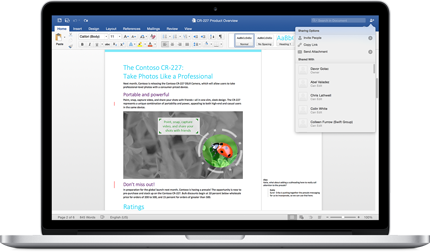
Microsoft Word addresses the challenge of creating, editing, and managing professional documents in a consistent, efficient way. I rely on it for a wide range of work, from technical documentation and process guides to reports, meeting notes, proposals, and training materials. Because the formatting, reviewing, and editing tools are all in one place, I can focus on the content instead of spending extra time trying to make every document look polished.
Collaboration is another major advantage. My documents often go through multiple rounds of review, and features like comments, Track Changes, version history, and real-time co-authoring make that workflow much smoother. Rather than exchanging multiple versions over email, it’s easier to review feedback in context, accept or reject changes, and keep everyone aligned on the latest version. The integration with OneDrive and other Microsoft 365 applications also makes it straightforward to share and access documents across devices.
From a productivity perspective, Microsoft Word has reduced the time I spend preparing documents while improving the quality and consistency of the final output. Templates, styles, automatic tables of contents, and built-in proofreading tools remove many repetitive steps and help maintain a professional format across different documents. While complex formatting sometimes still requires manual adjustments, the overall return on investment remains excellent because it streamlines document creation, improves collaboration, and supports everything from quick notes to detailed technical documentation within the same application. Review collected by and hosted on G2.com.