


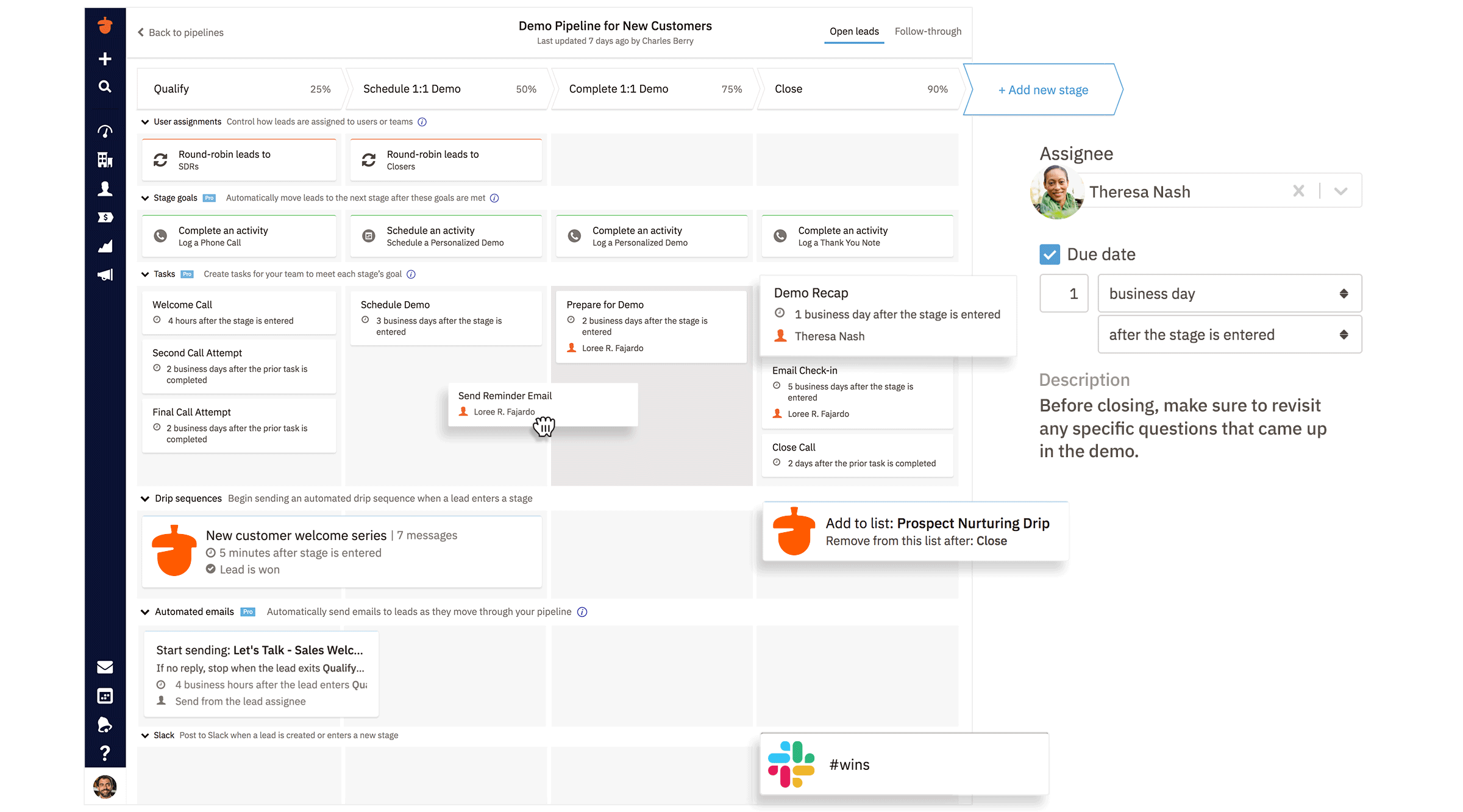




I found out about Nutshell by posting a question on LinkedIn, "LinkedIn friends, what is the best CRM you've used? (please do not include SalesForce)." I had people respond with many platforms I was somewhat familiar with but one of my industry friends said he uses Nutshell and has for years. I reviewed their website and set up a call with Jared Knotts and learned more about the platform and its functionality. The platform is easy to maneuver and cost-effective for what I get with the monthly subscription. What I love most about Nutshell is the INCREDIBLE customer service. With my subscription, I'm able to upload an excel document with leads, current customers, contacts and their customer service team formats the headers correctly and uploads the leads for me. I've also had a slew of questions and receive responses immediately, which is very helpful. I'm very happy with the platform and recommend it to any company looking for a new CRM option. Review collected by and hosted on G2.com.
The only thing I dislike about the platform is there is not a way for me to just have leads and customers. When a lead is uploaded into the system, it's also a "company" which I don't like. With this said, I think there is a way to tag the "Companies" as with a lead or customer. I'm working on getting an answer to that question. This is the only complaint I have. Review collected by and hosted on G2.com.
Thank you so much for sharing your positive review of Nutshell, Leslie! Our team is excited that you've found Nutshell to be cost-effective, easy to use, and provides great customer support! I'm also glad to hear Nutshell is working as a single source of truth for your growing team!
As for your question about tagging Companies - you certainly can! Learn more about using tags for Companies, Leads, and People at our support article here: https://support.nutshell.com/en/articles/8429016-create-and-use-tags-in-nutshell.
Best,
Jewell from Nutshell




