Compare this with other toolsSave it to your board and evaluate your options side by side.
Save to board

Box Reviews & Product Details

Pricing

Pricing provided by Box.

Business Starter

$5.00
Per Month

Box Media

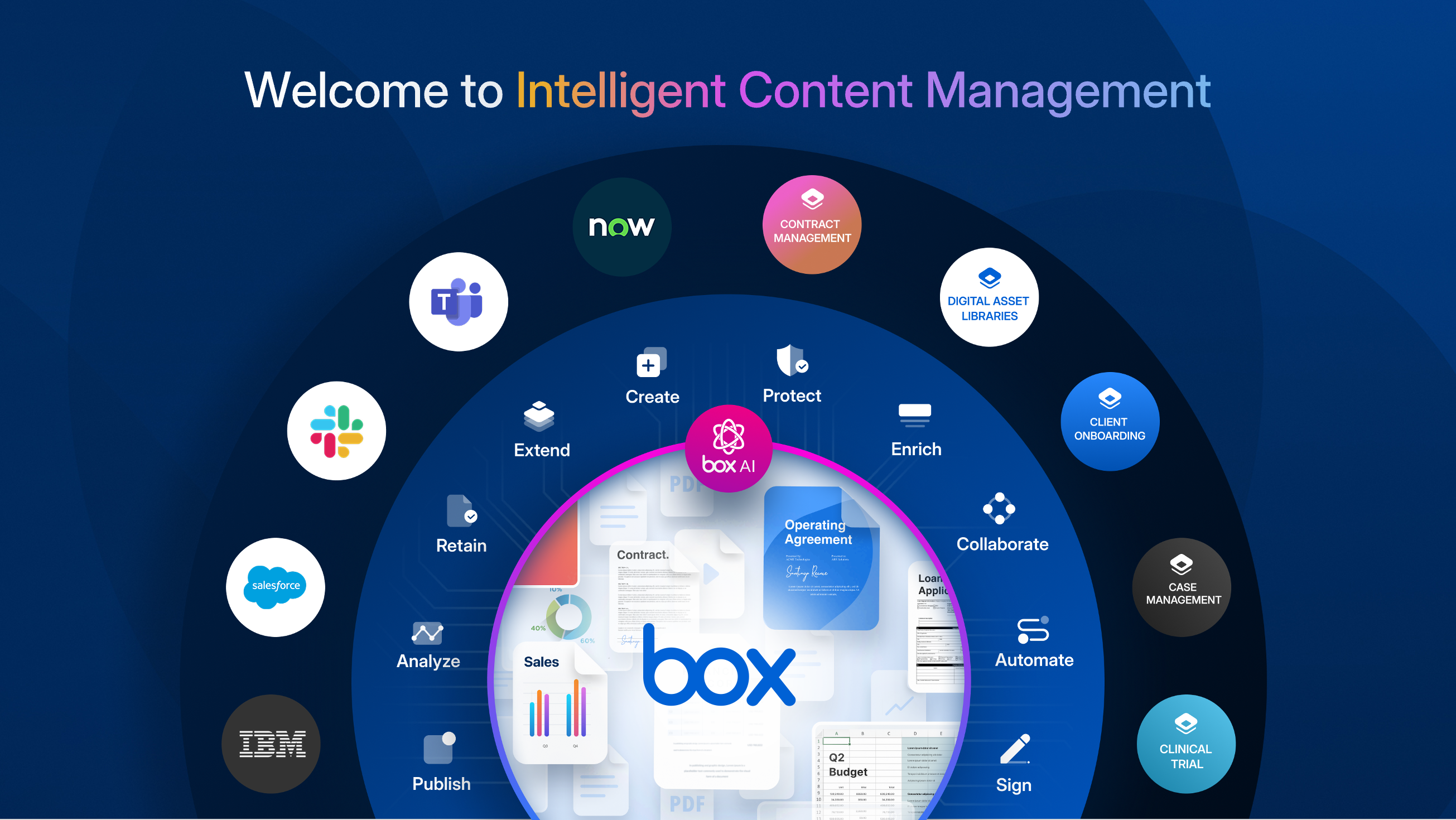
Box Demo - Welcome to Intelligent Content Management
Box is the only intelligent content management platform that gives you a unified, AI-powered approach to managing and securing your unstructured data, or content. ICM provides organizations with collaboration, AI, security, compliance, and workflow tools, interoperable and customizable, to get th...
Box Demo - Enterprise-grade AI
With Box AI, you access AI right where your enterprise content exists. Artificial intelligence is the most powerful where you are already doing your work. While that work can reside within Microsoft, Google, Apple, and other productivity suites, you won’t be able to tap into the full potential of...
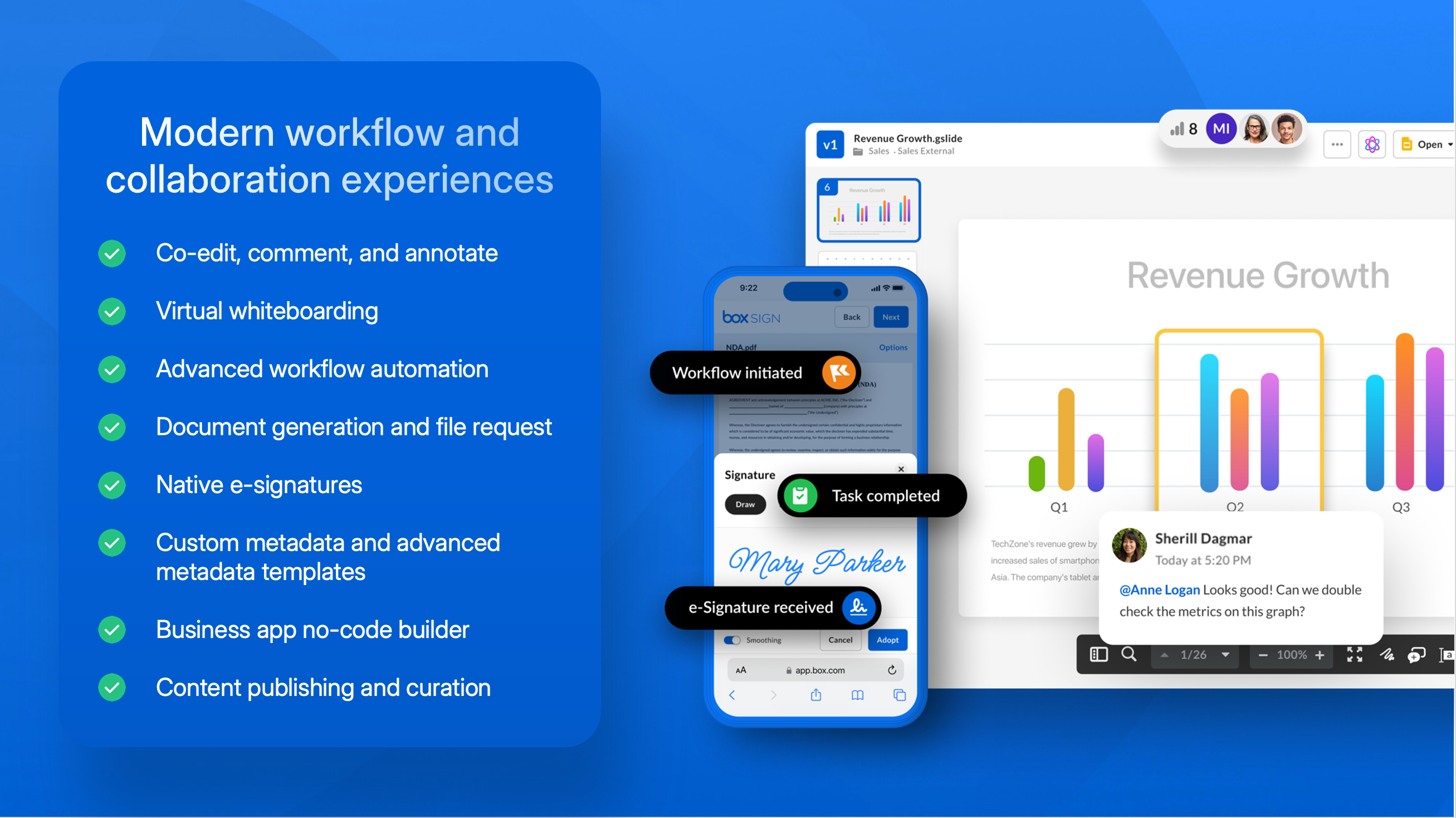
Box Demo - Modern workflow and collaboration experiences
Power secure collaboration from anywhere with a central workspace to edit, review, and assign tasks. Automate business processes and centralize content workflows in Box, including easy, configurable content submission, unlimited e-signatures, user-drive no-code workflow, and task assignment to po...
Box Demo - Advanced data protection and compliance
Secure your content from threats, including malware and ransomware, and recover from attacks if they happen. Maintain a zero trust architecture to ensure proper usage of corporate data, and prevent data theft.
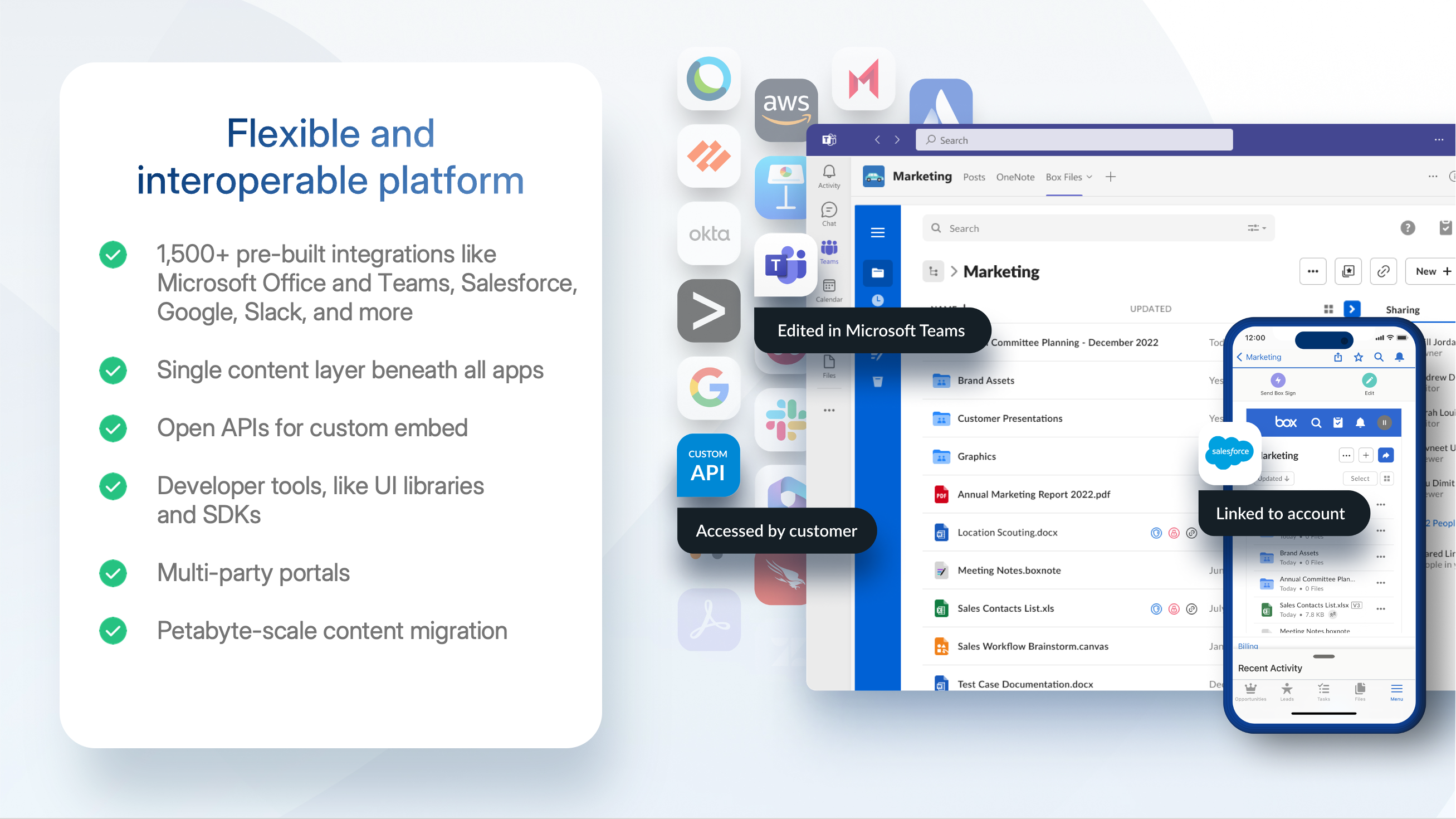
Box Demo - Flexible and interoperable platform
Connect Box to any (and every!) productivity suite you use, including Microsoft, Google, Apple, and more. Extend your existing security investments with integrations into key DLP, SIEM, and network security tools. Build seamless experiences for your users in any system they use, whether that’s a ...
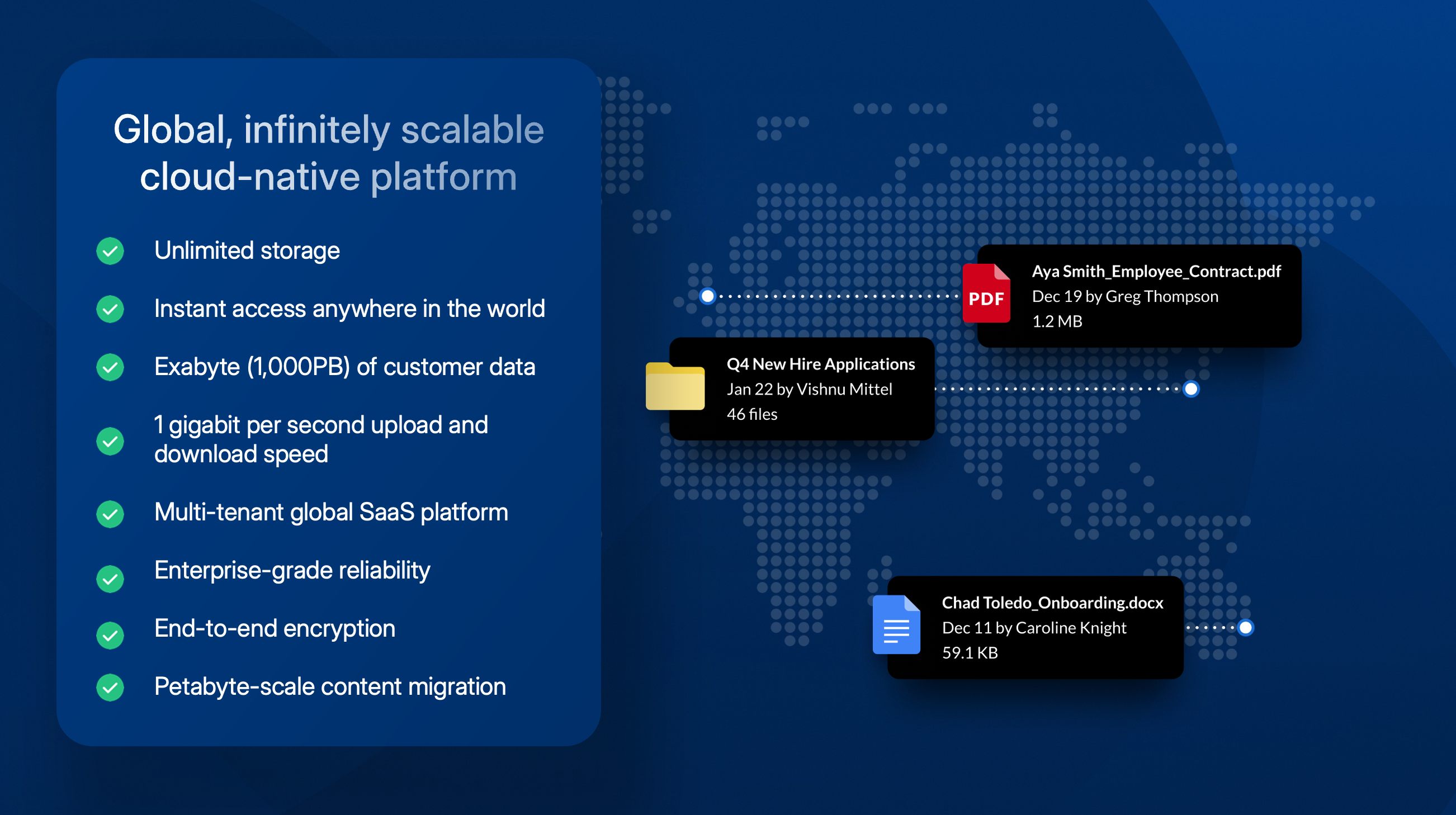
Box Demo - Global, scalable cloud platform
With an infinitely scalable platform, Box provides instant access to your content anywhere in the world. With unlimited storage capabilities Box has an exabyte (1,000PB) of customer data plus 1 gigabit per second upload and download speed. At our core, Box is a multi-tenant global SaaS platform w...
Broadcom grows by acquisition and innovation with Intelligent Content Management
Play Box Video
Broadcom grows by acquisition and innovation with Intelligent Content Management
Power your growing business with Box
Play Box Video
Power your growing business with Box
Demo: Automate the work that slows you down with Box
Play Box Video
Demo: Automate the work that slows you down with Box
Demo: Unlock the value of your unstructured data with Box AI

Play Box Video
Demo: Unlock the value of your unstructured data with Box AI
Product Avatar Image

Have you used Box before?

Answer a few questions to help the Box community

Box Reviews (5,222)

View 5 Video Reviews
Reviews

Box Reviews (5,222)

View 5 Video Reviews
4.2
5,223 reviews

Review Summary

Generated using AI from real user reviews
Users consistently praise Box for its ease of use and robust security, making it a reliable choice for file sharing and collaboration. The platform's intuitive interface and seamless integration with tools like Microsoft 365 enhance productivity, allowing teams to manage documents efficiently. However, some users note that the pricing can be expensive for smaller teams.

Pros & Cons

Generated from real user reviews
View All Pros and Cons
Search reviews
Filter Reviews
Clear Results
G2 reviews are authentic and verified.
Jose P.
JP
Sales Engineer
Small-Business (50 or fewer emp.)
Guest users or non-business users of the software, not included in G2 scores.
"Seamless, Secure File Collaboration with Box"
What do you like best about Box?

What I like most about Box is how seamlessly it centralizes and secures all our files in the cloud. The platform makes collaboration straightforward, with reliable version control, easy sharing, and strong integrations with the tools we use every day. It keeps everything organized and accessible without complicating workflows Review collected by and hosted on G2.com.

What do you dislike about Box?

One thing I dislike about Box is that some of the more advanced settings and admin controls can feel a bit scattered, which makes certain tasks less intuitive. At times, file previews or large uploads can also be slower than expected, especially when working with heavy content. Review collected by and hosted on G2.com.

MIHIR U.
MU
Developer
Information Technology and Services
Mid-Market (51-1000 emp.)
"Organized File Management for Daily Work"
What do you like best about Box?

I use Box in my project to manage and share client-related documents like API specifications, integration documents, test reports, and release files. In my day-to-day work, I organize files into folders based on modules or releases so that it’s easier to track changes over time.

A common scenario is during client discussions instead of searching through emails, I directly open the required document from Box and share the link. I also use permission settings to control access when sharing with different teams or external users. Version history is useful as well, especially when multiple updates are made to the same document. Review collected by and hosted on G2.com.

What do you dislike about Box?

Uploading large files sometimes takes more time than expected, especially when multiple files are uploaded together. Also, when there are many nested folders, it can take a few extra steps to navigate to the exact file. Managing permissions across multiple folders requires attention to avoid giving incorrect access. Review collected by and hosted on G2.com.

Ste P.
SP
CEO
Small-Business (50 or fewer emp.)
"Simple, Easy-to-Use Storage for Important Files"
What do you like best about Box?

simple and easy to use. they have build it great secure and easy to share files to other just simple click, add new user or just enjoy some intergrated to their system. I love it. customer support also good they listen to you and try to solve if there a problem and for sure that a plus. Review collected by and hosted on G2.com.

What do you dislike about Box?

they give me a very small tiny GB, just 100-150GB, so I can only storage excel and other important stuff Review collected by and hosted on G2.com.

Lisa B.
LB
Director of Field Enablement
Mid-Market (51-1000 emp.)
"Simple to Use, Yet More Manual Effort Needed"
What do you like best about Box?

I really like Box because it's simple to use. It's very easy to set up different folders, and sharing the information within Box is straightforward. I store everything for my weekly newsletter, like meeting and training recordings, and I can just put a link to where it is stored in Box. It also serves well for enablement and training, with specific folders where new hires can watch videos and complete the required trainings. Review collected by and hosted on G2.com.

What do you dislike about Box?

It's a double-sided sword. The fact that it is so easy to use makes it a little bit harder to manually manage. Also, sometimes it's hard for people to access if they don't integrate it with anything else. Review collected by and hosted on G2.com.

Harshul S.
HS
Sr tech support
Enterprise (> 1000 emp.)
Guest users or non-business users of the software, not included in G2 scores.
"Simple and Reliable File Storage for Daily Work"
What do you like best about Box?

that it makes easy file sharing and collaboration across the team, web interface is clean, the drag and drop upload save lot of time when handling multiple docs. Version history is helpful because you can quick go back to older file without worry about losing work. It works well across devices, so accessing files on the go is simple Review collected by and hosted on G2.com.

What do you dislike about Box?

the sync client can be bit slow - gets stuck when handling large folder. Sometimes it take longer than expected for file to update across device which interrupt the workflow.

interface is good, but a few settings feel buried, so you spend time finding right option. Previewing doesn’t always work smoothly, and downloading bigger files lag. Review collected by and hosted on G2.com.

Prem K.
PK
Siem Engineer
Small-Business (50 or fewer emp.)
"Secure, User-Friendly Collaboration with Box"
What do you like best about Box?

I like Box for its ease of use and strong security features. It makes file sharing and collaboration very simple while still giving full control over access and permissions. I also appreciate that I can access files from anywhere and it integrates easily with other tools my team uses, like Microsoft Office 365 and Slack. The initial setup of Box was straightforward and user friendly, and I didn't have to put in much technical effort to manage basic configurations. Box has improved our file governance and made collaboration more structured, which I find incredibly valuable. Review collected by and hosted on G2.com.

What do you dislike about Box?

One area that could be improved is performance as uploads or previews can sometimes feel slow with large files. The search functionality can also be a bit inconsistent when trying to quickly locate specific documents Review collected by and hosted on G2.com.

Brandon W.
BW
Founder & Principal
Mid-Market (51-1000 emp.)
"Box: Secure, Neutral, and AI-Powered"
What do you like best about Box?

I primarily use Box as our team's centralized Source of Truth for project documentation. The ability to set granular permissions and track every 'touch' on a file or folder through the access logs is indispensable, giving me peace of mind regarding security. I'm impressed with Box's ecosystem neutrality which means I'm not confined to Google or Microsoft ecosystems; I can edit a Word doc, then jump into a Google Sheet, and finally a Photoshop file - all stored in the same secure Box folder. The new Box AI features have saved me hours of manual reading by summarizing my research folders instantly. Box acts as secure connective tissue between our Salesforce and Slack workflows, and Box AI helps me query massive folders to find specific data, making it a live, searchable knowledge base. The Box Shuttle tool made the initial data move almost invisible to the rest of the team. I love the new dashboard that shows which integrations are active at a glance, and connecting it to Slack and Microsoft CoPilot took just minutes. Box has become the backbone of our operations, bridging the gap between our Slack channels and Salesforce CRM. Review collected by and hosted on G2.com.

What do you dislike about Box?

If I could change one thing, it would be the external sharing experience. While I love the security, my clients sometimes find it frustrating to create an account just to view a password-protected folder. Additionally, while Box Drive is great for saving disk space, the sync speeds for large video files still lag behind some of the more consumer-focused competitors. Review collected by and hosted on G2.com.

Megan J.
MJ
Business Development Representative
Mid-Market (51-1000 emp.)
"Effortless Content Management, Needs Better Integration"
What do you like best about Box?

I primarily use Box as a centralized hub for managing, sharing, and collaborating on sales and marketing resources. It safely organizes super important documents in one place rather than having them scattered across a desktop, centralizing everything neatly. I like that it makes content management feel effortless while giving control and structure. Box provides both speed and control, removing a lot of manual steps so everything I need is right where I expect it. On the control side, I know everything in Box is approved, so there's no worry involved. Lastly, the initial setup was very easy since it's easily accessible via our one login portal. Review collected by and hosted on G2.com.

What do you dislike about Box?

Sometimes there is integration friction where syncing content isn't 100% seamless. Review collected by and hosted on G2.com.

abdo e.
AE
Data Analyst
Small-Business (50 or fewer emp.)
"Seamless Collaboration and Robust Security in One"
What do you like best about Box?

I use Box primarily for securely storing and sharing SQL scripts, data reports, and large Excel datasets, and it acts as a central hub for collaborating with my team on various data projects. What I like most is the seamless integration with other tools and the drag functionality which makes uploading large datasets very fast. Also, the advanced search feature helps me find specific data files instantly, saving me a lot of time. The seamless integration is vital because I can open and edit my Excel files or data sheets directly within Box using Microsoft 365. The advanced search is a lifesaver when I'm looking for a specific SQL query inside hundreds of folders. It indexes the content, not just the file names, which makes my workflow much more efficient. The initial setup was incredibly straightforward and fast. The Box Drive feature allowed us to integrate the cloud folders directly into our local file explorers, so the team didn't need any special training, and we were able to migrate our existing data and set up user permissions within just a couple of hours. My team switched from Google Drive to Box because it offers much better enterprise-grade security and more advanced administrative controls. For our data projects, Box's ability to manage permissions and external collaboration feels more professional and secure. Review collected by and hosted on G2.com.

What do you dislike about Box?

The main area for improvement is the pricing structure, as it can be quite expensive for individual freelancers or small startups. Additionally, the free version has a limited storage capacity compared to competitors, and the file size limit for uploads on the basic plan can sometimes be a hurdle when dealing with very large database backups. Review collected by and hosted on G2.com.

Verified User in Sports
GS
Small-Business (50 or fewer emp.)
Guest users or non-business users of the software, not included in G2 scores.
"Easy Collaboration/Photo/File Sharing Utility"
What do you like best about Box?

The ease of which files can be shared as well as the ability to limit who has access to what is shared. Review collected by and hosted on G2.com.

What do you dislike about Box?

There really isn't much to dislike, at least in the capacity I was using the app. Review collected by and hosted on G2.com.

Questions about Box? Ask real users or explore answers from the community

Get practical answers, real workflows, and honest pros and cons from the G2 community or share your insights.

Chris E.
CE
Chris Eustace
Last activity almost 2 years ago

Box Hubspot Integration - Open Beta

GU
Guest User
Last activity about 2 years ago

Is Box A document management system?

Pricing Options

Pricing provided by Box.

Business Starter

$5.00
Per Month

Business

$15.00
Per Month

Business Plus

$25.00
Per Month
Box Comparisons
Box Features
Device Syncing
Web Interface
File Type Support
File following
File Sharing
Simultaneously Editing
User and Role Management
Policies and Controls
Device Management
Product Avatar Image
Box