

2026 Best Software Awards are here!See the list

Scribe Reviews & Product Details

Pricing

Pricing provided by Scribe.

Basic

Free

Scribe Media

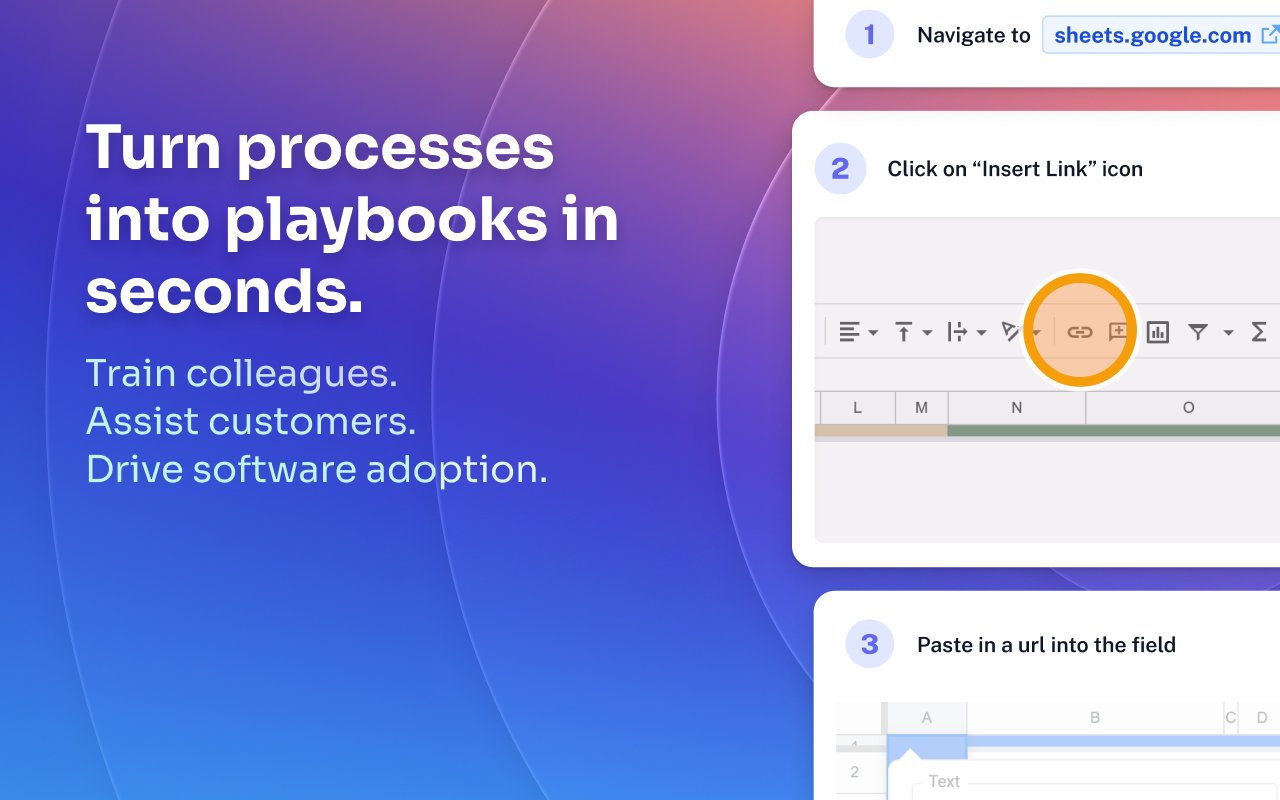
Scribe Demo - Turn processes into playbooks in seconds.
Train colleagues. Assist customers. Drive software adoption.
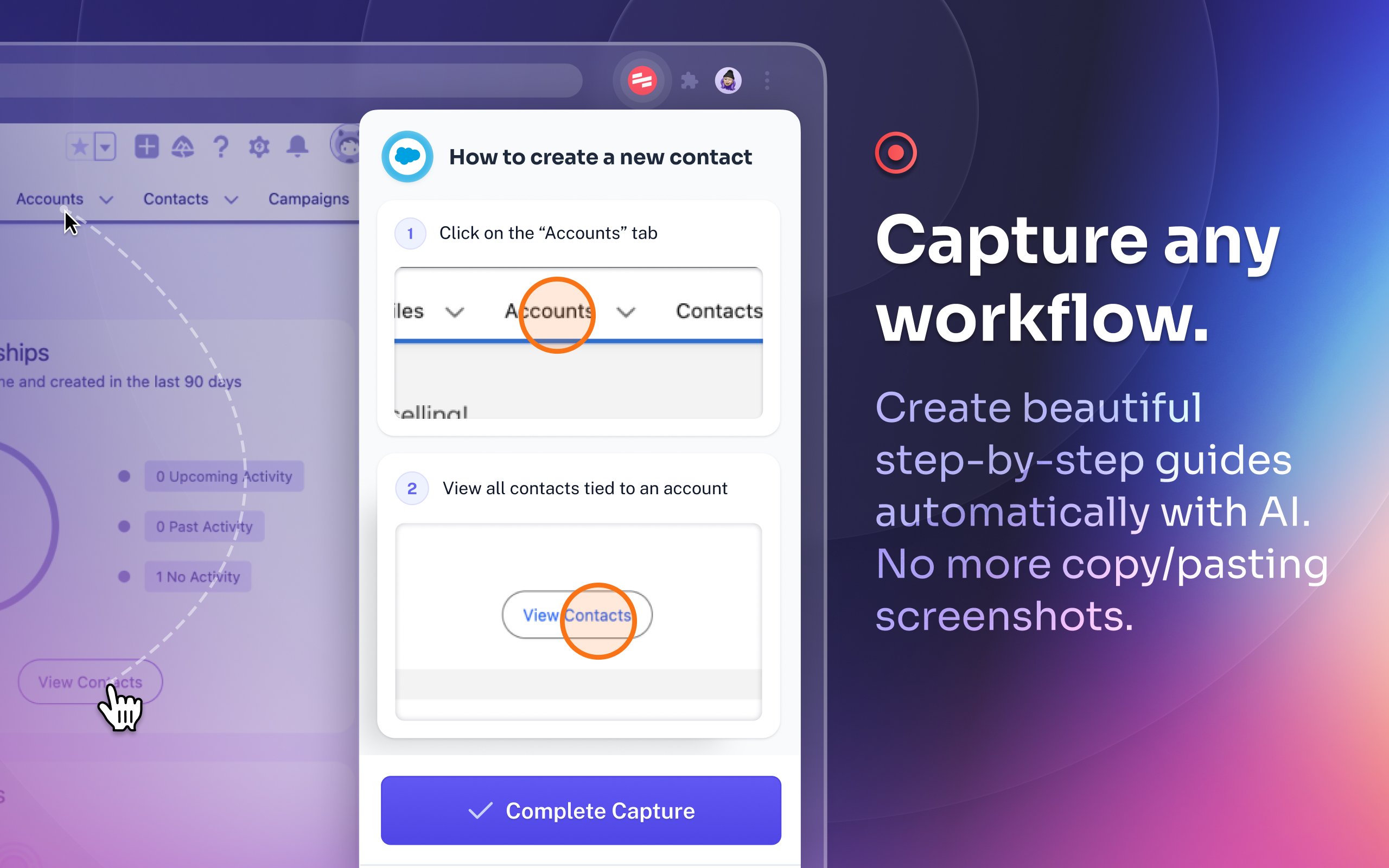
Scribe Demo - Capture any workflow.
Create beautiful step-by-step guides automatically with AI. No more copy/pasting screenshots.
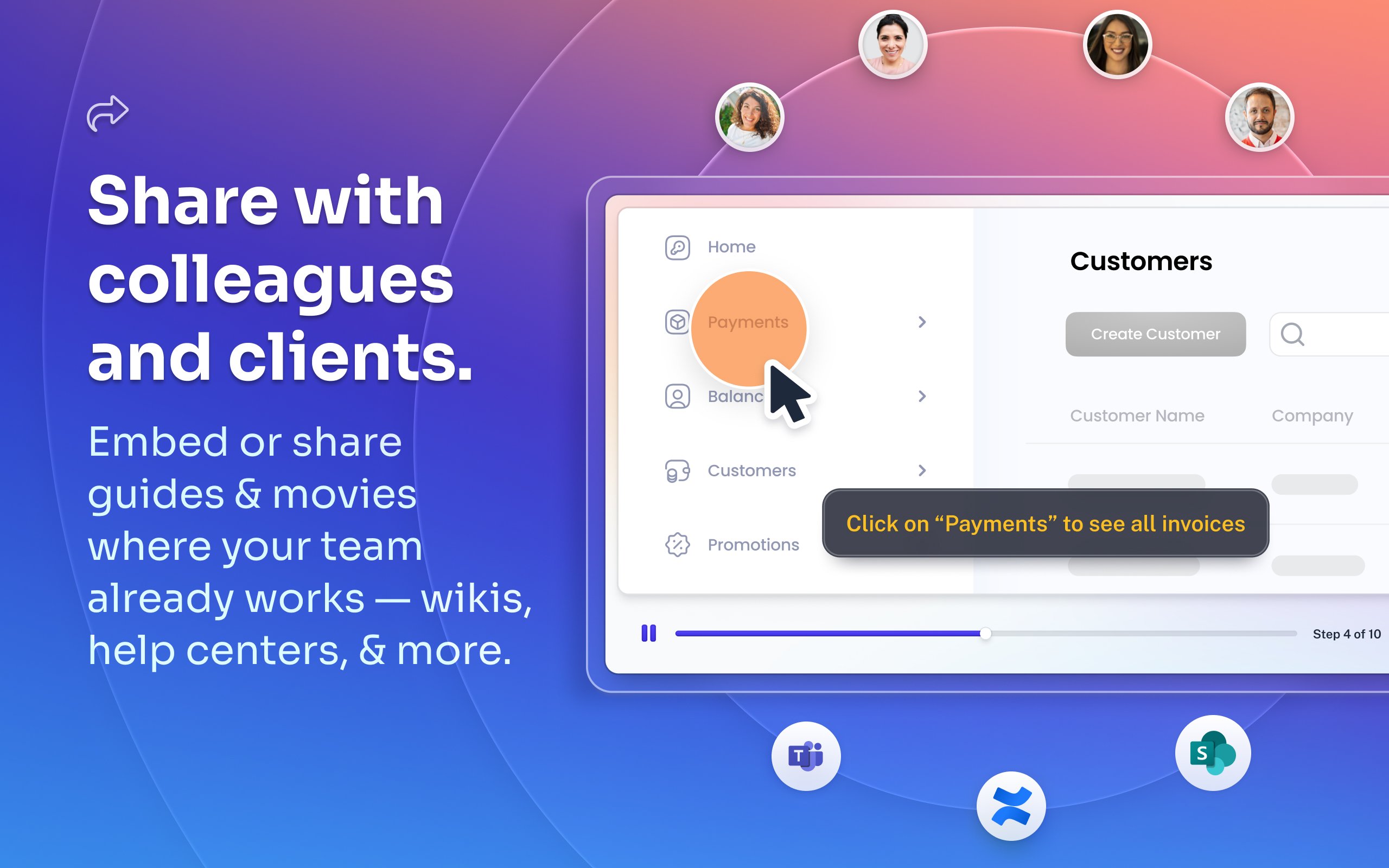
Scribe Demo - Share with colleagues and clients.
Embed or share guides & movies where your team already works — wikis, help centers, and more.
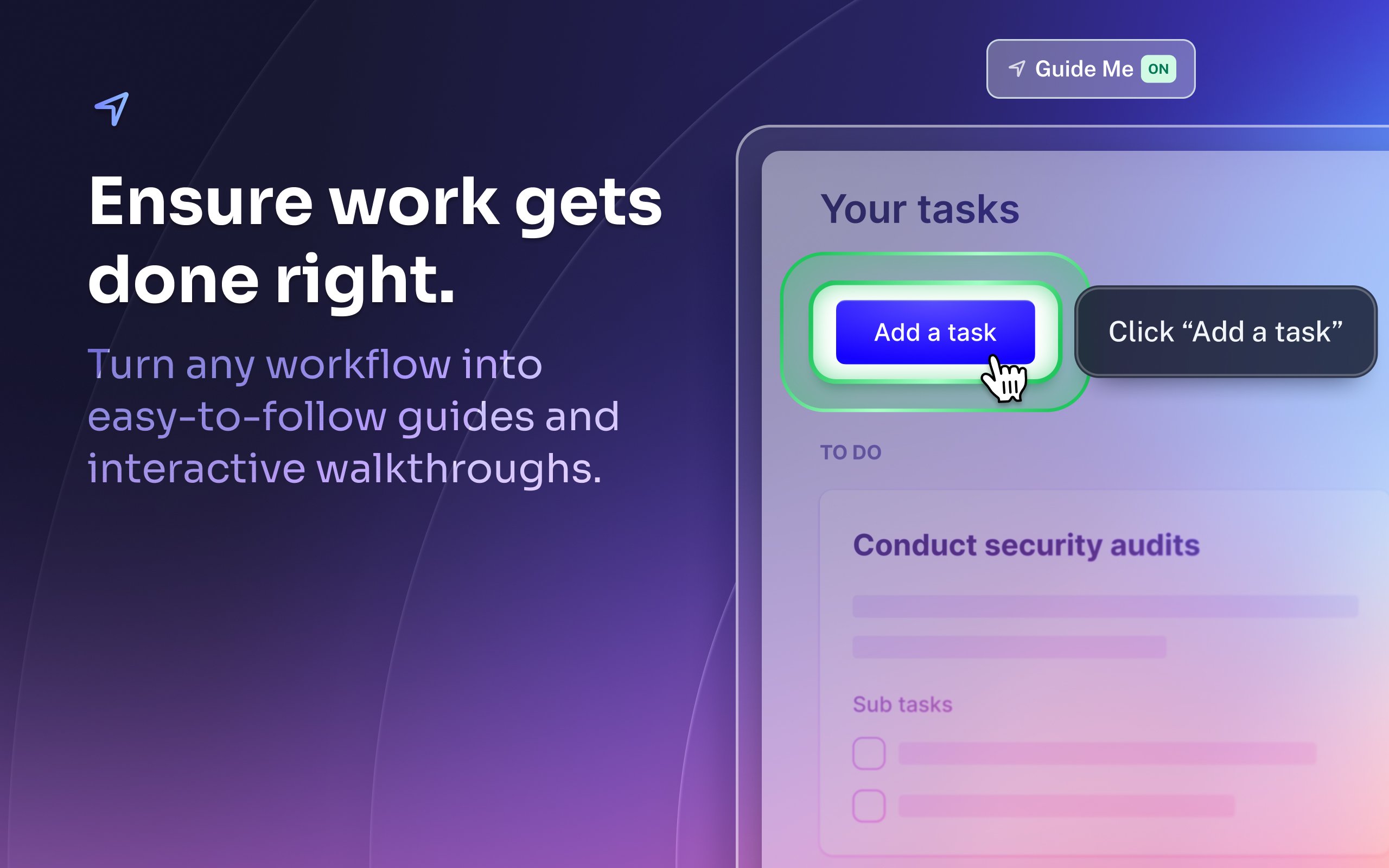
Scribe Demo - Ensure work gets done right.
Turn any workflow into easy-to-follow guides and interactive walkthroughs.
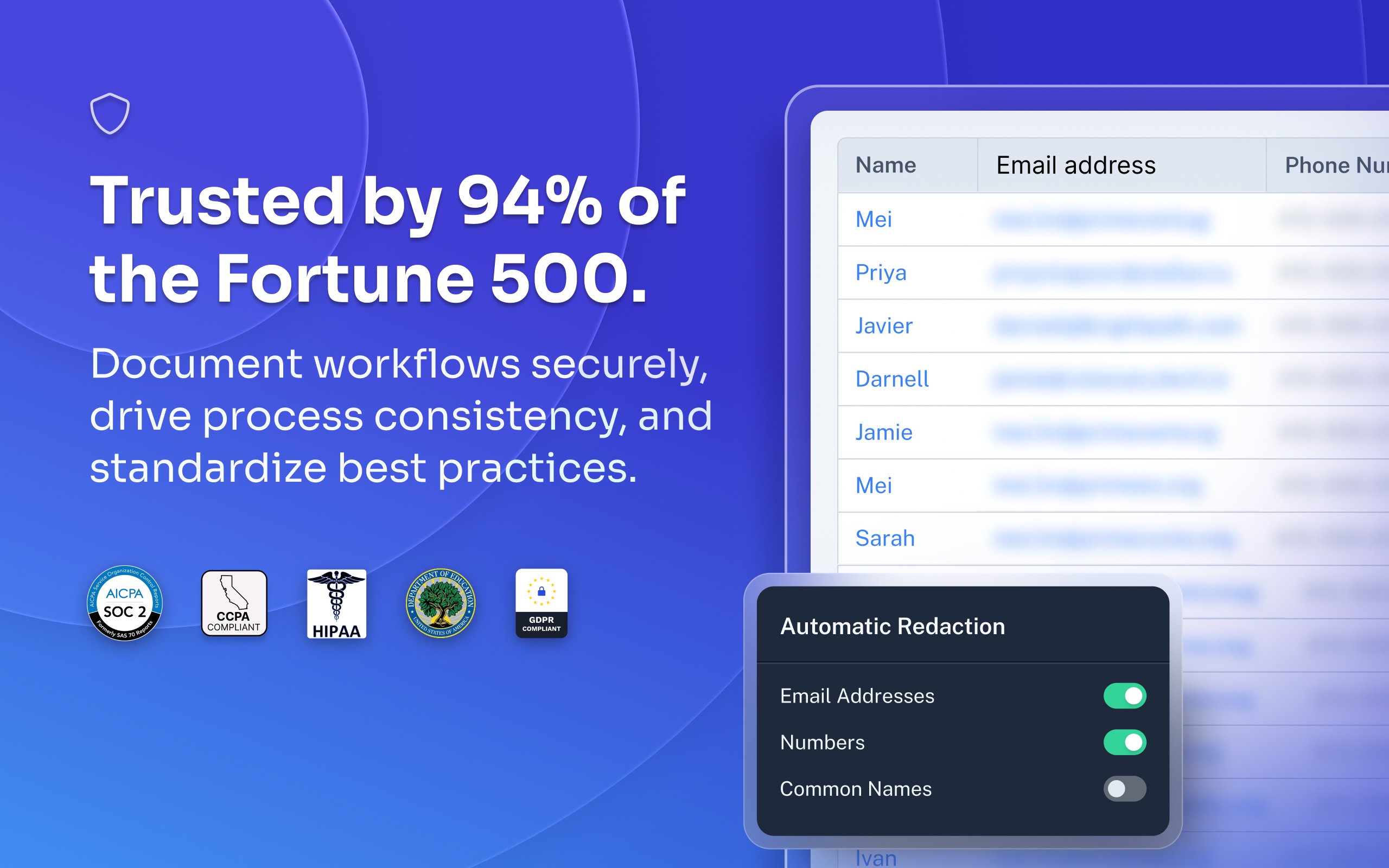
Scribe Demo - Trusted by 94% of the Fortune 500.
Document workflows securely, drive process consistency, and standardize best practices.
Most organizations rely on institutional knowledge, which leads to inconsistency, errors, and wasted time. Jennifer Smith, CEO & Cofounder of Scribe, introduces Scribe Capture and shows how it transforms the way teams work!
Play Scribe Video
Most organizations rely on institutional knowledge, which leads to inconsistency, errors, and wasted time. Jennifer Smith, CEO & Cofounder of Scribe, introduces Scribe Capture and shows how it transforms the way teams work!
See how Scribe Optimize helps companies understand and improve how work really happens. In this demo, Scribe CTO and cofounder Aaron Podolny shows how Optimize turns invisible workflows into data-backed insights.
Play Scribe Video
See how Scribe Optimize helps companies understand and improve how work really happens. In this demo, Scribe CTO and cofounder Aaron Podolny shows how Optimize turns invisible workflows into data-backed insights.
Product Avatar Image

Have you used Scribe before?

Answer a few questions to help the Scribe community

Scribe Reviews (735)

Reviews

Scribe Reviews (735)

4.8
735 reviews

Review Summary

Generated using AI from real user reviews
Users consistently praise Scribe for its ease of use and time-saving capabilities, allowing them to create detailed documentation and training materials quickly. The automatic capture of steps and intuitive editing features significantly streamline the documentation process, making it accessible for users of all skill levels. However, some users note that the software can occasionally capture unnecessary steps, requiring minor edits for clarity.

Pros & Cons

Generated from real user reviews
View All Pros and Cons
Search reviews
Filter Reviews
Clear Results
G2 reviews are authentic and verified.
Sam G.
SG
Executive Operations Specialist
Mid-Market (51-1000 emp.)
"Turns Real Workflows into Clear, Shareable Step-by-Step Guides Fast"
What do you like best about Scribe?

What I like best about Scribe is how quickly it turns real workflows into clear, step-by-step documentation without interrupting the work itself. It makes it much easier to capture processes as they happen, which has been especially helpful for my role documenting operational and administrative workflows The interface is straightforward and sharing guides with others is simple. Review collected by and hosted on G2.com.

What do you dislike about Scribe?

One limitation is that Scribes often require manual cleanup after recording, especially when sensitive information needs to be removed or when the captured steps include unnecessary clicks. The editing tools are functional but can feel somewhat limited when trying to make more precise adjustments. Review collected by and hosted on G2.com.

AREM T.
AT
Operations Manager
Small-Business (50 or fewer emp.)
"Scribe Makes Creating Reports and Training Guides Fast and Easy"
What do you like best about Scribe?

I really like how easy Scribe has made it for me to create reports and training guides. I really appreciate the time it saves me. Review collected by and hosted on G2.com.

What do you dislike about Scribe?

I think the only thing that would be a great revision would be if I had to revise less of the report when finalizing it. I do realize this isn't a simple task, because a lot of the revisions are things that are auto named, and there isn't a way that Scribe would be able to read my mind. I really don't have any issues. Review collected by and hosted on G2.com.

KK
Software developer tire 2
Mid-Market (51-1000 emp.)
"Easy-to-Use Platform for Workflow Documentation"
What do you like best about Scribe?

What I like best about Scribe is how quickly it helps create clear, step-by-step documentation. The automatic capture of workflows and screenshots saves a lot of time compared to manual documentation. It’s very easy to use, requires minimal setup, and produces clean, well-structured guides that are easy to share with team members or clients. This makes it especially useful for process documentation, training, and onboarding. Review collected by and hosted on G2.com.

What do you dislike about Scribe?

While Scribe is very helpful for creating documentation quickly, customization options for formatting and design are somewhat limited. In some cases, the automatic step capture may include unnecessary steps that require manual cleanup. Additionally, access to more advanced features is restricted to paid plans, which may be limiting for smaller teams or individual users. Review collected by and hosted on G2.com.

Tiffany C.
TC
VP of Operations
Small-Business (50 or fewer emp.)
"Effortless Workflow Documentation and Step-by-Step Video Tutorials"
What do you like best about Scribe?

I love the simplicity of being able to make workflow documentation and then edit how much or how little of each screen the viewer can see. I also enjoy the ability to create video tutorials that walk you through each step of a process. Our team finds it extremely easy to use the system with little to no guidance. I personally use Scribe at least 1-2 times per day for creating workflow guides for my team. We easily integrated into our environment with zero training required! Implementing Scribe required zero downtime. Review collected by and hosted on G2.com.

What do you dislike about Scribe?

I cannot export video files. This would be extremely helpful in my environment. Review collected by and hosted on G2.com.

Cristian M.
CM
Technical Director of Technology
Mid-Market (51-1000 emp.)
"Essential Tool for Clear Process Documentation"
What do you like best about Scribe?

I like that I can use the desktop app and the Google Chrome extension, and I like the ability to choose what it can see. I also really like that I can redact any personal information to protect privacy, while still showing exactly what's needed. I appreciate how quickly and easily I can use the features, just by clicking a button. I also enjoy being able to transcribe using my voice, making it straightforward to explain what's needed for each step. Review collected by and hosted on G2.com.

What do you dislike about Scribe?

The only thing I would say is that when creating documents, it would be nice if I could add a Scribe step in there where it can automatically take screenshots, versus me having to link a scribe within the document. But I don't have any complaints. Review collected by and hosted on G2.com.

"User-Friendly and Efficient with a Small Glitch"
What do you like best about Scribe?

I appreciate how easy Scribe is to use, with a very smooth and efficient process. The interface is very clear and user-friendly, making it accessible even for someone who's not very technical. It's really good for taking screenshots, pasting them into documents, and properly formatting descriptions for each step. I value how understandable the final output is for users, as the combination of visuals and written steps makes it accessible for different learning styles. Everything is clearly shown, which is incredibly helpful. The initial setup was pretty simple, and I got the hang of it immediately. Review collected by and hosted on G2.com.

What do you dislike about Scribe?

When capturing screenshots, it doesn't work well because it creates a step even when I click outside the box. There are multiple duplicate steps created just from clicking the mouse button. That's something that can be improved. Review collected by and hosted on G2.com.

Sammi O.
SO
Mid-Market (51-1000 emp.)
"Incredibly Efficient for SOPs and Onboarding"
What do you like best about Scribe?

I find Scribe incredibly beneficial for writing SOPs and playbooks, as it helps keep our systems clear and consistent. I really like using Scribe for onboarding and sharing processes with our contractors, ensuring they understand everything. It's also great for holding my internal executive team accountable to consistency in our systems. I also love how it saves me a ton of time compared to taking a lot of screenshots and making guides manually. The Pro version's ability to blur parts of the screen is really great when making processes, especially when I need to redact client data quickly. I appreciate how easy it is to use and how fast it is, as it just saves me time overall. Review collected by and hosted on G2.com.

What do you dislike about Scribe?

I like the interface for sharing within the Scribe account, but sometimes I want to integrate it with software we already use, like Trainual or import it into a Google Doc, since teachers use that a lot. Review collected by and hosted on G2.com.

Mat S.
MS
Director / Service Delivery Manager
Small-Business (50 or fewer emp.)
"Scribe Saves Time and Simplifies Guide Creation"
What do you like best about Scribe?

The time saving benefits of using Scribe are undeniable. I was previously using what I thought were excellent tools for screen capture - and they are - but using Scribe has cut the time it takes me to make a guide down to a fraction of what it used to be. Hit capture, do the thing, make a few edits - bam, done! Importantly for someone who already has a million tools, it took almost no setup and virtually no time to learn. Once signed up I was creating & sharing Scribes in minutes. Review collected by and hosted on G2.com.

What do you dislike about Scribe?

I would love to see a built-in feature to use your own custom domain for Scribe sharing links. Some more robust options for organising your Scribes, such as folders, would also be nice. Finally, the integration with Confluence has some issues, but, to be fair, I'm not sure if those are on Scribe's side or Confluence's. Review collected by and hosted on G2.com.

Sara A.
SA
Training Coordinator
Enterprise (> 1000 emp.)
"Easy, Flexible, and Truly Customer-Focused—Scribe Listens and Improves"
What do you like best about Scribe?

I love the ease of use and how flexible it is. I also love the strong customer-focus aspect of it. I had used Scribe in a previous role, and was reached out to by their team for a customer-insight session since I was a Power User. They had taken my feedback seriously and even implemented a few features. In my new role now, I'm so happy we get to use Scribe! I've requested for it to be added as a tool to be used since my first week. Great tool for both internal teams and external teams. Review collected by and hosted on G2.com.

What do you dislike about Scribe?

There are a few small gripes where I wish the 'default color' used for annotations (like the touch-point or arrow) could be pre-set as a preference. And I wish there was a way to add your own image for the icon photo next to the Scribe Name. Review collected by and hosted on G2.com.

"Effortless SOP Creation, Powerful Editing"
What do you like best about Scribe?

I really love how easy Scribe is to use. The capturing is accurate and fast, and editing Scribes is easy, even if it's a bit tedious at times. I like that we don't have to worry about formatting when creating the final procedure, as it's all automatically in the Scribe format. The features for editing images are robust, including redacting and editing the click targets. It takes out a lot of the building of SOPs by automatically recording screen grabs, clicks, and typed words, and it provides a clear, repeatable, and uniform procedure. The initial setup was super easy, kind of a plug-and-play experience, with the Chrome extension and desktop capturing both being very easy to use. Review collected by and hosted on G2.com.

What do you dislike about Scribe?

It would be nice to be able to take existing procedures that we already have and have them be converted into Scribes using AI or something like that. It also would be nice to be able to export Pages. Additionally, there is a step limit where Scribe will automatically stop capturing, it would be nice if you had more steps/longer for more detailed procedures. Review collected by and hosted on G2.com.

No Discussions for This Product Yet

Be the first to ask a question and get answers from real users and experts.

Start a discussion

Pricing Options

Pricing provided by Scribe.

Basic

Free

Pro

Pay As You Go

Enterprise

Contact Us
Scribe Comparisons
Product Avatar Image
Tango
Compare Now
Product Avatar Image
Trainual
Compare Now
Product Avatar Image
guidde
Compare Now
Scribe Features
Rich Text Editor
Drag and Drop Editor
Page Templates
Prerequisites
Workflows
Training Modules
Mobile Device Support
Single Sign-On (SSO)
Screen Capture
Image Editor
Product Avatar Image
Scribe