


Compare this with other toolsSave it to your board and evaluate your options side by side.
Save to board

TeamViewer Reviews & Product Details

Pricing

Pricing provided by TeamViewer.

Remote Access

Starting at $24.90

TeamViewer Media

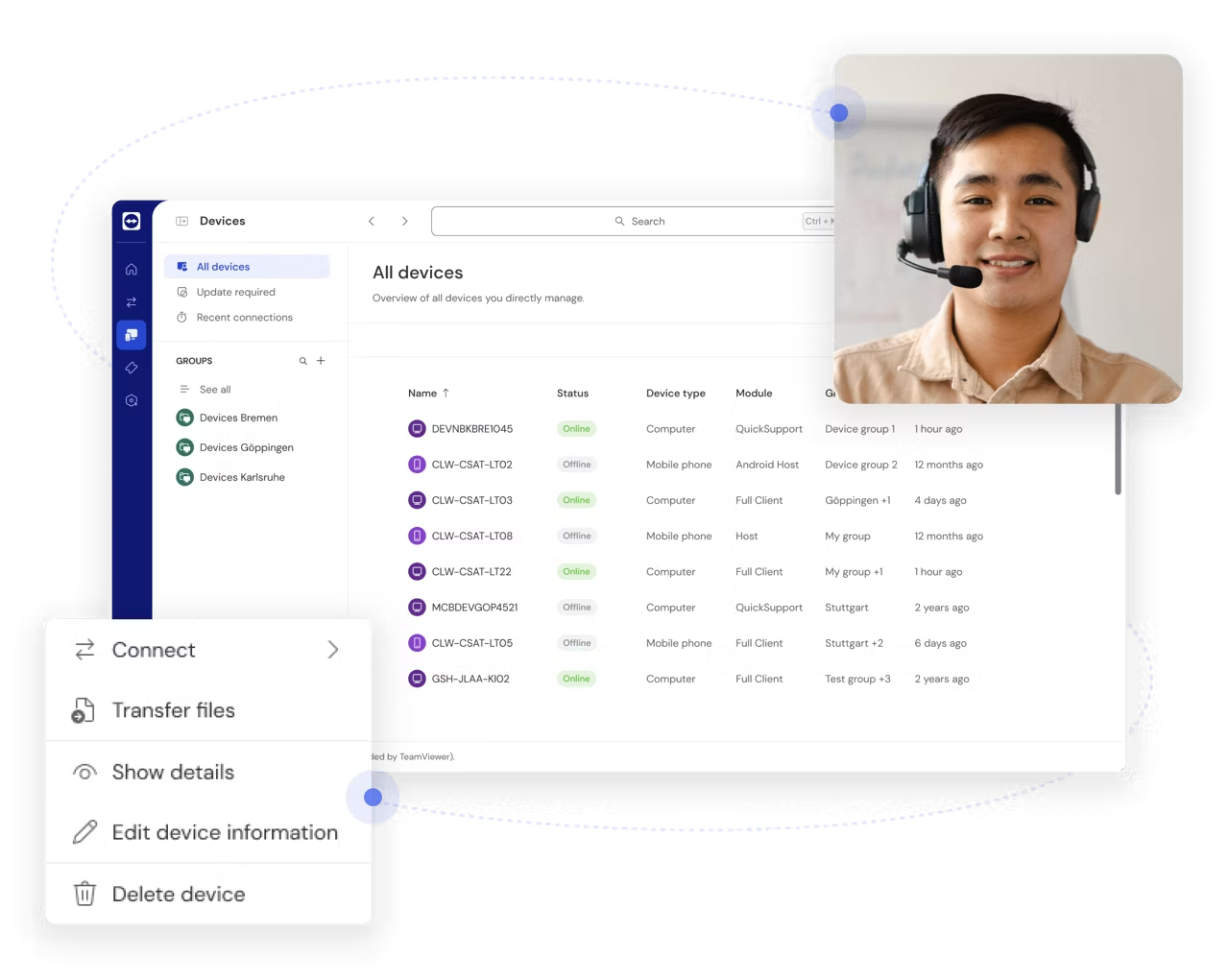
TeamViewer Demo - TeamViewer Remote Support
Connect to devices and provide remote support effortlessly.
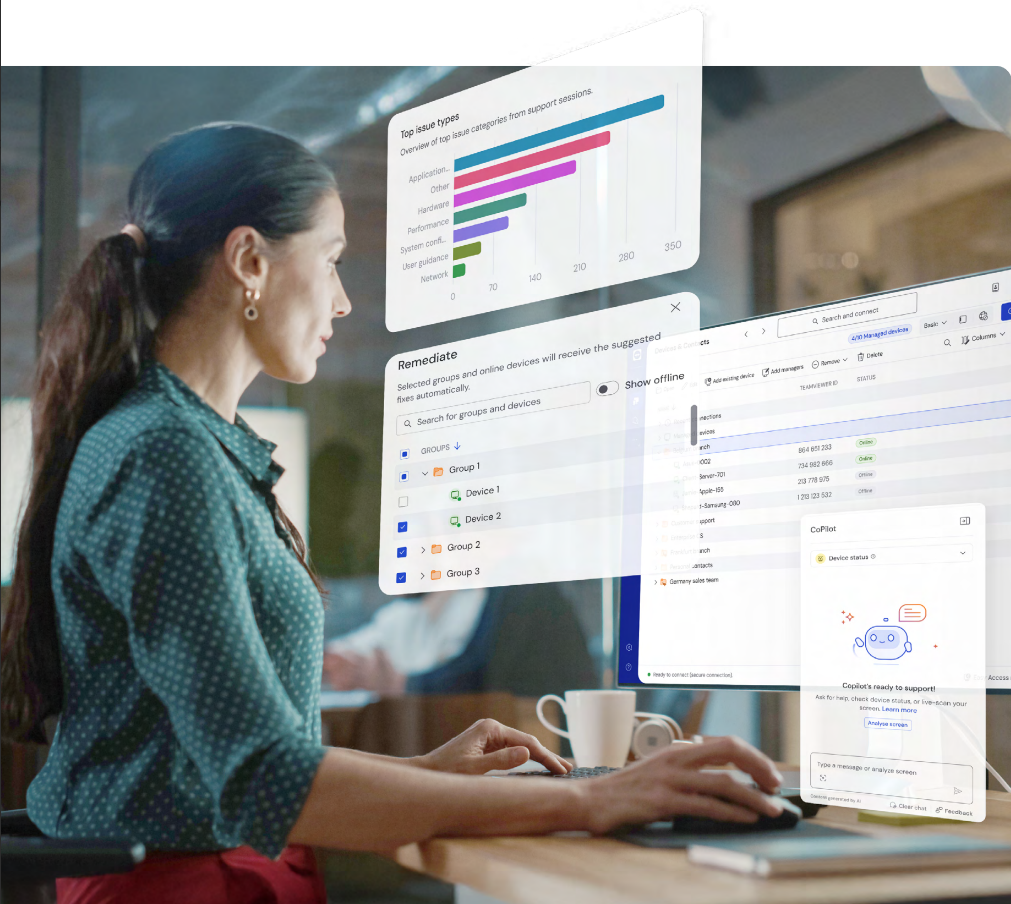
TeamViewer Demo - Task automation, powered by AI
Secure, scalable, and intelligent remote operations.
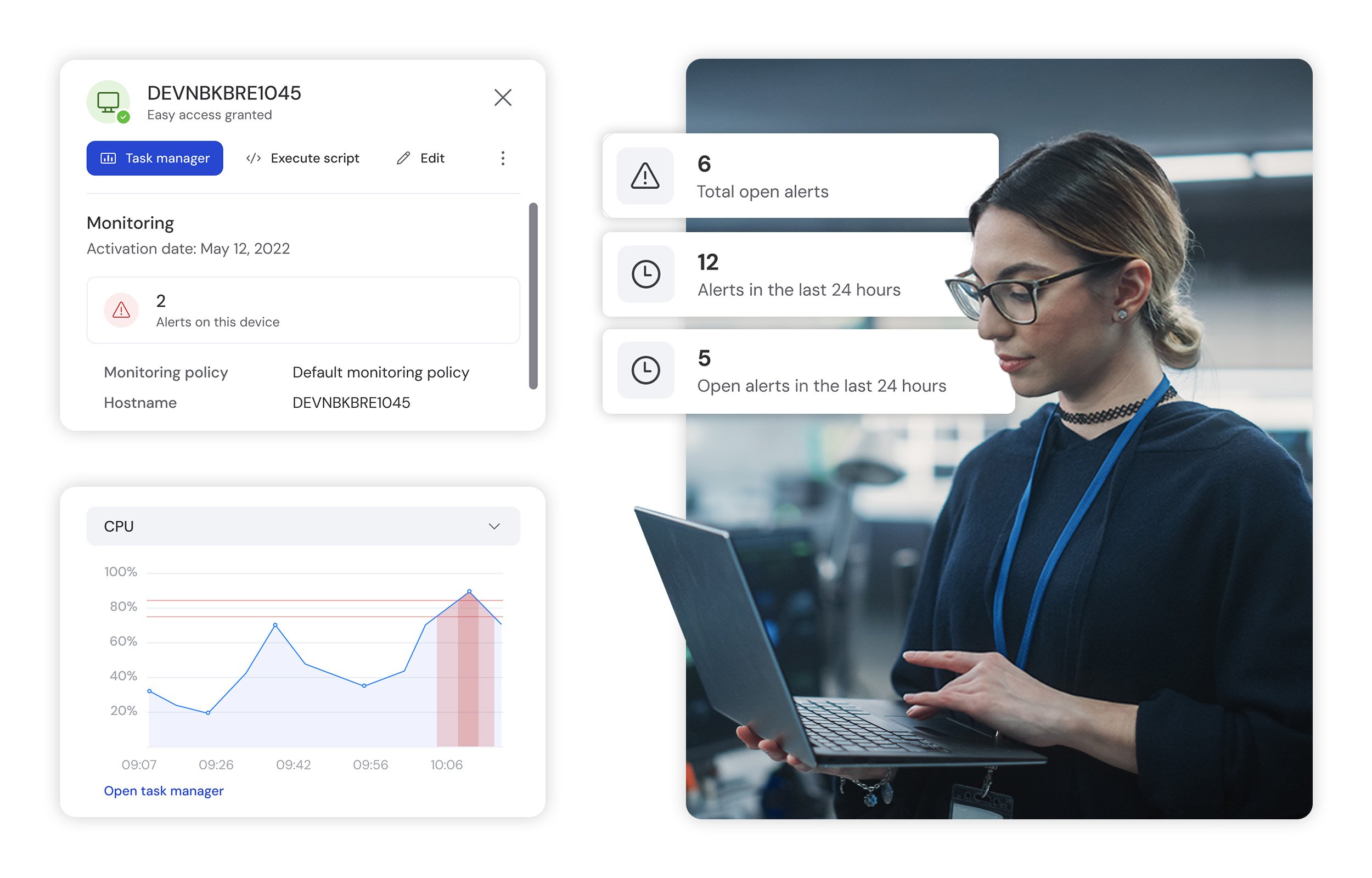
TeamViewer Demo - TeamViewer Device Monitoring
Monitor and manage your devices proactively.
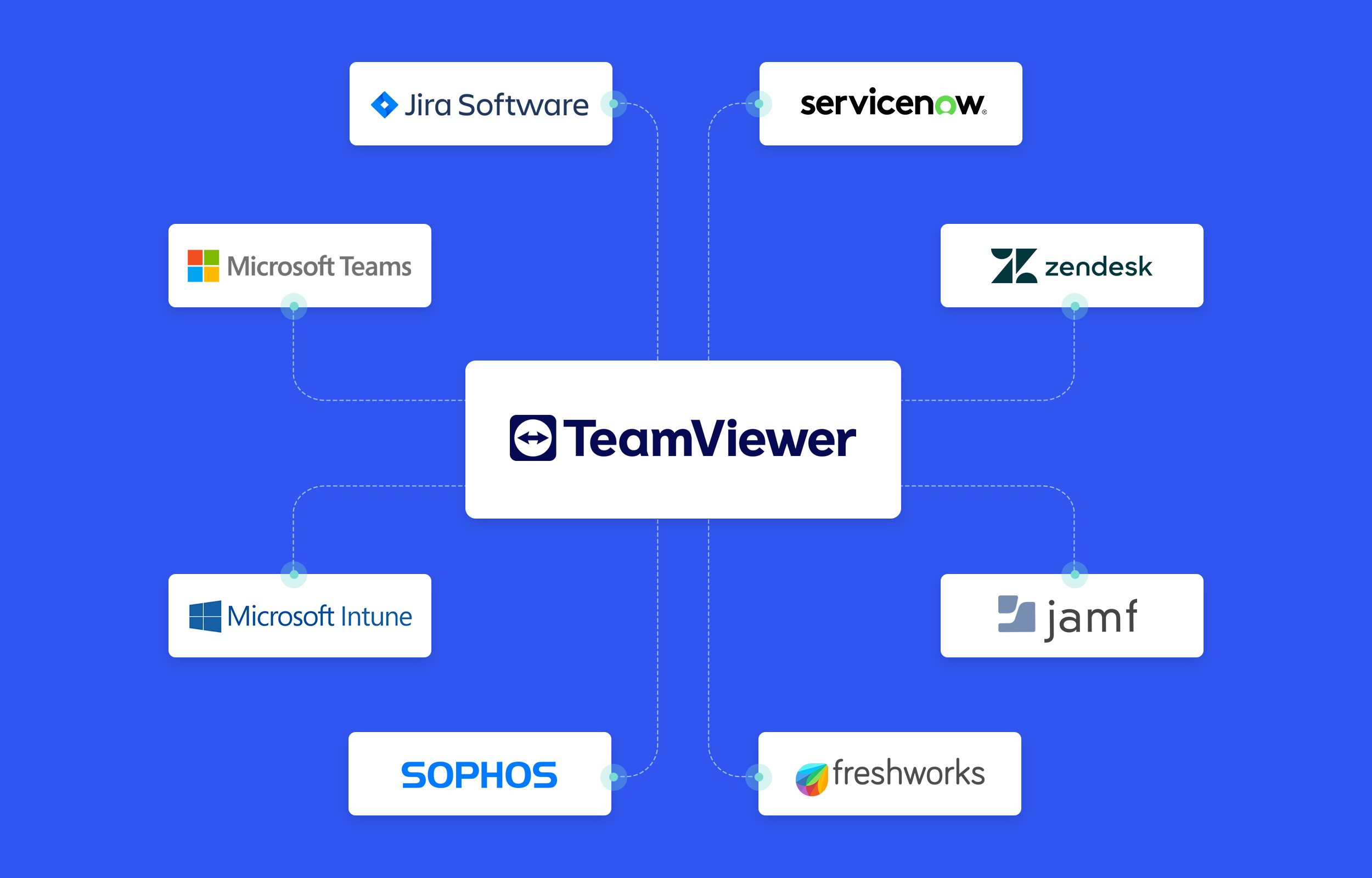
TeamViewer Demo - TeamViewer Integrations
Integrate TeamViewer with your favorite business applications
Play TeamViewer Video
Product Avatar Image

Have you used TeamViewer before?

Answer a few questions to help the TeamViewer community

TeamViewer Reviews (3,872)

View 5 Video Reviews
Reviews

TeamViewer Reviews (3,872)

View 5 Video Reviews
4.5
3,873 reviews

Review Summary

Generated using AI from real user reviews
Users consistently praise the ease of use and reliable remote access provided by TeamViewer, making it a preferred choice for both technical and non-technical users. The software's quick setup and strong security features enhance its appeal for remote support and collaboration. However, many reviews note that the pricing can be high, particularly for smaller teams or individual users.

Pros & Cons

Generated from real user reviews
View All Pros and Cons
Search reviews
Filter Reviews
Clear Results
G2 reviews are authentic and verified.
Mayank G.
MG
Owner
Small-Business (50 or fewer emp.)
"Best Remote control & File Sharing App"
What do you like best about TeamViewer?

TeamViewer is the best app for remote desktop connections. Just share TeamViewer ID and password of the person you want to take control of pc. That's it. The best part is that it keeps changing your password whenever you close and start the application, so the security is also maintained, or else anyone can connect to your pc any time. Also, in their new update, you can copy and paste data directly from 1 pc to another. Review collected by and hosted on G2.com.

What do you dislike about TeamViewer?

A few security issues were present, but TeamViewer solved them by generating or refreshing passwords at set intervals, so now your password changes at regular intervals. Costs are high after the free plan; the free plan allows only 3 devices to be remotely controlled after logging in. Review collected by and hosted on G2.com.

Response from Valeria Di Prisco of TeamViewer

Hello Mayank,

Thank you for sharing your experience with TeamViewer.

We’re happy to hear that you find TeamViewer easy to use and reliable for remote desktop connections. It’s great that features like ID-based access, automatic password changes, and secure copy‑paste between devices are working well for you.

We also appreciate your feedback regarding past security concerns and pricing. Security is a top priority for us, and we’re pleased that improvements, such as regularly rotated passwords, have helped address those concerns. Your comments on the free plan and device limits are well noted. Feedback like this helps us better understand how users experience our plans and where we can continue to improve.

Best regards,

Valeria/TeamViewer

Adrian B.
AB
Unemployed
Small-Business (50 or fewer emp.)
"Fast, Smooth Remote Access That Makes Helping Friends Easy"
What do you like best about TeamViewer?

I like the ability to be on my friend's computer without having to actually be there. I like the remote ability to log in and do what I need to do to help them. Logging in with the ID and password is easy enough. It fast and smooth. I like the ability to turn the desktop background on or off. Have not used the paid subscription, as I only use the free version.

I also have not needed to use the support part of the software either. And as far as I'm aware, there's no AI / Intelligence in TeamViewer. Review collected by and hosted on G2.com.

What do you dislike about TeamViewer?

Transferring files can be tedious, depending on how many and how large the files are. And if you're using a software like Teams, Zoom, or Battlenet to talk to the person on the other end, it causing an echo making it hard to talk. They don't hear it, but you do. Review collected by and hosted on G2.com.

Response from Valeria Di Prisco of TeamViewer

Hello Adrian,

Thank you so much for your review and for sharing your experience.

Glad to hear TeamViewer makes it easy and smooth for you to help friends remotely.

We understand how frustrating audio echo can be when you’re already using tools like Teams, Zoom, or Battle.net for calls. This usually happens because audio is enabled in both applications.

To avoid this, you can disable audio in TeamViewer by going to Settings → Advanced → Remote Control and turning off “Play computer sounds and music” and Voice over IP, if enabled. That way, you can keep using your preferred app for talking while TeamViewer handles only the remote control, eliminating echo and improving collaboration.

We hope this tip will be helpful in your next connections.

Have a nice day!

Valeria/TeamViewer

CT
Business Development Manager
Mid-Market (51-1000 emp.)
"TeamViewer: secure and versatile remote connection to complete your work tasks."
What do you like best about TeamViewer?

I choose TeamViewer's digital connection features and resources because it is a reliable and advanced program that makes it easy to carry out all my work activities securely and productively, facilitating communication with my team through high quality business digital meetings.

In addition, I can also say that TeamViewer is a very useful business program because of its functions for sharing documents and work files, improving the productivity and work efficiency of all its users. Review collected by and hosted on G2.com.

What do you dislike about TeamViewer?

I have nothing bad to say about TeamViewer's remote communication functions and capabilities, I think it is a high performance technical program that has no flaws in the operation of its systems. Review collected by and hosted on G2.com.

Response from Valeria Di Prisco of TeamViewer

Hello Christopher,

Thank you very much for sharing your experience with us!

We’re delighted to hear that TeamViewer provides you with a reliable solution for your remote connections, helping you work securely and productively. It’s also great to know that features like file sharing and high‑quality audio enhance your online meetings and overall workflow.

To make sure you get the most out of TeamViewer, we’d like to invite you to explore our User Guide, where you can find helpful tips and detailed information to support your full TeamViewer experience:

https://www.teamviewer.com/en/global/support/knowledge-base/teamviewer-remote/

Have a nice day!

Valeria/TeamViewer

Ramanpreet  S.
RS
Software Developer Tech Marbles
Small-Business (50 or fewer emp.)
"Simple, Reliable Remote Access with Helpful Support"
What do you like best about TeamViewer?

What I like about TeamViewer is how simple and user-friendly the UI/UX is, which makes it easy to navigate even for beginners. It performs reliably with smooth remote connections and supports useful integration that improves workflow. The onboarding process is quick, and support is very helpful, though it offers good value overall. Review collected by and hosted on G2.com.

What do you dislike about TeamViewer?

TeamViewer does offer good value overall, but it can feel a bit expensive for small users. Review collected by and hosted on G2.com.

Response from Valeria Di Prisco of TeamViewer

Hello Ramanpreet,

Thank you for the thoughtful and detailed review!

We’re happy to hear that you find TeamViewer’s UI intuitive, the onboarding smooth, and the performance reliable, and that our integrations and support are helping improve your workflow and collaboration.

We also appreciate your honest feedback regarding pricing for smaller users. We ensure your feedback will reach the right team.

Finally, we take the opportunity to invite you to click on the following link, where you will find a guide so you can have a complete TeamViewer experience:

https://www.teamviewer.com/en/global/support/knowledge-base/teamviewer-remote/

Have a nice day!

Valeria/TeamViewer

AC
Instructional Designer
Enterprise (> 1000 emp.)
"Remote connectivity and business efficiency with TeamViewer's communication features."
What do you like best about TeamViewer?

TeamViewer is an advanced and effective digital communication system that offers the most advanced and efficient digital features and capabilities to perform all your work tasks remotely, promoting the security of each of your virtual work devices.

I can also say that TeamViewer is a system that offers a quick and interactive initial registration process, facilitating the adoption of all its technical capabilities and the customization of all its remote work solutions. Review collected by and hosted on G2.com.

What do you dislike about TeamViewer?

I think TeamViewer is a system that has no flaws or problems in the operation of all its digital functions, I am very satisfied with my current experience and can recommend it for all types of work environments. Review collected by and hosted on G2.com.

Response from Valeria Di Prisco of TeamViewer

Hi Adrian,

Thank you so much for sharing your experience and your support!

We're thrilled to hear that TeamViewer is helping make remote work smoother, boosting your productivity, and keeping all your devices secure.

We take the opportunity to invite you to click on the following link, where you will find our user´s guide so that you can take advantage of all TeamViewer benefits:

https://www.teamviewer.com/en/global/support/knowledge-base/teamviewer-remote/

We appreciate you being such an active user!

Have a nice day

Valeria/TeamViewer

Kunal T.
KT
Support Executive
Small-Business (50 or fewer emp.)
"Reliable Remote Access with Ease and Flexibility"
What do you like best about TeamViewer?

I really like TeamViewer's ease of use and reliability. The setup process is straightforward, allowing for quick start of remote sessions without complex configurations. Its stable connection quality is impressive, even on average internet connections. I appreciate the secure remote access it offers, which gives me confidence when connecting to sensitive systems. The built-in file transfer feature is a big plus, eliminating the need for third party tools, and the session management is well integrated, making it a dependable tool for day to day remote support and system access. These features help me start support sessions quickly, even with non technical users, and secure connections ensure troubleshooting can be completed without frequent interruptions. The tool has helped reduce setup time and improved my productivity by allowing me to provide quick assistance without requiring a lot of technical setup. Review collected by and hosted on G2.com.

What do you dislike about TeamViewer?

One area that could be improved is pricing, especially for individual users or small teams, as the cost can feel high compared to some alternatives. Licensing rules can also be a bit restrictive and sessions may occasionally be flagged incorrectly which can interrupt workflows. Additionally, performance can vary on very low bandwidth connections, where lag or reduced responsiveness becomes noticeable. Review collected by and hosted on G2.com.

Response from Valeria Di Prisco of TeamViewer

Hello Kunal,

Thank you for your review and for sharing such an honest and complete review.

It’s great to hear how much TeamViewer supports your daily tasks, from secure remote access to quick and reliable sessions, even with non‑technical users.

If you encounter slow connection issues, we recommend checking that both sides of the connection are running the latest version of TeamViewer, available on our official website. If everything is up to date, try restarting both devices and, if possible, rebooting the Wi‑Fi router, as this can often help restore a stable connection.

Regarding your comment on pricing and licensing, it is valid and appreciated. Feedback like yours helps us identify areas for improvement to meet our users' needs better.

All the best,

Valeria/TeamViewer

vishamber k.
VK
Assistant Manager
Mid-Market (51-1000 emp.)
"Quick Setup, Reliable Remote Access"
What do you like best about TeamViewer?

I love that TeamViewer provides remote access to systems from any location, allowing me to access my work computer from anywhere, which is incredibly useful for remote work. I also appreciate how easy it is to set up and start using, saving a lot of time, especially when sharing files between devices. The file sharing feature enhances my daily tasks by allowing me to transfer documents instantly without needing email or external devices. It's a reliable and efficient tool for remote support, and the simplicity and ease of use are excellent, particularly since previous tools required more configuration and weren't straightforward for non-technical users. The setup didn't require any complex configuration or technical steps—it was ready to use immediately with just an ID and password, which is important during urgent situations when I need to connect quickly. Review collected by and hosted on G2.com.

What do you dislike about TeamViewer?

The free version has limitations, especially for frequent use, which can be improved. Secondly, occasional disconnection can interrupt ongoing tasks, which can be disturbing during important tasks. I've faced disconnection issues mainly while working on remote sessions; sometimes when the connection drops in the middle of diagnosing a problem, I had to reconnect and start the process again. This can be time-consuming, especially when I am guiding someone step by step. Review collected by and hosted on G2.com.

Response from Ying Qin of TeamViewer

Hi Vishmber,

Thank you for sharing such a detailed review.

It is great to hear that TeamViewer helps you stay productive with quick setup, reliable remote access, and easy file sharing, especially when you need to connect fast in urgent situations. We appreciate you highlighting how the simple ID and password setup makes remote work and support more accessible, even for non-technical users.

At the same time, we understand how frustrating it can be when sessions disconnect during important tasks or when step-by-step guidance is interrupted. To improve stability, check that both devices are running the latest TeamViewer version and review the connection quality settings during a session.

If you would like to exchange experiences or tips with other users, we invite you to share your feedback in the TeamViewer Community at https://community.teamviewer.com/, where our team and other users are happy to help.

Thank you for taking the time to share both your positive experience and your constructive feedback on G2.

Best regards,

Ying/TeamViewer

DP
Digital Security Engineer
Mid-Market (51-1000 emp.)
"Achieve your business goals with TeamViewer's digital communication features."
What do you like best about TeamViewer?

As an active user of TeamViewer's virtual communication features and resources, I can say that it is a high performance, business friendly system for secure and productive remote communications, facilitating the management and organization of all your professional projects.

In addition, I can also say that TeamViewer's customer service is efficient and of the highest business quality, meeting the requirements of each user and improving their overall experience. Review collected by and hosted on G2.com.

What do you dislike about TeamViewer?

I think TeamViewer is a secure and efficient system that has no flaws in the operation of all its virtual communication capabilities, I am very satisfied using all its digital features. Review collected by and hosted on G2.com.

Response from Valeria Di Prisco of TeamViewer

Hi Dylan,

Happy to hear that you´re such an active TeamViewer user.

We take the opportunity to invite you to click on the following link, where you will find a guide so you can have a complete TeamViewer experience:

https://www.teamviewer.com/en/global/support/knowledge-base/teamviewer-remote/

Have a nice day!

Valeria/TeamViewer

RS
Small-Business (50 or fewer emp.)
"Versatile Remote Access with a Pricing Challenge"
What do you like best about TeamViewer?

I often use TeamViewer for accessing my Mac or Windows PC through my phone. One of the most practical problems it solves for me is accessing a "sleeping" machine, which is perfect for grabbing a file from a home computer while I’m out, or updating a server late at night without needing someone else to be there to accept the connection. If I had to pick one thing that stands out as a "best-in-class" feature, it’s the unmatched cross-platform versatility. TeamViewer lets me log into a full Windows or Mac desktop using my phone, giving me total control to right-click, drag files, and even restart the machine. The initial setup was easy, which is always a plus. Review collected by and hosted on G2.com.

What do you dislike about TeamViewer?

For small businesses or individual power users, the jump from 'Free' to 'Paid' is a massive financial leap. Review collected by and hosted on G2.com.

Response from Ying Qin of TeamViewer

Hi Rajuri,

Thank you for sharing such a detailed review. We’re glad to hear that TeamViewer’s cross‑platform versatility and ability to access sleeping devices remotely have been especially valuable for you. It’s also great to know the initial setup was smooth. Your feedback is valuable and helps inform ongoing discussions around accessibility and value.

Best,

Ying/TeamViewer

Questions about TeamViewer? Ask real users or explore answers from the community

Get practical answers, real workflows, and honest pros and cons from the G2 community or share your insights.

Masood K.
MK
Masood Kamal
Last activity about 4 years ago

Can i access the mobile phone devices through remote desktop ?

RC
Roberto Carrasco
Last activity over 5 years ago

For those who use TeamViewer, how did you find it?

Pricing Options

Pricing provided by TeamViewer.

Remote Access

Starting at $24.90

Business

$50.90

Premium

$112.90
TeamViewer Comparisons
TeamViewer Features
Remote Wipe
Device Management
Device Enrollment
Cross-Platform Access
Mobile Device Access
Applications Management
Usage Information
Integrations
Diagnostics
Remote Control
Product Avatar Image
TeamViewer