Best Visitor Management Software

Visitor management software electronically monitors and records information about visitors and employees of a business, school, or public building. These tools help visitors check in and out after their visit.
As a part of the check-in process, an employee typically scans the visitor’s ID and issues a physical badge to approved visitors. Visitor information then gets stored in a database and can be accessed for various use cases, including audits, in the case of an emergency, or to check on anomalies. Hosts can often opt to receive notifications about visitors, such as when they arrive, when they leave, if they’ve completed screening, whether they’re on restricted visitor lists, and more.
The best visitor management tools help make facilities more secure and aid in maintaining compliance with internal and external requirements. They also make the visitor sign-in process more efficient, accurate, and consistent by documenting information about an on-site visitor’s time stamps and access type.
These platforms can be installed on a self-service kiosk, computer, mobile phone, or tablet. Administrators of the visitor management software are typically health and security professionals, HR professionals, front desk receptionists, and building security personnel.
Depending on the visitor management software, there are options for more specific functionalities that can be tailored to the business. For instance, visitor pre-registration to help with pre-screening, document signing, and training can be useful and help reduce bottlenecks for check-in. Certain visitor management solutions include the functionality to screen visitors against watch lists, which further increases building security and protects employees.
Certain visitor management tools can provide the ability to incorporate NDAs, document signing, training materials, videos, and safety checks into the sign-in process. This would be specifically helpful at manufacturing and industrial facilities, schools, legal offices, and other highly regulated industries. There can also be the ability to integrate multi-lingual support so any visitor speaking their native language can be assisted when checking into a building.
Visitor management software typically integrates with identity and access management (IAM) software to enhance security and ensure centralized physical access control and compliance for a company. If a company would like a scheduling system to go with their visitor check-in process, using online appointment scheduling software can help track arrivals based on appointment time. At times, it can be beneficial to have push notification software integrated into the visitor management system to notify guests directly of important information. Post COVID-19, there has also been a rise in integrations with vaccine tracking software to ensure safety in buildings.
To qualify for inclusion in the Visitor Management category, a product must:
Featured Visitor Management Software At A Glance




G2 takes pride in showing unbiased reviews on user satisfaction in our ratings and reports. We do not allow paid placements in any of our ratings, rankings, or reports. Learn about our scoring methodologies.
Goodbye app overload. Hello effortless work. Work can be complicated. Your tools shouldn't be. Zoom Workplace connects all the ways you collaborate — from meetings to docs to chat and more — with bui
Zoom Workplace is a platform that centralizes communication, collaboration, and execution in one environment, offering features for videoconferencing, virtual meetings, webinars, and more. Reviewers appreciate the simplicity and reliability of Zoom Workplace for daily meetings, highlighting the ease of joining calls, scheduling meetings, sharing screens, and the clear audio and video quality. Users mentioned occasional minor connection issues or short audio delays, and noted that the platform can use a lot of system resources during long meetings.
1,045,404 Twitter followers

Kastle offers unparalleled property technology solutions, safeguarding premier commercial real estate, multifamily communities, enterprise clients, and school and government facilities. Integrating ad
Kastle is a security system that provides access control, surveillance, and security solutions for buildings and offices. Reviewers frequently mention the convenience of Kastle's mobile app, the system's user-friendly nature, the ability to manage access remotely, and the responsive and professional customer service. Users mentioned issues with the website's speed and functionality, difficulties with scheduling on the app, occasional inconsistencies in response times, and challenges with customization and managing multiple sites.
2,064 Twitter followers


Envoy Visitors creates a warm welcome for guests while safeguarding people, property, and ideas. Envoy makes it easy with touchless sign-in, badge printing, legal documents, granting wifi access, and
Envoy Visitors is a digital platform that manages and tracks visitor check-ins, notifications, and registration, with features such as an Outlook plugin and automatic badge printing. Users like the user-friendly interface, the ability to view multiple sites from one location, the customization options, and the seamless integration that enhances visitor experience and streamlines operations. Reviewers experienced issues with the high cost, the notification system creating unnecessary noise, difficulties in keeping printers connected, the ID scanner not autofilling user information, and challenges in setting up workflows and extracting data from the analytics dashboard.
3,967 Twitter followers

Archie powers thousands of modern offices and shared workspaces worldwide, offering an integrated solution that includes meeting room and desk booking, visitor management, workspace analytics, and cow
Archie is a desk booking and office management tool that allows users to book desks, manage schedules, and handle visitor sign-ins. Reviewers like the visibility Archie provides into office activities, its integration with other tools, the ability to see team schedules, and the convenience of booking desks and managing visitor sign-ins. Reviewers experienced issues with the app resetting to the ground floor by default, lack of clear guidance on new features, occasional syncing issues with Google Calendar, and the need for more control over notifications.
The Receptionist for iPad helps protect your time when you're in the office. Our system handles tasks like guest check-in and notifications, visitor information storage, and badge printing so you can
The Receptionist is a system that allows for visitor documentation, employee notification, and QR code scanning. Users frequently mention the ease of setup, user-friendly interface, and the ability to customize the software to fit their needs, as well as the quick response from customer support. Reviewers mentioned the high cost of the service, the lack of AI functions, the difficulty in editing check-in and check-out, and the desire for more customization options and integration with other systems like Salesforce CRM.
1,488 Twitter followers

FacilityOS is a global leader in facility, asset and visitor management. The integrated FacilityOS platform is supported by robust reporting, turnkey onboarding, and extensive configurability and empo
FacilityOS is a system that allows users to track who is entering and exiting a building, register guests in advance, and receive notifications about guest arrivals. Reviewers frequently mention the ease of use, the ability to pre-register guests, and the real-time reporting feature as significant benefits of using FacilityOS. Reviewers noted some minor issues with the system, such as the sign out button being difficult to find, the need to log in twice, and inconsistency in the printing of identity cards.

Eptura Visitor is a visitor management system that helps organizations automate guest registration, enhance physical security, and maintain compliance with global privacy regulations. It is designed f
Eptura, previously known as Proxy click, is a web and app-based visitor solution that enables a smooth guest check-in process and helps enforce NDA requirements while keeping a clear history of visits. Reviewers like the ease of use, the seamless integration with EntraID and Outlook, the solid customer support, and the ability to customize workflows, automate notifications, and maintain a clear record of visitor activity. Reviewers experienced issues such as the app disconnecting on the iPad, slow loading times during busy days, a clunky login process, and some manual tasks that could be automated for enterprise situations.
289 Twitter followers

Verkada Guest is a visitor management system that provides guests with a seamless experience from arrival to departure, while also strengthening building security. Visitors can enjoy a welcoming and
2,508 Twitter followers

Qminder is the leading in-person service platform that helps brick-and-mortar organizations manage appointments, walk-ins, and queues with structure, clarity, and data-driven insights. Built for publ
Qminder is a customer check-in management tool that streamlines customer interactions and queue management. Users frequently mention the ease of use, the ability to monitor customer check-ins, and the efficient communication it provides, enhancing overall user satisfaction and service efficiency. Reviewers mentioned issues such as glitches when switching screens, customer complaints about having to sign in, and the inability to assign a customer in the queue to a specific client.
541 Twitter followers
Visitly is a cloud-based visitor and contractor management platform built for security conscious organizations. From a single centralized dashboard, security teams, facility managers, and operations
5 Twitter followers
Join enterprise organizations in 52 countries that use our cloud-based software to track and manage visitors, contractors, employees, and evacuations. MRI OnLocation is armed with a rich, unified sour
2,774 Twitter followers

Skedda is a leading global desk management and hybrid work platform, serving over 12,000 customers and nearly two million users, including IBM, Siemens, Mercedes-Benz, and Harvard University. We are d
Skedda is a booking and scheduling software that allows users to manage and view bookings and occupancy of spaces. Reviewers frequently mention the software's user-friendly interface, intuitive design, flexibility, and excellent customer support, as well as its seamless integration with other platforms and its detailed map design. Users experienced issues with the initial configuration requiring thoughtful planning, lack of native pay features, inability to make local edits to attributes, and updates not always pushing out in an organized manner.
332 Twitter followers
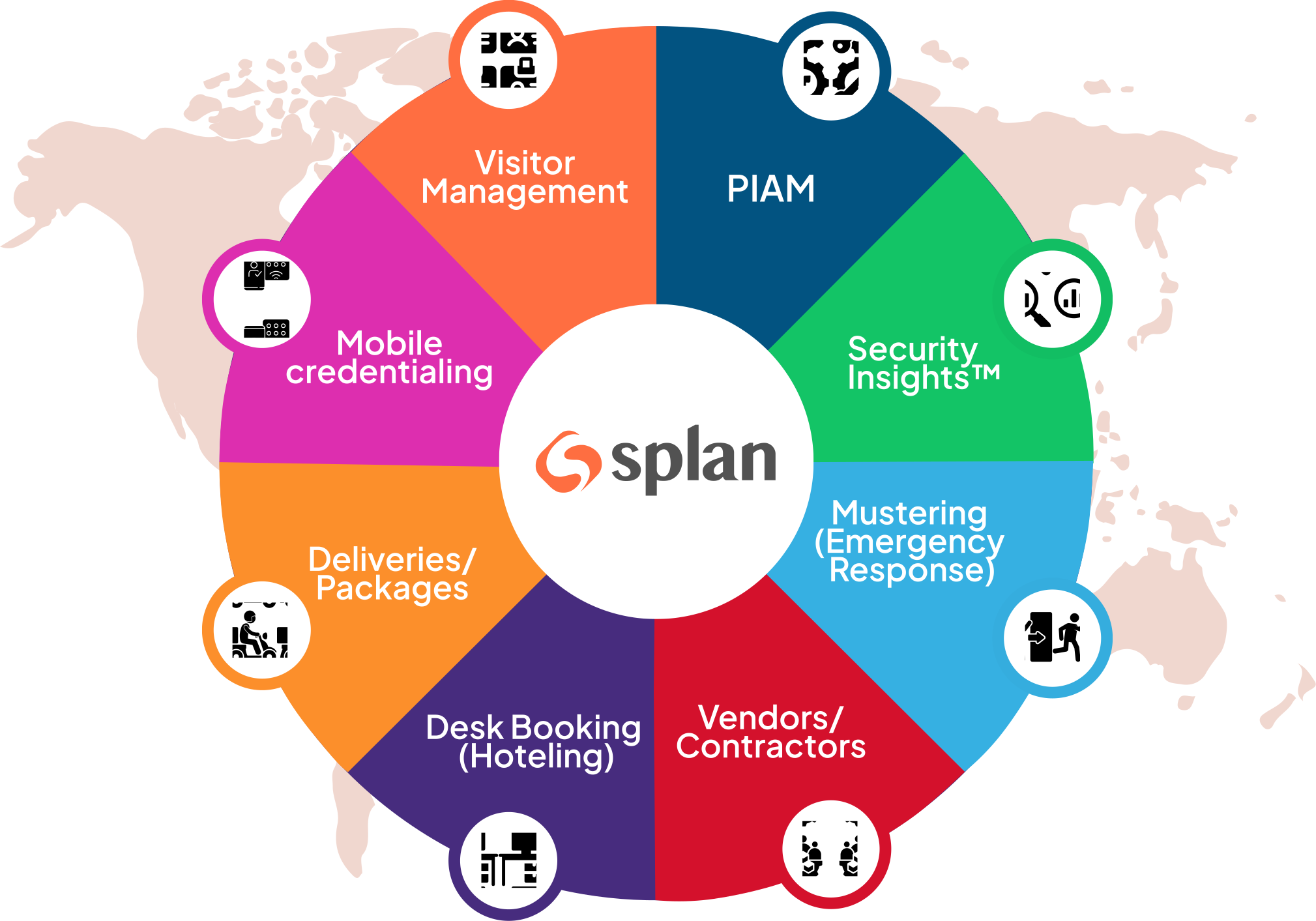
Splan's Visitor Management and Unified Identity and Access Management revolutionize workforce and identity management with intelligent and automated cloud solutions. Seamlessly integrating with global
Splan is a visitor registration and tracking system that integrates with Active Directory and existing access control systems, providing analytics and custom reporting capabilities. Users frequently mention the system's ease of use, its ability to streamline visitor and contractor management processes, and the convenience of self-service kiosks for visitor check-ins. Reviewers noted that setting up custom reporting can be time-consuming, there is a need for more integrations with third-party apps, and the help documentation could be improved.

WorkInSync is an AI-powered SaaS solution designed to help companies manage hybrid workplaces while optimising CRE Costs and improving Employee experience. This innovative platform addresses the evolv
WorkInSync is a software application that provides features for booking desks, meeting rooms, and wayfinding. Users like the ease of use, the number of features, and the ability to see who is coming to the office, which aids in planning, and the reduction of conflicts due to desk and meeting room booking. Reviewers experienced issues with the user interface not being seamless between different features, glitches with integrations, a lack of user-friendliness and navigation orientation, and a desire for improvements in user experience and WhatsApp integration for notifications.

Joan is an all-inclusive workplace platform that helps businesses streamline meeting room booking, desk reservations, visitor management, workplace digital signage, and asset management with intuitive
Joan is a device that streamlines the room booking process, allowing users to see availability in real-time and book spaces instantly, and syncs with digital calendars like Google and Office 365. Reviewers like the simplicity and efficiency of Joan, its easy setup, user-friendly interface, and the ability to book multiple desks and create recurring bookings, as well as its battery-powered, wireless design and real-time syncing with digital calendars. Users experienced issues with the initial setup being fiddly, the user experience not being as nice as expected, the pricing being a bit high, the touchscreen being slow and lagging, and the lack of a basic plan and an enterprise plan.
Learn More About Visitor Management Software
What is Visitor Management Software?
Visitor management software tracks and manages visitors entering and leaving a business’ office. These tools are designed to make the visitor sign-in process more seamless, which in turn can improve the overall visitor experience. Some solutions offer self-sign-in for visitors. Others are administered by staff, which gives them the ability to manage assets such as access cards and keys. Visitor management software typically has the ability to notify the necessary employee that the visitor has arrived. This software can also document and gather specific information about those visitors’ whereabouts within the building. Overall, these solutions are designed to increase building security and protect its facilities and employees.
Key Benefits of Visitor Management Software
- Enhances a business’s overall security
- Speeds up the check-in process with features such as the ability to scan identification cards
Why Use Visitor Management Software?
Visitor management software offers a number of benefits to its users, including but not limited to the following:
Improved office security — A visitor management software solution can enhance a building’s existing security system. These solutions require all visitors to sign in, which notifies the necessary party when someone enters and exits the office.
Streamlined visitor check-in process — There is no longer any need for building staff to manually check identification cards or place a call to the office informing them that a visitor has arrived. These solutions allow for driver’s licenses or other forms of identification to be scanned in right to the platform. They can also ping the necessary employee that their visitor has arrived.
Dependable information — Visitor management software stores information about incoming and outgoing visitors. If there is ever an emergency within the building, authorities can review the software to see exactly who has visited the office.
Who Uses Visitor Management Software?
Visitor management software can be used by any business that regularly expects visitors. The following businesses are just a few that can benefit from visitor management software.
Corporate offices — Large office buildings typically house multiple offices. These offices will regularly have visitors, whether they are clients coming in for a meeting or candidates for job interviews. These solutions can help visitors find the correct office to make their appointment on time.
College campuses — Some campuses may have areas restricted to staff and faculty only. Visitor management software will ensure that only authorized faculty and staff will be allowed into those areas on the university campus.
Elementary and high schools — K–12 schools typically require their visitors to wear ID badges when entering the school. Visitor management software can help to manage these ID badges.
Kinds of Visitor Management Software
As all visitor management software has the same purpose, the different types of solutions don’t vary much. Users may encounter two different options in the way this software is administered.
Self-service visitor management — This type of visitor management software lets visitors sign in themselves. Visitors can enter their information on the device, and once it is submitted, the software will send a notification to the employee expecting that visitor.
Staff-administered visitor management — These solutions are administered by members of building staff. Building staff can check in visitors and quickly scan in any necessary forms of identification. Staff can then call the employee expecting the visitor to inform them they have arrived.
Visitor Management Software Features
The following features are commonly found in visitor management software:
Visitor management and reporting — This is arguably the most valuable feature of this type of software. This feature retains information about visitors to your office, such as the precise time they enter the office, along with the exact duration of the visit. This data can be used to track down the precise location of specific visitors and create reports on visitor flow.
Self check-in — This allows visitors to check themselves in, as opposed to needing to check in with building staff. The visitor management solution is typically set up on a tablet kiosk and requires them to enter in information such as their name, email, and purpose of visit.
Notifications — Once a visitor is signed in using the software, it can ping the employee expecting the visitor that they have arrived.
Preregistration — Businesses can use this software to preregister their guests. Using these tools, businesses can email their visitors to gather the necessary information needed prior to their visit.
Potential Issues with Visitor Management Software
As with any kind of technology, visitor management software can come with its issues. The following are a few potential issues a business might face when using visitor management software.
Cost — While tracking visitors with pen and paper is time consuming and can potentially lead to human error, it is incredibly cheap. Visitor management software can be very expensive, especially for enterprise-sized businesses. Some solutions will require integrating hardware, such as cameras, driver’s license readers, business card scanners, and potentially more.
Sensitive information can be complicated to protect — Visitor data is often pretty sensitive. Required pieces of information can range from email to driver’s license numbers. If the solution you select is cloud-based, it will need to be encrypted in order to protect your visitors’ identities. That encrypted data will also need to be backed up. And of course, your business is liable for protecting visitors’ information.

