



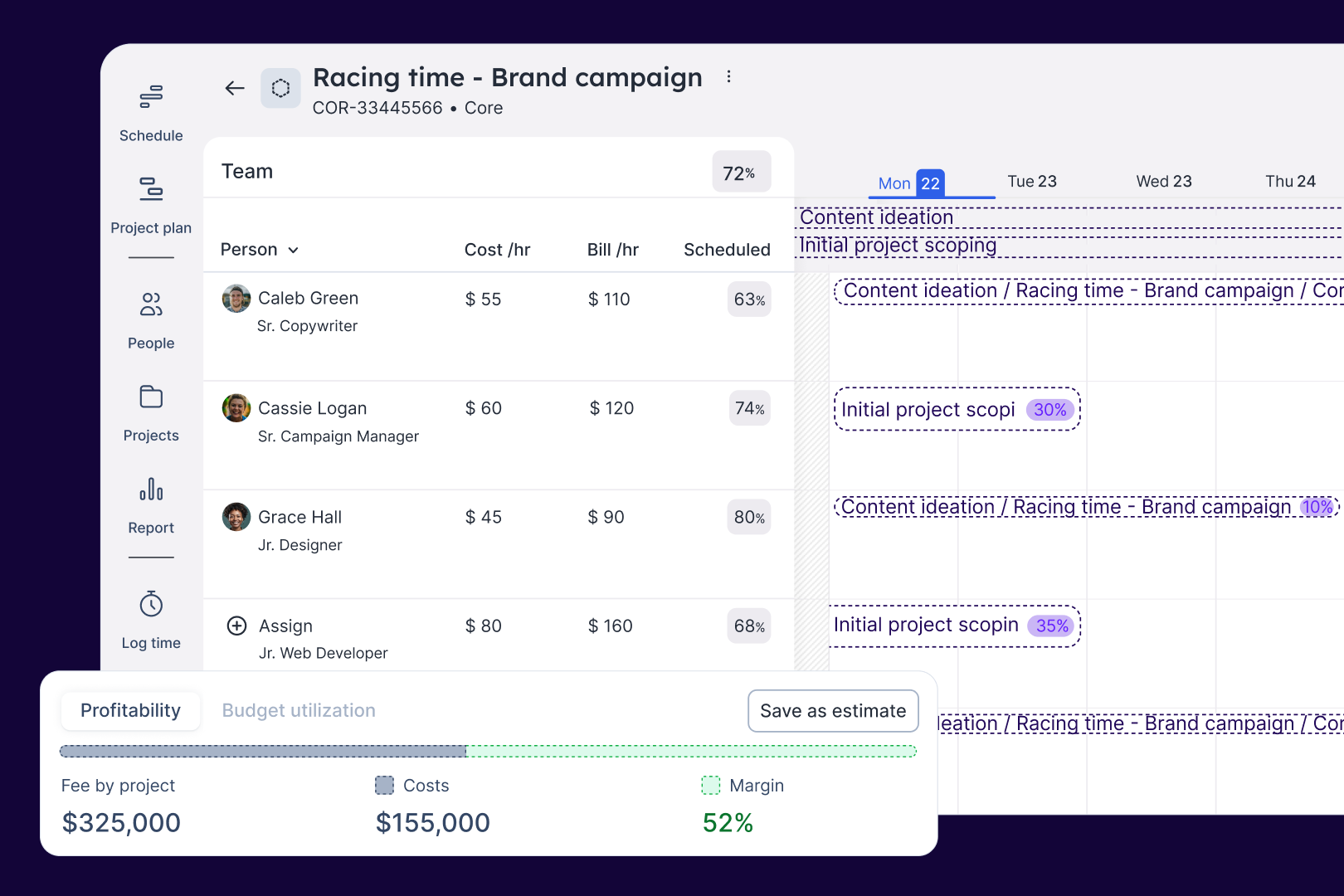


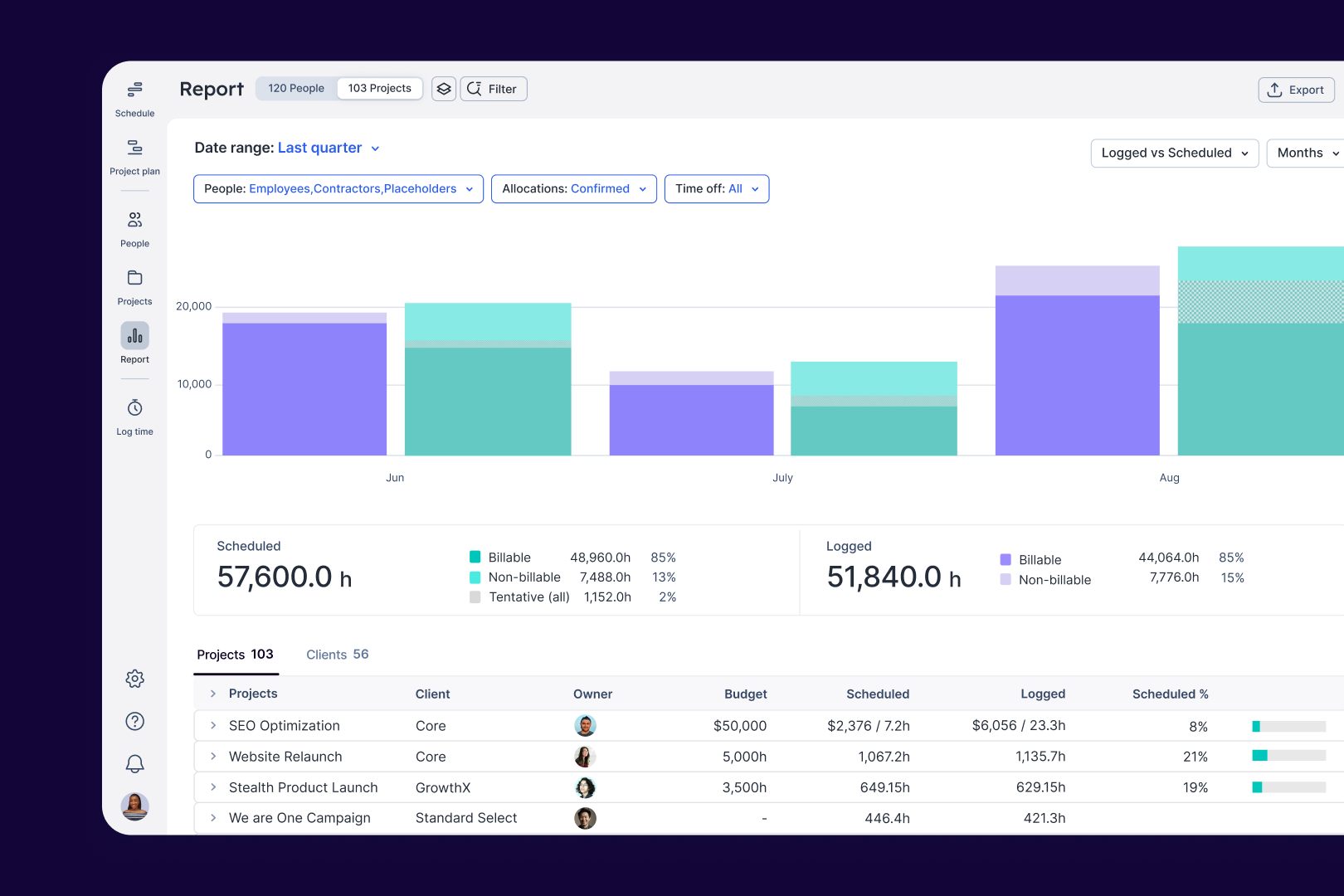

It displays working time pretty easily and is fairly intuitive Review collected by and hosted on G2.com.
Adding time off is not a smooth workflow, I cant add overtime if a holiday has been planned and i have actually worked on that day. It feels clunky Review collected by and hosted on G2.com.
Hi Adam, we appreciate you taking the time to give us your feedback. I’m sorry to hear that time off isn’t working as you’d hoped. There is usually an option to override the holiday and still add to your hours to the schedule or your logged time, even on a typical non-workday. If you click on the grayed-out section, it should let you add them. I wonder if it might be related to your permissions or account type. I’ve attached an article below that explains a bit more about how the scheduling works (it generally works the same from “log time”, too). Thanks again. If you have any more trouble, you can chat with us in-app or email us at support@float.com.
---
Article: https://support.float.com/en/articles/28906-schedule-on-a-weekend-or-holiday
Validated through a business email account added to their profile
This reviewer was offered a nominal incentive as thanks for completing this review.
Invitation from a seller or affiliate. This reviewer was offered a nominal incentive as thanks for completing this review.