


Ease of use of tools for registrations Review collected by and hosted on G2.com.
Difficult to type and register some actions Review collected by and hosted on G2.com.

Ease of use of tools for registrations Review collected by and hosted on G2.com.
Difficult to type and register some actions Review collected by and hosted on G2.com.
The way float has the option to schedule and log Review collected by and hosted on G2.com.

sometimes it lags but it's fine it works good Review collected by and hosted on G2.com.

The user interface is simple and easy for the new users. Review collected by and hosted on G2.com.
Could not think of anything at the moment Review collected by and hosted on G2.com.
Very intuitive to use and helpful to see people's resourcing. Review collected by and hosted on G2.com.
Not able to customise how the webpage looks Review collected by and hosted on G2.com.
Makes work organised and easy to maintain . Review collected by and hosted on G2.com.
laggs sometimes but manageable user friendly Review collected by and hosted on G2.com.
ORganization of tasks and easy calendar integration Review collected by and hosted on G2.com.
Has to log time and schudeule the same information Review collected by and hosted on G2.com.
It's easy to use, tracking a project is a matter of minutes Review collected by and hosted on G2.com.
Widget/desktop app is not working as intended. Review collected by and hosted on G2.com.
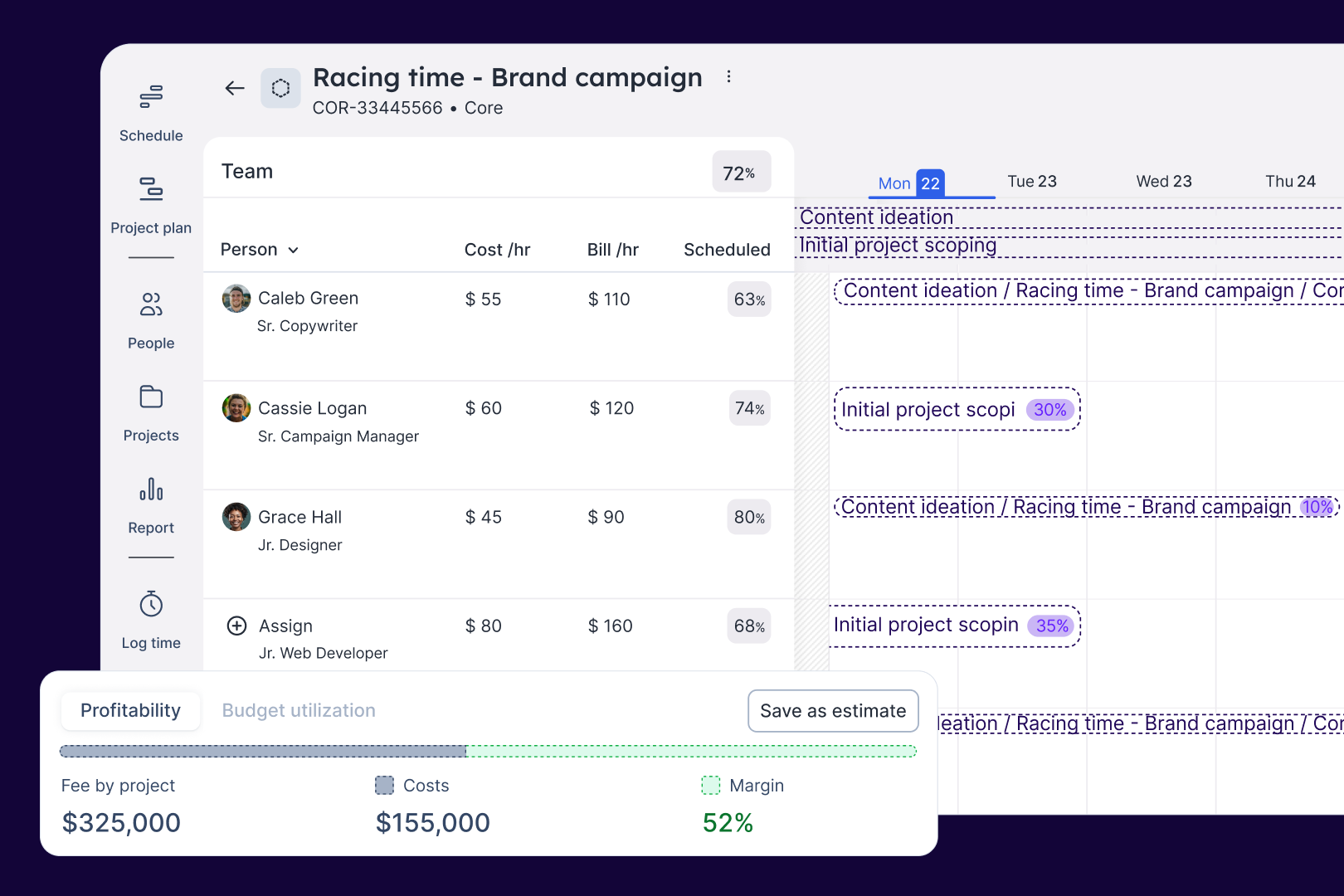
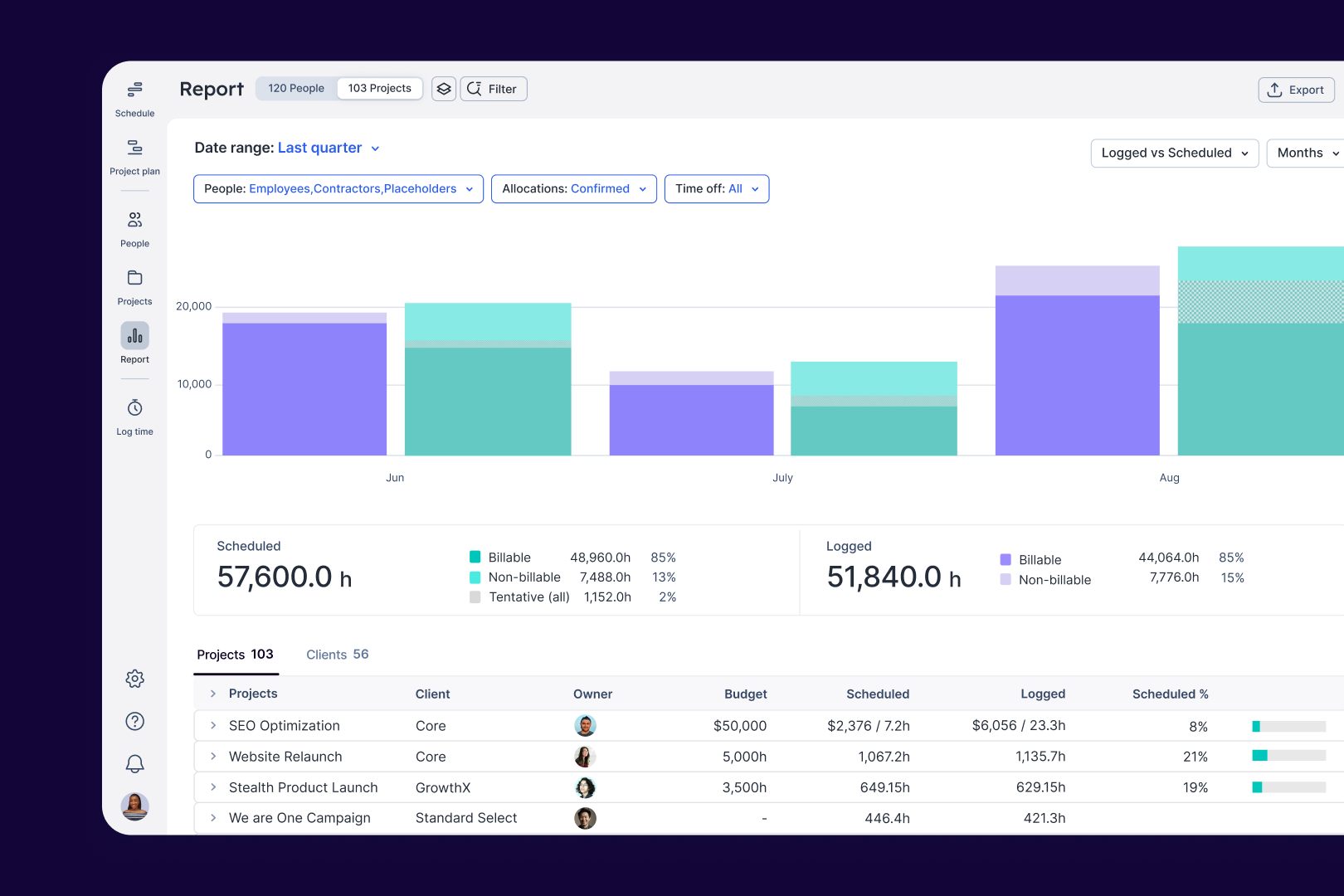
Float is by far the easiest project management software i've ever used. It provides reliable organisation, tagging and staffing needs that any user can quickly use and adapt to. What I like about Float compared to other software is it focuses on the work week versus project allocation budgets. Adjustments on time blocking, swapping staff, project codes and details are intuitive and minimal clicks. I find this is a well-rounded tool for group timesheet scheduling, holidays, isolating project milestones and holidays to our internal intranet so it complies with our data regulations. Review collected by and hosted on G2.com.
1) I often find I/or someone on the team has made edits, they open an existing Float tab or present the pre-loaded Float screen and the changes are not shown. Screen re-loads are not always automatic, which is very frustrating when every manager may need to check the schedule 8-10 times a day and make edits. I don’t have time to also check with every person in the team if the changes are shown and they might need to refresh the screen. There should be constant automatic refreshing for all cloud based apps.
2) When moving a blocks of time sometimes people use larger than 1 week timeframes and editing requires re-building all other weeks after. There should be a quick split or clip function so I don’t need to rebuild 8 weeks if a person only puts 1 block of time start to finish.
3) When adjusting time blocks close to weekends Float always grabs the Saturday or Sunday block instead of the project block and extends everyones weekend on Float and notifies everyone even if you change it back quickly. Weekends/holidays should more locking functions that don’t allow this to happen.
4) We use Float in our weekly catch-up and screen share. When sharing the view is not presented as well as it could be with large scales taking up most of the screen. There should be a presentation mode, collapsed nav bar or way to highlight per person as we go through staffing. Review collected by and hosted on G2.com.
Float is a great tool for project managers to track time and hours for our design teams including scheduling out projects for the year. Its simple and intuitive to use and quick to make adjustments during phases. has a lot of great quality of life features that definitly makes it more efficient to use over other products.
For example it allows our team to make scheduling adjusmtents when projects go on hold, or have temporary stopping pooints as it allows it to organize our team to fill hours where it is needed. Review collected by and hosted on G2.com.
Downside to float, is it makes it a bit difficult to integrate into our time and expense tracking software, but it is still quick to update to match, however it adds a bit of additional work to go back and match our expense software. I definitely wish it had some sort of integration like that to make it more efficeint for us. Review collected by and hosted on G2.com.
The user experience, how it made my working week smoother and more effective Review collected by and hosted on G2.com.
Nothing I can think of specifically. Maybe the price? It could be cheaper. Review collected by and hosted on G2.com.
Get practical answers, real workflows, and honest pros and cons from the G2 community or share your insights.
Can the old design be reused, is there an option to switch to that?

what do you think about float?
Pricing provided by Float.com.