Confronta questo con altri strumentiSalvalo nella tua bacheca e valuta le tue opzioni fianco a fianco.
Salva nella bacheca

Recensioni e Dettagli del Prodotto Jira

Prezzi

Prezzi forniti da Jira.

Free

Gratuito
10 Users Al mese

Media di Jira

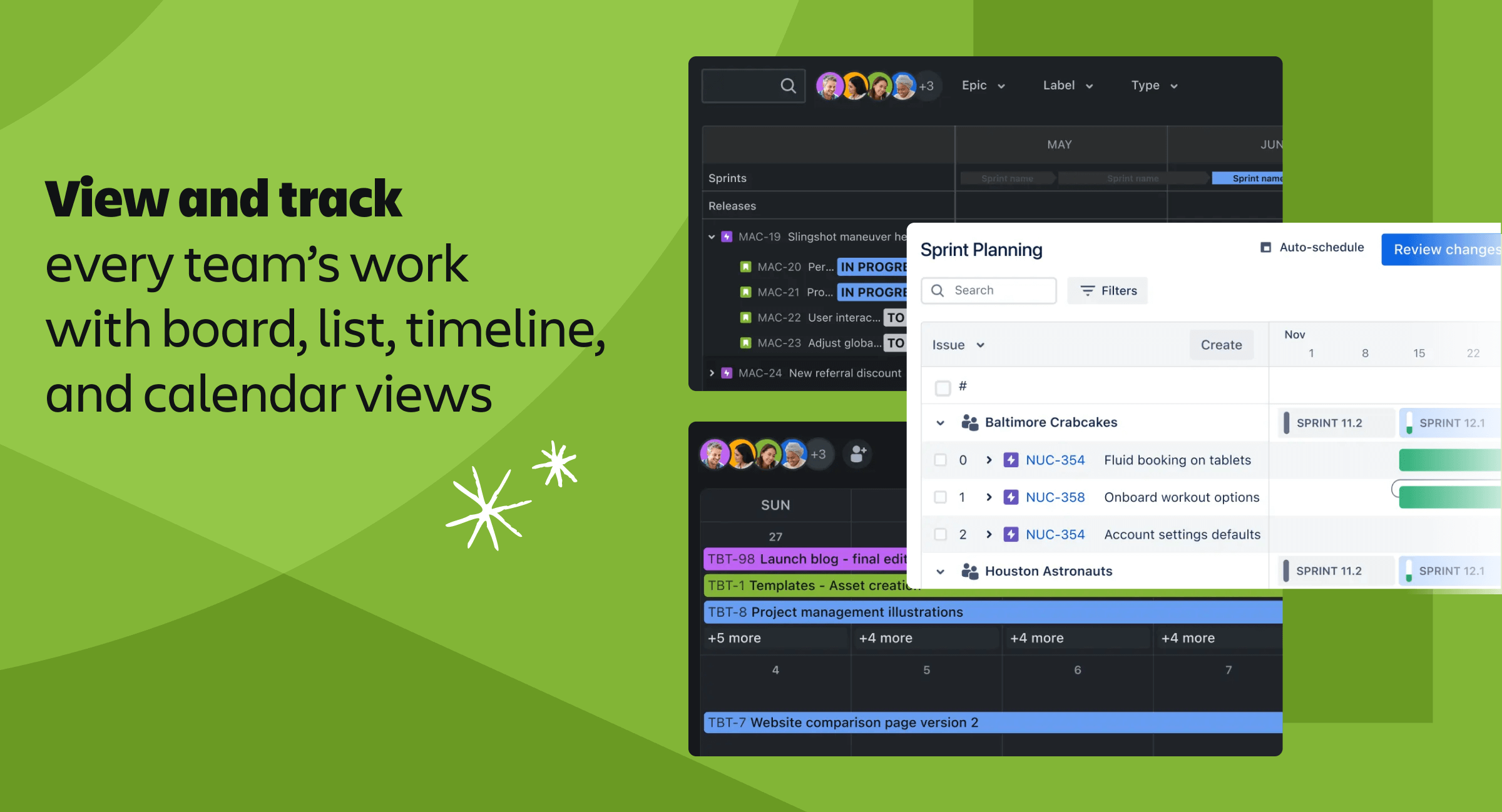
Demo di Jira - Jira Views
Jira - View and track every team's work with board, list, timeline, and calendar views
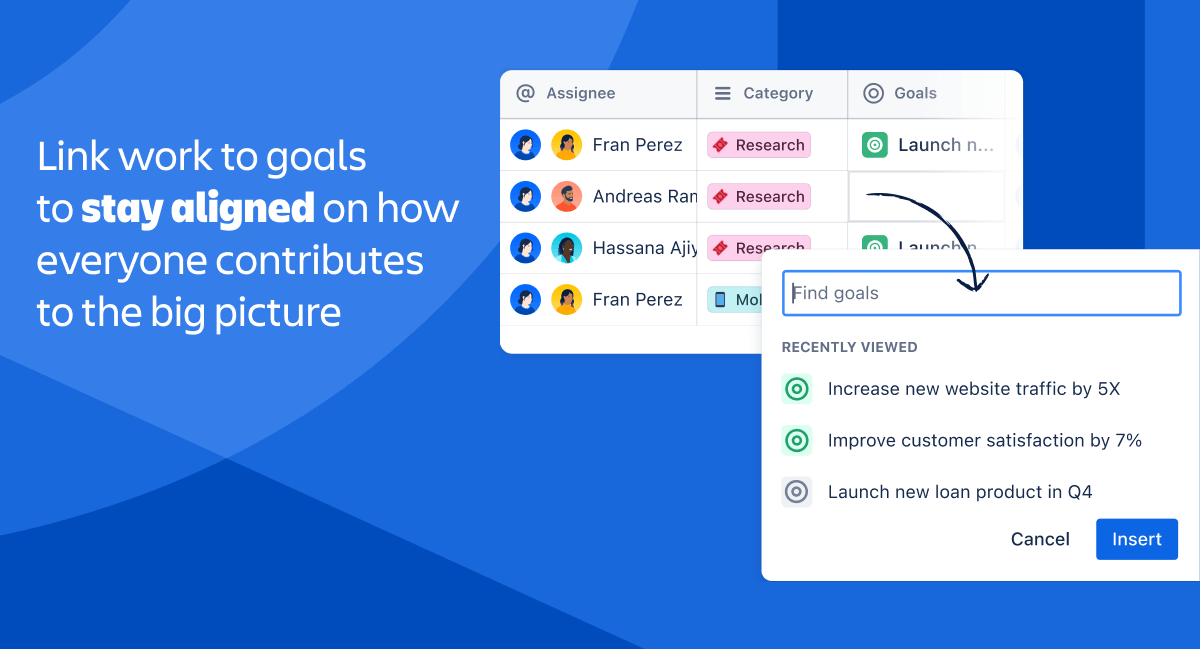
Demo di Jira - Jira Goals
Jira - Link work to goals to stay aligned on how everyone contributes to the big picture
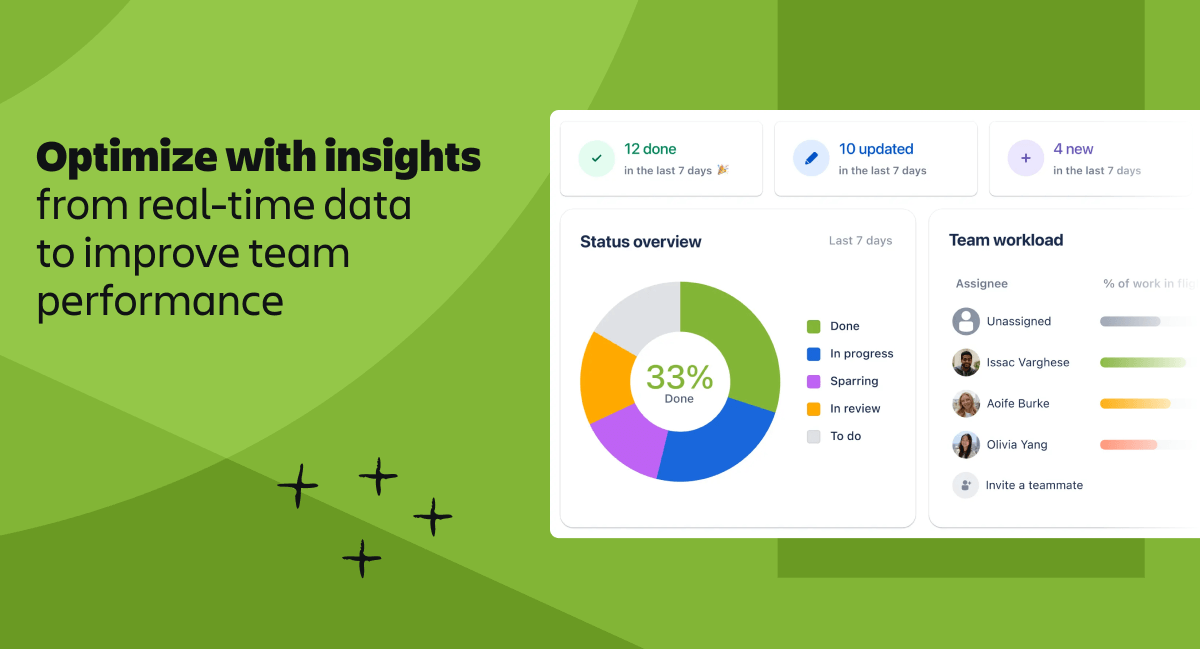
Demo di Jira - Jira Insights
Jira - Optimize with insights from real-time data to improve team performance
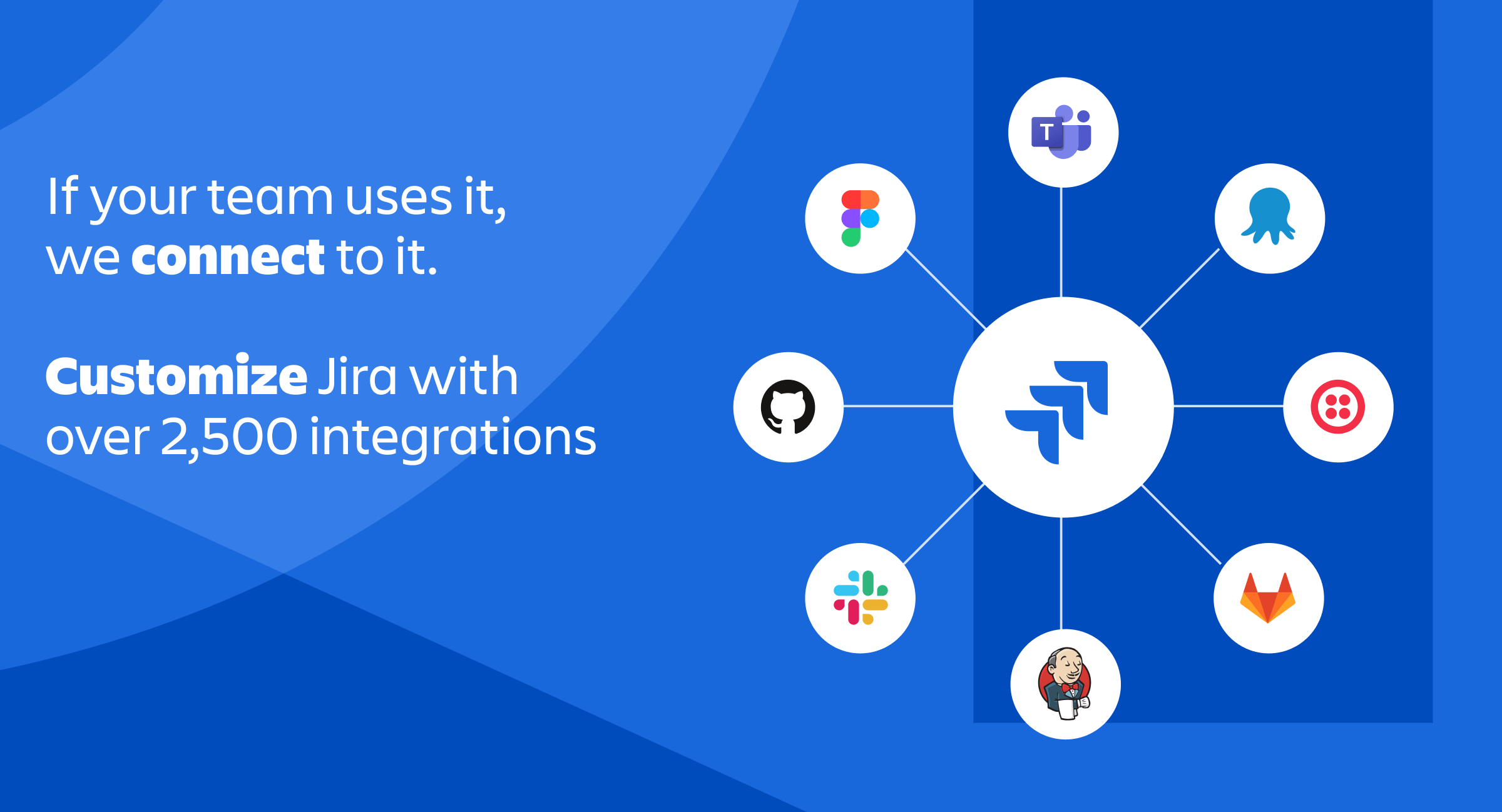
Demo di Jira - Jira - Integrations
Jira - If your team uses it, we connect to it. Customize Jira with over 2,500 integrations
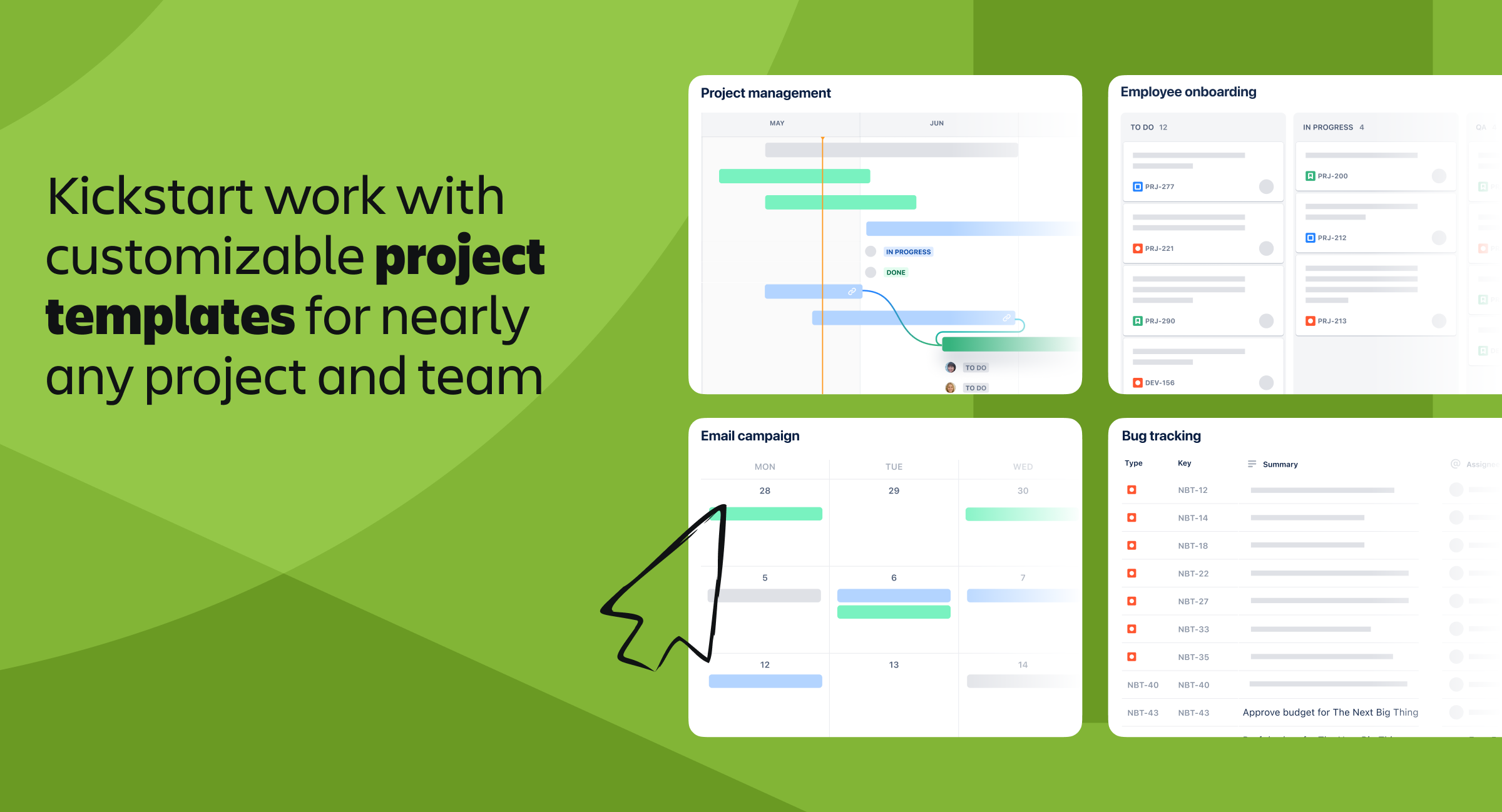
Demo di Jira - Jira - Templates
Jira - Kickstart work with customizable project templates for nearly any project and team
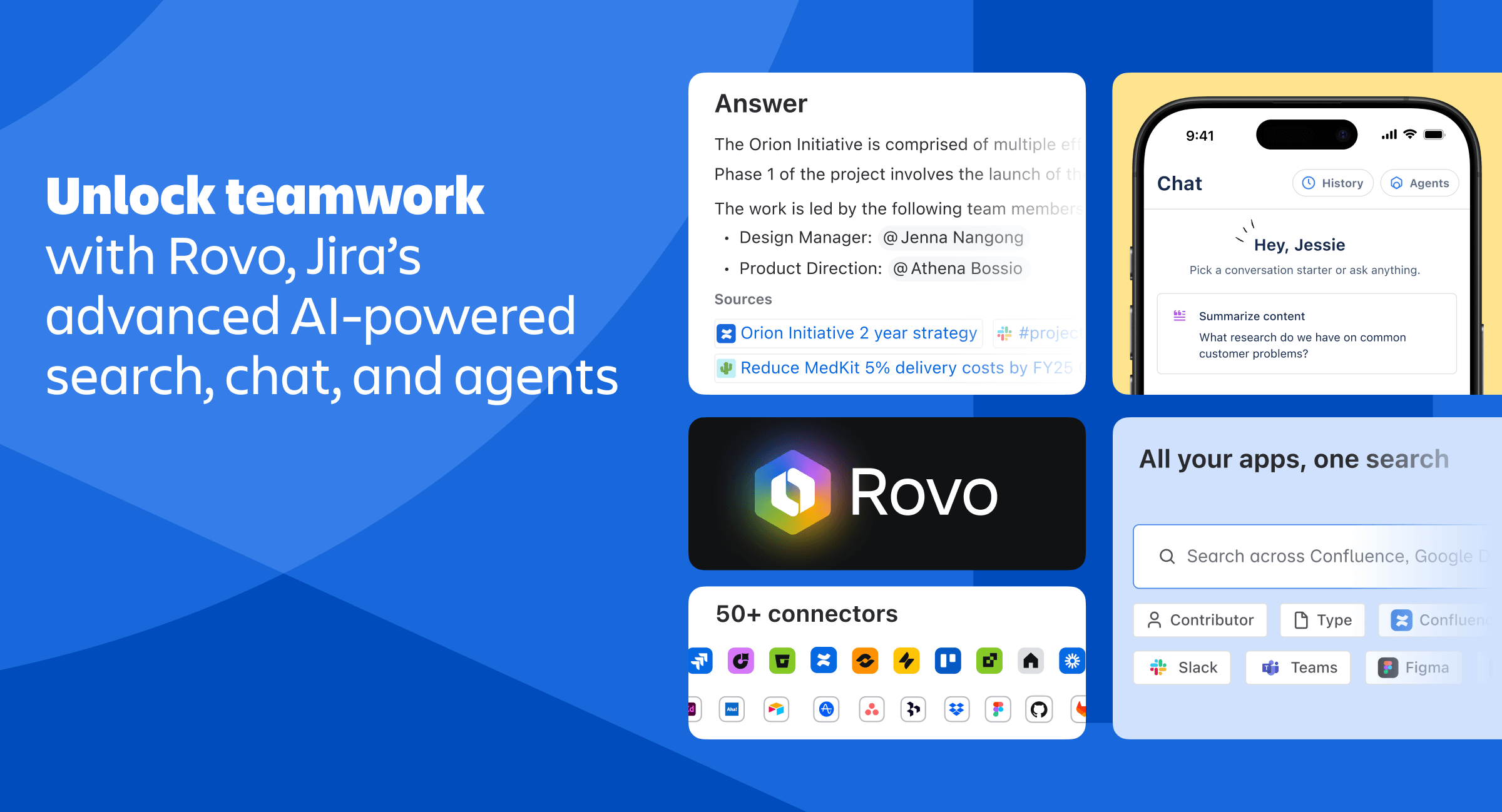
Demo di Jira - Jira - Rovo AI
Jira - Unlock teamwork with Rovo, Jira's advanced AI-powered search, chat, and agents
Riproduci video Jira
Immagine avatar del prodotto

Hai mai usato Jira prima?

Rispondi a qualche domanda per aiutare la comunità di Jira

Recensioni Jira (7,724)

Guarda 16 Recensioni Video
Recensioni

Recensioni Jira (7,724)

Guarda 16 Recensioni Video
4.3
Recensioni 7,725

Riepilogo della Revisione

Generato utilizzando l'AI da recensioni reali degli utenti
Gli utenti lodano costantemente Jira per la sua flessibilità e personalizzazione, che consente ai team di adattare i flussi di lavoro alle loro esigenze specifiche. La capacità della piattaforma di organizzare le attività e monitorare i progressi migliora efficacemente la collaborazione e la trasparenza tra i membri del team. Tuttavia, molti notano una limitazione comune: l'interfaccia può sembrare opprimente per i nuovi utenti, richiedendo tempo per imparare e adattarsi.

Pro e Contro

Generato da recensioni reali degli utenti
Visualizza tutti i Pro e i Contro
Cerca recensioni
Filtra Recensioni
Cancella Risultati
Le recensioni di G2 sono autentiche e verificate.
Kunj M.
KM
Full-stack Developer
Tecnologia dell'informazione e servizi
Mid-Market (51-1000 dip.)
Utenti ospiti o utenti non aziendali del software, non inclusi nei punteggi G2.
"Easy Timeline Tracking and Transparent Team Alignment"
Cosa ti piace di più di Jira?

The best thing I like is the way I can track my work and plan and manage my timelines and how easily and transparently I can align with my team to meet the goals. It's segregation of topics is very user friendly. The tables (boards) are very easy to read. Recensione raccolta e ospitata su G2.com.

Cosa non ti piace di Jira?

I noticed that sometimes Jira fails to load media. Also, media loads quite slowly. Also, we need a person as an admin to manage this thing as a whole, but it is pretty big software with a lot of customizations so it could easily baffle a new person around. Recensione raccolta e ospitata su G2.com.

Yaswanth S.
YS
Senior Implementation Manager
Mid-Market (51-1000 dip.)
"Tracciamento flessibile dei problemi con potenti flussi di lavoro e integrazioni"
Cosa ti piace di più di Jira?

Jira è la verità ultima che trasforma l'energia caotica dei post-it in un flusso di lavoro snello e ad alta visibilità. La sua robusta personalizzazione consente ai team di modellare ogni problema e bacheca secondo le loro esigenze specifiche. Inoltre, il modo in cui integra dati tecnici approfonditi con il monitoraggio di progetti ad alto livello lo rende il ponte perfetto tra il lavoro di sviluppo dettagliato e la strategia di ampio respiro. Recensione raccolta e ospitata su G2.com.

Cosa non ti piace di Jira?

La pura complessità della sua configurazione può trasformare una semplice impostazione in un labirinto di permessi riservati agli amministratori e impostazioni nascoste. Spesso soffre di un ritardo dell'interfaccia utente evidente e di una fatica da notifiche, dove il puro volume di avvisi può seppellire il lavoro effettivo. Alla fine, spesso sembra sovra-ingegnerizzato per un team più piccolo, richiedendo più tempo speso a "nutrire lo strumento" che a spedire effettivamente il codice. Recensione raccolta e ospitata su G2.com.

Pablo C.
PC
CRM Solution Designer
Mid-Market (51-1000 dip.)
"Jira’s Flexible Workflows Deliver Powerful Visibility Across Teams"
Cosa ti piace di più di Jira?

What I like most about Jira is its flexibility for organizing work across different teams and workflows. It works well for straightforward task tracking, but it can also support more structured agile processes through backlogs, sprints, epics, custom statuses, boards, filters, and dashboards.

I also appreciate how Jira gives teams a clear, shared view of what’s planned, what’s in progress, what’s blocked, and what’s already been completed. For product and technical teams, that kind of visibility is especially valuable because it helps connect day-to-day execution to larger roadmap items and overall project goals.

Another major strength is how much you can tailor workflows and fields to match your process. Teams aren’t forced into a single rigid structure, which makes Jira useful not only for software development, but also for support, operations, and cross-functional project tracking. Recensione raccolta e ospitata su G2.com.

Cosa non ti piace di Jira?

What I dislike about Jira is that it can become overly complex if it is not configured carefully. The flexibility is powerful, but it also means teams can end up with too many custom fields, statuses, workflows, automations, and boards, which makes the system harder to use and maintain.

For new users, the learning curve can be high. Simple actions like finding the right ticket, understanding the workflow, or knowing which field is required are not always intuitive, especially in larger Jira instances.

Another challenge is that Jira quality depends heavily on team discipline. If tickets are not updated consistently, statuses are unclear, or priorities are not maintained, the tool can quickly become noisy instead of helpful. I also think reporting and dashboards are useful, but they often require careful setup before they provide real operational value. Recensione raccolta e ospitata su G2.com.

Dylan E.
DE
Information Security Officer
Mid-Market (51-1000 dip.)
"Effortless Task Management with Customization Challenges"
Cosa ti piace di più di Jira?

I love how Jira allows me to manage project planning and task management effectively with different boards for various teams and workflows, whether it's Scrum or Kanban. I appreciate the ability to keep a clear overview of the status of our long-term projects and easily manage my day-to-day tasks without forgetting anything. My long-term project planning board is great as it provides a single overview of all current projects, and I can drill down into details easily. Similarly, my day-to-day task planning board is very straightforward, as I can quickly create cards for specific tasks. I like that I can handle a lot of tasks without leaving the main project or task overview, such as creating new cards, dragging them, changing titles, and assigning ownership without navigating multiple dialog boxes. Card management feels very frictionless, allowing me to create tasks during a meeting seamlessly. It's easy to set up a board, and everything falls into place within minutes, enabling me to start creating tasks quickly. Recensione raccolta e ospitata su G2.com.

Cosa non ti piace di Jira?

I find the customization options in Jira to be quite complex. While the board templates work fine for my needs, setting up custom workflows can be challenging to get them exactly how you want. They could improve this by including frequently used custom workflows as part of the default offering. Recensione raccolta e ospitata su G2.com.

Sumanyu  C.
SC
SDE-II
Mid-Market (51-1000 dip.)
"Powerful Work Tracking and Slack Integrations, But Sprint Boards Can Feel Overwhelming"
Cosa ti piace di più di Jira?

The ability to divide user stories into multiple work items like tasks, subtasks, bugs is really useful. It helps with granular control and visibility of the work being done in the team. The ability to add story points further help in calculating the work effort being put in by individual members. The integrations with slack help us with seamless communication and context switching. The performance has never let us down and is industry leading. The recent addition of AI features has further made life easier with auto creation on tickets with just a simple click of a button in slack. Recensione raccolta e ospitata su G2.com.

Cosa non ti piace di Jira?

The sprint boards can get a bit overwhelming at times and the work items hierarchy can get confusing. The UI could do with some color as the monotone currently can make finding things feel like finding a needle in a haystack. Recensione raccolta e ospitata su G2.com.

MS
data engineer
Enterprise (> 1000 dip.)
"Great Ticket Tracking with Rich Comments in Jira"
Cosa ti piace di più di Jira?

In my role as a Data Engineer, we use Jira every day to manage sprint tasks, track bugs, and drive feature development. I mainly work in Scrum boards, where tickets move through stages like To Do, In Progress, Code Review, and Done, which gives the team clear visibility into the full development lifecycle.

One feature I find particularly helpful is the ability to add detailed comments and include supporting context such as logs, screenshots, and links. For instance, when I’m working on ETL pipelines, I can attach error logs and query outputs directly to the ticket, which makes it easier for others to reproduce issues and helps the team debug faster.

Jira’s epic-and-story structure also makes it easier to break down larger data engineering work into smaller, manageable pieces. As a result, sprint planning feels more organized, and tracking progress throughout the sprint is much more efficient. Recensione raccolta e ospitata su G2.com.

Cosa non ti piace di Jira?

Jira is very useful, but for new users it can feel a bit complex at first. Also, finding specific tickets can sometimes take extra time, especially when filters aren’t set up properly. Recensione raccolta e ospitata su G2.com.

Himanshu I.
HI
Salesforce Consultant
Mid-Market (51-1000 dip.)
"Powerful Jira Workflows and Traceability, but Add‑On Costs and Performance Can Hurt"
Cosa ti piace di più di Jira?

i am working as a salesforce consultant and using Jira to manage project delivery, track requirement and coordinate between business, development and QA teams, i like is its strong workflows customization, i can design processes for requirement, development, testing and deployment based on client needs, Jira is very effective for tracking user stories, bugs and tasks, especially in agile project it provides clear visibility of progress across teams. another major advantage is end to end traceability, i can track requirements from business needs to development and testing, which is very important is salesforce implementation. it has large integration ecosystem, allowing connection with tools like Github, slack and CI?CD pipelines. Recensione raccolta e ospitata su G2.com.

Cosa non ti piace di Jira?

i dont like its cost increase due to add ons, since many features like time tracking or advanced reporting require marketplace, apps. performance can become slow for large projects or heavy usages affecting productivity, it also require significant admin effort to configure workflows, permissions and fields properly. another drawback is cost increase due to add ons, since many features like time tracking or advanced reporting require marektplace apps, performance can also become slow for large project or heavy usage , effecting productivity. Recensione raccolta e ospitata su G2.com.

NV
Director- Future of Work Technology
Tecnologia dell'informazione e servizi
Piccola impresa (50 o meno dip.)
"Streamlined Integration with Room for Performance Improvement"
Cosa ti piace di più di Jira?

I like how Jira helps us stay organized and offers helpful integrations. It's great because multiple teams, like developers, testing, and business analysts, can fetch the same information. I particularly appreciate the integration with tools like Bitbucket, which helps our development team create pull requests and deploy efficiently. The ability to integrate with tools like AIO tests for the testing team and Confluence for business analysts and scrum masters is what I like most about Jira. Setting up was easy after we ensured projects and workflows were correctly arranged, making ongoing use straightforward. Recensione raccolta e ospitata su G2.com.

Cosa non ti piace di Jira?

I think, sometimes it takes time to load. Like, if I open up a Kanban board with a lot of tickets, the performance is not too well. Similarly, on the roadmap, if I want to edit quickly, sometimes it takes time to load up. Recensione raccolta e ospitata su G2.com.

Atharva P.
AP
Cloud BI Engineer
Enterprise (> 1000 dip.)
"Seamless Integration with Powerful Project Management"
Cosa ti piace di più di Jira?

I appreciate how Jira greatly improves visibility, accountability, and coordination within our team. Its structured approach to tracking tasks, bugs, and project progress helps us deliver projects on time. I find Jira's strong issue tracking and highly customizable workflows particularly useful, especially with its seamless support for agile, which is very effective for managing multiple large projects. I also really like Jira's seamless integration with other tools, such as GitHub. This integration provides a unified view within Jira where we can easily track what developers have worked on, check the success of builds, and see pull requests, which greatly enhances our workflow. Overall, Jira's integration capabilities and customizable features stand out to me. Recensione raccolta e ospitata su G2.com.

Cosa non ti piace di Jira?

Yeah. So as I mentioned, it can feel heavy and complex, especially for new users. Our customization can make workflows hard to manage, and the UI sometimes feels cluttered. Recensione raccolta e ospitata su G2.com.

Almoatasim H.
AH
Software Engineer
Piccola impresa (50 o meno dip.)
Utenti ospiti o utenti non aziendali del software, non inclusi nei punteggi G2.
"Flexible and Easy to Use, but Can Get Complex"
Cosa ti piace di più di Jira?

What I like best about Jira is how it brings structure and clarity to complex workflows while still being highly customizable.

On the UI/UX side, the Scrum and Kanban boards with drag-and-drop make task tracking very intuitive. I’ve personally found that organizing tasks into sprints and visually moving them across stages helps reduce confusion and saves time during daily standups.

Integrations are another strong point. Jira connects smoothly with tools like GitHub and Slack, which means updates from commits, pull requests, and team discussions are all linked in one place. This reduces context switching and keeps the whole team aligned without extra effort.

In terms of performance, it handles large projects reliably, and I rarely face major slowdowns even with many issues and users.

For pricing and ROI, while it might feel a bit expensive for small teams at first, the time saved through automation, organized workflows, and better team coordination makes it worth the cost. It reduces manual tracking and improves overall productivity, which directly impacts delivery speed.

Support and onboarding are also solid. There’s extensive documentation, templates, and community resources that make it easier to get started, even if you’re new to project management tools.

Regarding AI and intelligence, Jira has started introducing smart features like automation suggestions and predictive insights, which help in prioritizing tasks and reducing repetitive work. Even simple automation rules (like auto-assigning or status updates) have a noticeable impact on efficiency.

Overall, Jira stands out because it combines flexibility, strong integrations, and intelligent automation to improve workflow and team collaboration in a very practical way. Recensione raccolta e ospitata su G2.com.

Cosa non ti piace di Jira?

One of the main things I dislike about Jira is that the initial setup and customization can be overwhelming, especially for new users. While the flexibility is powerful, configuring workflows, permissions, and issue types often requires time and experience, which can slow down onboarding.

From a UI/UX perspective, the interface can feel cluttered at times, particularly when dealing with large projects or heavily customized boards. It’s not always intuitive to find certain settings, and this can impact productivity until you get used to it.

In terms of performance, Jira can occasionally become slow when handling very large datasets or complex filters, which affects the overall experience during peak usage.

Integrations are strong, but managing them can sometimes be tricky. For example, syncing with tools like GitHub or Slack may require additional configuration or troubleshooting to get everything working smoothly.

Regarding pricing and ROI, it might not be the most cost-effective option for small teams or startups, especially when adding multiple users or premium features. The cost can increase quickly as the team scales.

Support and onboarding are decent, but resolving specific or advanced issues sometimes depends heavily on documentation or community forums rather than direct support.

As for AI and intelligence, while there are some useful automation features, the AI capabilities still feel somewhat limited compared to what could be expected. More advanced insights or smarter recommendations could further improve productivity.

Overall, Jira is very powerful, but its complexity, occasional performance issues, and pricing structure can be challenging depending on the team size and experience level. Recensione raccolta e ospitata su G2.com.


Domande su Jira? Chiedi agli utenti reali o esplora le risposte dalla comunità

Ottieni risposte pratiche, flussi di lavoro reali e pro e contro onesti dalla comunità G2 o condividi le tue intuizioni.

GU
Guest User
Ultima attività 27 giorni fa

Come sta trasformando Jira le pratiche di gestione dei progetti nei team di sviluppo software agili?

GU
Guest User
Ultima attività 23 giorni fa

A cosa serve Jira?

Opzioni di Prezzo

Prezzi forniti da Jira.

Free

Gratuito
10 Users Al mese

Standard

$7.53
50000 Users Al mese

Premium

$13.53
Al mese
Jira Confronti
Funzionalità Jira
Documentazione Wiki
Forum della Comunità
Ideazione del cliente
Capacità lavorativa
Classifica delle attività
Kanban Board
Tracciamento del tempo
Monitoraggio del progresso
Bilancio
Segnalazioni e Feedback degli Utenti
Rapporti e Commenti del Team
Immagine avatar del prodotto
Jira