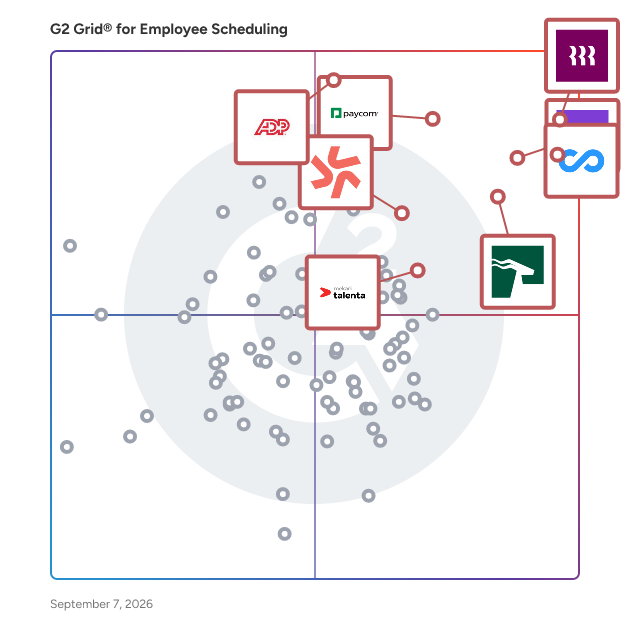
Employee scheduling software automates the creation, maintenance, and tracking of employee schedules, improving productivity, team coordination, and company-wide visibility into workforce bandwidth, while managing vacations, sick days, and shift conflicts.
Core Capabilities of Employee Scheduling Software
To qualify for inclusion in the Employee Scheduling category, a product must:
- Automate the creation and maintenance of schedules
- Help manage and provide visibility into employee tasks
- Include self-service functionality for employees, such as messaging and shift swapping
Common Use Cases for Employee Scheduling Software
Employee scheduling software is widely used in retail, hospitality, and service industries to manage shift-based workforces. Common use cases include:
- Automating shift assignments and preventing scheduling conflicts
- Enabling employees to view, swap, and request changes to their schedules
- Feeding scheduling data into payroll software for accurate compensation processing
How Employee Scheduling Software Differs from Other Tools
Employee scheduling software is more targeted than workforce management software, which provides a broader set of capabilities typically found within larger HRMS and HCM platforms or core HR software. Scheduling tools focus specifically on shift planning and employee self-service, rather than full workforce optimization.
Insights from G2 on Employee Scheduling Software
Based on category trends on G2, automated conflict detection and employee self-service features stand out as top strengths. Improved schedule visibility and reduced manual coordination stand out as core benefits.