Quickly and easily make standout content from thousands of beautiful templates with the all-new Adobe Express. Simply choose a template, add images and text, and quickly resize your creations to fit your favorite social media site. Available on web and mobile.
Make stunning content.
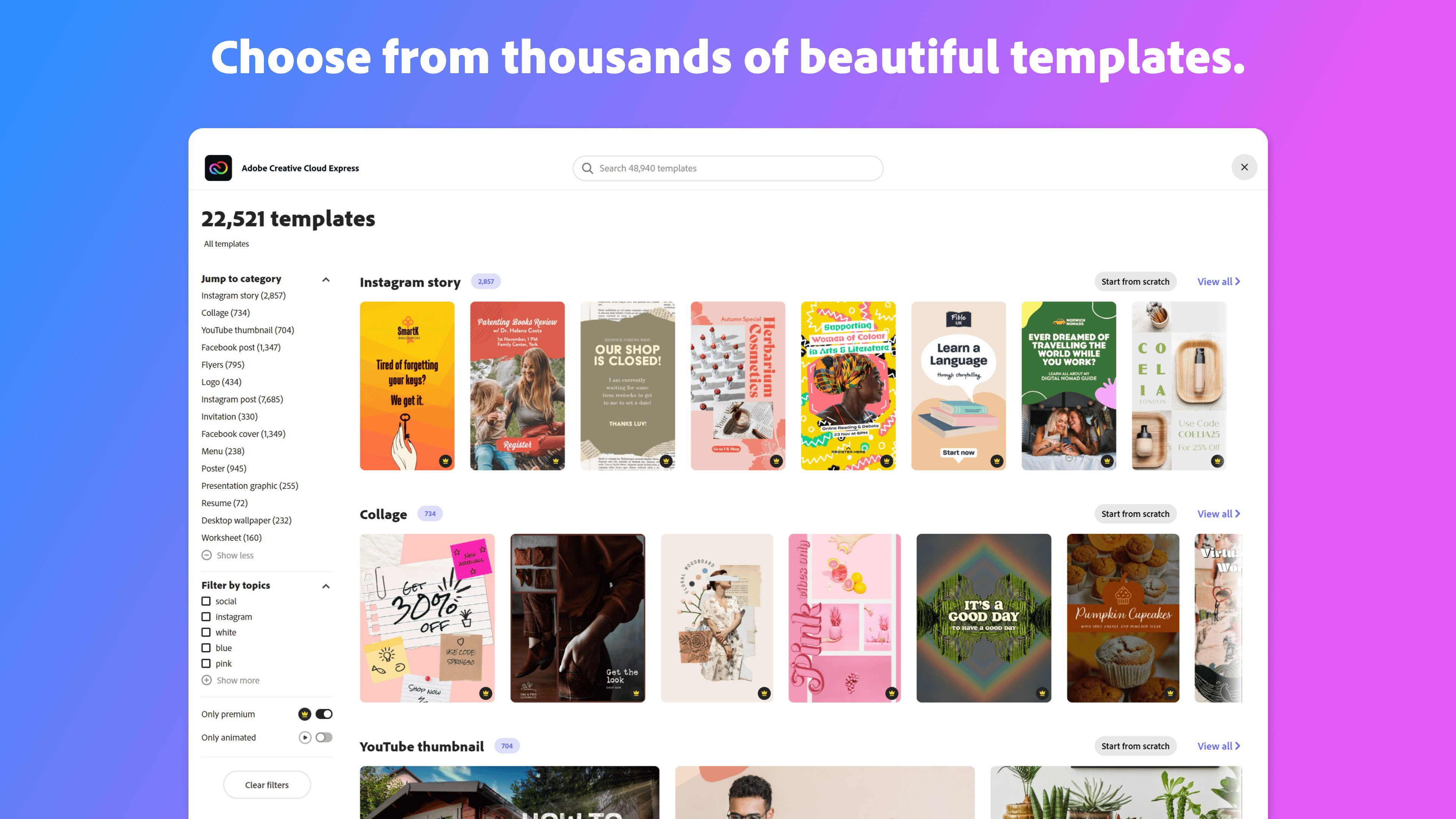
Start from thousands of templates for social media graphics, stories, and thumbnails, as well as posters, flyers, business cards, logos, and more.
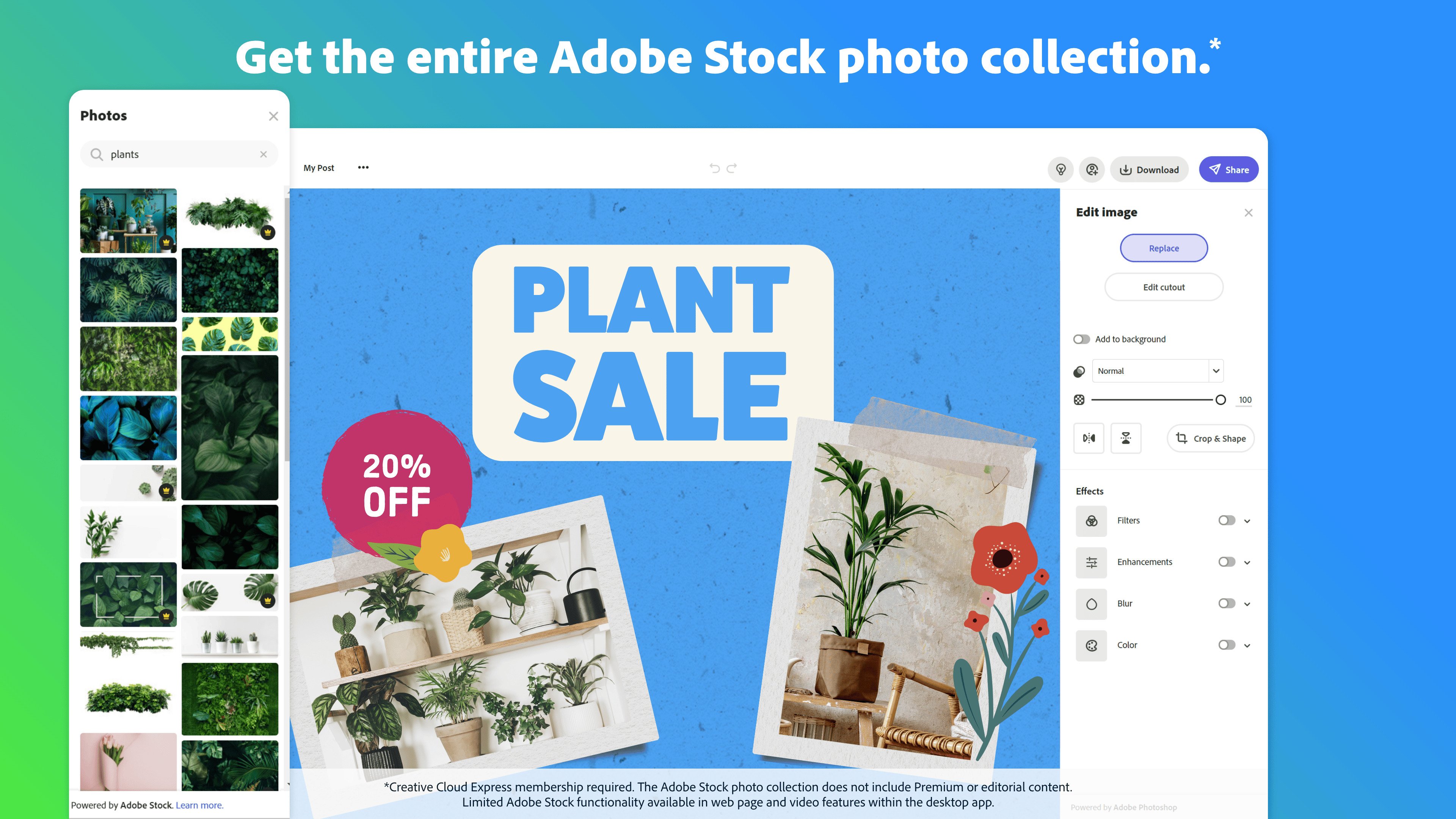
Get free Adobe Stock images.
Access the Adobe Stock royalty-free photo collection* with millions of on-trend and seasonal images.
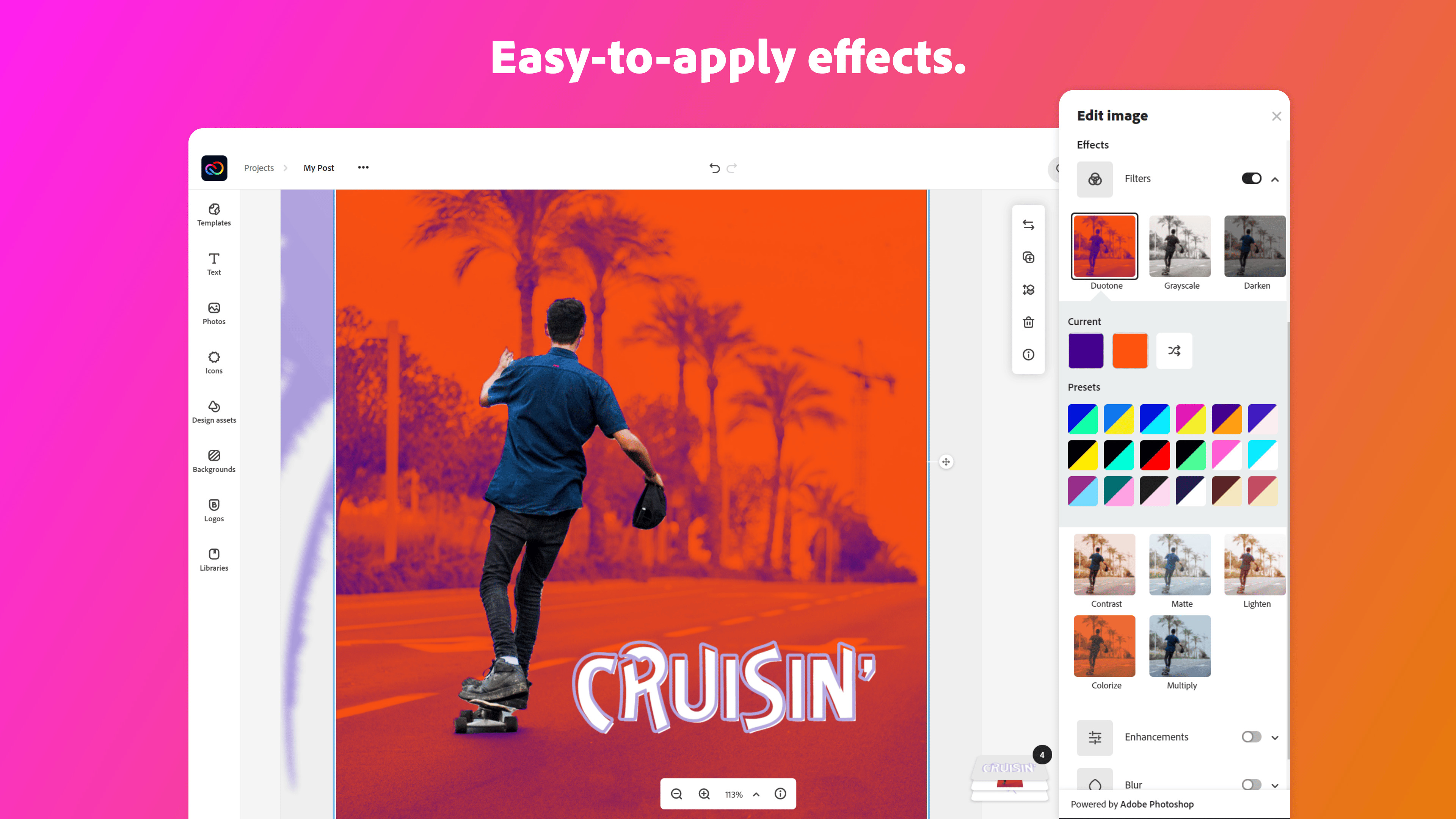
Give your photos pro effects.
Get the look you want with easy-to-apply effects, filters, textures, and overlays.
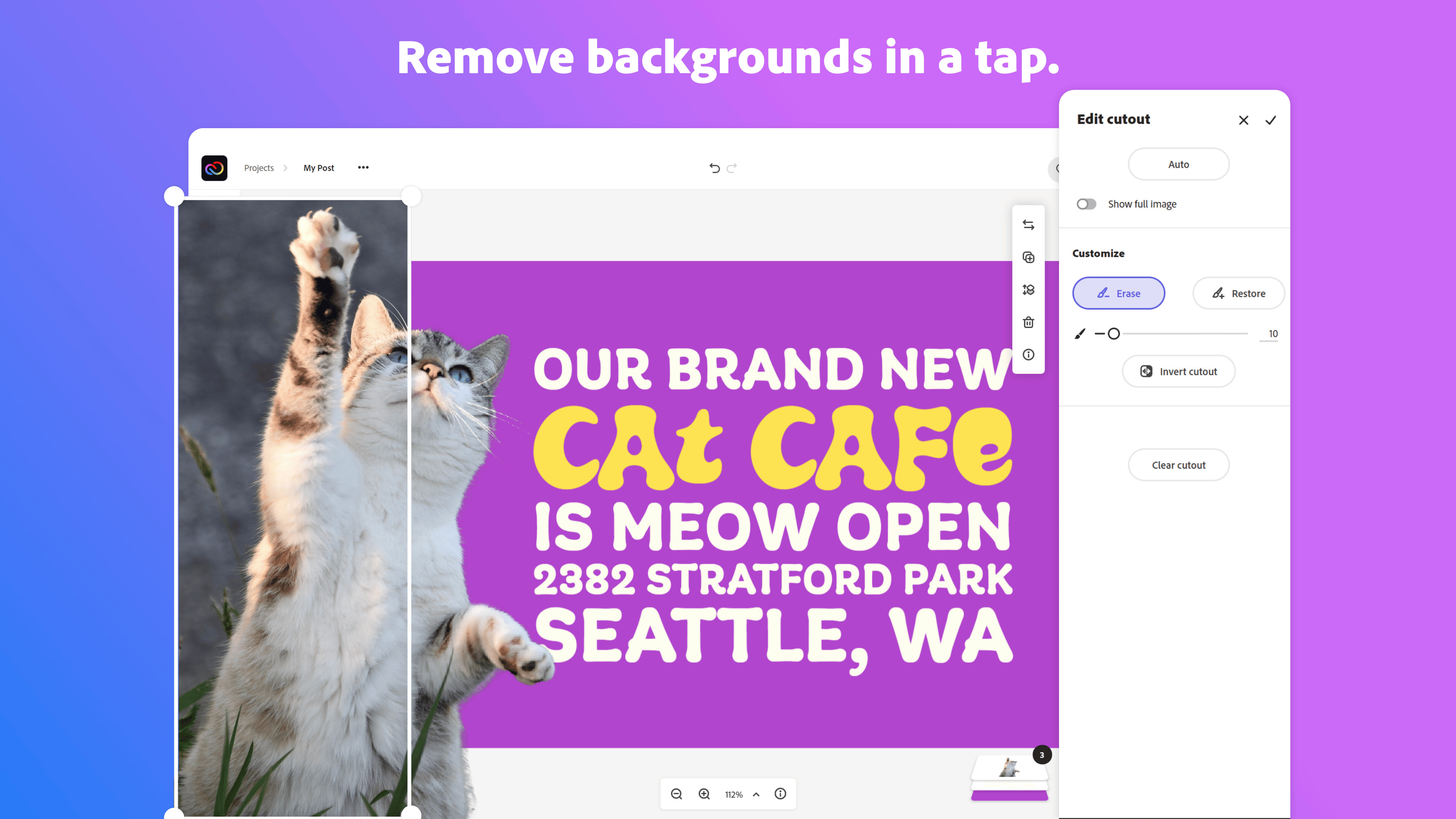
Remove backgrounds instantly.
Effortlessly cut out backgrounds without having to outline your subject — and start with a fresh canvas.
Add design elements.
Discover just what you need from tons of images, icons, backgrounds, and design assets.
Resize content in a snap.
Instantly resize and reflow content to fit any size for Instagram, Facebook, YouTube, banners, flyers, and more. Your content will adjust instantly using intuitive Adobe tools.
Make it move.
Create attention-grabbing content with features to animate text and photos.
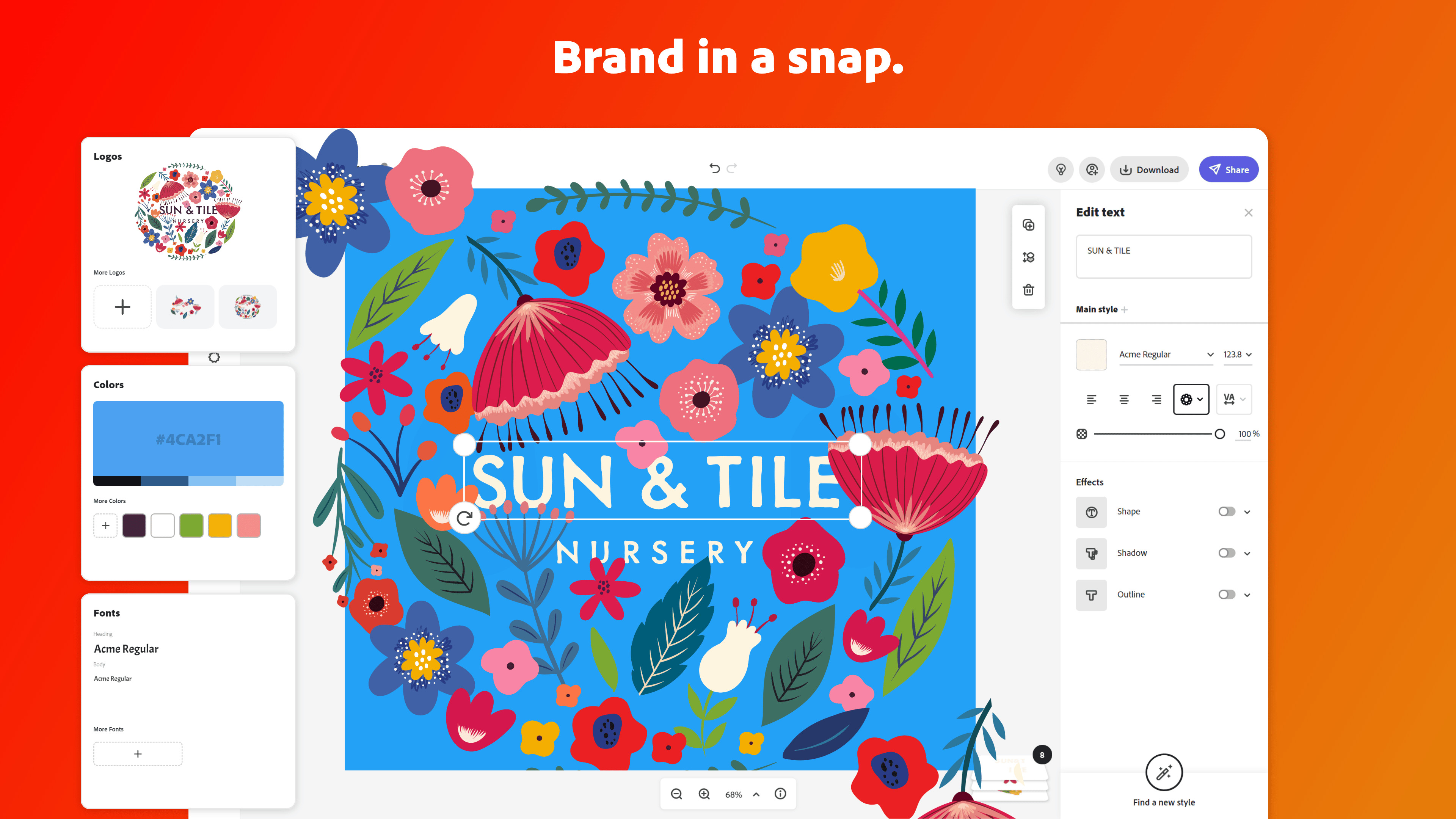
Apply your brand.
Upload your brand logo, fonts, and colors and apply them to any design with one tap.
Make videos made for social.
Easily trim, crop, resize, and convert videos.
Play with text.
Choose from over 18,000 licensed fonts from the Adobe Fonts library. Start from text templates that feature curved type, grids, and beautiful font pairs.
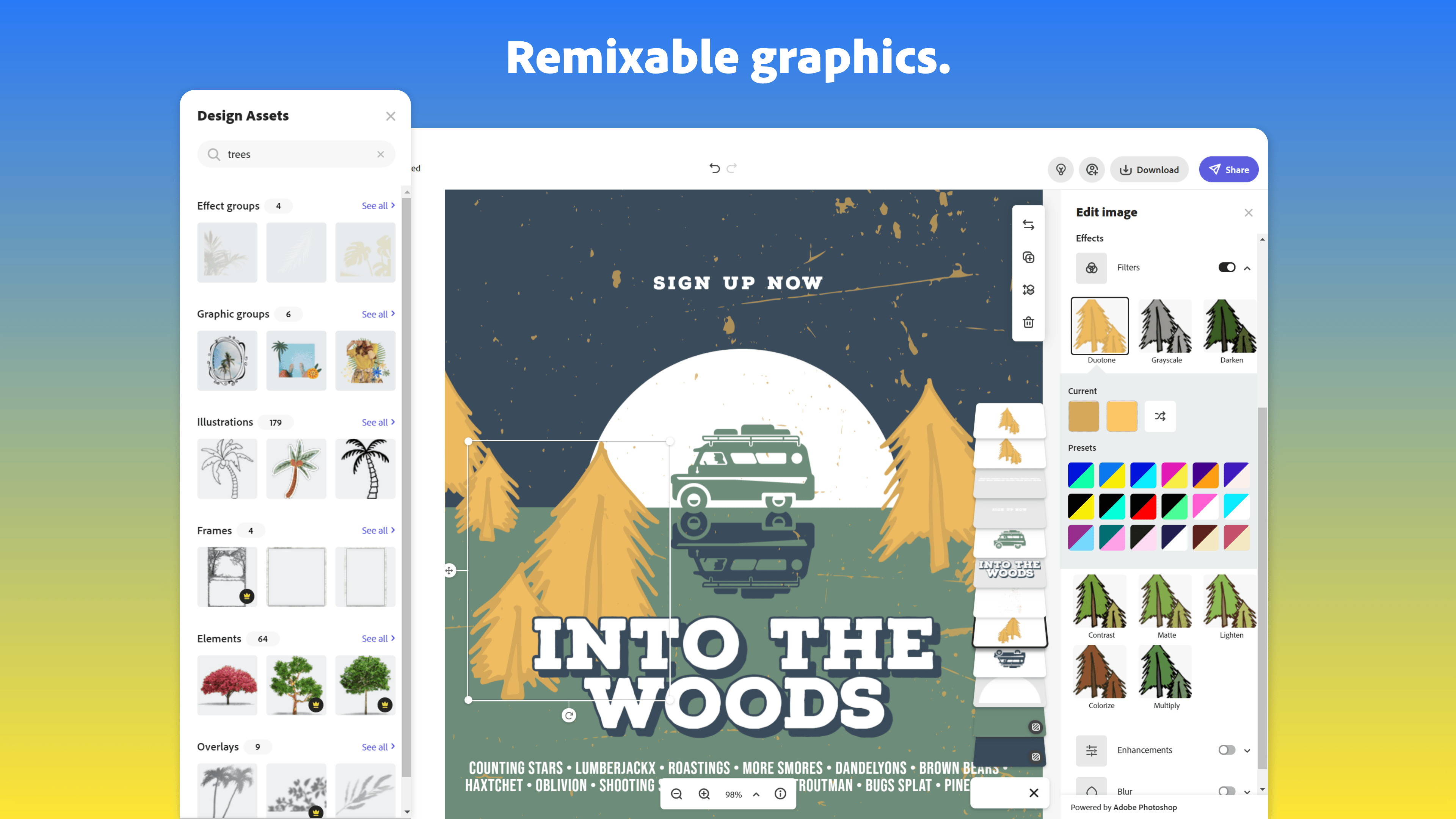
Remix it.
Customize predesigned graphics and text to make them your own.
Work better together.
Share templates, assets, and brand identity across your team so content consistently reflects your look. Save favorite templates to your library for a faster start.
*Adobe Express membership required. The Adobe Stock photo collection does not include Premium or editorial content. Limited Adobe Stock functionality available in web page and video features within the desktop app.
Product Website
Seller
AdobeDiscussions
Adobe Express CommunityLanguages Supported
Danish, German, English, Finnish, French, Italian, Japanese, Korean, Dutch, Norwegian, Portuguese, Swedish, Chinese (Simplified), Chinese (Traditional)
Overview by
Jennifer Karr (Digital Marketing Leader - North America & Global @ Adobe | 2018 Marketing Data-Driven Results Award and 2016 Teamwork Award)