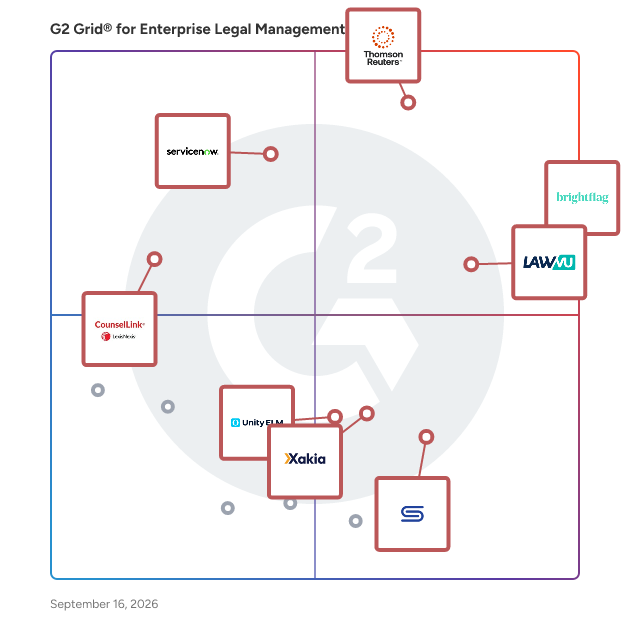
G2 takes pride in showing unbiased reviews on user satisfaction in our ratings and reports. We do not allow paid placements in any of our ratings, rankings, or reports. Learn about our scoring methodologies.
Enterprise legal management (ELM) software helps internal corporate legal teams streamline their legal operations. The core functionality of ELM solutions includes legal spend management, matter management, and billing. Some more comprehensive tools also include features designed to handle the entire slate of legal operations within a department.
Matter management, spend management, and billing are core features of ELM software, but comprehensive solutions may also include contract management, e-discovery, and legal hold features. More solutions are also providing users with robust reporting and analytics tools to aid in streamlining operations.
The following are some core features within ELM software that can help users:
Legal spend management: Legal spend management is one of the main components of ELM software. This feature gives corporate legal departments oversight of their costs and handles fee arrangements. Costs include spend on outside counsel as well as internal billing. All legal spend within the department is managed by the legal spend capabilities of an ELM tool, which typically includes reporting and analytics features to help slice and dice the data into insightful packages. Legal departments will leverage this feature to improve spend forecasts (in an industry where forecasting remains quite difficult), enforce billing guidelines, keep an auditable trail of spend, and ultimately attempt to reduce their spend.
Matter management: Matter management refers to the management of corporate legal matters. Matter management differs from case management in that it is more comprehensive, designed to handle all aspects of a corporate legal department. Corporate matters may include disputes, litigation, contracts, intellectual property (IP), research, and claims. Corporate legal departments leverage the matter management functionality of ELM solutions to handle legal documents, automate repetitive administrative tasks, open and manage matters, and act as the single source of truth for legal professionals involved in corporate matters.
Legal billing: ELM solutions provide e-billing functionality to corporate legal teams. Legal teams can use ELM solutions to bill clients, collect payments, and manage invoices. Having billing, spend management, and matter management packaged within the same system streamlines legal operations and drives efficiency.
Improve efficiency: ELM solutions help legal teams become more efficient and streamline business processes. A good ELM system will act as a single source of truth for corporate legal departments, cutting down on potential inaccuracies in duplicated data sets housed in disparate systems.
Streamline collaboration: An ELM solution acts as the single source of truth for corporate legal departments for both internal and external stakeholders. ELM systems connect all parties involved in corporate legal matters, ensuring a consistent view of matters in real time and facilitating necessary collaboration. ELM solutions help improve department workflow.
Reduce costs: ELM software helps legal departments identify areas for cost reduction and implement strategies to ensure that costs go down. ELM solutions provide the ability to implement rules to enforce billing compliance, automate repetitive tasks, and streamline legal operations within a department. ELM tools give corporate legal departments the ability to properly manage documents and act as a single source of truth for all parties involved in matters, cutting down on time and money wasted tracking down documents and matter updates.
Lawyers: Lawyers use ELM software to handle a variety of tasks related to corporate matters. ELM tools help lawyers bill their clients, get easy access to in-progress matters, collaborate with outside counsel, and manage case documents.
Legal staff: Legal administrators use ELM solutions to automate repetitive tasks. Users can set automated workflows and implement system rules to free up their time for value-adding tasks.
Related solutions to ELM software include:
Legal billing software: ELM software contains legal billing functionality. If a corporate legal team is looking for more robust legal billing functionality, ELM tools often integrate with legal billing point solutions.
Legal case management software: ELM software contains the features of case management tools plus a lot of additional functionality. Legal case management tools are designed for law firms, while the matter management features within ELM tools handle corporate legal matters.
eDiscovery software: Some ELM solutions come with eDiscovery and legal hold features built-in. If they don’t, ELM tools typically integrate with eDiscovery tools in order to provide a more complete solution for legal teams.
Software solutions can come with their own set of challenges.
Adoption: Product adoption can be a struggle for any organization looking to implement new software, and corporate legal teams are no different. An organized training program and ongoing support are vital to driving successful product adoption.
Integration: ELM solutions can be comprehensive tools designed with sufficient functionality to manage all legal department operations. However, integration with existing systems and third-party solutions is always necessary. Vetting a potential solution’s native integrations how easy it is to migrate existing data sets from legacy solutions is key to ensuring successful implementation.
ELM solutions range from ones with just the core functionality to comprehensive tools that handle nearly every aspect of legal operations within a corporate legal team. To put together a complete list of requirements, the buying team should catalog the existing systems and highlight core features that are must-haves. The team should make estimates of the number of matters per year, how much data needs to be stored within the system, and the number of potential users. Priority should be given to comprehensive solutions in order to cut down on the number of disparate systems in use.
Create a long list
The long list should include solutions within the maximum price range that meet the core feature requirements laid out during the requirements gathering phase.
Create a short list
The short list should consist of products the buying team wants to demo. Wish list features should be considered at this point, and distinctions made between the long list products.
Conduct demos
The selection team should demo the short list products, bringing specific scenarios for the vendor to run through. The buying team should ask about time to implement, customization options, native integrations, and options to build out custom integrations, the structure of vendor support, any specific regulation-driven security requirements, and what’s on the product roadmap in broad strokes.