



Introducing G2.ai, the future of software buying.Try now
Product Avatar Image
G2 recognized Backup and Recovery for Salesforce
Backup and Recovery for Salesforce

By Sesame Software

4.4 out of 5 stars
3 star
0%
2 star
0%
1 star
0%

How would you rate your experience with Backup and Recovery for Salesforce?

Backup and Recovery for Salesforce Reviews & Product Details

Pricing

Pricing provided by Backup and Recovery for Salesforce.

Core - Salesforce Backup and Recovery

Starting at $500.00

Backup and Recovery for Salesforce Media

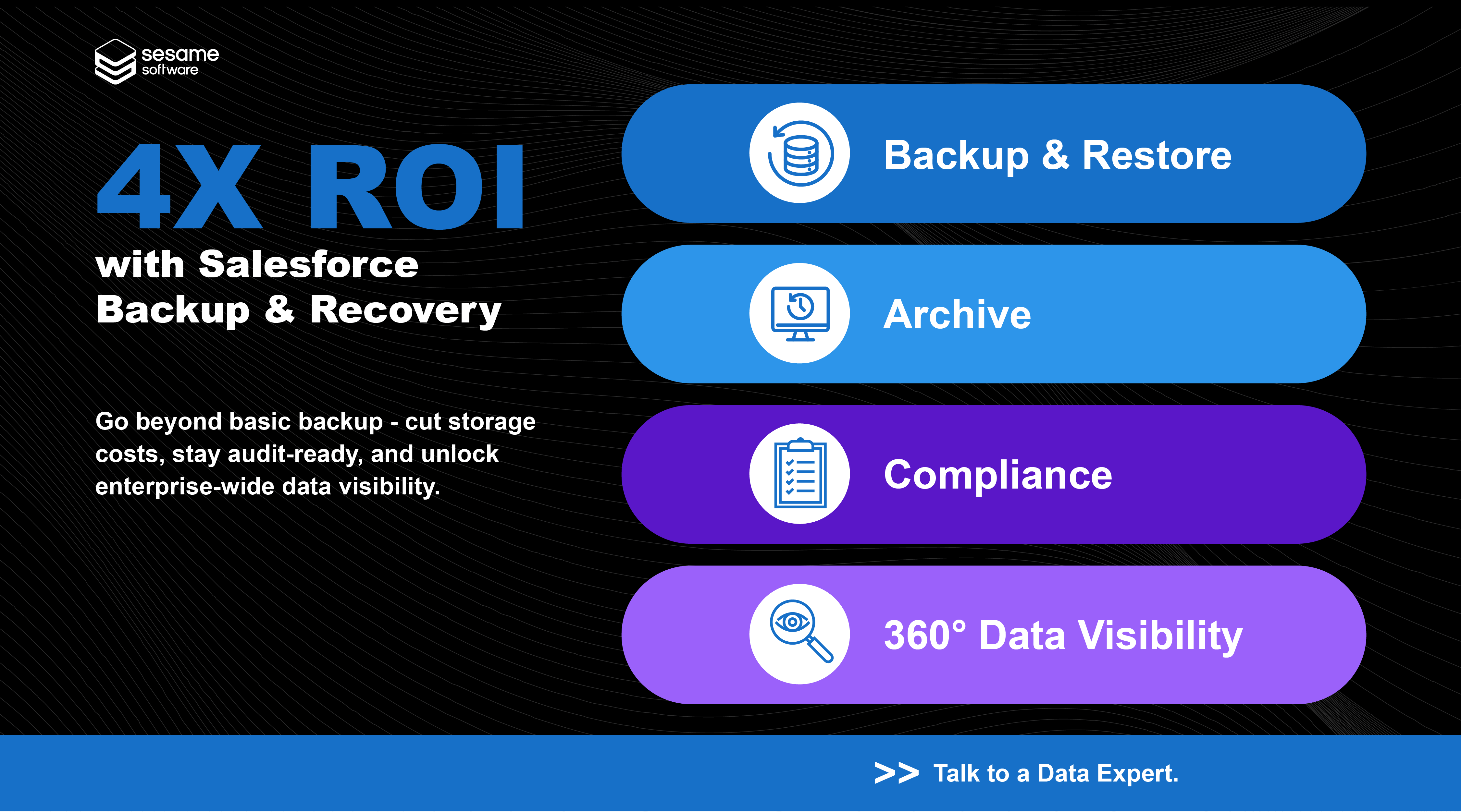
Backup and Recovery for Salesforce Demo - Get 4X ROI from Your Salesforce Backup & Recovery
Go beyond basic backup. Cut storage costs, stay audit-ready, and unlock full visibility across your enterprise data — all in one solution. Talk to a Data Expert today to see how Sesame Software pays for itself in uptime and control.
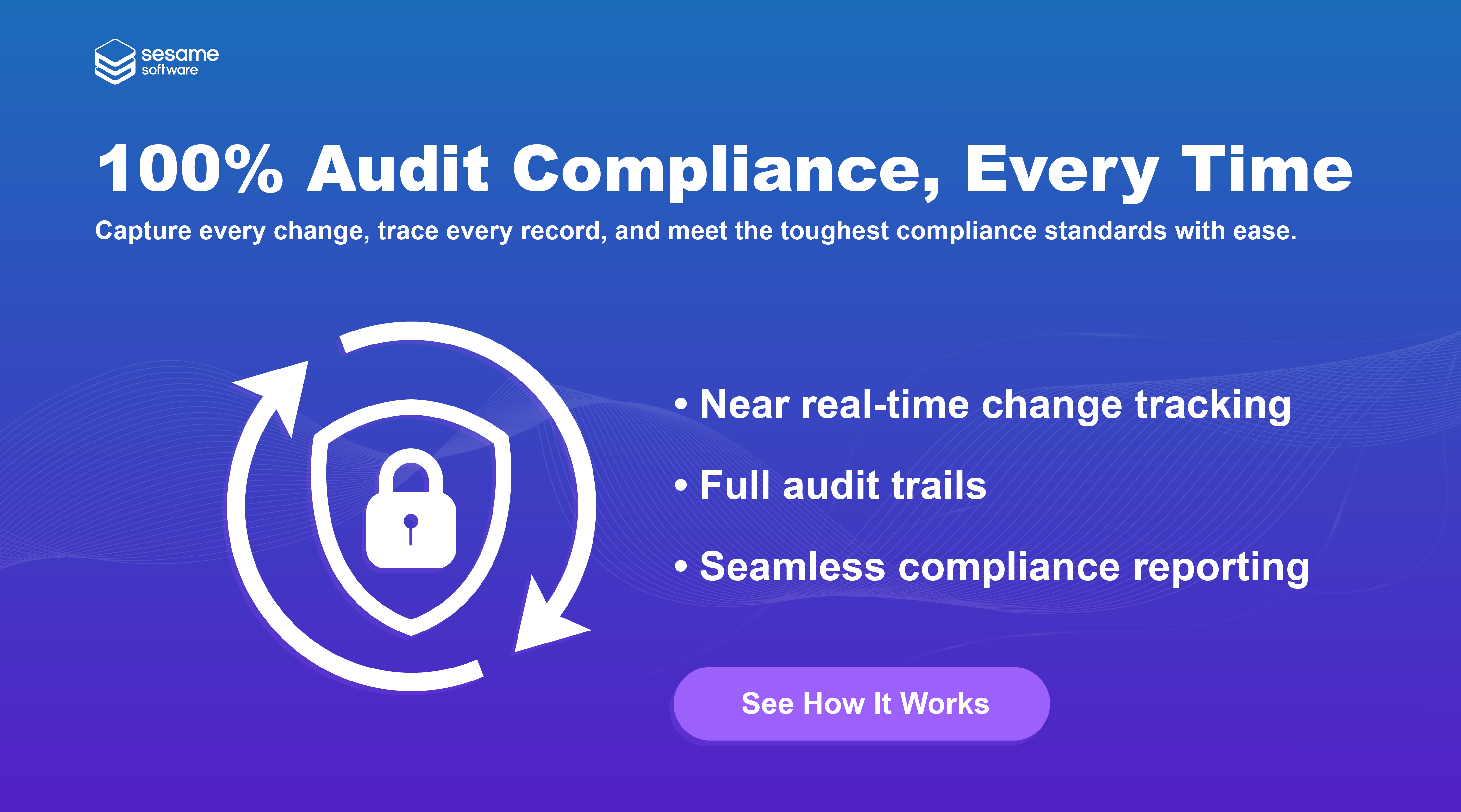
Backup and Recovery for Salesforce Demo - Prove Compliance. Protect Every Record.
Meet the toughest audit standards with ease. Capture every change in near real-time, maintain full audit trails, and generate seamless reports. Request a demo to see how our Salesforce Backup & Recovery simplifies compliance — automatically.
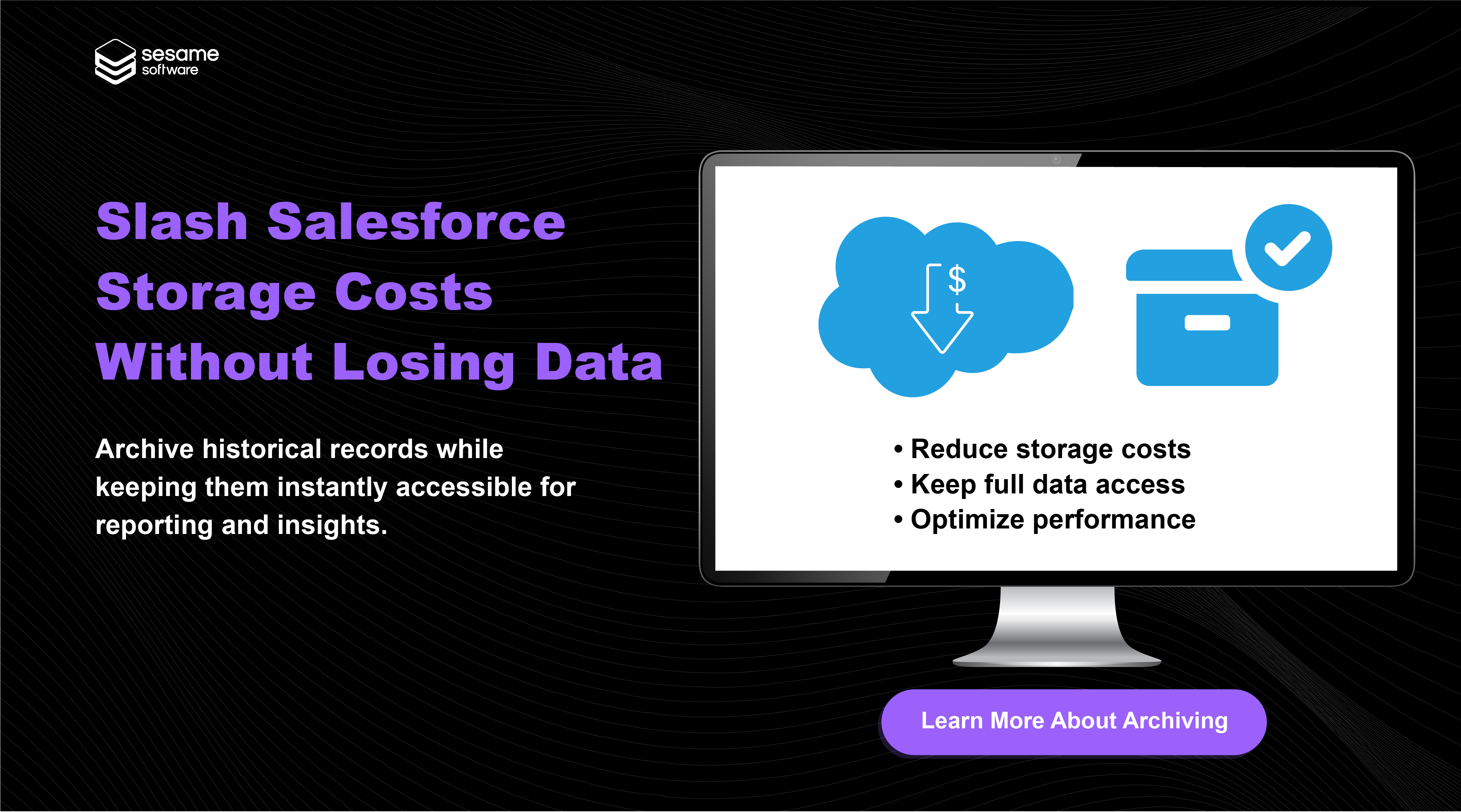
Backup and Recovery for Salesforce Demo - Cut Salesforce Storage Costs — Keep Every Record Accessible
Archive historical data without losing visibility or performance. Reduce costs, improve efficiency, and retain instant access to critical insights. Schedule a quick demo to see how archiving with Sesame Software saves money and keeps you audit-ready.
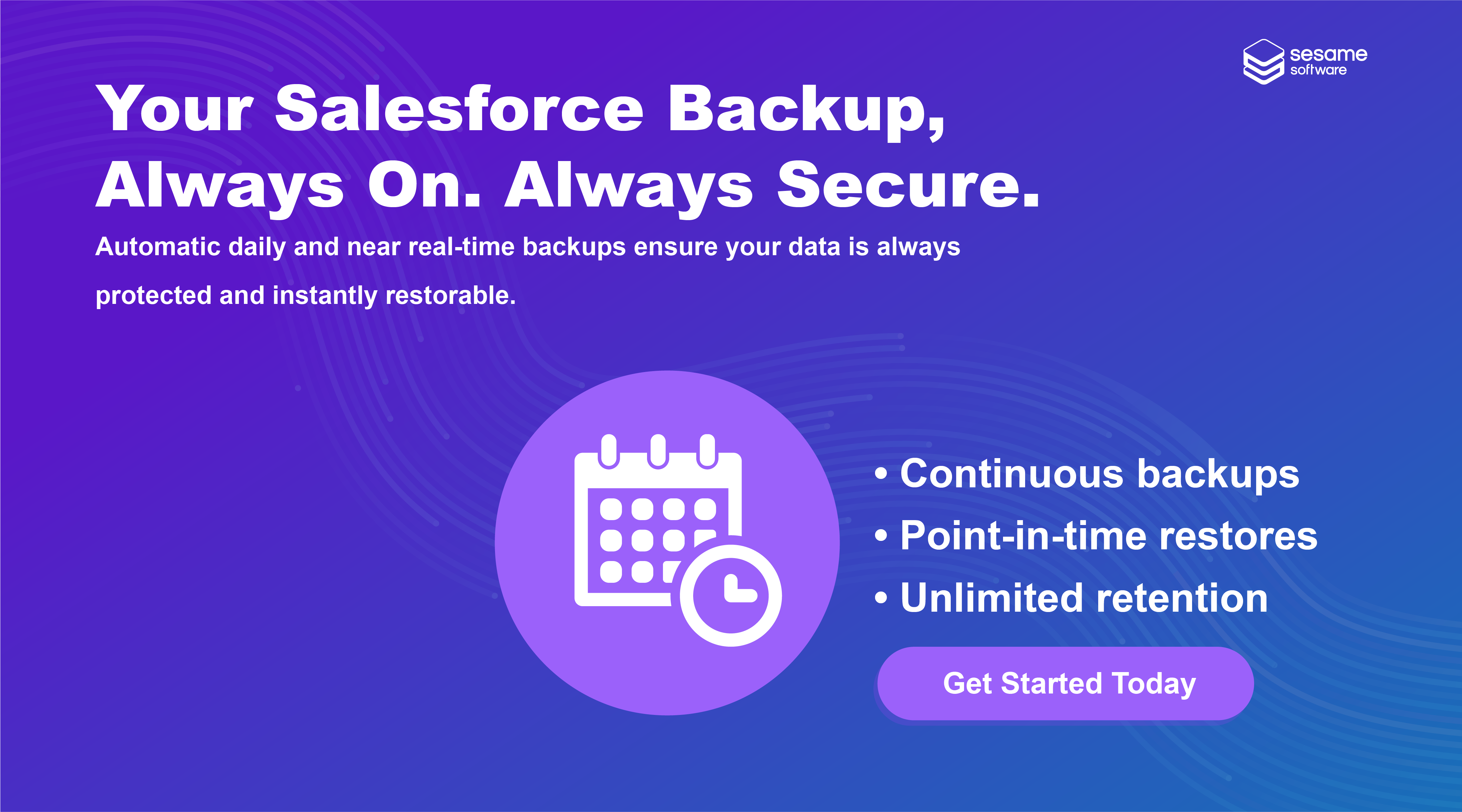
Backup and Recovery for Salesforce Demo - Your Salesforce Backup — Always On. Always Secure.
Automatic daily and near real-time backups ensure your data is always protected and instantly restorable. Gain control, resilience, and peace of mind. See it in action — request your personalized demo today.
Backup and Recovery for Salesforce Demo - Salesforce Backup & Recovery – Full Control of Your Data
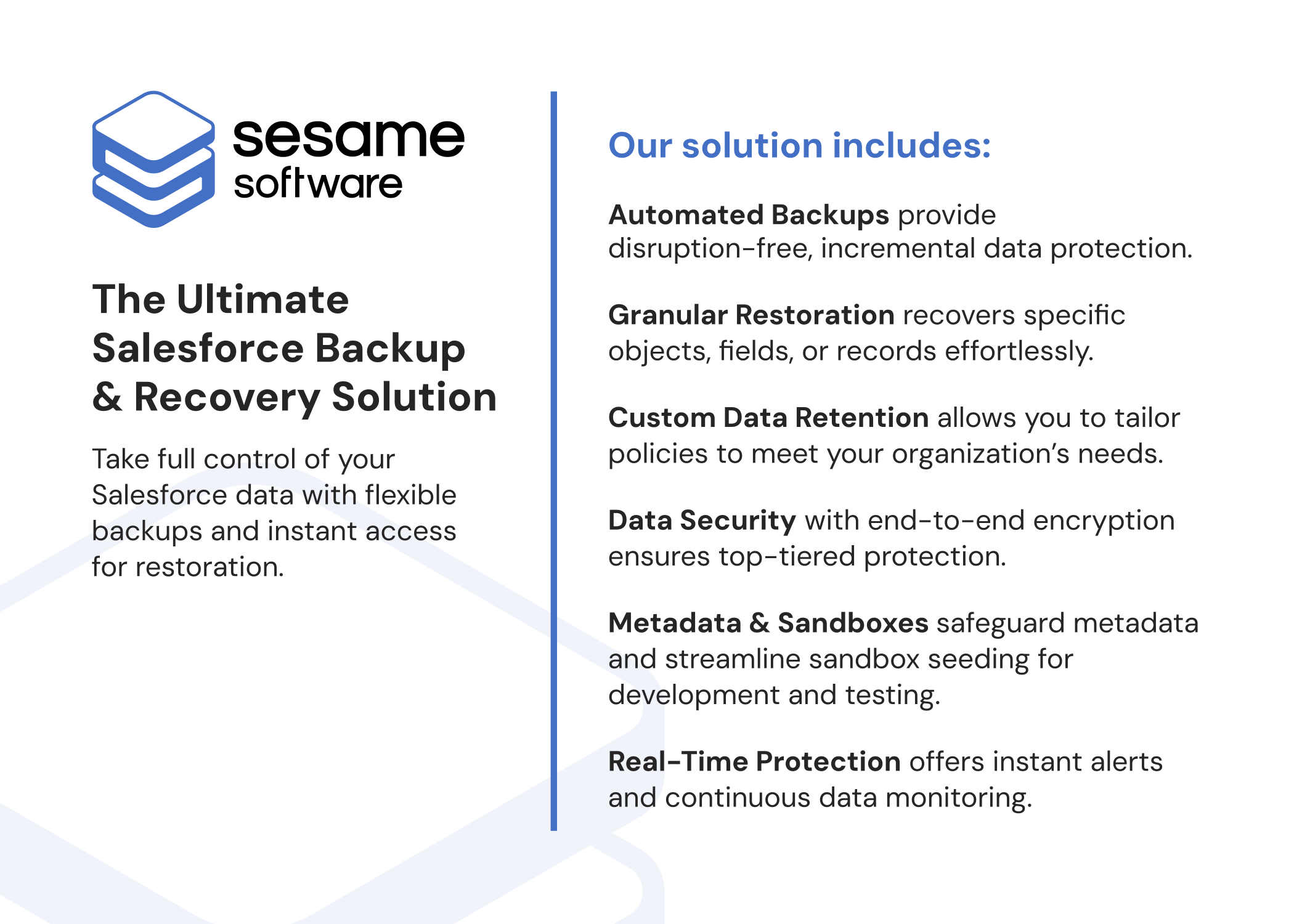
Protect your Salesforce data with Sesame Software’s all-in-one backup and recovery solution. Features include automated backups, granular restoration, custom data retention, sandbox protection, and real-time monitoring.
Backup and Recovery for Salesforce Demo - Salesforce Data Management
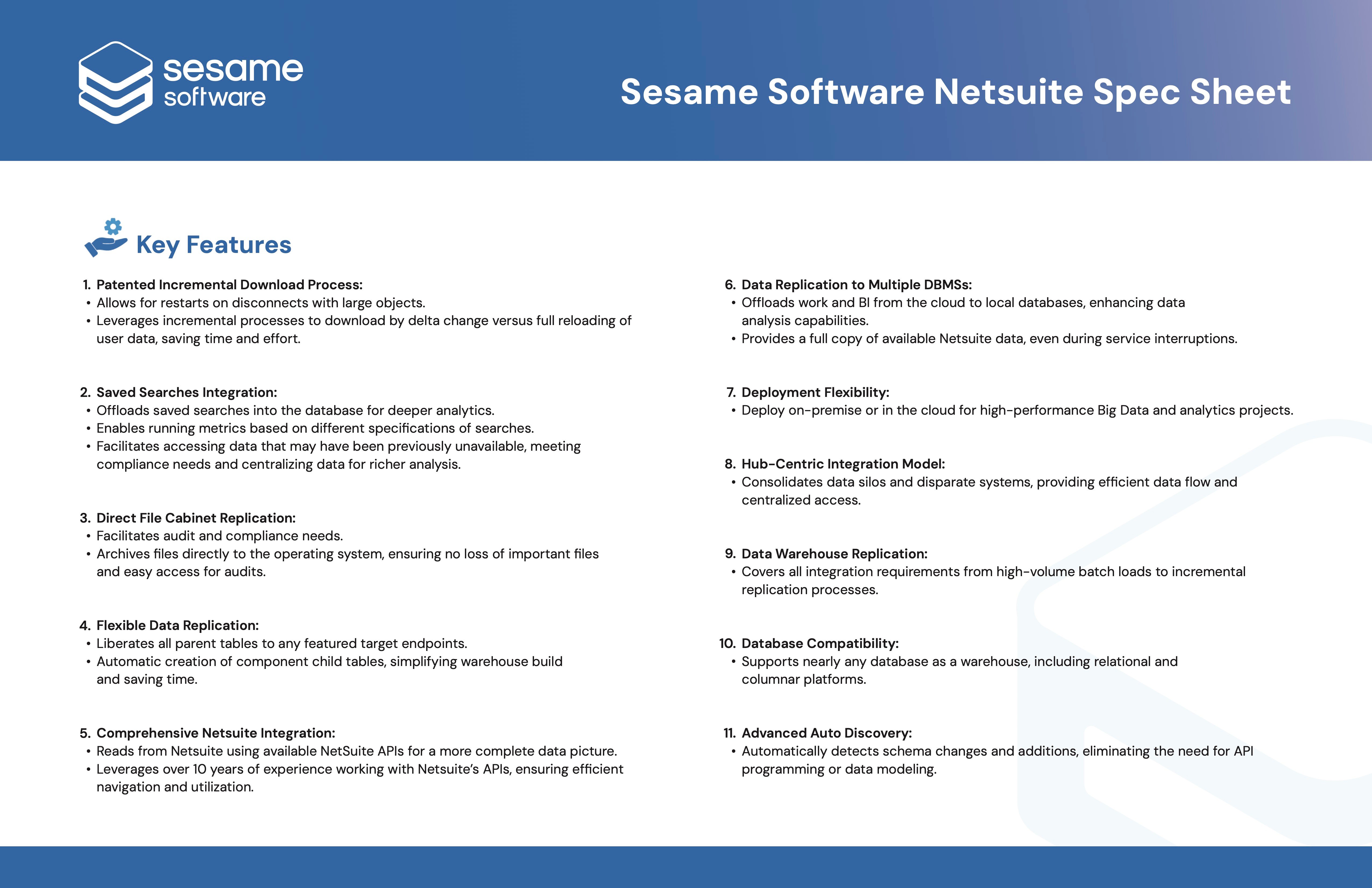
Speed up your time to insights with replication, integration, and compliant backups for your Salesforce Cloud data.
See how easy Salesforce backup and recovery can be: automatic near real-time backups, precise restores, flexible schedules, and clear monitoring. Your storage, your retention.
Play Backup and Recovery for Salesforce Video
See how easy Salesforce backup and recovery can be: automatic near real-time backups, precise restores, flexible schedules, and clear monitoring. Your storage, your retention.
Ready to unlock the full potential of Sesame Software? In this video, we’ll guide you through the must-know features to help you hit the ground running.
Play Backup and Recovery for Salesforce Video
Ready to unlock the full potential of Sesame Software? In this video, we’ll guide you through the must-know features to help you hit the ground running.
This video is your guide to navigating our user-friendly platform and getting started with ease.
Play Backup and Recovery for Salesforce Video
This video is your guide to navigating our user-friendly platform and getting started with ease.
Let’s get your system ready for seamless data management! This step-by-step guide will walk you through the essential configurations to ensure your platform is set up for success.
Play Backup and Recovery for Salesforce Video
Let’s get your system ready for seamless data management! This step-by-step guide will walk you through the essential configurations to ensure your platform is set up for success.
Product Avatar Image

Have you used Backup and Recovery for Salesforce before?

Answer a few questions to help the Backup and Recovery for Salesforce community

Backup and Recovery for Salesforce Reviews (8)

Reviews

Backup and Recovery for Salesforce Reviews (8)

4.4
8 reviews

Search reviews
Filter Reviews
Clear Results
G2 reviews are authentic and verified.
KY
Staff Developer
Enterprise (> 1000 emp.)
Business partner of the seller or seller's competitor, not included in G2 scores.
"Essential Recovery Tool with Outstanding Support"
What do you like best about Backup and Recovery for Salesforce?

The sesame tool was helpful during the recovery process, especially for converting attachments to files. Although we deleted a few files, the tool made backup recovery easier. We're fortunate to have this tool, and the support from the sesame team was available whenever we needed it.

Whenever a new field is created, it is automatically included for data retrieval and backup. Review collected by and hosted on G2.com.

What do you dislike about Backup and Recovery for Salesforce?

Not much in mind, quite helpful, if more friendly UI for Recovery may help Review collected by and hosted on G2.com.

Verified User in Banking
UB
Enterprise (> 1000 emp.)
"Effortless Backups and Restores—A Valuable Addition to Salesforce"
What do you like best about Backup and Recovery for Salesforce?

Sesame software RJ makes backup and recovery convenient by generating daily and full backups, allowing you to restore data to any specific date and time. Since Salesforce's own backup and recovery features require a paid subscription, this extra functionality from Sesame is especially valuable. Review collected by and hosted on G2.com.

What do you dislike about Backup and Recovery for Salesforce?

Security, particularly when handling BNFS data, may be a concern. Therefore, it is essential that the software strictly follows all relevant compliance and security guidelines. Review collected by and hosted on G2.com.

Verified User in Computer Software
UC
Enterprise (> 1000 emp.)
"Effortless Data Retrieval from X<object> Enhances Workflow"
What do you like best about Backup and Recovery for Salesforce?

I like the feature of getting information from X<object> when not all field changes are captured in <object>history Review collected by and hosted on G2.com.

What do you dislike about Backup and Recovery for Salesforce?

entry in X<object> table doesn't happen for the last latest modified record Review collected by and hosted on G2.com.

Sam F.
SF
Senior Web Application Developer
Computer Software
Mid-Market (51-1000 emp.)
"RelationalJunction is the perfect tool for raw data backup and syncronization"
What do you like best about Backup and Recovery for Salesforce?

Very little configuration is needed to replicate all Salesforce data to a local SQL server. Custom objects added in Salesforce are automatically added as new tables in the replicated database. Custom fields added in Salesforce are automatically added as new columns in the replicated database.

Configuration files make it easy to configure replication, such as excluding certain objects, how often to replicate each object, etc.

Logs are very verbose. They can be very long, but when something isn't working right, they are very helpful in figuring out exactly what is causing the problem.

Records that are deleted in Salesforce stay in the replicated database forever.

Two way replication is easy. Records can be inserted or changed locally and uploaded to Salesforce simply by flagging the new or updated rows with an 'I' or 'U'. You can also delete records by flagging them with a 'D'.

Besides a browser based user interface, it also has a command line interface. Those familiar with the command line will appreciate the ability to run any task from the command line. Review collected by and hosted on G2.com.

What do you dislike about Backup and Recovery for Salesforce?

If a field type is changed in Salesforce (like from an integer to a text field), Relational Junction will not automatically change the column in the local database. Instead, the replication script will fail until the column is fixed. To do this, you have to delete the column, then run some commands to have Relational Junction add the column again with the correct data type. Review collected by and hosted on G2.com.

AP
Enterprise (> 1000 emp.)
"Relation Junction for Salesforce"
What do you like best about Backup and Recovery for Salesforce?

Support staff and there dedication towards solving the issue.

Also knowledge of support staff is excellent. They provides information even at one go and issue gets resolved.

Whenever we had call for any issue resolution they solves issues almost in one go.

Secondly tool; but obvious its best tool for saleforce data integration. Review collected by and hosted on G2.com.

What do you dislike about Backup and Recovery for Salesforce?

There is nothing at the moment i have to mention in this section, and hope same going ahead also. Review collected by and hosted on G2.com.

Verified User in Human Resources
AH
Enterprise (> 1000 emp.)
"Can recommend RJ for smaller orgs"
What do you like best about Backup and Recovery for Salesforce?

Syncing meta data and backing up the org meta data. Review collected by and hosted on G2.com.

What do you dislike about Backup and Recovery for Salesforce?

Cannot handle huge orgs which need field history need to be backed up.

Does not scale with free databases like mysql. Review collected by and hosted on G2.com.

BK
Enterprise (> 1000 emp.)
"Performance wise"
What do you like best about Backup and Recovery for Salesforce?

It's load the data very fast from salesforce Review collected by and hosted on G2.com.

What do you dislike about Backup and Recovery for Salesforce?

Everything is good and it's working very effectively. Review collected by and hosted on G2.com.

Verified User in Education Management
AE
Mid-Market (51-1000 emp.)
"Relational Junction"
What do you like best about Backup and Recovery for Salesforce?

We needed a tool that would backup and replicate our salesforce database. In researching products, this one seemed to be the most robust. Review collected by and hosted on G2.com.

What do you dislike about Backup and Recovery for Salesforce?

Some of the setup instructions not that straight forward. Once the user interface is explained, it's less confusing to work with. Review collected by and hosted on G2.com.

Discussions related to Backup and Recovery for Salesforce

Discussions for this product are not available at this time. Be the first one to Start a discussion

Pricing Options

Pricing provided by Backup and Recovery for Salesforce.

Core - Salesforce Backup and Recovery

Starting at $500.00

Pro - Salesforce Backup and Recovery

Starting at $500.00

Enterprise - Salesforce Backup and Recovery

Contact Us
Backup and Recovery for Salesforce Comparisons
Product Avatar Image
Salesforce Backup & Recover
Compare Now
Product Avatar Image
Amazon Redshift
Compare Now
Product Avatar Image
IBM Netezza Performance Server
Compare Now
Product Avatar Image
Backup and Recovery for Salesforce