









What is data export?
Data export is the process of extracting data from one system and converting it into a compatible format for use in another application or database. It allows organizations to transfer, migrate, or back up information without affecting the original data.
Exported data may include details such as user IDs, IP addresses, application keys, and custom variables. Data export is often part of a backup strategy and helps streamline reporting, system integration, and data management. Many businesses use automated data extraction tools or APIs to efficiently move large volumes of data across platforms.
TL;DR: data export definition explained
Data export is the process of transferring data from one system to another by converting it into a portable file format. It is commonly used for system migrations, backups, analytics, compliance requests, and data sharing. Standard export formats include CSV, XLSX, JSON, XML, and PDF. To reduce errors and security risks, organizations validate exported data, batch large transfers, compress files, and encrypt them during transmission.


What are the types of data export?
There are several types of data export methods that help administrators and users extract and transfer information efficiently. The most common types include form data export, list export, URL export, and web services export.
- Form data export: Allows users to extract data collected through online forms. It is commonly used to filter, sort, analyze, and measure responses across beneficiaries or individual records. This method is often used within the user interface to export specific form submissions.
- List export: Enables the extraction of multiple records in structured formats such as PDF, Excel (XLSX), JSON, or XML. When exporting in XML format, the file may either be saved manually or automatically downloaded to the system’s default folder.
- URL export: is used to extract data that is publicly available online through specific web links. In this method, users define the exact dataset they want to retrieve, such as post IDs, page titles, or URLs, and choose the appropriate export format or processing method to generate the file.
- Web services export: Allows multiple records to be exported through web service requests. Data is typically stored in XML format and transferred using SOAP (Simple Object Access Protocol), a standard internet communication protocol that enables structured data exchange between systems.
What are the benefits of data export?
Data export provides data availability, protection, cost efficiency, and operational flexibility by creating secure, portable copies of information that can be stored or used across systems.
- Ensures data availability: Exported data can be accessed offline, which is especially useful when cloud access is limited due to poor or no internet connectivity.
- Safeguards data: By storing exported data on a separate system or server, organizations protect critical information from hardware failures, system crashes, or data corruption.
- Reduces cost: Data export minimizes expenses associated with purchasing additional storage infrastructure by enabling efficient data transfer and external storage management.
- Supports data migration and system upgrades: Exporting data simplifies moving information between platforms, upgrading software versions, or integrating new tools without losing historical records.
-
Improves compliance and auditing: Maintaining exported copies of data helps organizations meet regulatory requirements, maintain audit trails, and ensure long-term data retention for governance purposes.
What are some data export best practises?
Data export best practices focus on improving performance, reducing storage costs, and ensuring efficient data transfer, especially when handling large datasets. By optimizing how data is packaged and processed, organizations can minimize system strain, lower operational expenses, and ensure smooth data migration and backup processes.
- Compressing data: Data compression reduces file size, saving storage space on local drives or cloud platforms. Smaller files lower storage costs and speed up data transfer times.
- Making data more manageable: Exporting data in smaller chunks makes the process more manageable and reduces the risk of timeouts, system overload, or failed transfers. Batch processing also improves import performance on the receiving system.
- Using flat file formats: Flat file formats, such as CSV or other plain text files with minimal formatting, ensure compatibility across platforms. Because they follow a uniform structure without complex indexing or relational dependencies, flat files simplify data exchange between small and large databases.
- Validate and clean data before exporting: Performing data validation helps eliminate duplicate, incomplete, or corrupted records. Clean data improves accuracy, prevents import errors, and enhances overall data quality in the target system.
- Secure exported data: Apply encryption, password protection, or secure file transfer protocols (SFTP/HTTPS) when exporting sensitive information. This ensures data privacy, regulatory compliance, and protection against unauthorized access.
What is data export vs. data backup?
Data export and data backup both involve handling organizational data, but they serve very different purposes. Understanding the distinction helps businesses choose the right approach for system integration, reporting, migration, or data protection needs.
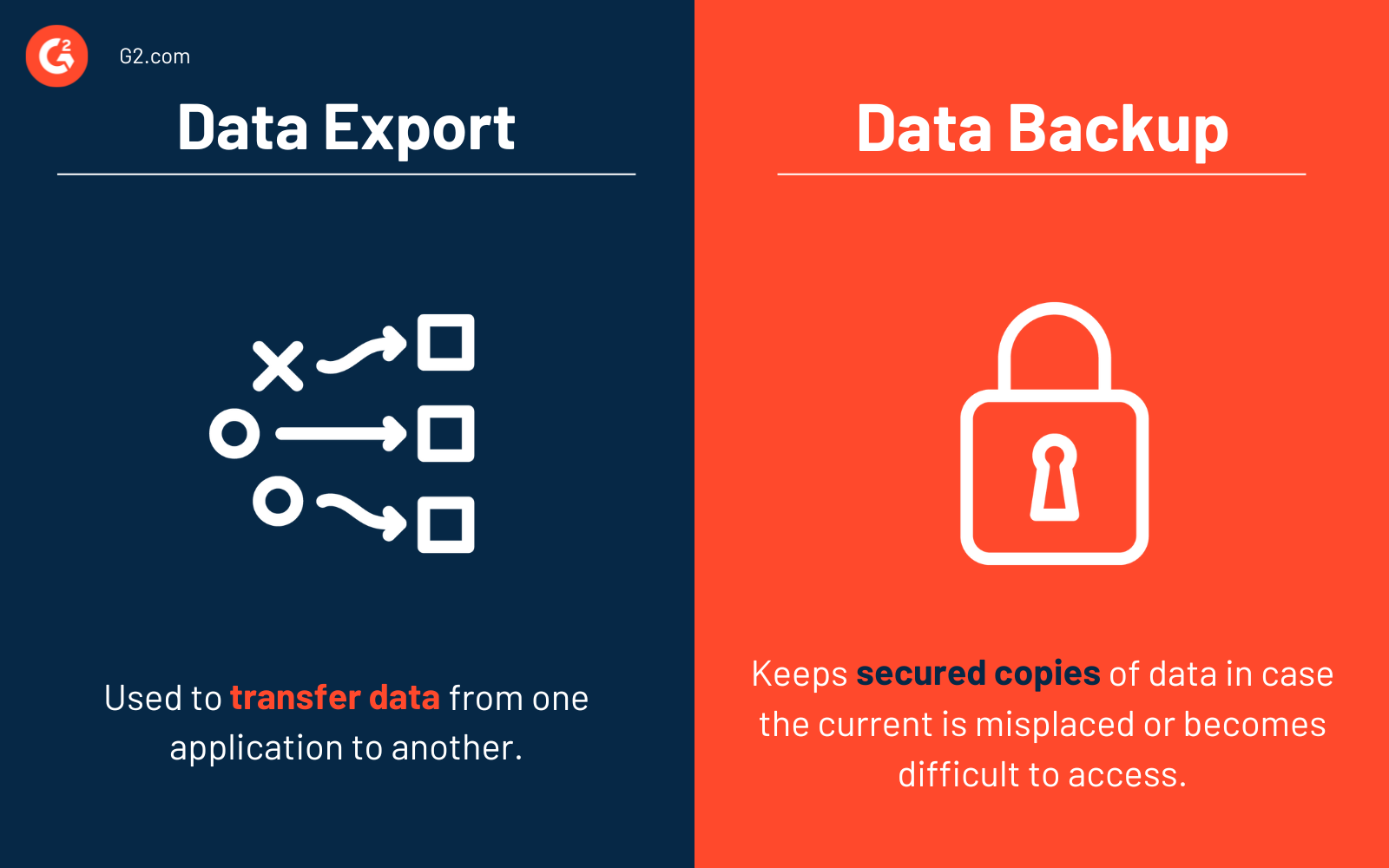
| Data export | Data backup |
| Data export is the process of transferring data from one application, system, or database to another for use, storage, analysis, or integration. | Data backup is a process of keeping secure copies of data in case the current data is misplaced or becomes difficult to access. |
|
Data export can be performed by selecting a target database to transfer the data into, allowing information to be moved directly from one system to another. |
Data backup creates a file with a .bak extension, which can be stored on another server and later recovered using the “restore” option. |
Frequently Asked Questions about Data Export
Have unanswered questions? Let’s tackle them.
Q1.What is the most commonly used data export format?
The most commonly used data export format is CSV (Comma-Separated Values). CSV is a widely supported file type that works across spreadsheets, databases, analytics tools, and business software platforms. These files are lightweight, typically smaller in file size, and ideal for structured tabular data. Because of their compatibility and simplicity, CSV files are the standard format for most data export processes.
Q2. Does exporting data delete it?
No, exporting data does not delete it. When you export data, the system creates a copy of the selected information and transfers it to a file or another system. The original data remains stored in its source location unless a separate deletion action is performed. Exporting is commonly used for reporting, backup, sharing, or migration purposes without affecting the original dataset.
Q3.What are the methods of data export?
Common methods include manual downloads from a dashboard or web user interface (UI), API-based exports for automated data retrieval, database dumps for full data extraction, scheduled automated exports, and integrations through cloud or ETL tools. The chosen method depends on factors such as data volume, required automation, and available storage capacity, especially when handling large datasets.
Q4.What are some examples of data sources?
Examples of data sources include CRM systems, marketing automation platforms, analytics tools, databases (including desktop databases), spreadsheets, cloud-based SaaS applications, APIs, and IoT devices. In some industries, specialized systems may export data in formats such as CAD files for engineering and design purposes.
Examples of data sources include CRM systems, marketing automation platforms, analytics tools, databases (including desktop databases), spreadsheets, cloud-based SaaS applications, APIs, IoT devices, and device enrollment platforms that manage and track enterprise hardware and user access.
If your organization regularly transfers data between systems, it may be time to automate the process. Explore the top ETL tools that make it easy to extract, transform, and load data securely across platforms.

Shalaka Joshi
Shalaka is a Senior Research Analyst at G2, with a focus on data and design. Prior to joining G2, she has worked as a merchandiser in the apparel industry and also had a stint as a content writer. She loves reading and writing in her leisure.


