Optimal is a comprehensive user insights platform designed to support user research across the entire product development process. Tailored for enterprise organizations, Optimal helps teams make informed product decisions by connecting directly with users, from early discovery and concept validation to usability testing and post-launch optimization. The platform is particularly effective for cross-functional teams seeking to reduce development risk, align stakeholders, and deliver user-centered experiences at scale.
Optimal serves product managers, designers, UX researchers, and others who need fast, reliable insights through structured user research. Its intuitive interface and AI-powered tools enable both researchers and non-researchers to contribute meaningfully, promoting research democratization without compromising quality. With flexible study design, AI and automation, and built-in participant recruitment, Optimal makes it easier to uncover user needs, test ideas early, validate navigation, and analyze qualitative feedback across multiple research efforts.
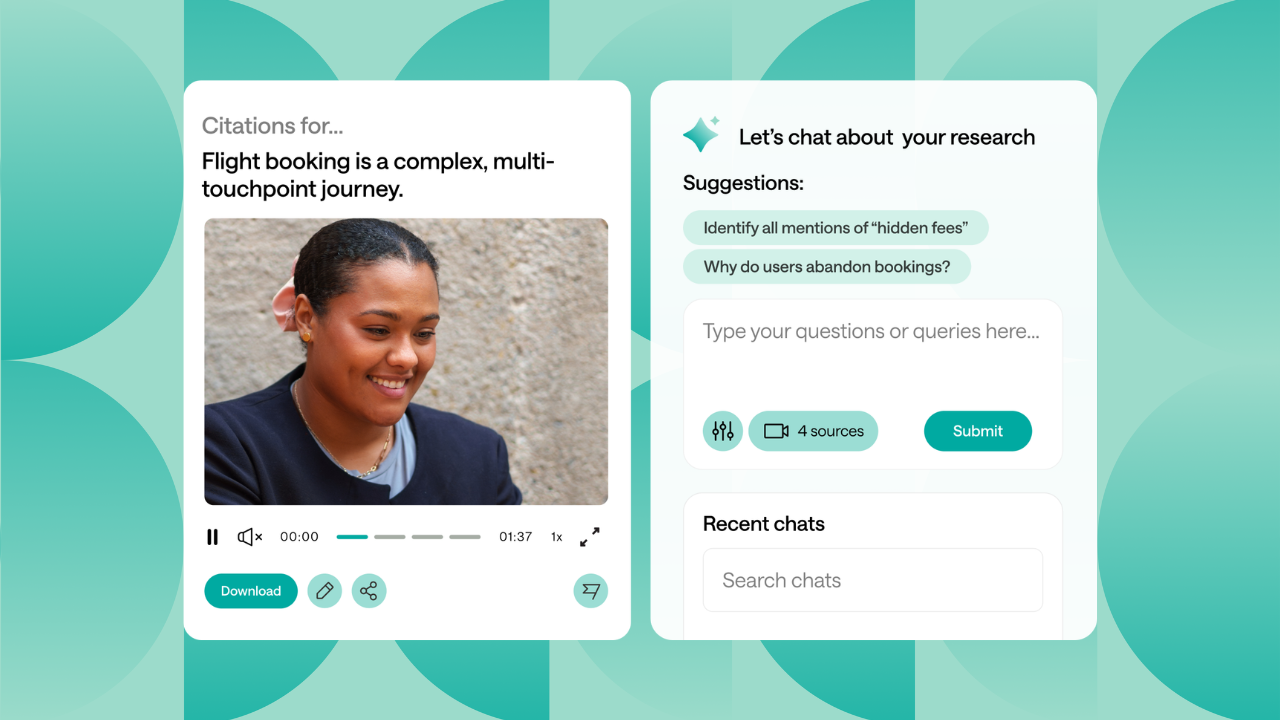
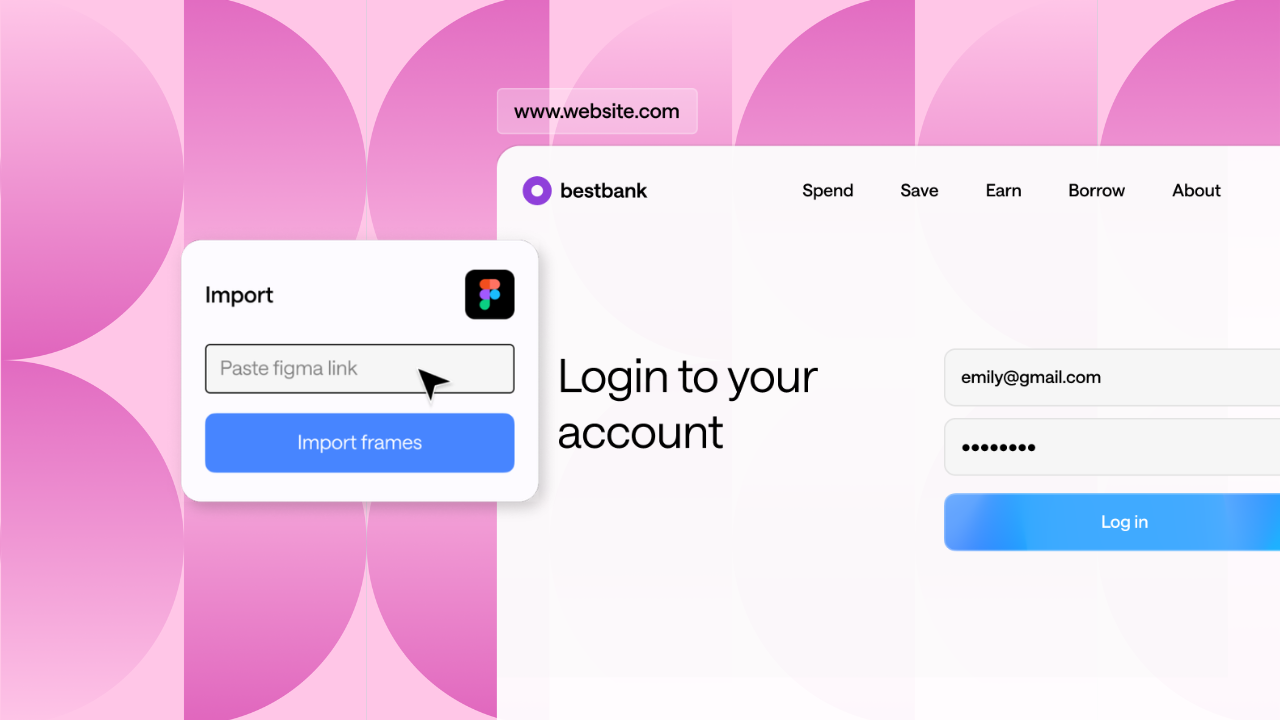
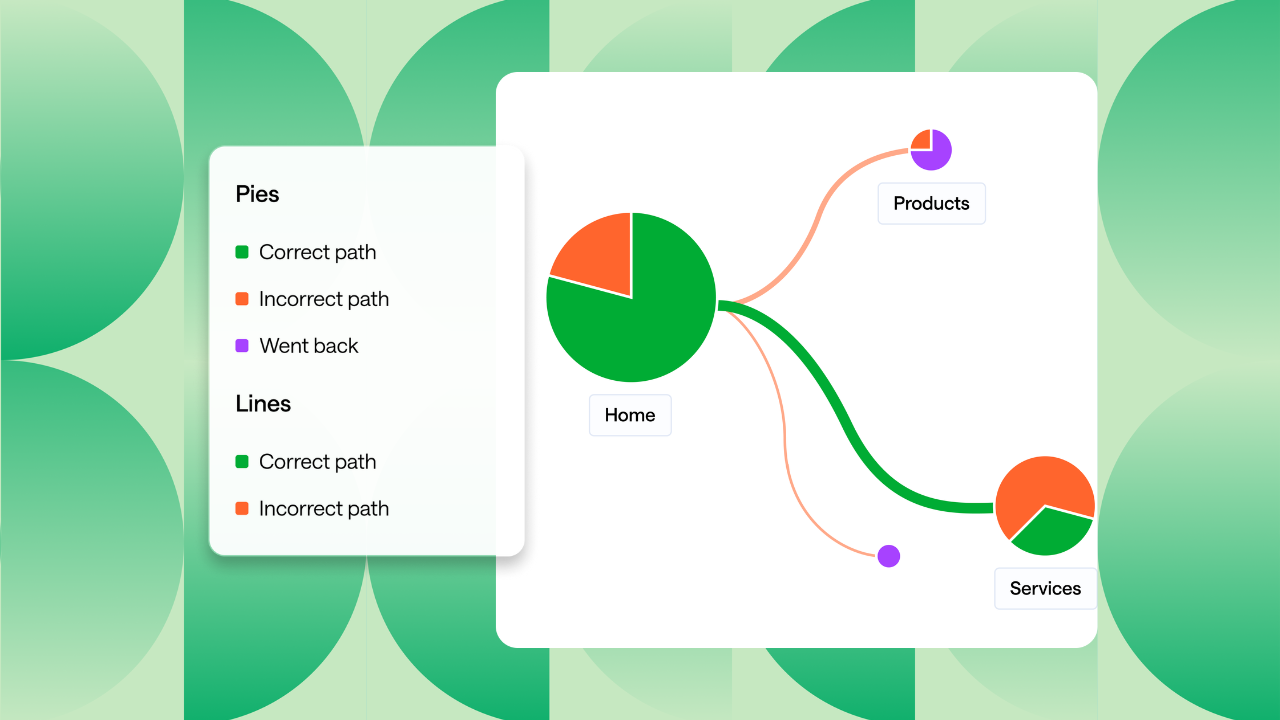
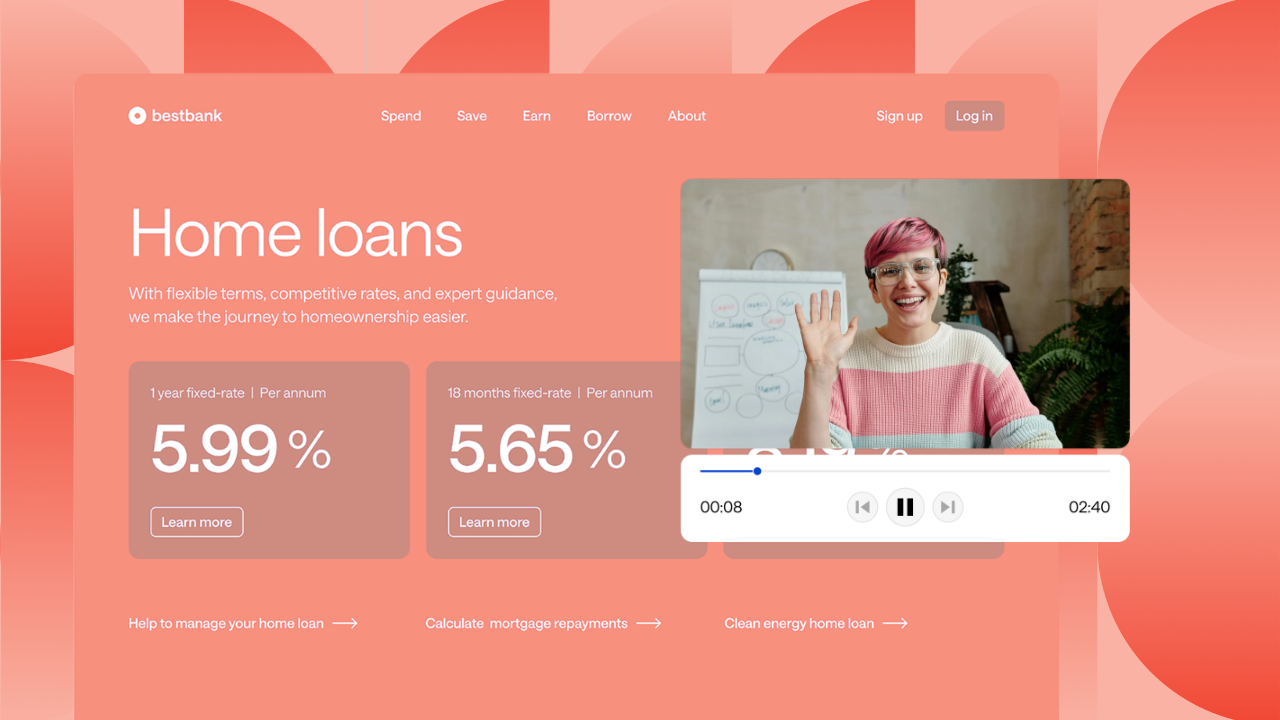
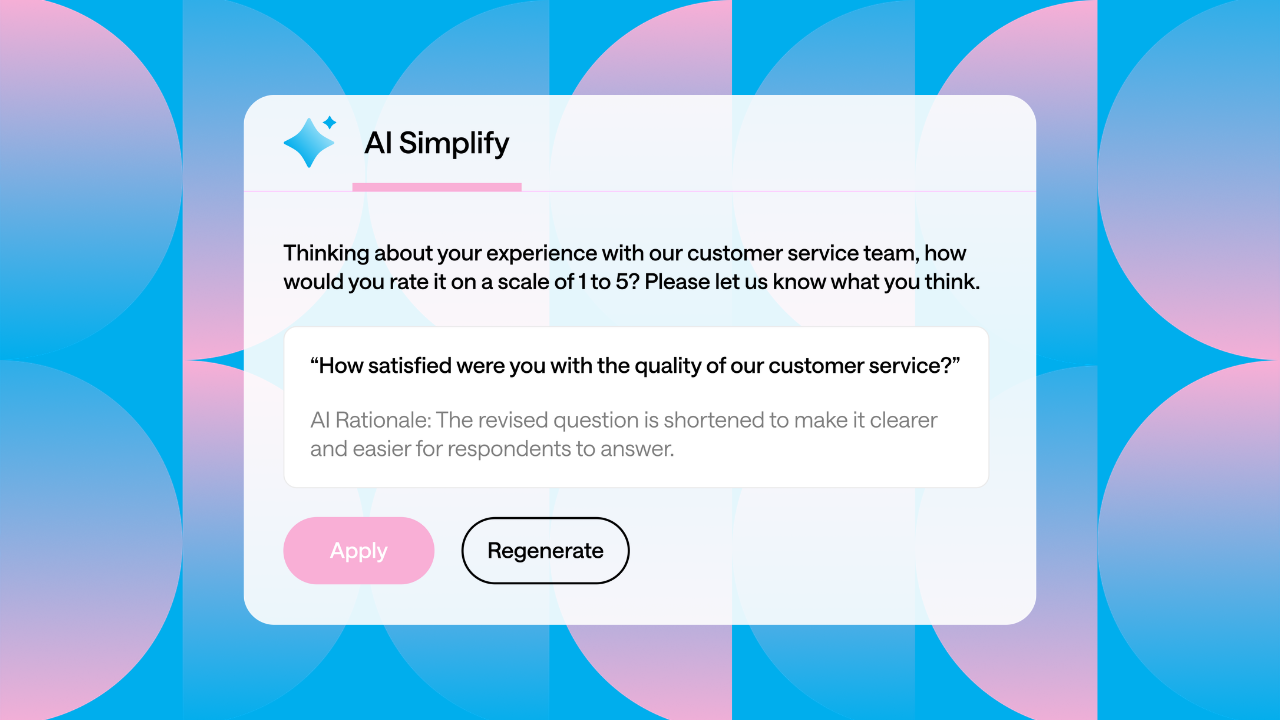
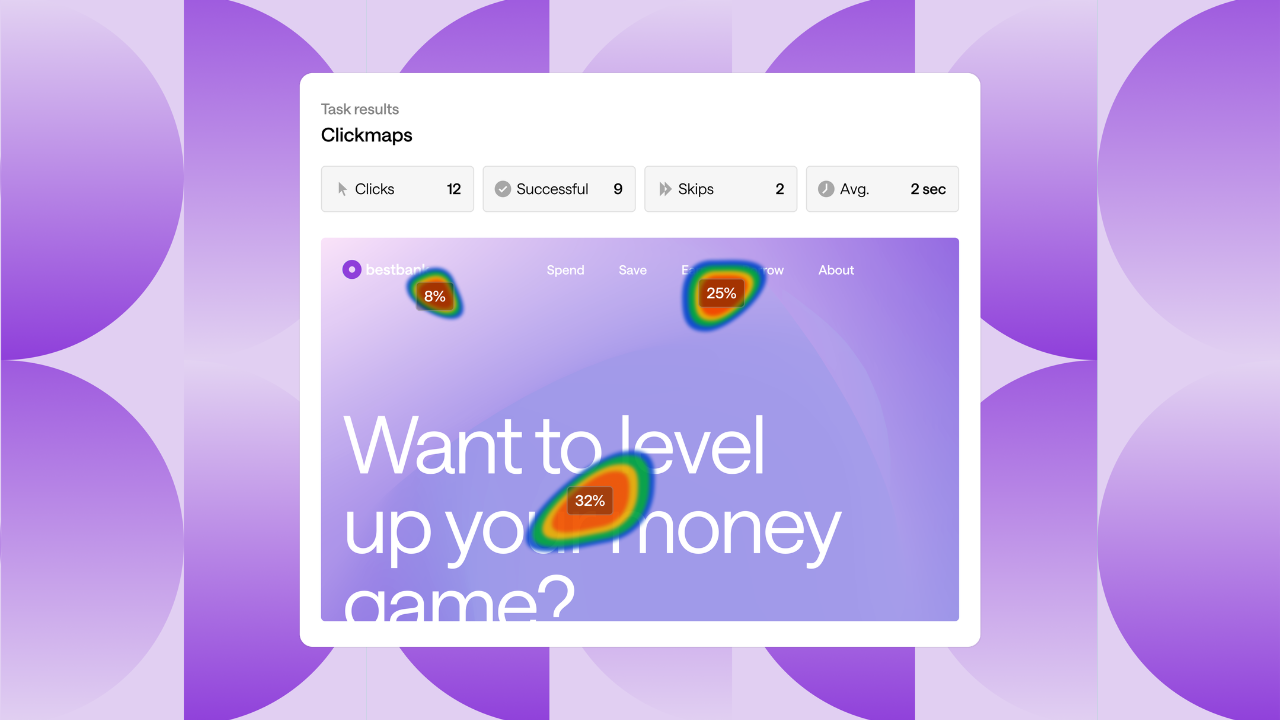
Key capabilities of the Optimal platform include prototype testing and live website testing; AI-assisted surveys to quickly gather reliable feedback on user behaviors and preferences; and AI user research features that automatically extract insights, themes, and highlight reels from recorded interviews. Teams can also centralize qualitative data for streamlined analysis, structure content more effectively with card sorting and tree testing, and improve usability with first-click testing, and more. Participant recruitment is fully integrated, offering access to a global panel of over 100 million users across 150 countries, along with options for managed services or custom audiences.
Trusted by global organizations including Apple, Netflix, Amazon, Spotify, Nike, and LEGO, Optimal empowers teams to conduct rigorous, scalable user research that informs strategic decisions and improves user satisfaction. By combining human insight with advanced AI user research capabilities, Optimal helps enterprises build better digital products, faster, smarter, and with greater confidence.
Product Website
Seller
OptimalDiscussions
Optimal CommunityLanguages Supported
Afrikaans, Bengali, Bulgarian, Catalan, Czech, Danish, German, Greek, English, Estonian, Basque, Persian, Finnish, French, Irish, Hebrew, Hindi, Croatian, Hungarian, Indonesian, Italian, Japanese, Central Khmer, Korean, Latvian, Lithuanian, Malayalam, Macedonian, Malay, Dutch, Norwegian, Polish, Portuguese, Romanian, Russian, Slovak, Slovenian, Spanish, Serbian, Swedish, Tamil, Telugu, Thai, Turkish, Ukrainian, Vietnamese, Chinese (Simplified), Maltese
Overview by
Sarah Flutey