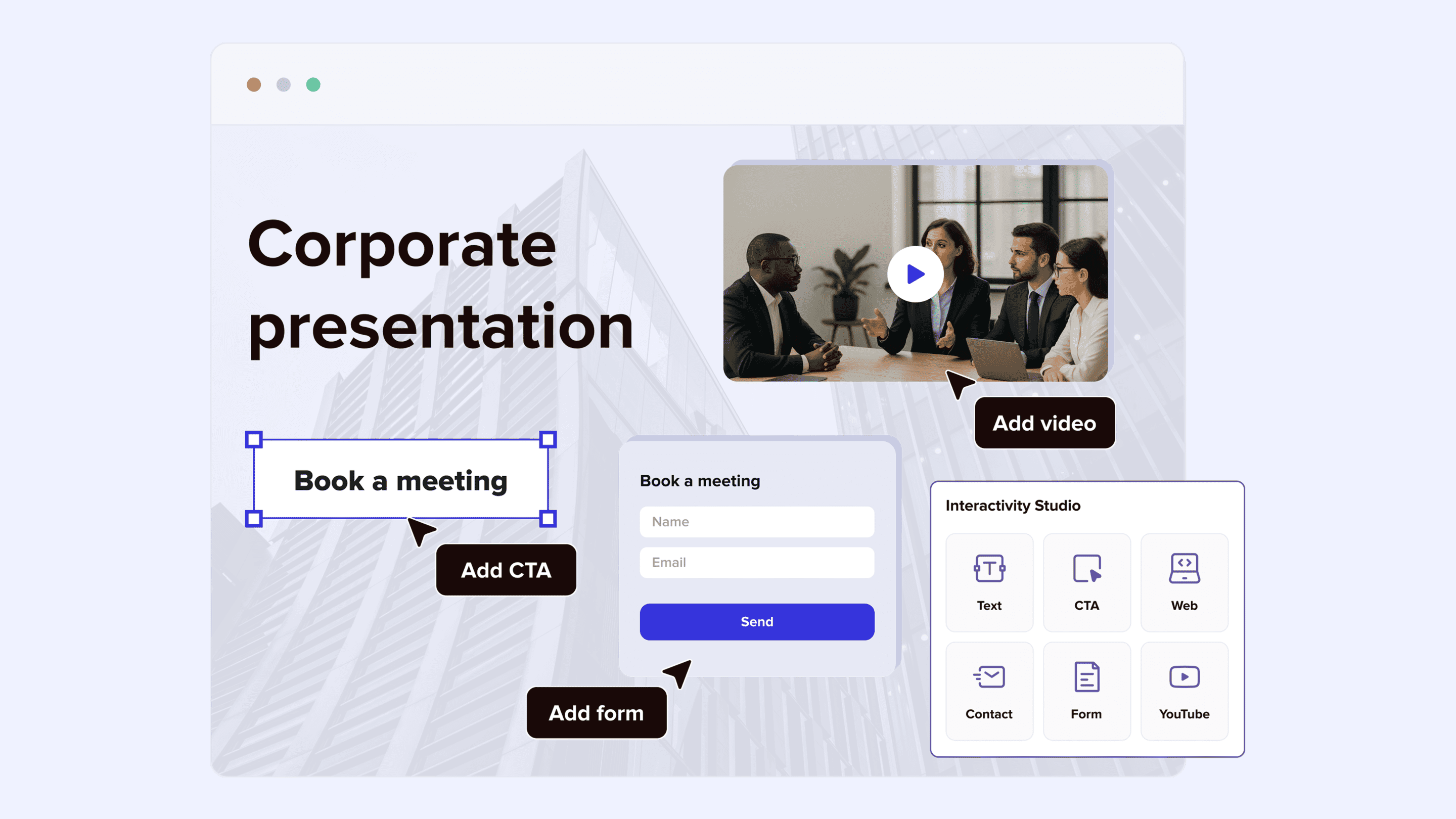
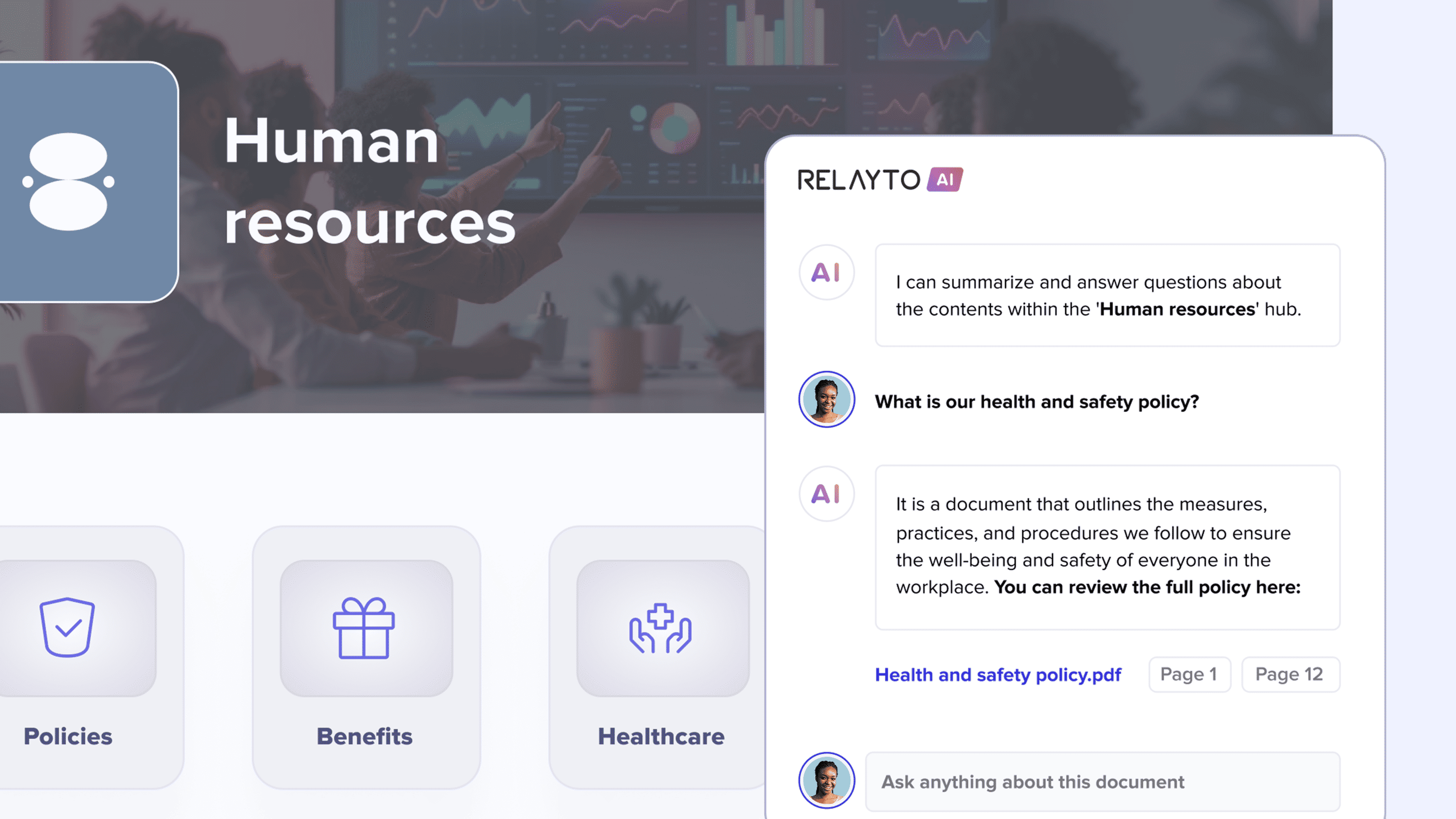
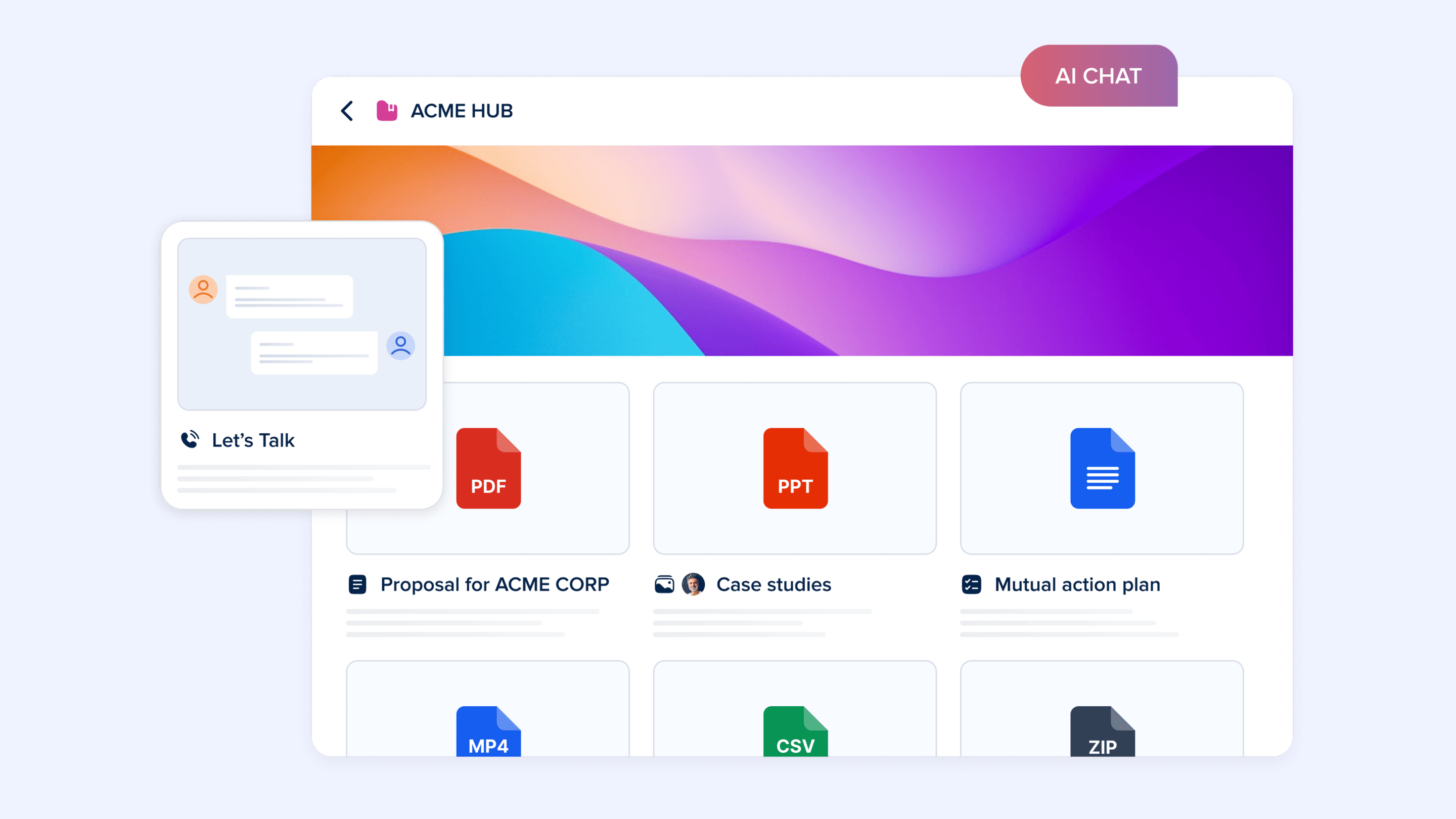
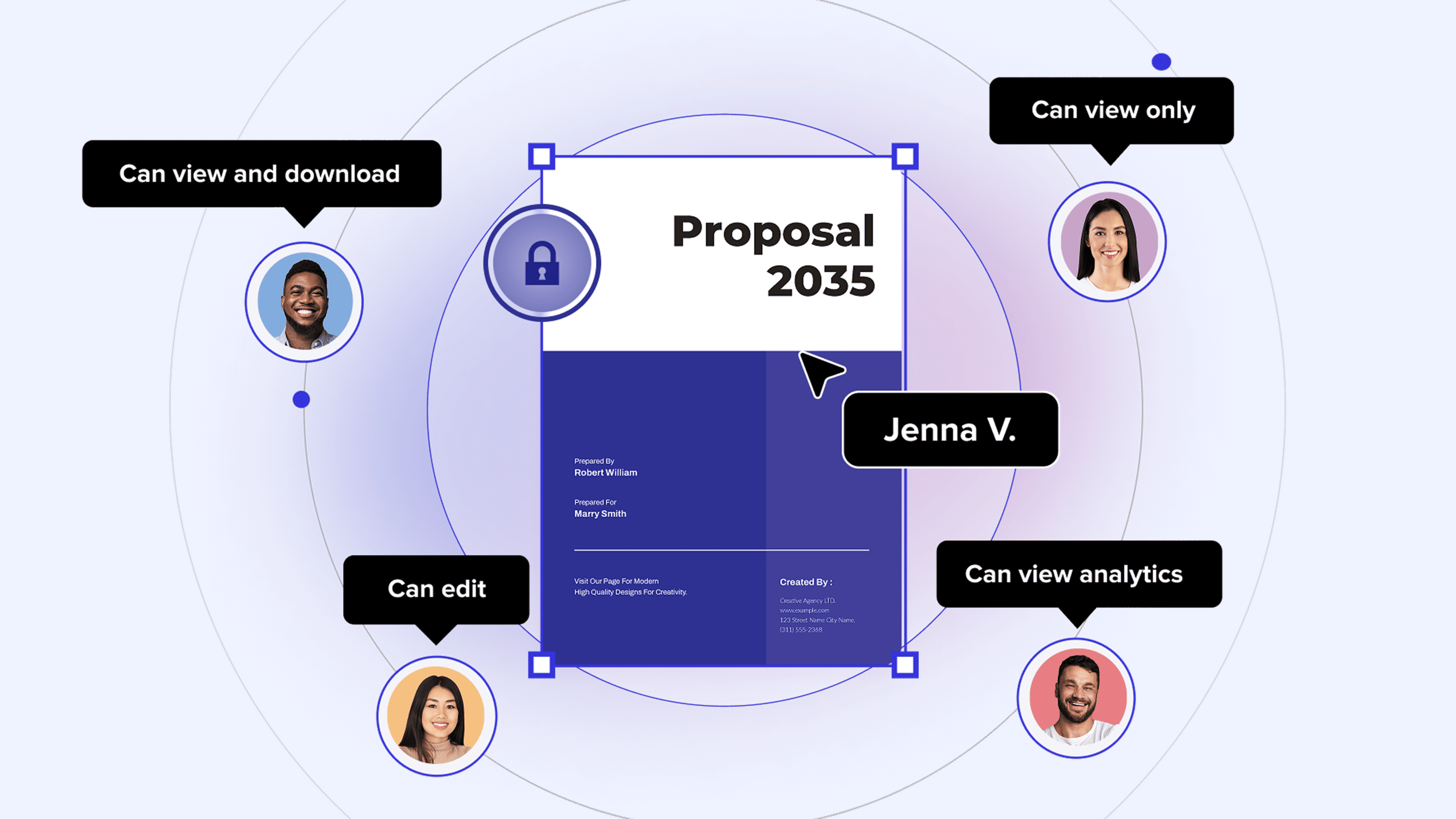
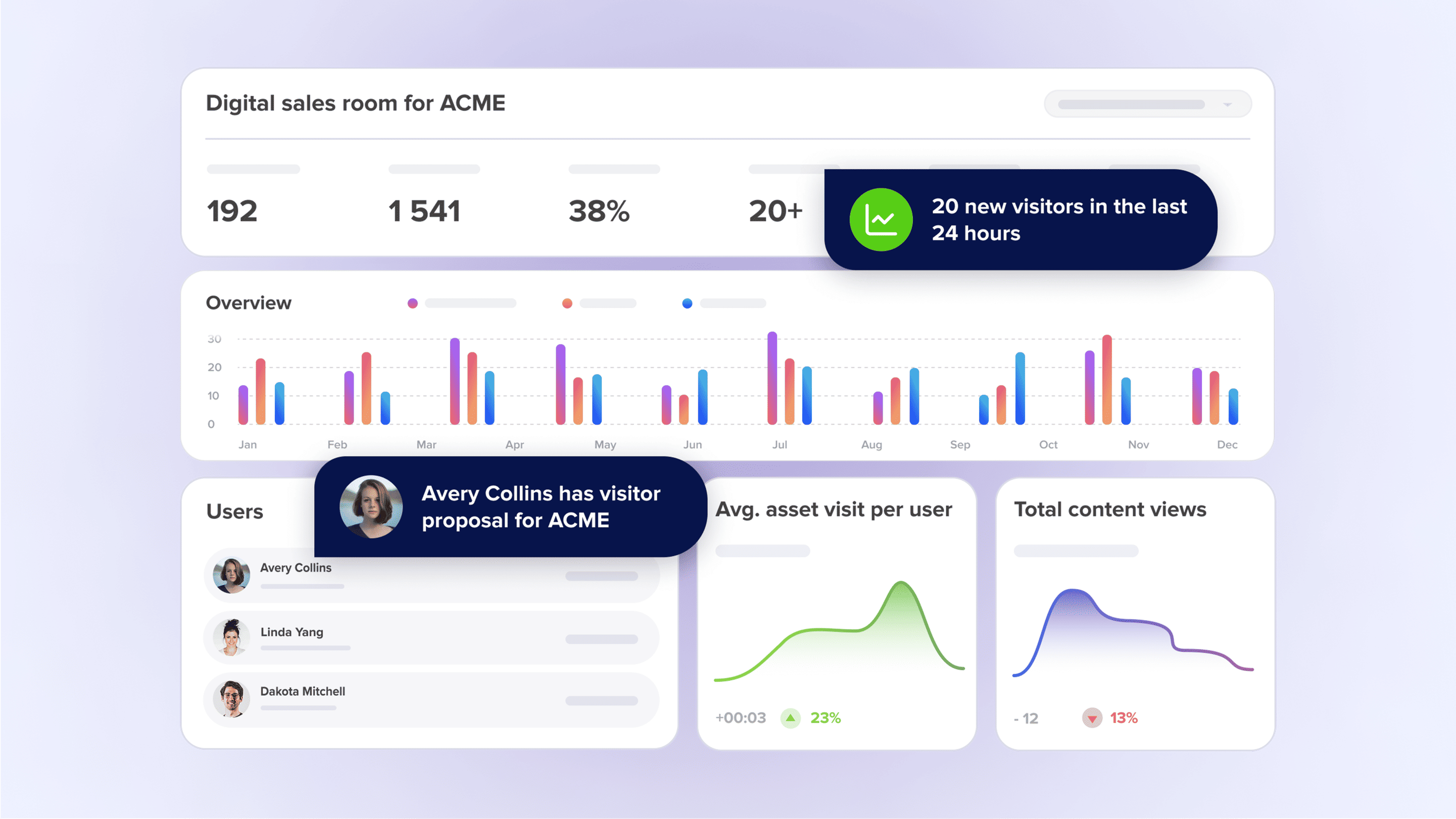

As a student with a background in Information Systems and design, I’m always looking for ways to optimize my workflow. What I like most about RELAYTO is how it bridges the gap between a boring, static PDF and a fully interactive digital experience. Even though I have the skills to build things from scratch, sometimes I need to turn out a professional, high-impact document in minutes. RELAYTO is a massive time-saver in that regard. It’s especially powerful for people who aren't designers because it handles the "heavy lifting" of making content look polished and modern. It allows me to tell a story in a way that feels much more engaging and memorable to my audience than a traditional slide deck. Review collected by and hosted on G2.com.
The platform definitely has a learning curve that can feel a bit daunting when you first jump in. As a design-oriented student, I tend to be more "advanced," and I like to have total control over every pixel, so I found some of the constraints frustrating. For instance, the inability to fully customize font titles or drastically change the layout structure can feel limiting if you’re used to professional design software. You’re essentially trading off granular creative control for speed and ease of use. It’s an excellent tool for quick, professional results, but if you’re looking for 100% design flexibility, you might find the boundaries a bit rigid. Review collected by and hosted on G2.com.
The reviewer uploaded a screenshot or submitted the review in-app verifying them as current user.
Validated through Google using a business email account
Organic review. This review was written entirely without invitation or incentive from G2, a seller, or an affiliate.