
SwipeNote

By SwipeNote

Re-claim Profile

Unlock access to SwipeNote profile for Free

Your G2 page is often the first place buyers evaluate you. Take control of how your brand shows up

WHAT YOU UNLOCK

Control your profile

Update logo, screenshots, pricing info

Engage with customers

Respond to reviews, build trust with prospects

See buyer activity

Track who’s viewing, understand engagement

Collect reviews

Create landing page and collect reviews

Sellers who actively manage their G2 profile build more trust and convert more buyers

4.3 out of 5 stars
3 star
0%
2 star
0%
1 star
0%

How would you rate your experience with SwipeNote?

It's been two months since this profile received a new review
Leave a Review
Compare this with other toolsSave it to your board and evaluate your options side by side.
Save to board

SwipeNote Reviews & Product Details

SwipeNote Media

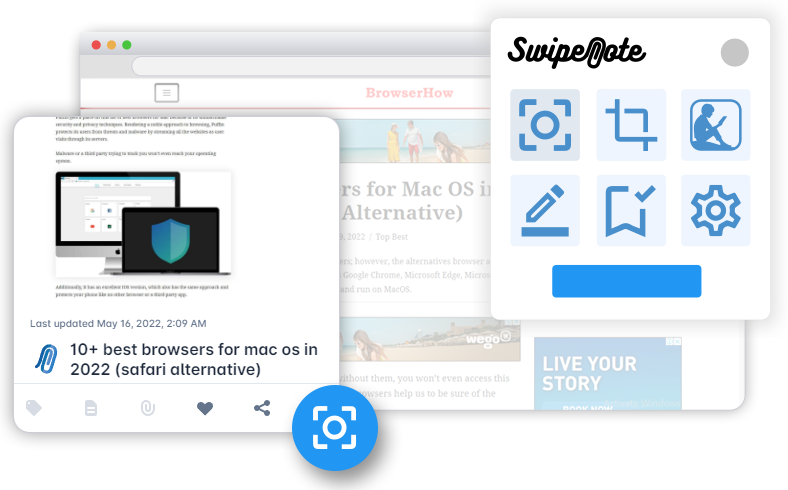
SwipeNote Demo - Capturing Full Web Page Screenshot
Just open any website or webpage in your chrome browser and click on the Swipenote extension icon to hit the "Full Page" button to capture the entire webpage.
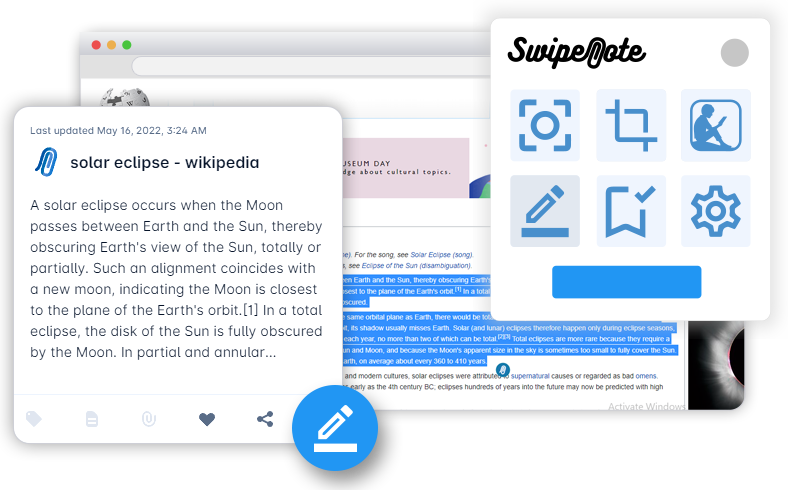
SwipeNote Demo - Highlight and Save Content
Highlight any important text and save with one click. If reading online is your passion, then this feature will simplify, personalize and organize any text you highlight.
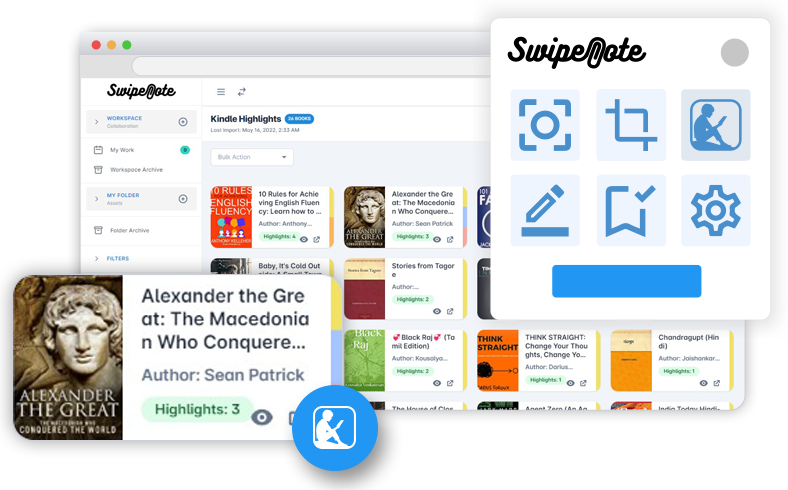
SwipeNote Demo - Import Your Favorite Kindle Highlights
Hit on the "Kindle" icon to import all your Kindle highlights from your favorite books and easily organize them by book titles.
Product Avatar Image

Have you used SwipeNote before?

Answer a few questions to help the SwipeNote community

SwipeNote Reviews (2)

Reviews

SwipeNote Reviews (2)

4.3
2 reviews
Search reviews
Filter Reviews
Clear Results
G2 reviews are authentic and verified.
Vivi B.
VB
Social Media Marketer
Mid-Market (51-1000 emp.)
"Helps you keep track of everything"
What do you like best about SwipeNote?

The best part about SwipeNote is its simplicity as a tool and its diverse uses. It is really easy to get started with and can be used by anybody without any necessary prior knowledge Review collected by and hosted on G2.com.

What do you dislike about SwipeNote?

It's a little expensive as compared to other softwares that do the same things Review collected by and hosted on G2.com.

Nehal S.
NS
Associate-HR Operations
Mid-Market (51-1000 emp.)
"Tremendous Experience"
What do you like best about SwipeNote?

It gives user easiness to save any content on web including ads etc as daily task by single click Review collected by and hosted on G2.com.

What do you dislike about SwipeNote?

Sometimes URL not works that pasted through SwipeNote Review collected by and hosted on G2.com.

There are not enough reviews of SwipeNote for G2 to provide buying insight. Below are some alternatives with more reviews:

1
Slack Logo
Slack
4.5
(38,332)
Slack brings all your communication together in one place. It’s real-time messaging, archiving and search for modern teams.
2
Smartsheet Logo
Smartsheet
4.4
(21,447)
Smartsheet is a modern work management platform that helps teams manage projects, automate processes, and scale workflows all in one central platform.
3
monday Work Management Logo
monday Work Management
4.7
(15,101)
monday.com is a software company that gives anyone the power to build and improve how their organization runs.
4
Asana Logo
Asana
4.4
(13,360)
Asana is a leading work management platform for human + AI coordination. Over 170,000 customers like Accenture, Amazon, Anthropic, Morningstar, and Suzuki rely on Asana to align teams and accelerate organizational impact. Whether it's managing strategic initiatives, cross-functional programs, or company-wide goals, Asana helps organizations bring clarity to complexity—turning plans into action with AI working alongside teams every step of the way.
5
ClickUp Logo
ClickUp
4.7
(11,433)
ClickUp is one app to replace them all. It's the future of work. More than just task management - ClickUp offers docs, reminders, goals, calendars, and even an inbox. Fully customizable, ClickUp works for every type of team, so all teams can use the same app to plan, organize, and collaborate.
6
Basecamp Logo
Basecamp
4.1
(5,462)
Trusted by millions, Basecamp is a web-based project management and collaboration tool. To-dos, files, messages, schedules, milestones and more.
7
Wrike Logo
Wrike
4.2
(4,522)
Wrike is the most versatile and secure collaborative work management platform. It is easy to use yet powerful and flexible enough to meet the unique business needs companies of all sizes and industries. Create a smooth, user-friendly workflow that links strategy to execution daily in a down-to-earth and accessible way. Additionally, Wrike is a truly global solution with full best in class support in 15+ languages across 130+ countries.
8
Confluence Logo
Confluence
4.1
(4,264)
Give your team one place to share, find, and collaborate on information they need to get work done.
9
Microsoft Project & Portfolio Management Logo
Microsoft Project & Portfolio Management
4.0
(1,623)
Microsoft Project & Portfolio Management (PPM) helps you get started quickly and execute projects with ease. Built-in templates, familiar scheduling tools, and access across devices increase productivity for project managers and teams.
10
Quickbase Logo
Quickbase
4.4
(1,361)
Most software makes you change how you work to fit their system, which creates tons of manual workarounds and wasted time. Quickbase does the opposite—we adapt to how you already work. We are an AI platform that helps you connect your scattered data, automate your unique processes, and scale what makes your business different and competitive.
Show More
People Icons

Start a Discussion about SwipeNote

Have a software question? Get answers from real users and experts.

Start a Discussion
Pricing

Pricing details for this product isn’t currently available. Visit the vendor’s website to learn more.

Product Avatar Image
SwipeNote