What do you like best about cPanel?
mature web hosting control panel, widely recognized for its broad feature set and consistent performance in managing Linux-based hosting environments. The interface is organized into logical sections, which simplifies navigation for both novice and experienced users. Key technical features include:
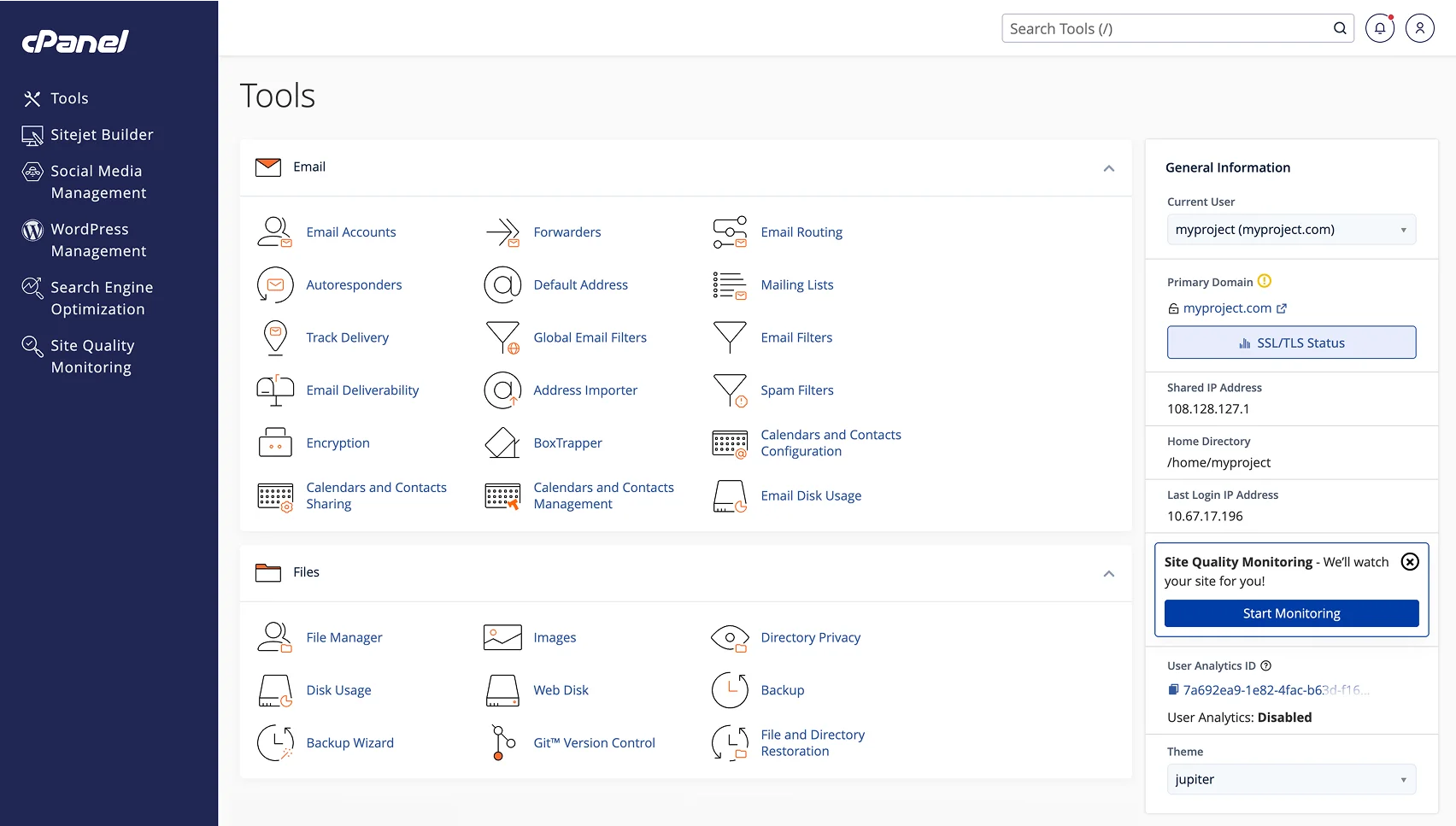
• File Management: The File Manager enables direct upload, editing, and organization of files, reducing the need for external FTP clients. FTP account management and active connection monitoring are integrated, with options for anonymous FTP (though this can introduce security risks).
• Email Administration: The panel supports the creation and management of multiple email accounts, with built-in tools for spam filtering, autoresponders, and webmail access. Email-related DNS records (SPF, DKIM) can be configured directly from the dashboard.
• Domain and DNS Tools: Adding addon domains, subdomains, and redirects is straightforward. The DNS Zone Editor offers granular control over DNS records, supporting complex configurations from a single interface.
• Database Management: MySQL database creation and management are handled through both a dedicated interface and phpMyAdmin integration, with backup and restore options available for data protection.
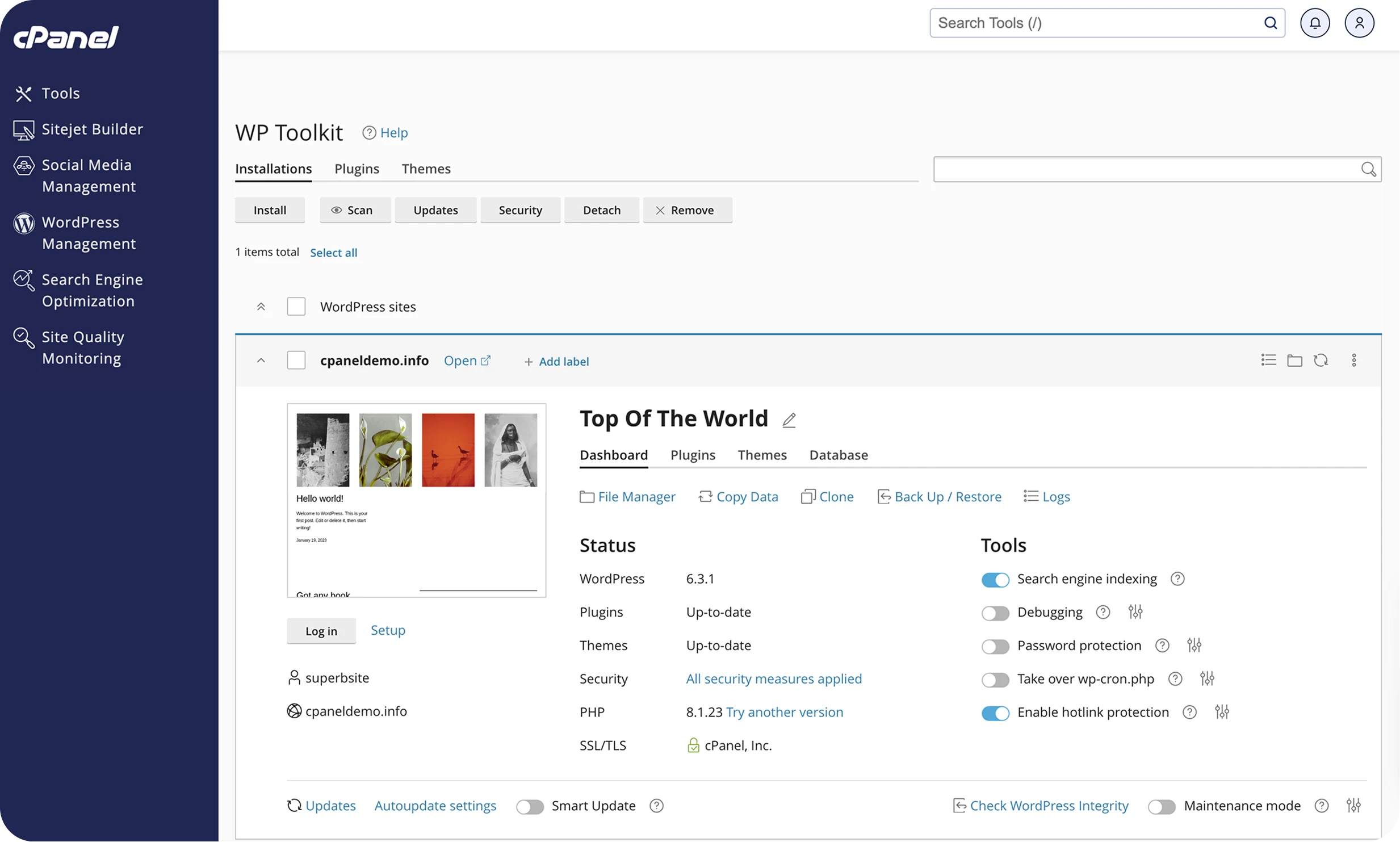
• Security Features: SSL/TLS certificate management, password-protected directories, IP blocking, and hotlink protection are accessible without requiring command-line intervention. Two-factor authentication is available for enhanced account security.
• Automation and Software Installation: Softaculous integration allows one-click installation of popular applications like WordPress, while cron job scheduling automates routine tasks.
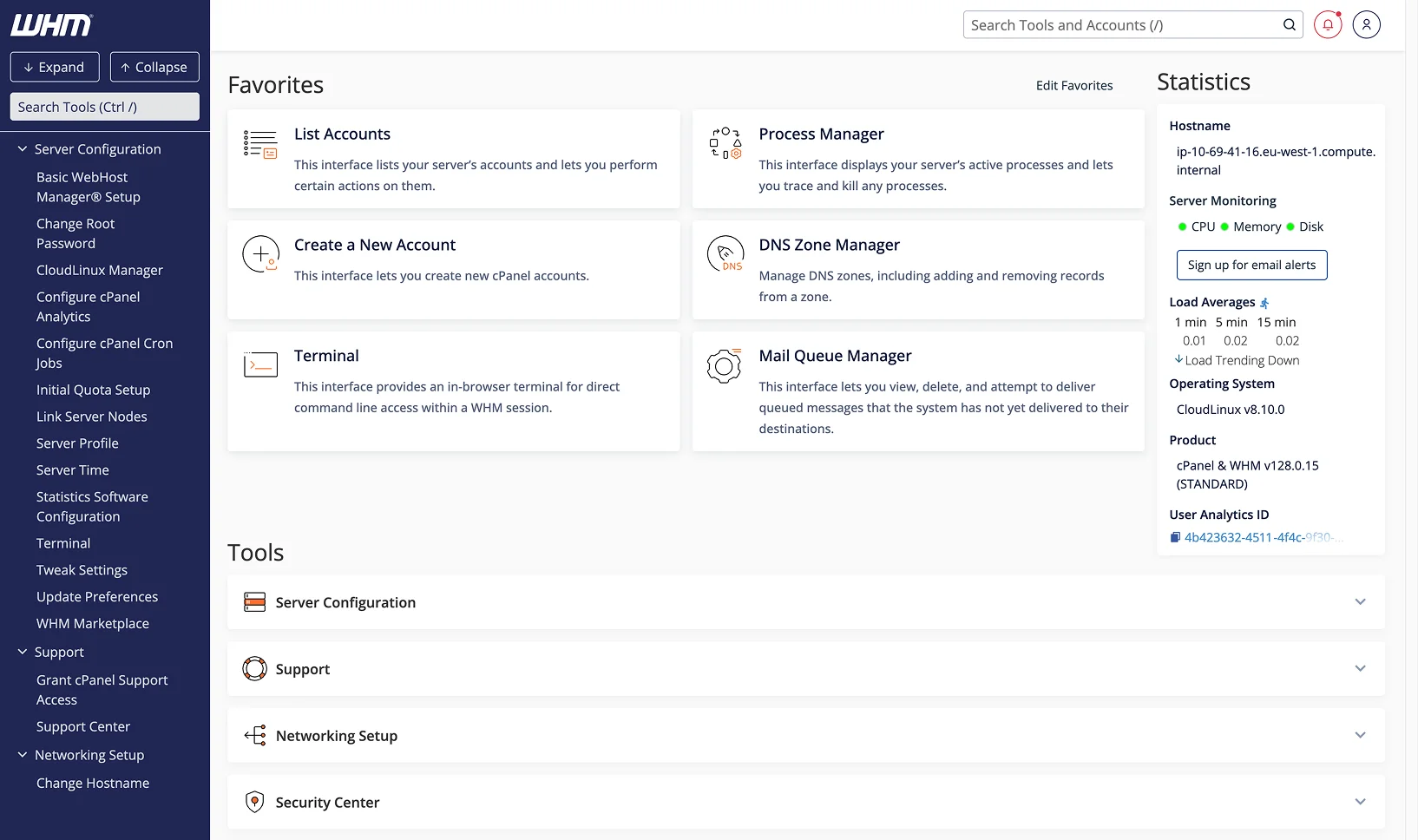
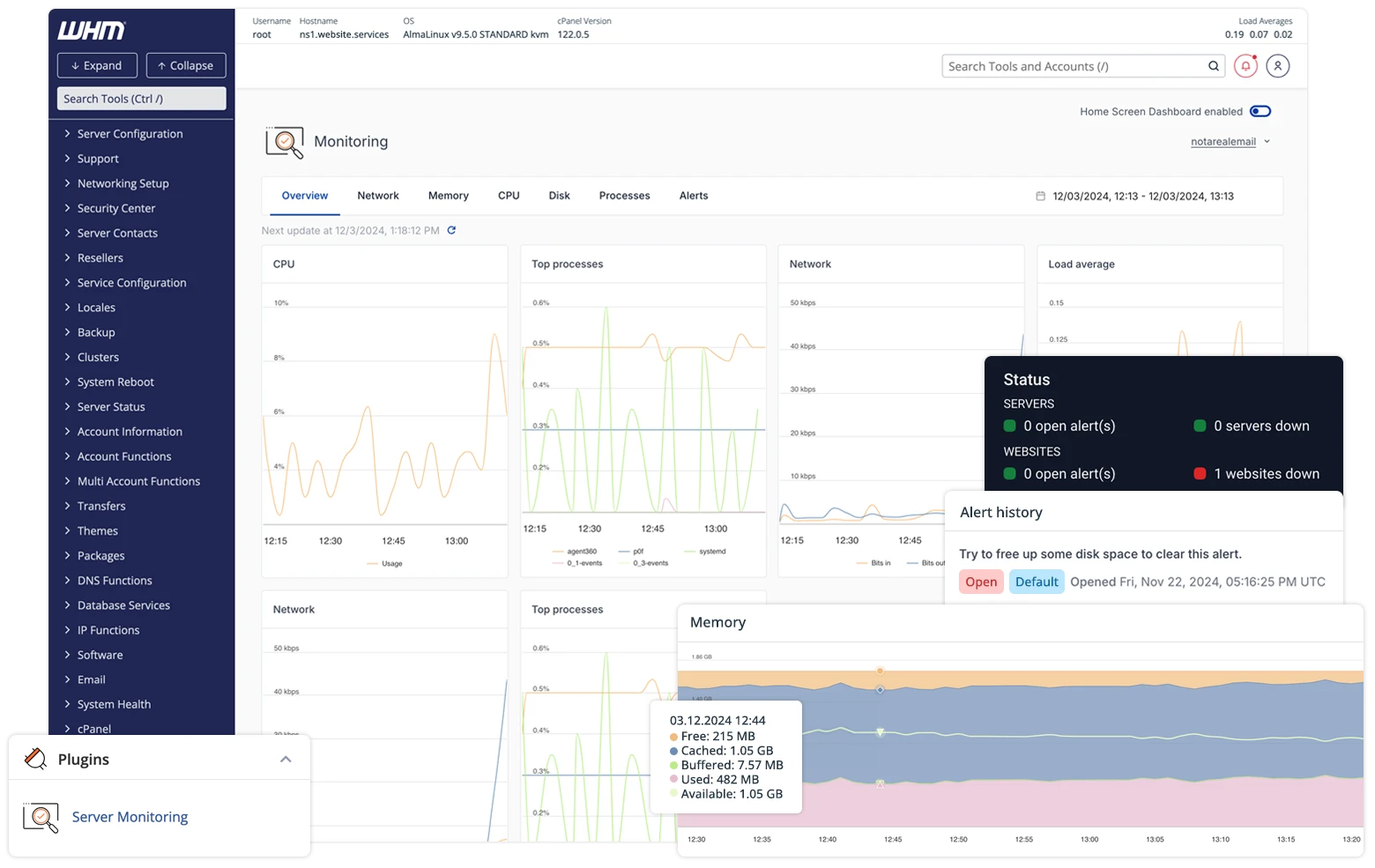
• Resource Monitoring: Real-time metrics for CPU, bandwidth, and storage usage are available, alongside access logs and error tracking utilities.
• Backup and Restore: Users can perform manual or scheduled backups, with a step-by-step Backup Wizard to facilitate recovery operations. Review collected by and hosted on G2.com.
What do you dislike about cPanel?
There are several areas where cPanel falls short, especially for users with advanced requirements or those sensitive to operational costs:
• Pricing: The cost of cPanel licenses has increased substantially in recent years. For hosting providers and end users alike, these recurring fees can become a significant portion of overall infrastructure expenses, sometimes exceeding the cost of the server itself.
• Resource Consumption: cPanel can be resource-intensive, particularly on lower-end VPS or shared hosting environments. This overhead may impact site performance when server resources are already constrained. Review collected by and hosted on G2.com.