


Toggl Track helped me get a clear picture of how my time is actually spent during the day. Instead of guessing, I can log small tasks and later check where my focus went, which makes daily work feel more planned and less scattered.
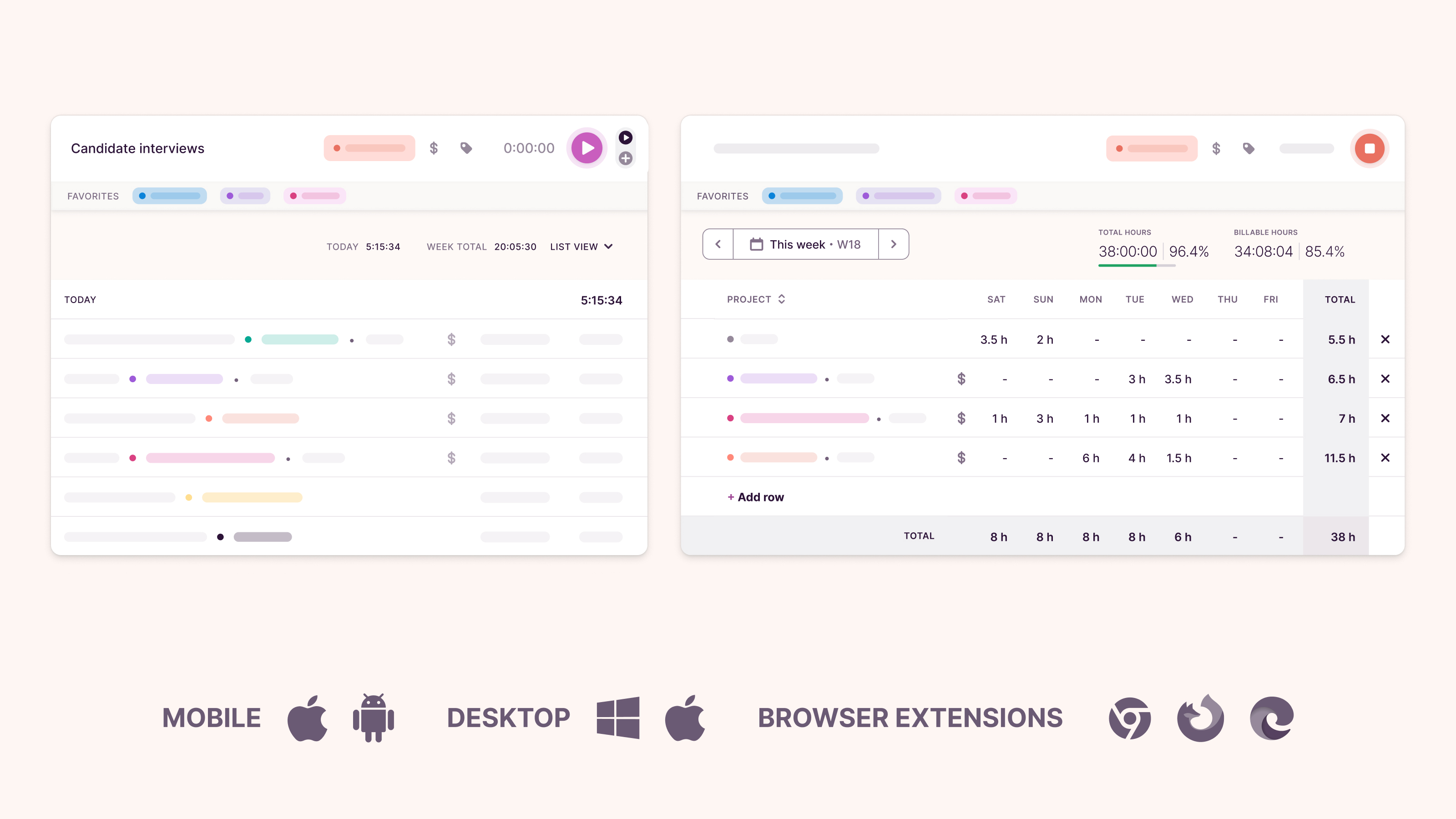
I work as a dietician and nutritionist, manage a homeopathy clinic, and also create educational health content. My work includes follow-ups, short writing tasks, and basic admin work, so switching between tasks is common. Being able to start and stop the timer in one click makes it easy to track these small work blocks without breaking my flow. The initial setup was simple, and I didn’t need any technical steps to begin.
I use Toggl Track regularly when moving between tasks, even if it’s for short sessions. This helps me stay aware of how much time goes into patient follow-ups, content writing, and email support. Creating projects for different types of work keeps things organized and makes it easier to review where time is going at the end of the day.
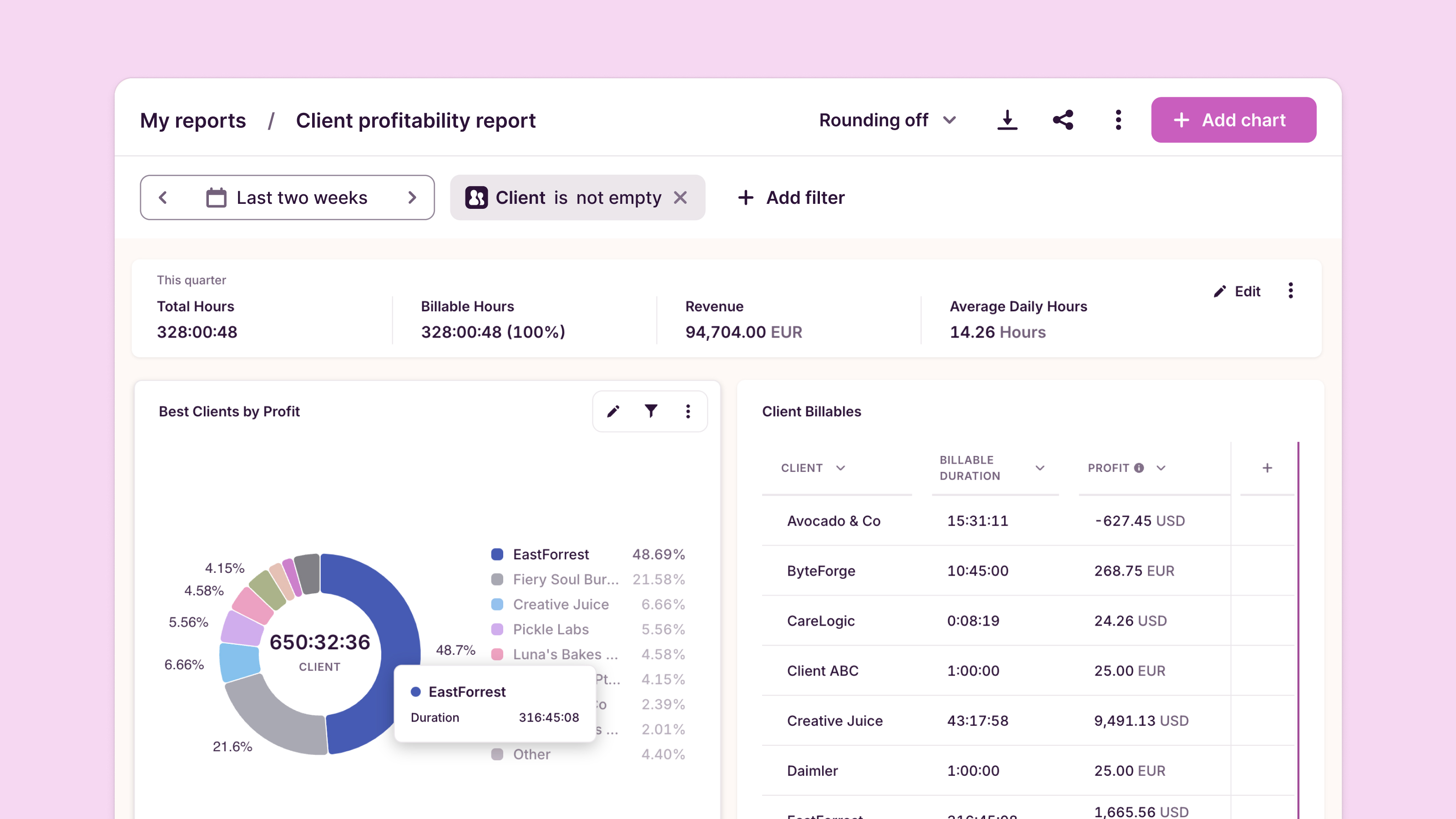
The reports and weekly view are useful to quickly check how time is split across projects. This helps with basic planning for the next day and understanding which tasks take more time than expected. The number of features feels balanced for daily time tracking, so the tool stays simple and focused instead of overwhelming.
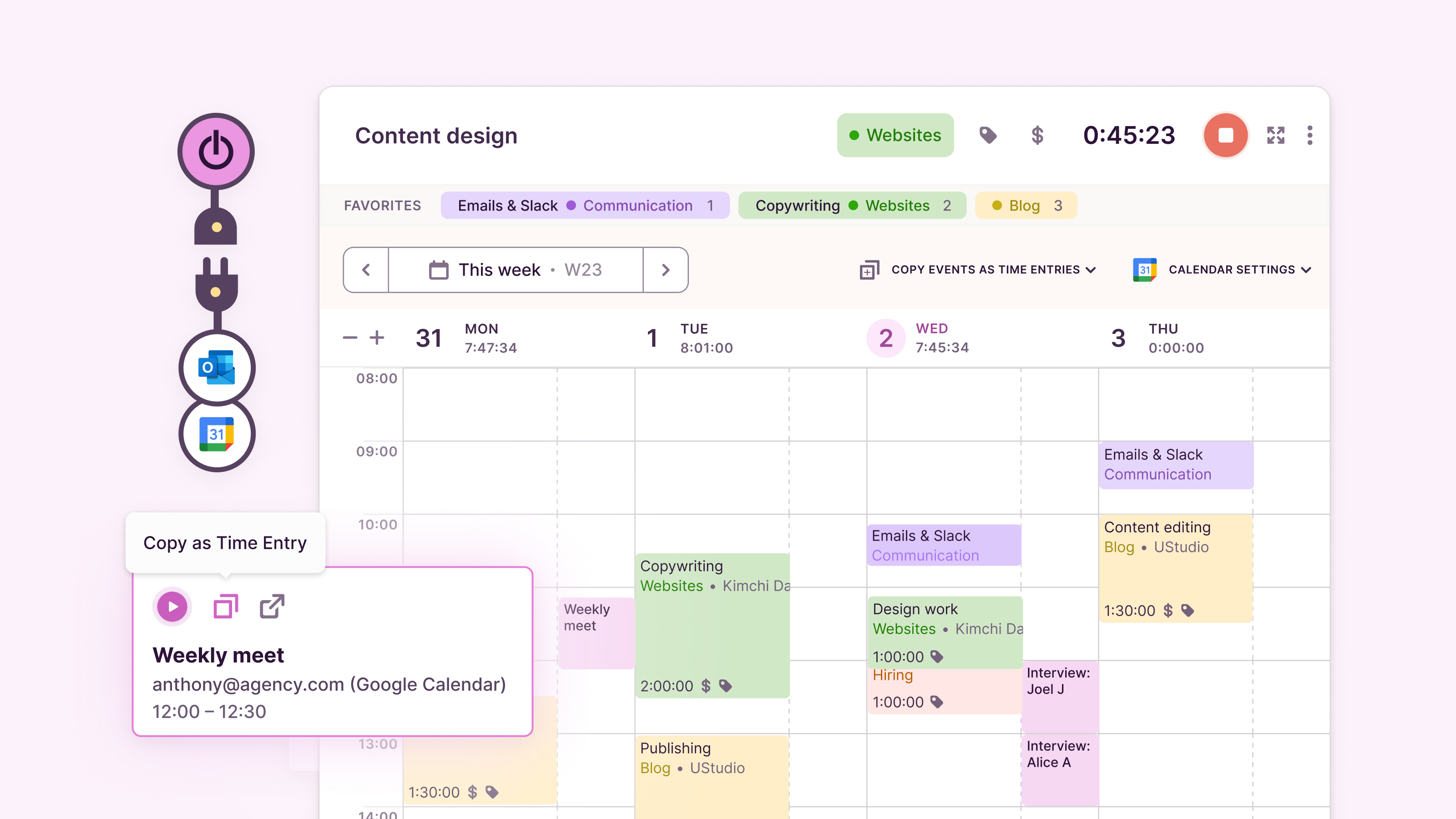
Toggl Track also fits well with how I already work. I can use it alongside my usual tools without changing my routine, and adding entries or editing time logs feels smooth. The in-app tips and help sections are enough to get started and understand where things are in the dashboard.
At the end, I will say Toggl Track feels reliable for everyday service-based work. It’s easy to implement, easy to use often, and the core features around timer, projects, and reports help keep time tracking clear and practical for clinic coordination and content work. Review collected by and hosted on G2.com.
Sometimes I forget to start the timer when I switch tasks, so I have to add time entries manually later. The desktop app and web version also feel slightly different in a few places, so it takes a little time to get used to. A couple of settings are inside menus, so finding them on the first day takes a few clicks. After some use, navigation becomes smoother.One small improvement that could help is a simple reminder or prompt when switching tasks, so it’s harder to forget to start tracking time. Review collected by and hosted on G2.com.
Our network of Icons are G2 members who are recognized for their outstanding contributions and commitment to helping others through their expertise.
The reviewer uploaded a screenshot or submitted the review in-app verifying them as current user.
Validated through LinkedIn
This reviewer was offered a nominal gift card as thank you for completing this review.
Invitation from G2. This reviewer was offered a nominal gift card as thank you for completing this review.


