
Sagar Joshi
Sagar Joshi is a former content marketing specialist at G2 in India. He is an engineer with a keen interest in data analytics and cybersecurity. He writes about topics related to them. You can find him reading books, learning a new language, or playing pool in his free time.
What is concurrent licensing?
Concurrent licensing uses a software licensing model that allows multiple users to simultaneously access a software application. It’s used when more users need access to a software product than necessary if each had a separate license. In this licensing arrangement, also known as floating licensing, a pool of licenses is made available for clients to access the software simultaneously.
A license is temporarily assigned to the user who starts the application. When the user closes it, the same license is released into the pool, making it available to other users. When a company purchases five concurrent licenses, up to five employees can use the software. A sixth person would have to wait until one of the five users released a license.
Concurrent licensing offers mobility as long as the users do not exceed the licensed limit. It maximizes software usage and cuts expenses by adjusting to changing user demands. Organizations usually leverage SaaS spend management software as their source of truth to decide if they need concurrent licenses or named licenses.


Concurrent licensing benefits
Concurrent licensing allows users or organizations to increase the usage of software licenses owned by the company. Some of the benefits of concurrent licensing are:
- Flexibility. Multiple users can simultaneously access software from various devices and locations and from across the globe. It facilitates easier access transfer to a new employee without any hassle.
- Unlimited accounts. A concurrent license is not fixed to a set number of accounts. An organization can open any amount of accounts as needed on any number of devices.
- Cost-efficiency. An organization must pay only for the licenses used at a particular time. For example, when a large group of employees has to access concurrent software not at all times but only occasionally, the organization gets charged only when it uses software instead of paying for all times.
Concurrent licensing features
Concurrent licensing offers various features making it a better choice for software licensing. They are flexible and offer practical strategies to control software licenses. Some of the standard features offered by concurrent licensing are:
- Concurrent usage allows a predetermined set of users to use and access software licenses simultaneously. It allows users to collaborate with other users without the need to have a separate license.
- License pooling is made available to users on a first-come-first-serve basis. One license from the pool is assigned to a user temporarily during software usage. Once they’re done using the software, the license is returned to the pool so another user can access it.
- License monitoring enables tracking and displaying the number of active licenses used simultaneously. It helps authorities to identify license consumption, possible bottlenecks, and any licensing problems, helping them make wise decisions on managing licenses.
- License reservation ensures that even when there is a high usage of licenses, the essential users or teams can always access the software.
- License reclamation lets users reclaim unused licenses. When a user forgets to exit the software or is inactive for a long time, concurrent licensing automatically reclaims unused licenses. As a result, licenses are not tied up and are available whenever needed.
Operational elements of concurrent licensing
The concurrent licensing model is used in software applications like computer-aided design (CAD) software, project management software, etc. The working of concurrent licensing is very straightforward. It’s split into three parts as follows:
- Licensing limit: The number of users who can concurrently use the software. Only ten people can access the software simultaneously if a software license is bought for ten users.
- Usage tracking: The software uses a licensing system to track the number of users that log in at a given time.
- License availability: A new user may be denied access to the software when the license is already in use. The license has to be available again for the new user to get access. The user must wait or try again until the software is ready.
Concurrent licensing vs. named licensing
It's common for users to confuse concurrent licensing with named licensing, but the two have key differences.
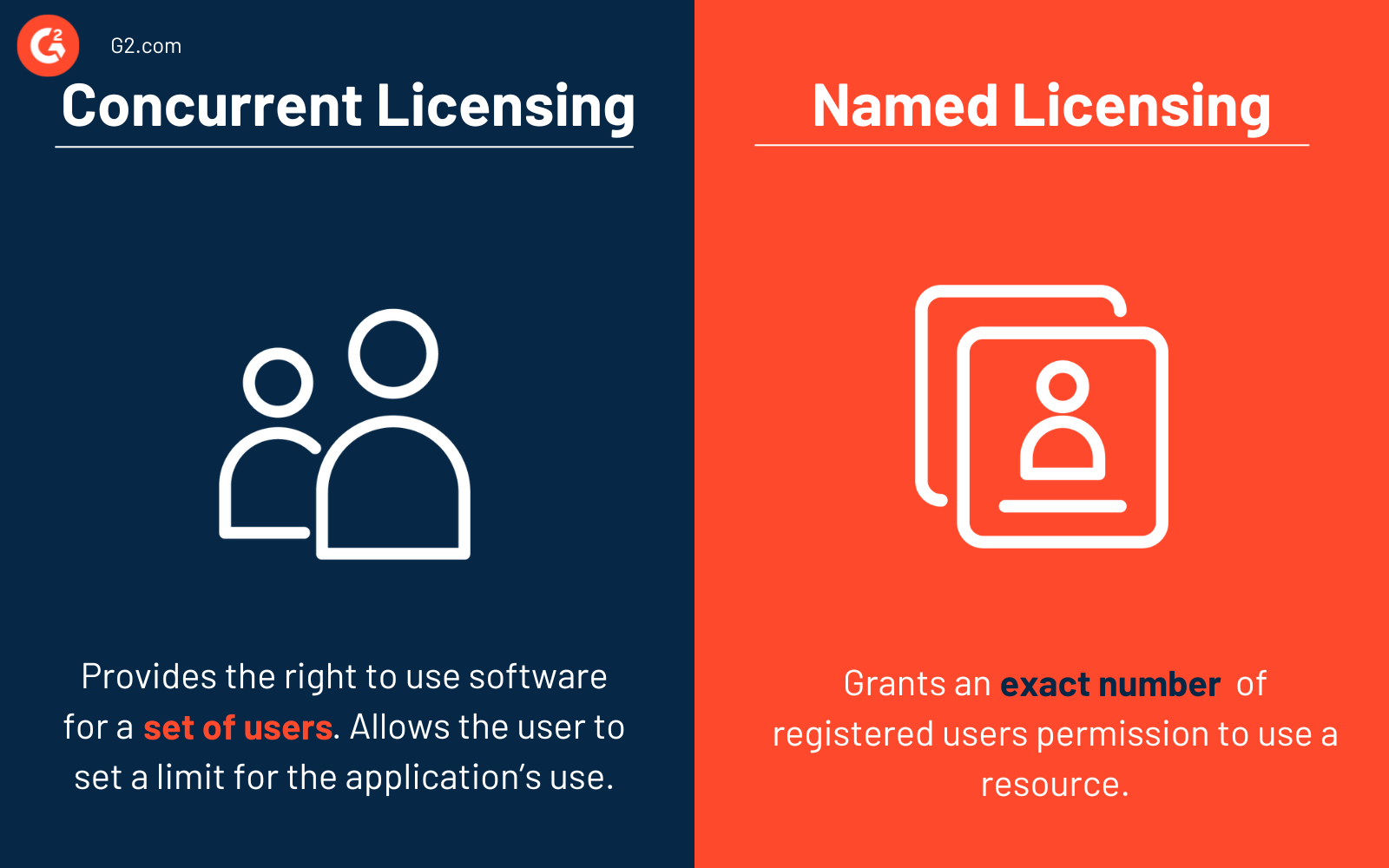
Concurrent licensing, also known as a group license, provides the right to use software for a set of users. It typically allows the user to set a limit for the application’s simultaneous use. In this case, every user can only use the resource up to the specified maximum permitted accesses. Typically, more users register compared to the actual accessible concurrent licenses.
Named licensing grants an exact number of registered users permission to use a resource. Only a set number of people have access to the resources. Named licenses, also known as single licenses or user licenses, work in a one-to-one ratio.
Concurrent licensing is a pay-per-use license, whereas named licensing is a pay-per-license model. Compared to named licenses, concurrent licensing is often slightly more expensive. But in most cases, a concurrent model can help users save a lot of costs. For example, when employees work different shifts and access the resources at different times, only half as many licenses are required compared to the actual number of users using the resource.
Looking for a better way to manage software licenses in your organization? Sign up for the free forever plan of G2 Track today!


