Time Tracking Software Resources
Articles, Glossary Terms, Discussions, and Reports to expand your knowledge on Time Tracking Software
Resource pages are designed to give you a cross-section of information we have on specific categories. You'll find articles from our experts, feature definitions, discussions from users like you, and reports from industry data.
Time Tracking Software Articles
Time Tracking Software Glossary Terms

Billable hours are time spent working on tasks that are chargeable to the client. Learn the best practices for incorporating billable hours into business.
by Holly Landis
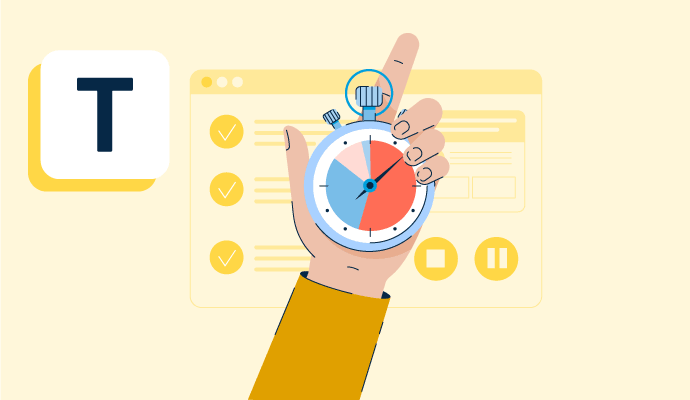
Time tracking is the process of employees logging work over a fixed period of time. Learn about time tracking for hourly workers and billable projects.
by Holly Landis
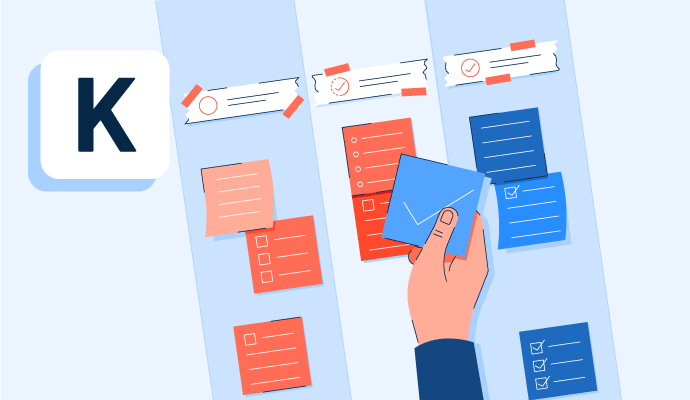
Kanban is a work methodology that monitors work in progress in a visual, board-like manner. Learn more about kanban and how to implement it properly.
by Whitney Rudeseal Peet

Policy and compliance management is a process to centrally manage standards, policies, and internal control processes cross-mapped to external regulatory standards. Learn more about policy and compliance management best practices and the associated benefits.
by Sagar Joshi
Time Tracking Software Discussions
Answered: Darshayita Thakur on September 17, 2026
Hi, Kristie here with the Customer Care team at When I Work! Yes. When I Work gives managers control over how shift swaps are handled. Some teams require manager approval for every swap, while others allow eligible swaps to be approved automatically.
Employees can post a shift they need covered, and eligible coworkers with the right position assignments and open availability can claim it directly through the app. Managers decide how much oversight they want while employees handle the coordination themselves.
That means fewer phone calls, fewer group texts, and less time spent finding coverage when schedules change.
Answered: Kristie Hiner on July 14, 2026
Hi, Kristie here with the Customer Care team at When I Work.
Yes — When I Work is a good fit for small shift-based teams.
It's practical for businesses with as few as 5 employees and can grow with your team. Setup typically takes under an hour: upload a picture of your current schedule, and your team, positions and shifts can be set up for you so you are ready to publish quickly. Employees download the free app and they can start using it right away. No IT implementation required, no long-term contract, and no minimum seat count.
At $2.50 per user per month for a single location, with time and attendance included, a team of 10 is paying $25 per month for scheduling, time tracking, and team messaging. As your business grows and adds locations or more complex shift patterns, When I Work scales with you without needing to switch platforms.
Answered: Kristie Hiner on July 14, 2026
Time Tracking Software Reports
Mid-Market Grid® Report for Time Tracking
Fall 2026
Grid® Report for Time Tracking
Fall 2026
Enterprise Grid® Report for Time Tracking
Fall 2026
Momentum Grid® Report for Time Tracking
Fall 2026
G2 Report: Momentum Grid® Report
Small-Business Grid® Report for Time Tracking
Fall 2026
Enterprise Grid® Report for Time Tracking
Summer 2026
Small-Business Grid® Report for Time Tracking
Summer 2026
Mid-Market Grid® Report for Time Tracking
Summer 2026
Grid® Report for Time Tracking
Summer 2026
Momentum Grid® Report for Time Tracking
Summer 2026
G2 Report: Momentum Grid® Report