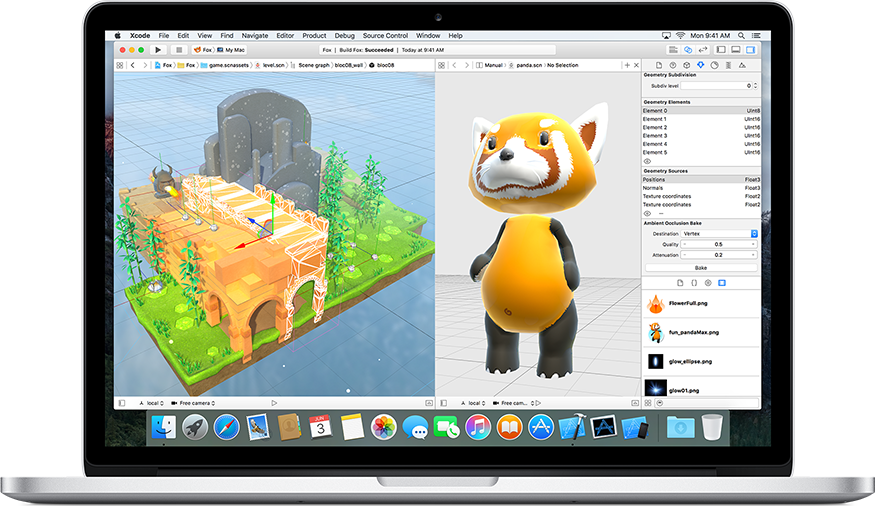
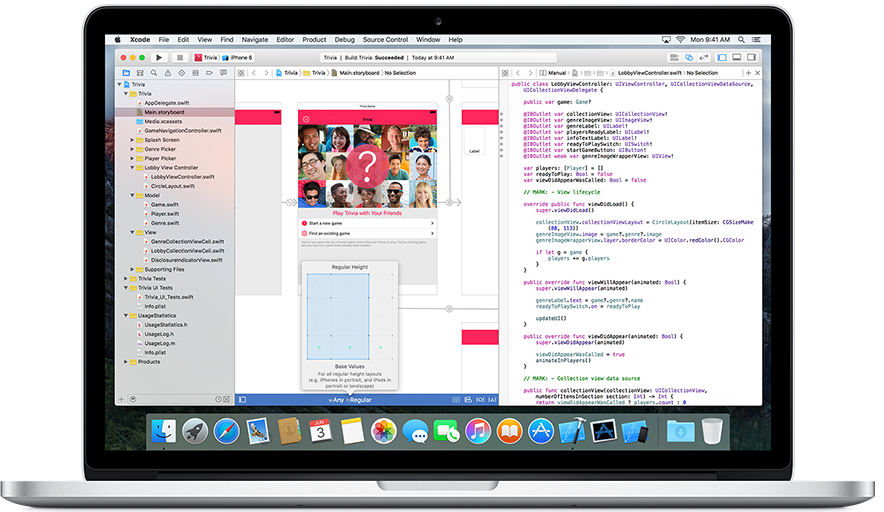

It's what you have to use if you want to develop for iOS, and it's not without features. The ability to switch between code, the view, and the code and view side by side is excellent, but difficult on smaller screens. Debugging features are relatively intuitive relative to other IDE's. It gives a clear view of the project hierarchy and makes it simple to set up the necessary folders. Playgrounds make it easy to pick up the new swift language, which xcode works very well with. The virtual device works much better than comparable devices on other IDEs. Review collected by and hosted on G2.com.
Xcode takes up a ton of screen space (not that there are really non-screen-intensive IDE's, but there are definitely ones with less screen space overhead, like intelliJ IDEA). Advanced features are difficult to find, but very useful once found. Based on how hard it is to figure out how to hide sidebars, there are likely powerful features that are nearly impossible to find. An IDE shouldn't need to be so complicated though, especially one for relatively simple development. Review collected by and hosted on G2.com.
The reviewer uploaded a screenshot or submitted the review in-app verifying them as current user.
Validated through LinkedIn
This reviewer was offered a nominal gift card as thank you for completing this review.
Invitation from G2. This reviewer was offered a nominal gift card as thank you for completing this review.