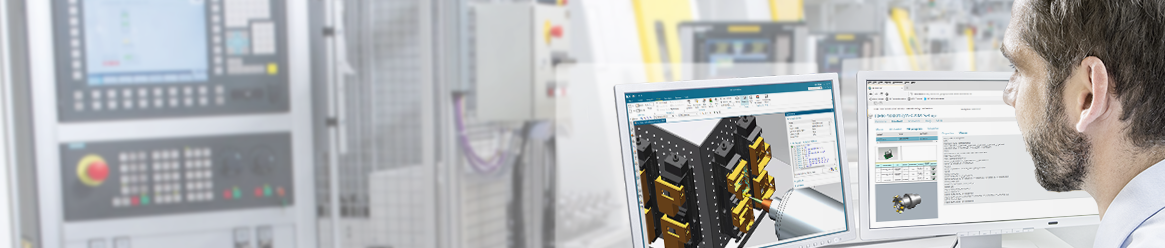



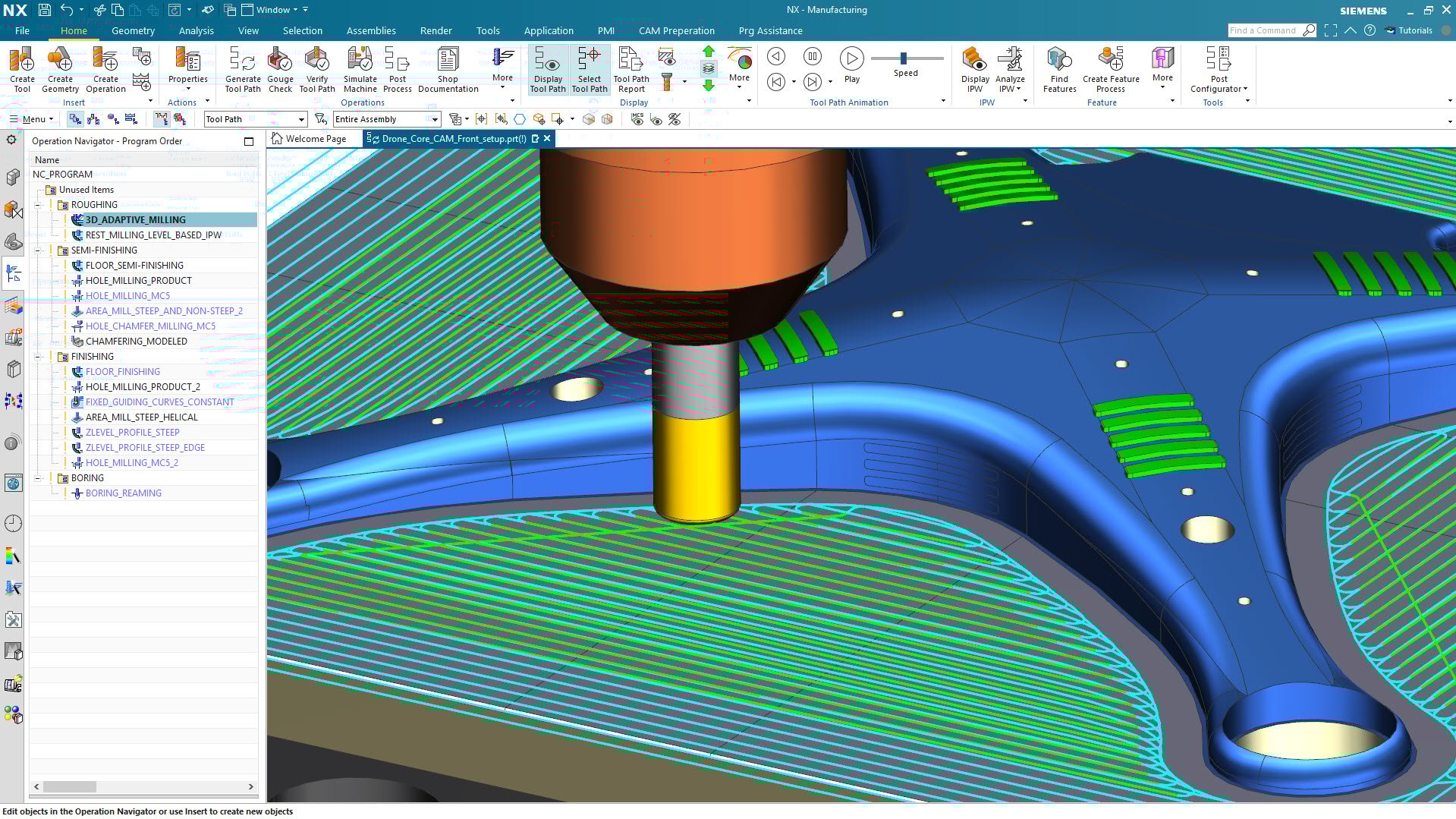




The best thing about NX CAM is its accuracy and flexibility in handling complex machining tasks. The toolpath quality is extremely reliable, especially for 5-axis and high-precision parts. I also like how smoothly the CAM integrates with the CAD environment, which reduces errors and saves a lot of time during programming. Features like feature-based machining, customizable templates, and realistic simulation make the workflow faster and more consistent. Once everything is set up, it significantly improves productivity. Review collected by and hosted on G2.com.
The main downside of NX CAM is the steep learning curve. New users need time and proper training to understand the workflow and advanced machining strategies. It also requires a powerful computer to run smoothly, especially when working with complex assemblies. The licensing cost can be high for small shops or individual users. Additionally, customizing post-processors sometimes needs expert support, which isn’t always straightforward. Review collected by and hosted on G2.com.
Bhimsen, thank you for sharing how NX CAM has benefited your machining tasks. We're pleased to hear that the integrated CAD–CAM environment and advanced simulation features have contributed to better workflow efficiency and higher-quality finished parts. We appreciate your insights!
Validated through LinkedIn
Organic review. This review was written entirely without invitation or incentive from G2, a seller, or an affiliate.