

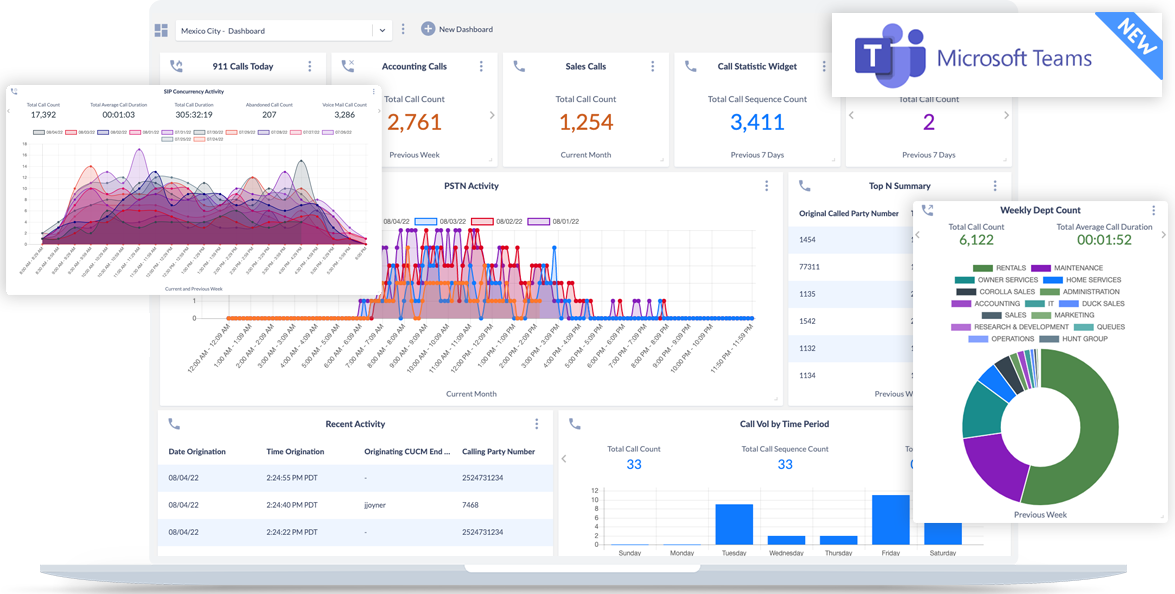
Variphy call analytics for Microsoft Teams is very easy to understand and create reports for. The built in filters that Variphy provides make it easy to gather inbound and outbound call counts. The dashboard widgets are also helpful for real time or historical charts in an easy to read format. Variphy has many upsides including the dashboards, custom reports, and good support from the engineering teams. I personally use Variphy every day in my job to help with troubleshooting our voice calls. Upgrades to the software are easy to implement with the instructions documented online. Additionally, it is nice to have both Cisco UCM and Microsoft Teams call reports and analytics available on the same pane of glass, this is a very good integration as it helps us with our Cisco to Teams migration. Review collected by and hosted on G2.com.
There are only a few things that I dislike about Variphy Call Analytics for Microsoft Teams, but none of them are deal breakers in regards to how we use the product. One of the downsides to how we use the product is that our server is on-premises and communicating with the Teams cloud. There is a cloud hosted option for Variphy, but it is more expensive. The other downside is that the CPU resources are pretty intensive so our virtual environment needs to have enough capacity to handle the requirements, however, this is not something our organization struggles with necessarily, at least not on-premises. Review collected by and hosted on G2.com.
The reviewer uploaded a screenshot or submitted the review in-app verifying them as current user.
Validated through a business email account
Organic review. This review was written entirely without invitation or incentive from G2, a seller, or an affiliate.