
Introducing G2.ai, the future of software buying.Try now

Debugging

by Sagar Joshi
Debugging is the process of fixing errors in a software environment. Discover more about its techniques, its advantages, and how it differs from testing.

What is debugging?

Debugging is a multi-step software procedure that involves locating a problem, tracking its source, and fixing the issue or finding a workaround. The process concludes when the software patch functions correctly. 

The debugging procedure in software development starts when a developer finds a code error and reproduces it. Strategies like unit tests, code review, and pair programming make debugging easier in programs with huge lines of code. To further simplify things, many developers use debugging tools to automate the error-fixing process of applications. 

The ability to debug is a core skill for every developer. A developer capable of effectively finding and eliminating errors and bugs qualifies as a valuable team member.

Common debugging techniques

Clean code is the foundation of any app. Errors and bugs affect the performance and quality of programs. Below are some techniques that developers employ to eliminate bugs and coding errors. 

  • Code inspection is the manual review of a software system's source code to find potential flaws or errors.
  • Debugging tools like debuggers, trace tools, and profilers help developers find and fix mistakes.
  • Unit testing examines individual software system units or components to find bugs.
  • Integration testing studies how various software system components interact to find errors.
  • System testing analyzes the entire software system.
  • Monitoring tracks any peculiar behavior or performance problems that might point to errors in a software system.
  • Logging keeps track of relevant events and messages in the software system.

Advantages of debugging

Debugging eliminates code that can lead to software malfunctioning. Below are a few other advantages of the process. 

  • Better system quality. System quality increases when bugs are found and fixed.
  • Less frequent system downtime. Identifying and resolving errors lead to a more stable software system and less likely to experience outages. 
  • Improved user satisfaction. Finding and fixing bugs in software means it’s more user-friendly and can better meet users' needs.
  • Lower production costs. The time and resources spent to correct bugs post-deployment are reduced.
  • Better security. Debugging minimizes the risk of exploitation by attackers. It makes the software system more secure.
  • Increased understanding of the system. Debugging assists developers in understanding how a software system functions and how various components interact.
  • Simple to test. It is simpler to locate and fix bugs, test the software, and ensure it complies with the requirements and specifications.

Debugging process

A product can’t be entirely error-free all the time, but debugging ensures minimum human error or fewer occurrences of these mistakes. Below are the steps involved in debugging:

  • Define the problem. Ask questions like: what exactly does the program need to do? What problems are discovered? Was there ever a similar issue? Asking questions leads users to hypothesize about the nature of the errors.
  • Keep an eye out for error messages. Error messages reveal the precise nature of the software's issue. When one appears, pay attention to it because it offers many details about what's wrong with the product. 
  • Utilize a debugger. It's simple to find and fix bugs with a debugger, aka a debugging tool or mode. Debuggers allow real-time monitoring, and they spot errors as they happen. While the program is still running, users can pause to identify and investigate any problems and review the code line by line. 
  • Document everything. Document every user's situation and the actions taken to fix it. After documenting the error, developers can begin outlining potential outcomes and fixes. Record all possible actions to decide how to handle the user's mistakes. This makes it easier for the developer to explore various potential solutions.
  • Narrow down the issue. The process of problem localization involves deleting lines of code one at a time until users identify the problem. Although this is a labor-intensive method of locating the error, it can successfully pinpoint precisely what is wrong with the product. Users have to keep going through the process until they find the bugs.
  • Try to reproduce the issue. Developers can determine the nature of the problem by reproducing it. Since developers are working on the analytical skills necessary to identify an issue's root cause, recreating a flaw brings inspiration to write better, cleaner code in general.

Debugging vs. testing

Testing and debugging are different processes.
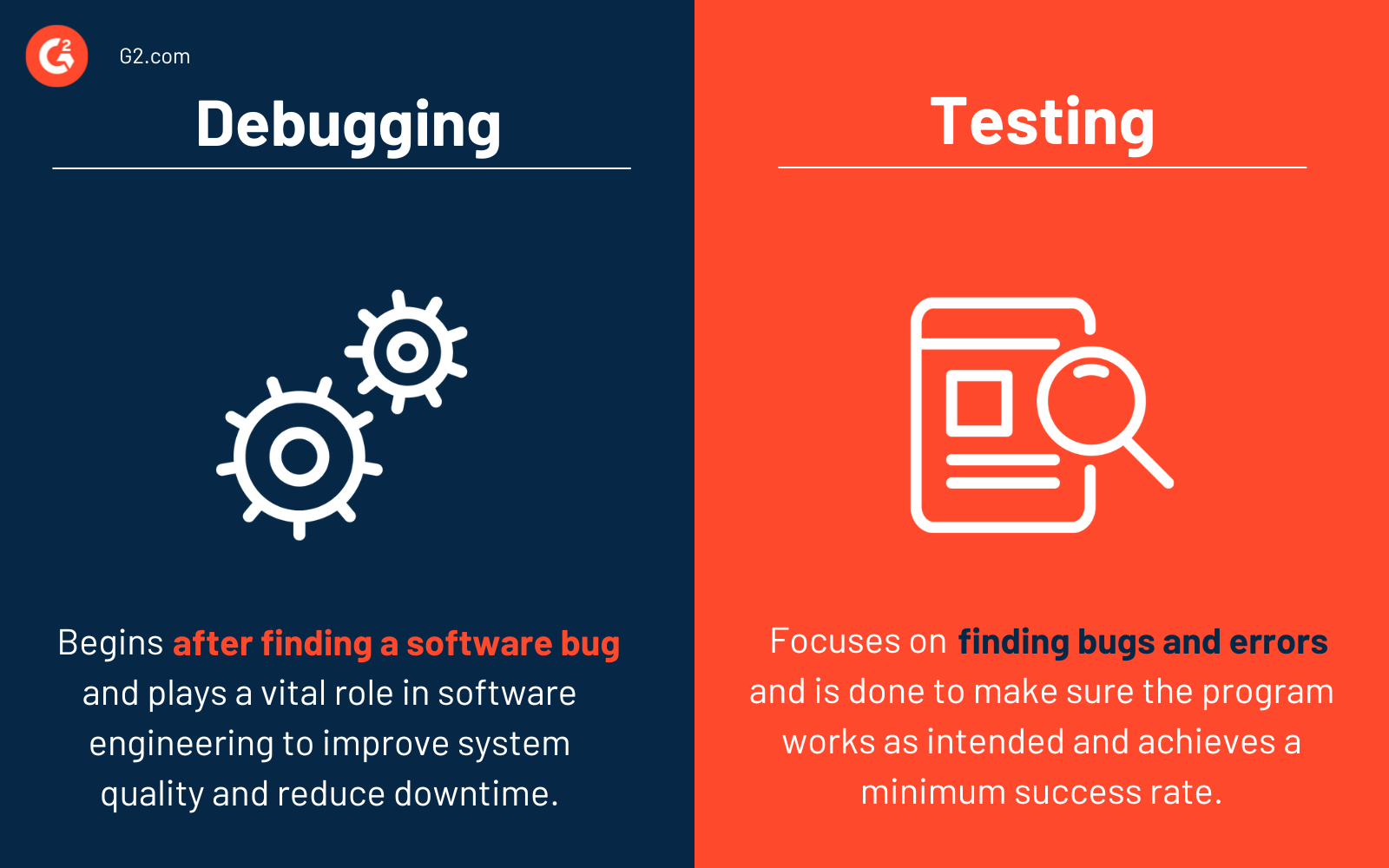
Debugging vs. Testing

Debugging begins after finding a software bug, whereas testing focuses on finding bugs and errors. Testing is done to make sure the program works as intended and achieves a minimum success rate. Testing comes in various forms, including unit, integration, alpha, and beta. 

It takes a lot of knowledge, expertise, and skill to debug. In contrast to a predefined testing mechanism, debugging is often supported by some automated tools. But it's primarily a manual process as every bug is unique and requires a different approach. Debugging is vital in software engineering because it improves system quality, reduces system downtime, and improves user satisfaction.

Learn more about software testing tools to find errors in an application quickly.

Sagar Joshi
SJ

Sagar Joshi

Sagar Joshi is a former content marketing specialist at G2 in India. He is an engineer with a keen interest in data analytics and cybersecurity. He writes about topics related to them. You can find him reading books, learning a new language, or playing pool in his free time.

Debugging Software

This list shows the top software that mention debugging most on G2.

Visual Studio is a comprehensive integrated development environment (IDE) designed to empower developers in building applications across various platforms, including Android, iOS, Windows, web, and cloud. It supports multiple programming languages, such as .NET, C++, Python, and JavaScript, providing a versatile environment for software development. Key Features and Functionality: - IntelliSense: Offers context-aware code suggestions to enhance coding efficiency. - GitHub Copilot Integration: Provides AI-assisted coding to streamline complex tasks. - Advanced Debugging Tools: Includes a robust debugger to identify and resolve issues early in the development process. - Integrated Testing: Facilitates seamless testing with built-in tools for both manual and automated testing. - CI/CD Support: Enables continuous integration and deployment through Git and Azure DevOps integration. - Cross-Platform Development: Supports development for multiple platforms, including mobile, desktop, and cloud applications. Primary Value and Solutions Provided: Visual Studio enhances developer productivity by offering a unified environment that integrates coding, debugging, testing, and deployment tools. Its support for multiple languages and platforms allows developers to create diverse applications efficiently. The integration of AI tools like GitHub Copilot and comprehensive debugging features ensures high-quality code production. Additionally, Visual Studio's support for modern development practices, including CI/CD pipelines and cloud integration, streamlines the software development lifecycle, enabling faster and more reliable application delivery.

Eclipse is a robust, open-source integrated development environment (IDE) renowned for its extensibility and support for multiple programming languages. It provides a comprehensive suite of tools for software development, including code editing, debugging, and version control integration. Eclipse's modular architecture allows developers to customize their workspace with a vast array of plugins, catering to diverse development needs. Its cross-platform compatibility ensures a consistent experience across different operating systems. By offering a unified environment for various development tasks, Eclipse enhances productivity and streamlines the software development process. Key Features and Functionality: - Extensible Plugin System: Eclipse's architecture supports a wide range of plugins, enabling developers to tailor the IDE to their specific requirements. - Multi-language Support: It offers support for numerous programming languages, including Java, C++, Python, and more, facilitating diverse development projects. - Advanced Code Editing: Features such as syntax highlighting, code completion, and refactoring tools enhance code quality and developer efficiency. - Integrated Debugging: Eclipse provides powerful debugging tools that allow for real-time code analysis and troubleshooting. - Version Control Integration: Seamless integration with version control systems like Git enables efficient source code management. - Cross-Platform Compatibility: Eclipse runs on various operating systems, including Windows, macOS, and Linux, ensuring a consistent development environment. Primary Value and User Solutions: Eclipse addresses the complexities of modern software development by offering an all-in-one platform that integrates essential development tools. Its extensible nature allows developers to adapt the IDE to their evolving needs, promoting flexibility and scalability. By supporting multiple programming languages and providing advanced features like debugging and version control, Eclipse streamlines the development workflow, reduces context switching, and enhances overall productivity. Its open-source model fosters a collaborative community, ensuring continuous improvement and a wealth of resources for users.

Visual Studio Code (VS Code) is a free, lightweight, and powerful source code editor developed by Microsoft, compatible with Windows, macOS, and Linux. It offers a rich set of features, including debugging support, syntax highlighting, intelligent code completion, snippets, code refactoring, and built-in Git integration. Users can customize the editor by changing themes, keyboard shortcuts, and preferences, as well as by installing extensions to enhance functionality. VS Code supports a wide range of programming languages and frameworks, making it a versatile tool for developers. Key Features and Functionality: - Debugging: Built-in debugger with support for various programming languages, allowing developers to set breakpoints, inspect variables, and step through code. - Syntax Highlighting and IntelliSense: Provides syntax highlighting and intelligent code completion for numerous languages, enhancing code readability and productivity. - Integrated Git Control: Seamless Git integration enables users to manage version control directly within the editor. - Extensions and Customization: A vast marketplace of extensions allows users to add new languages, debuggers, and tools, tailoring the editor to their specific needs. - Integrated Terminal: Built-in terminal supports various shells, enabling command-line operations without leaving the editor. Primary Value and User Solutions: Visual Studio Code streamlines the development process by combining a robust set of features with a user-friendly interface. Its cross-platform compatibility and extensive extension ecosystem cater to a diverse developer community, supporting a wide array of programming languages and frameworks. By integrating essential tools like debugging, version control, and terminal access into a single environment, VS Code enhances productivity and efficiency, reducing the need to switch between multiple applications. Its customizable nature allows developers to tailor the editor to their workflows, addressing the unique challenges they face in software development.

IntelliJ IDEA includes an amazing set of tools which work out-of-the-box: support for Maven, Gradle and STS; integration with Git, SVN, Mercurial; built-in Database Tools; and many more.

UiPath enables business users with no coding skills to design and run robotic process automation

LogRocket combines session replay, error tracking, and product analytics – empowering software teams to create the ideal web and mobile product experience.

The intelligent Python IDE with unique code assistance and analysis, for productive Python development on all levels.

Automation Anywhere Enterprise is an RPA platform architected for the digital enterprise.

Xcode is Apple's integrated development environment (IDE) that provides a comprehensive suite of tools for developing, testing, and distributing applications across all Apple platforms, including iOS, macOS, watchOS, and tvOS. Designed to streamline the app development process, Xcode offers features like predictive code completion, advanced debugging tools, and simulators for various Apple devices, enabling developers to create high-quality applications efficiently. Key Features and Functionality: - Coding Intelligence: Xcode leverages machine learning models to offer predictive code completion tailored to Swift and Apple SDKs, enhancing coding efficiency. - Previews: Developers can visualize and interact with their app's user interface in real-time using Xcode's preview feature, facilitating rapid iteration and design refinement. - Simulator: Xcode includes a simulator that allows testing of applications across different Apple devices and OS versions directly from a Mac, supporting scenarios like location changes and network conditions. - Debugging Tools: The IDE provides robust debugging capabilities, including breakpoints, memory usage inspection, and variable monitoring, aiding in the identification and resolution of issues. - Performance Analysis: With Instruments, developers can analyze app performance metrics such as CPU, memory, and GPU usage in real-time, helping to optimize app responsiveness and efficiency. - Testing Frameworks: Xcode supports unit and UI testing through frameworks like Swift Testing and XCTest, enabling comprehensive test coverage and quality assurance. - Xcode Cloud: Integrated continuous integration and delivery service that automates building, testing, and distributing apps, enhancing collaboration and development speed. Primary Value and User Solutions: Xcode serves as a unified platform that simplifies the app development lifecycle for Apple devices. By integrating coding, testing, debugging, and deployment tools within a single environment, it reduces development time and complexity. Features like real-time previews and simulators allow developers to iterate quickly and ensure their applications perform optimally across all Apple platforms. The inclusion of Xcode Cloud further streamlines workflows by automating routine tasks, enabling teams to focus on innovation and delivering high-quality apps to users efficiently.

Progress Telerik Fiddler is a free web debugging proxy for any browser, system or platform.

NetBeans IDE. The Smarter and Faster Way to Code. Quickly and easily develop desktop, mobile and web applications with Java, PHP, C/C++ and more. NetBeans IDE is FREE, open source, and has a worldwide community of users and developers.

Android Studio is Google's official integrated development environment (IDE) for Android application development, built upon JetBrains' IntelliJ IDEA. It offers a comprehensive suite of tools tailored for building, testing, and debugging Android apps across various devices. Since its initial release in 2013, Android Studio has become the primary platform for developers aiming to create high-quality Android applications. Key Features and Functionality: - Gradle-Based Build System: Facilitates flexible and efficient project builds, allowing for customized configurations and dependency management. - Rich Layout Editor: Enables intuitive drag-and-drop design of user interfaces, with real-time previews across multiple screen configurations. - Lint Tools: Provides static code analysis to identify performance, usability, and version compatibility issues, ensuring code quality. - ProGuard Integration: Offers code shrinking and obfuscation to optimize app performance and enhance security. - Built-in Support for Google Cloud Platform: Simplifies integration with services like Firebase Cloud Messaging and Google App Engine, enhancing app functionality. - Android Virtual Device (Emulator): Allows testing and debugging of applications on various Android device configurations without physical hardware. Primary Value and User Solutions: Android Studio streamlines the Android app development process by providing a unified environment equipped with essential tools and features. It addresses common development challenges such as code quality assurance, efficient debugging, and seamless integration with cloud services. By offering a robust and user-friendly platform, Android Studio empowers developers to create high-performance, reliable, and user-centric Android applications.

Notepad++ is a free, open-source text and source code editor for Windows, designed to provide a lightweight yet powerful alternative to the standard Notepad. Developed in C++ and utilizing the Scintilla editing component, it offers enhanced performance and a wide array of features tailored for developers and general users alike. Key Features and Functionality: - Syntax Highlighting and Folding: Supports over 70 programming, scripting, and markup languages, including C, C++, Java, HTML, XML, and Python, facilitating easier code reading and organization. - Tabbed Document Interface: Allows users to work with multiple open files within a single window, enhancing productivity and ease of navigation. - Auto-Completion: Provides suggestions for code completion, reducing typing effort and minimizing errors. - Search and Replace with Regular Expressions: Enables powerful text manipulation capabilities across multiple documents. - Multi-View and Multi-Edit: Supports split-screen editing and synchronized scrolling, allowing simultaneous editing of different parts of a document or multiple documents. - Macro Recording and Playback: Automates repetitive tasks by recording sequences of actions for later use. - Plugin Support: Extensible through a robust plugin architecture, with over 140 plugins available to add functionalities such as FTP support, spell checking, and more. Primary Value and User Solutions: Notepad++ addresses the need for a versatile and efficient text editor that caters to both simple text editing and complex coding tasks. Its lightweight design ensures quick startup and responsiveness, while the extensive feature set supports a wide range of programming and scripting needs. By offering a customizable interface, support for numerous languages, and the ability to handle large files, Notepad++ enhances productivity and streamlines the development process for programmers, web developers, and general users seeking an advanced text editing solution.

Sublime Text is a sophisticated, cross-platform text and source code editor renowned for its speed, efficiency, and extensive customization options. Designed for developers and writers alike, it offers a clean interface with powerful features that enhance productivity and streamline workflows. Key Features and Functionality: - Multiple Selections: Allows users to make multiple changes simultaneously, enhancing editing efficiency. - Command Palette: Provides quick access to commands, reducing the need for complex menu navigation. - Split Editing: Enables side-by-side editing of files, facilitating comparison and multitasking. - Instant Project Switch: Allows seamless switching between projects without saving prompts, maintaining context and workflow continuity. - Customization: Offers extensive customization through JSON settings files, including key bindings, menus, and snippets. - Plugin API: Supports a robust Python-based API, allowing users to extend functionality with plugins. - Cross-Platform Support: Available on Windows, macOS, and Linux, ensuring a consistent experience across different operating systems. Primary Value and User Solutions: Sublime Text addresses the need for a fast, reliable, and highly customizable text editor that caters to the diverse requirements of developers and writers. Its lightweight design ensures quick startup times and responsiveness, even with large files. The editor's flexibility allows users to tailor the environment to their specific needs, enhancing productivity. Features like multiple selections and split editing streamline complex editing tasks, while the extensive plugin ecosystem enables the addition of specialized functionalities. By providing a distraction-free interface combined with powerful tools, Sublime Text empowers users to focus on their work and achieve optimal results.

WebStorm is a powerful IDE, perfectly equipped for complex client-side development and server-side development with Node.js.

Enjoy productive PHP and web development with PhpStorm. Take advantage of deep code understanding, top-notch coding assistance, and support for all major tools and frameworks.

Postman enables teams to efficiently collaborate at every stage of the API lifecycle while prioritizing quality, performance, and security.

BrowserStack is the world’s leading cloud-based testing platform, trusted by 50,000+ Dev and QA teams to deliver fast, reliable, and high-quality software. From manual to automated, visual to accessibility testing, BrowserStack brings every layer of the QA process onto a single, integrated platform, so you can ship confidently at scale. Our Products: Manual Testing Live: Cross-browser testing App Live: Real device testing Testing Toolkit: Essential manual testing tools Test Automation Automate: Browser automation cloud App Automate: Mobile app automation cloud Percy: Visual testing & review App Percy: Visual testing & review Management & Optimization Test Management: Plan, track, and manage tests Test Management for Jira: Manage tests inside Jira Test Reporting & Analytics: Monitor & optimize all tests Automation without coding Low Code Automation: AI-driven automated tests Website Scanner: All-in-one website checker