
Dropbox
- 11 profiles
- 23 categories
Dropbox Solutions
Discover ready-made solutions that bring related products, reviews, and resources together in one place.
Featured Products
All Products & Services

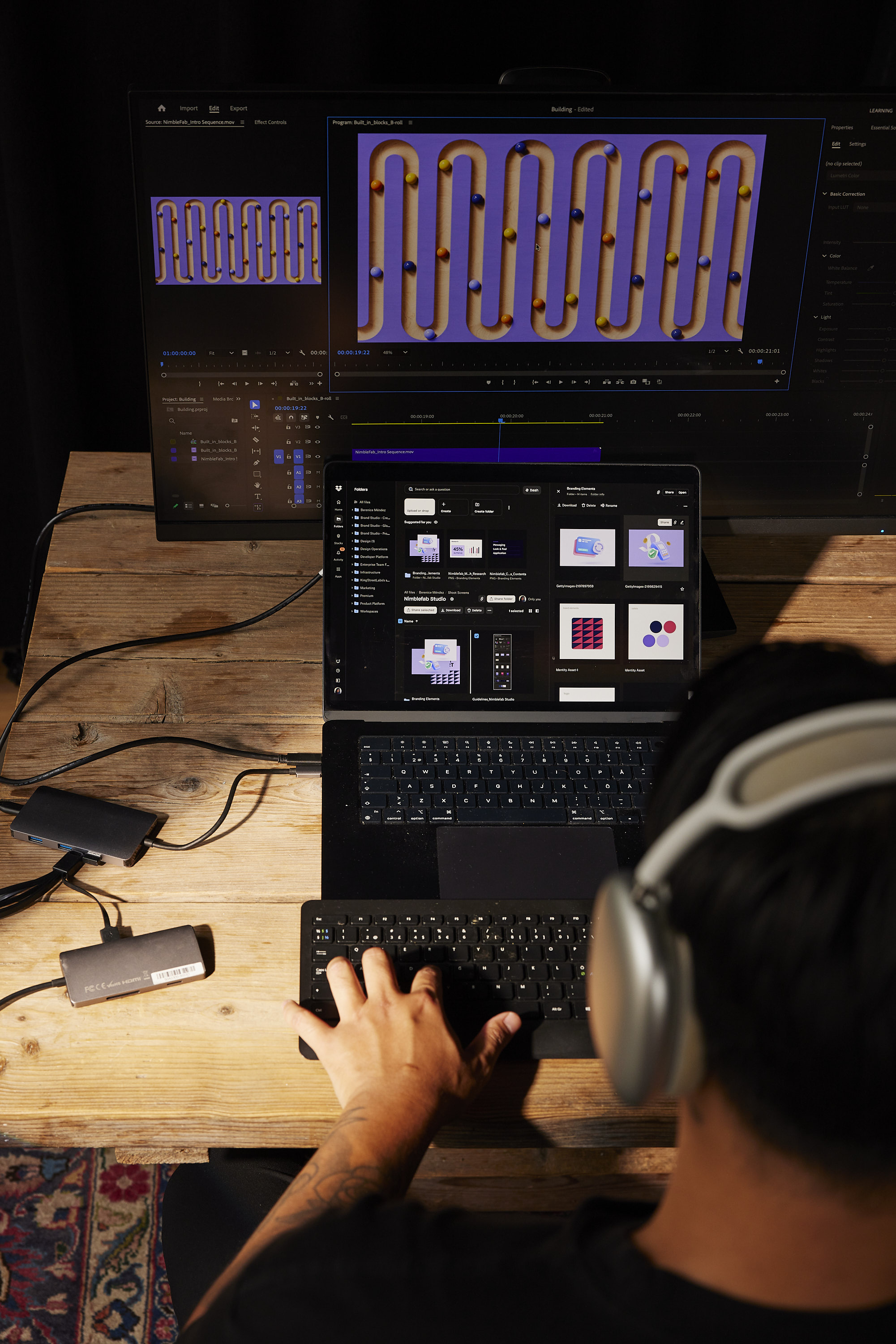
Dropbox lets you save and access all your files and photos in one organized place, and share it with anyone. Whether you run a solo biz or lead a large, complex team, Dropbox helps your work flow better.

Dropbox Paper is a collaborative document-editing service developed by Dropbox, designed to facilitate seamless teamwork and idea sharing. Launched in January 2017, Paper provides a flexible workspace where teams can create, review, and organize content in real-time, enhancing productivity and collaboration. Key Features and Functionality: - Real-Time Collaboration: Multiple users can simultaneously edit documents, with changes instantly visible to all participants. - Rich Media Integration: Embed images, videos, audio files, and even code snippets directly into documents, supporting a wide range of content types. - Task Management: Assign tasks, set due dates, and track progress within documents, streamlining project management. - Commenting and Annotation: Add comments and annotations to specific sections of a document, facilitating clear communication and feedback. - Version History: Access previous versions of documents to track changes and revert to earlier iterations if necessary. - Integration with Third-Party Tools: Connect with popular design and productivity tools like InVision, Figma, and Sketch, allowing for seamless workflow integration. Primary Value and User Solutions: Dropbox Paper addresses the need for a unified platform where teams can collaboratively create and manage content without the constraints of traditional document editors. By combining document creation, media embedding, and task management in a single interface, Paper eliminates the need to switch between multiple applications, thereby reducing workflow fragmentation. Its real-time collaboration features ensure that team members stay aligned, while the integration with various tools enhances versatility. Overall, Dropbox Paper simplifies the collaborative process, making it more efficient and effective for teams of all sizes.

Fast, Secure, and Legally Binding eSignatures for Business


DocSend tells salespeople how prospects engage with their sales material. Have the right conversation, with the right person, at the right time, and do business faster.
Reclaim is a smart calendar tool for Google Calendar that helps you automatically block time for your tasks and routines across all of your work and personal calendars. Designed for anyone with a busy schedule, Reclaim helps align your priorities with your calendar, understand where your time is going every week, and find the best time for your important solo work sessions through smart time blocking.

Dropbox Dash helps teams work smarter, faster, and more securely than ever before. Bringing advanced content access control and search capabilities to any size business, it’s ideal for those who handle large volumes of content and care about protecting sensitive information.

By removing paper from the process, HelloFax has removed your need to own a fax machine. With HelloFax, everyone in your company can conveniently send and receive faxes online.


Embed eSignature into your application in days

HelloWorks converts documents and forms into intelligent workflows.
Dropbox Reviews

Verified User in Consulting
Flexible Meeting Links and a Clear Daily Schedule Overview

Matteo T.
Chief Executive Officer StreamwiseEasy Access to All My Dropbox Data Across Every Device
Verified User in Computer Software
Simple, Reliable File Sharing and Smooth Sync Across Devices
About
What is Dropbox?
Dropbox is the world’s first smart workspace that helps people and teams focus on the work that matters. With more than 600 million registered users across 180 countries, we’re on a mission to design a more enlightened way of working. Dropbox is headquartered in San Francisco, CA, and has 12 offices around the world.