


2026 Best Software Awards are here!See the list
It's been two months since this profile received a new review
Leave a Review

CMD+CTRL Training Reviews & Product Details

Value at a Glance

Averages based on real user reviews.

Perceived Cost

$$$$$

CMD+CTRL Training Integrations

(1)
Verified by CMD+CTRL Training

CMD+CTRL Training Media

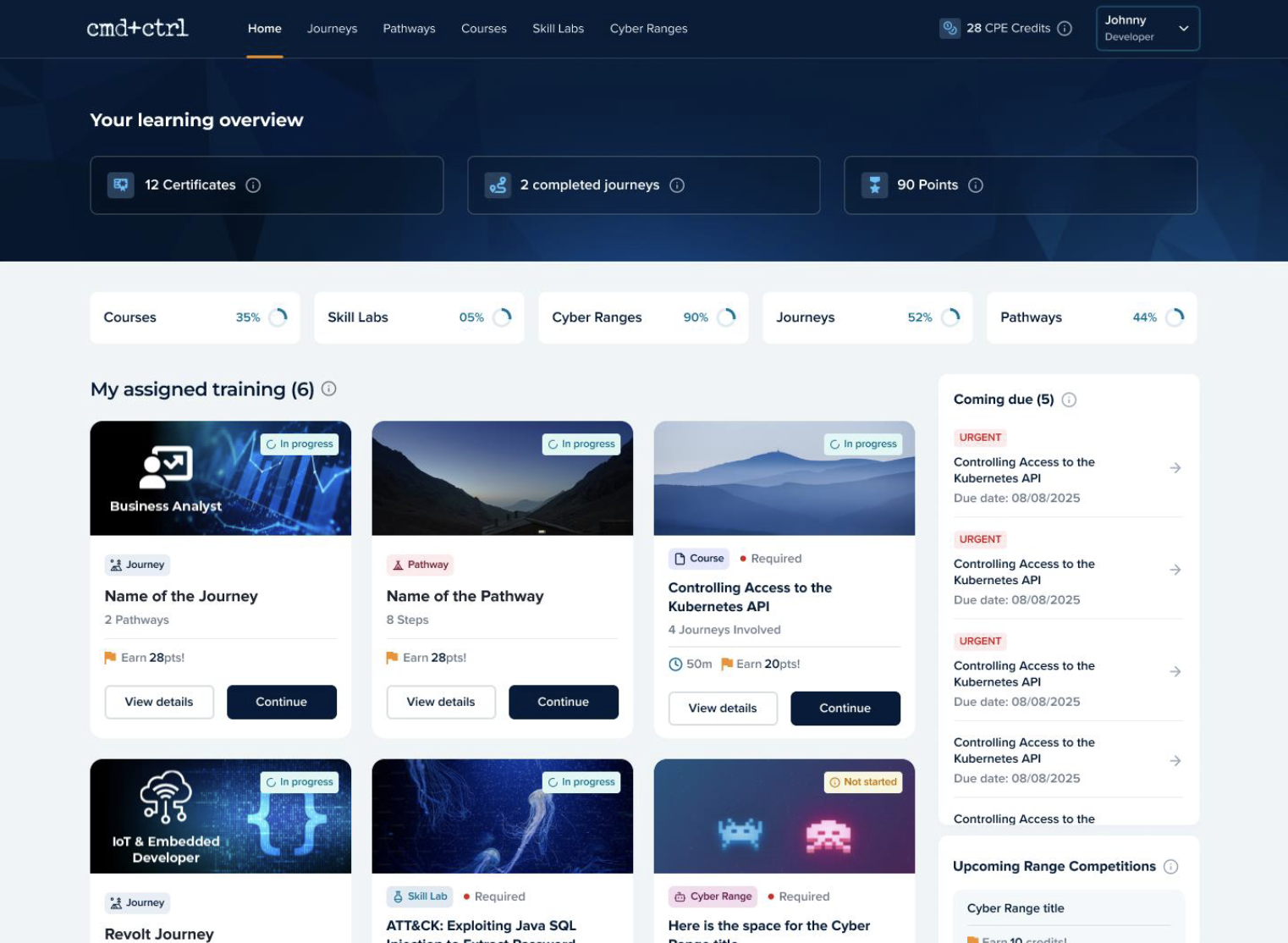
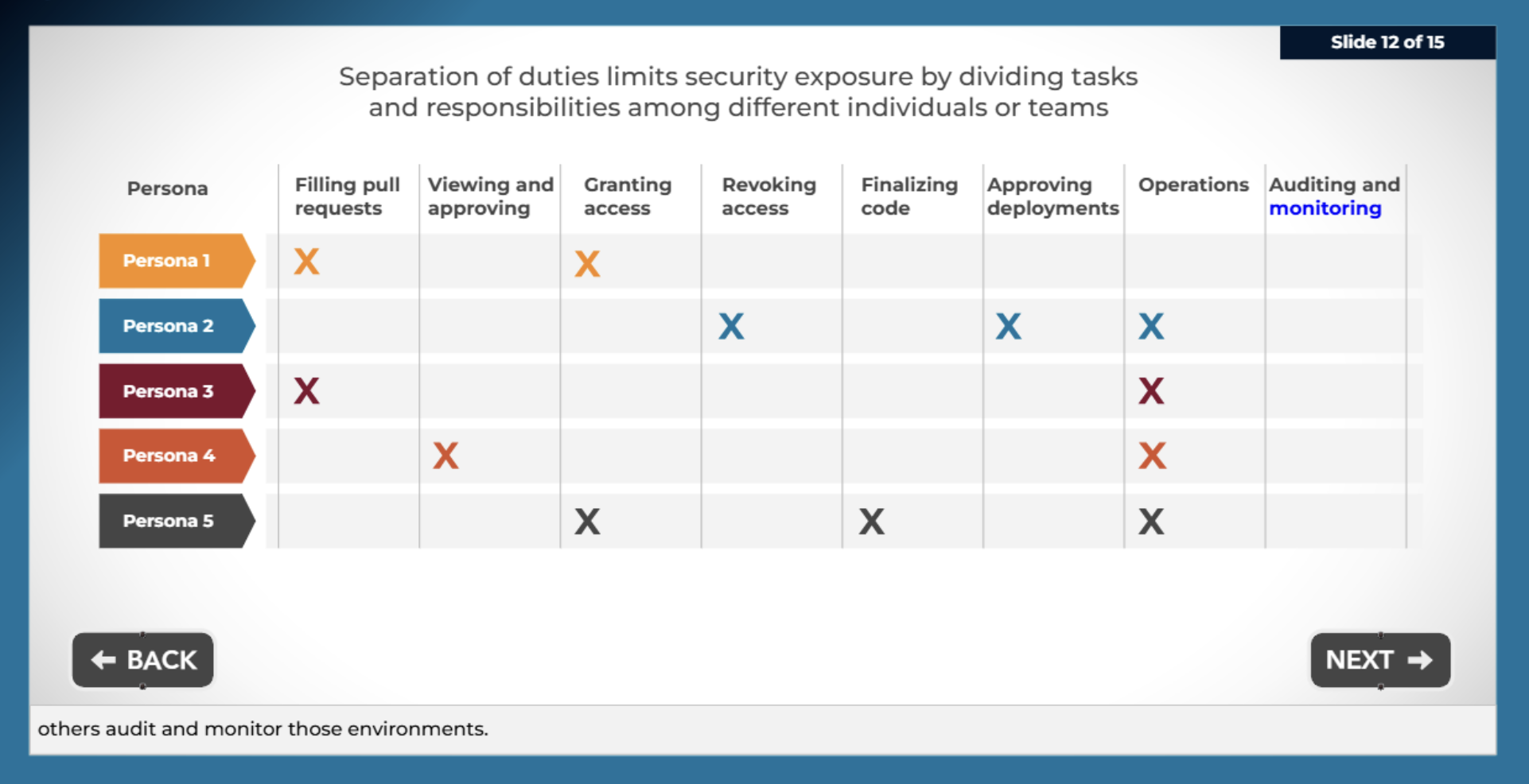
CMD+CTRL Training Demo - CMD+CTRL Learner Page
CMD+CTRL Learner Page
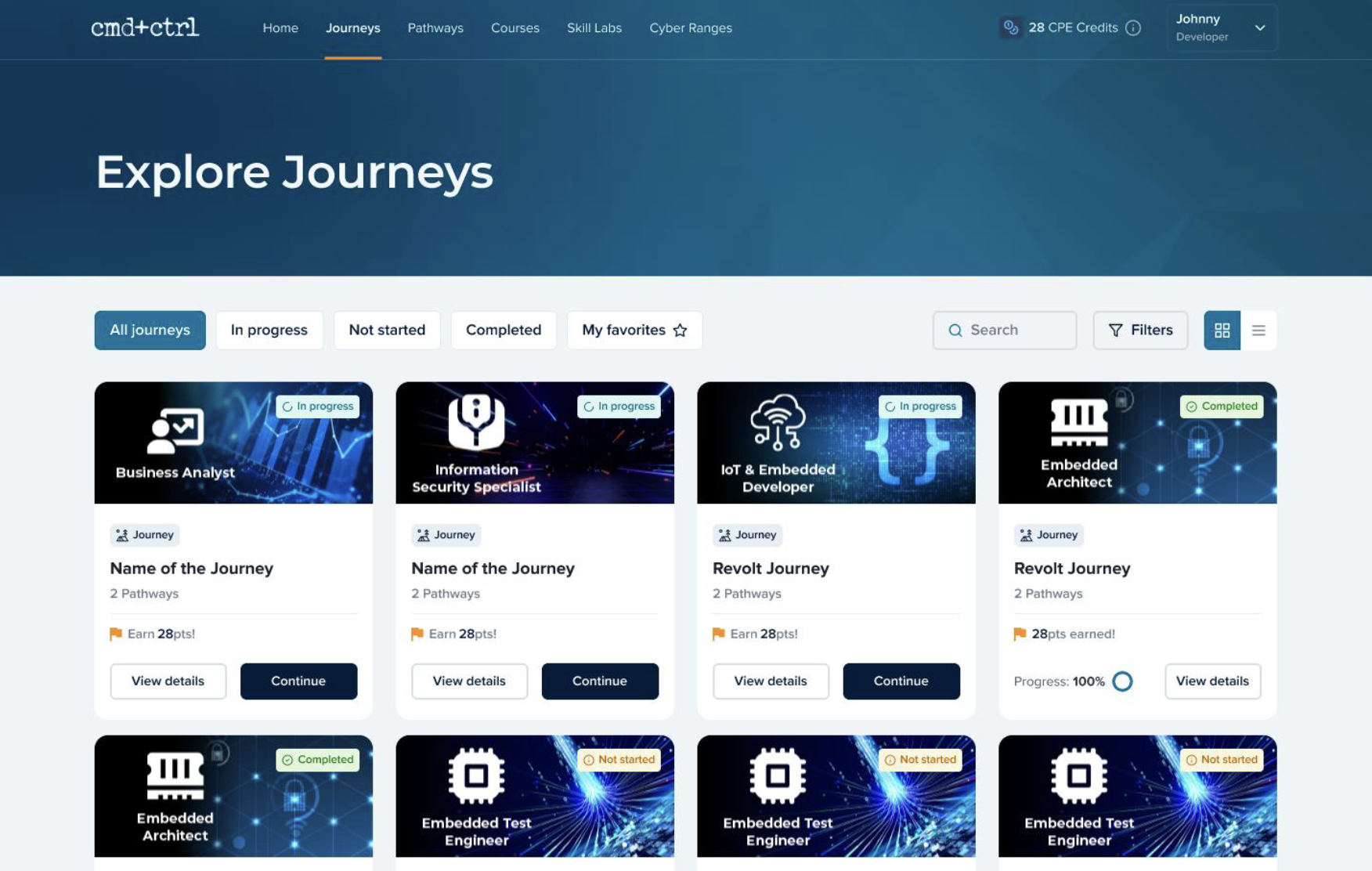
CMD+CTRL Training Demo - CMD+CTRL Journey Page
CMD+CTRL Journey Page
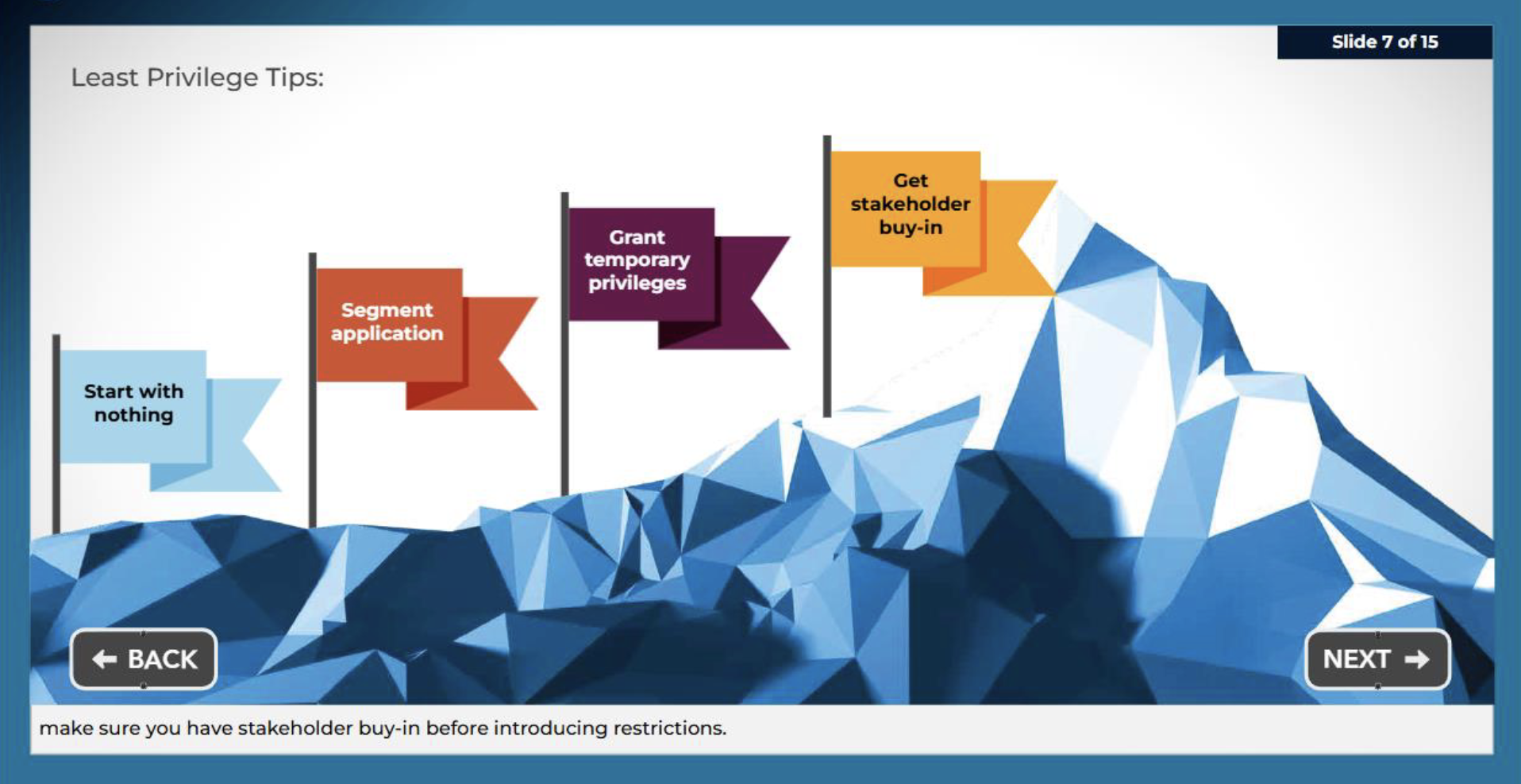
CMD+CTRL Training Demo - CMD+CTRL Course
CMD+CTRL Course
CMD+CTRL Training Demo - CMD+CTRL Course
CMD+CTRL Course
CMD+CTRL Training Demo - CMD+CTRL Course
CMD+CTRL Course
Play CMD+CTRL Training Video
Product Avatar Image

Have you used CMD+CTRL Training before?

Answer a few questions to help the CMD+CTRL Training community

CMD+CTRL Training Reviews (20)

Reviews

CMD+CTRL Training Reviews (20)

4.6
20 reviews

Review Summary

Generated using AI from real user reviews
Users consistently praise the engaging cyber ranges and the responsive support provided by the CMD+CTRL Training team, highlighting how these features enhance the learning experience. Many appreciate the realistic training scenarios that help them understand security vulnerabilities effectively. However, some users note a desire for more scenario-based training options to further improve applicability.
Search reviews
Filter Reviews
Clear Results
G2 reviews are authentic and verified.
ST
Mid-Market (51-1000 emp.)
"Responsive, attentive, and enthusiastic about meeting our needs."
What do you like best about CMD+CTRL Training?

What I appreciate most about Security Innovation Training is their customised approach, which ensures the content meets our specific needs effectively. Their responsiveness and flexibility are highly helpful, leading to engaging and impactful learning experiences. Overall, their comprehensive training and commitment to enhancing our secure coding skills are significant upsides. Review collected by and hosted on G2.com.

What do you dislike about CMD+CTRL Training?

One aspect that could be improved is the lack of visibility for administrators to view each participant's learning journeys without requiring an additional license. Providing administrators with access to this information could enhance oversight and support tailored guidance for participants more effectively. Review collected by and hosted on G2.com.


Edmond Allen J.
EJ
Director
Computer Software
Enterprise (> 1000 emp.)
"A+ Software Security Training"
What do you like best about CMD+CTRL Training?

SI has coverage for the most roles and the most technologies. The product is easy to use, zero-cost or time to implement, and they have the most up-to-date content with outstanding customer service. We use it all the time! Review collected by and hosted on G2.com.

What do you dislike about CMD+CTRL Training?

Nothing comes to mind; this company is amazing. Review collected by and hosted on G2.com.

Verified User in Information Technology and Services
UI
Enterprise (> 1000 emp.)
"working with security innovation as vendor"
What do you like best about CMD+CTRL Training?

Timely and prompt service, never faced issues with meetings. Customer relationship managers are good and they communicate well. Review collected by and hosted on G2.com.

What do you dislike about CMD+CTRL Training?

Nothing as of now, but I think Security Innovation training courses can be improved with more challenges and gamifying techniques. Review collected by and hosted on G2.com.

Verified User in Non-Profit Organization Management
AN
Enterprise (> 1000 emp.)
"Best Developer Training Available"
What do you like best about CMD+CTRL Training?

Not only does it have broad and deep coverage for all popular developer languages and frameworks, but it also has excellent security training for other software work roles like an architect, scrum master, QA test engineer, DevOps, cloud engineer, and more.

The training has a mix of learning modes:

- linear courses ... a lot of them!

- interactive labs where the user is given a specific challenge, e.g., fix the vuln in this block of Phython code, or try this MITRE ATT&CK on a live applicaion.

- full-featured vulnerable applications to practice, explore, and run team events

Other positives:

- Very easy to get started; turn-key implementation via SaaS

- Strong report integration with our systems

- Very responsive customer support

- Updated frequently so content remains current (we use it every month) Review collected by and hosted on G2.com.

What do you dislike about CMD+CTRL Training?

Inability to customize learning paths on our own Review collected by and hosted on G2.com.

Verified User in Computer Software
AC
Enterprise (> 1000 emp.)
"Security Innovation Cyber Range events are unlike anything else out there"
What do you like best about CMD+CTRL Training?

Security Innovation Cyber Range events are fully planned. Before the event, I received content I could use to advertise the event, as well as links to training that participants could take to prepare for the event. The event itself is a masterpiece, where a lead instructor provides an introduction to the platform, as well as intermittent labs to help guide participants throught the event. Other instructors are standing by to help people who are stuck or need some help. And then after the event, I got a full breakdown of the results, with links to additional training, personalized for each participant. It just doesn't get any better than this! Review collected by and hosted on G2.com.

What do you dislike about CMD+CTRL Training?

I can't think of anything I dislike. Based on a survey from participants of the event, there was nothing they disliked either! Review collected by and hosted on G2.com.

Verified User in Manufacturing
AM
Enterprise (> 1000 emp.)
"Cybersecurity Learning Program Manager"
What do you like best about CMD+CTRL Training?

I like the role-specific learning journeys for our users. Review collected by and hosted on G2.com.

What do you dislike about CMD+CTRL Training?

Lack of in-depth hands on training exercises Review collected by and hosted on G2.com.

Vinod K.
VK
Software Quality Assurance Test Engineer
Enterprise (> 1000 emp.)
"Review for security innovation training"
What do you like best about CMD+CTRL Training?

Content and understanding of the features required for security features Review collected by and hosted on G2.com.

What do you dislike about CMD+CTRL Training?

Nothing as of now as training went smooth Review collected by and hosted on G2.com.

Verified User in Medical Devices
AM
Enterprise (> 1000 emp.)
"Security Innovation Provides Customized, Comprehensive Training Services"
What do you like best about CMD+CTRL Training?

Meets the requirements of their customers. Review collected by and hosted on G2.com.

What do you dislike about CMD+CTRL Training?

Nothing - the capabilities and services are excellent. Review collected by and hosted on G2.com.

Verified User in Financial Services
EF
Enterprise (> 1000 emp.)
"Great product. Great service."
What do you like best about CMD+CTRL Training?

Relevant training that is updated regularly. Very responsive support. Review collected by and hosted on G2.com.

What do you dislike about CMD+CTRL Training?

Reporting could be improved, though we have not moved to their newest platform, so reporting may already be improved. Review collected by and hosted on G2.com.

Verified User in Market Research
AM
Mid-Market (51-1000 emp.)
"Risk mitigation and blockchain"
What do you like best about CMD+CTRL Training?

extensive coverage of the blockchain and respond to risks Review collected by and hosted on G2.com.

What do you dislike about CMD+CTRL Training?

response time to fraudulent risks can be minimized Review collected by and hosted on G2.com.

No Discussions for This Product Yet

Be the first to ask a question and get answers from real users and experts.

Start a discussion
Pricing

Pricing details for this product isn’t currently available. Visit the vendor’s website to learn more.

CMD+CTRL Training Features
Customization
Content Library
Reporting
Baselining
Integrated Learning
Gamification
Continuous Assesment
Product Avatar Image
CMD+CTRL Training