Introducing G2.ai, the future of software buying.Try now

Load Balancing

by Alexandra Vazquez
Load balancing is the process of dispersing traffic across servers to avoid overworking them. Learn more about the types and benefits.

What is load balancing?

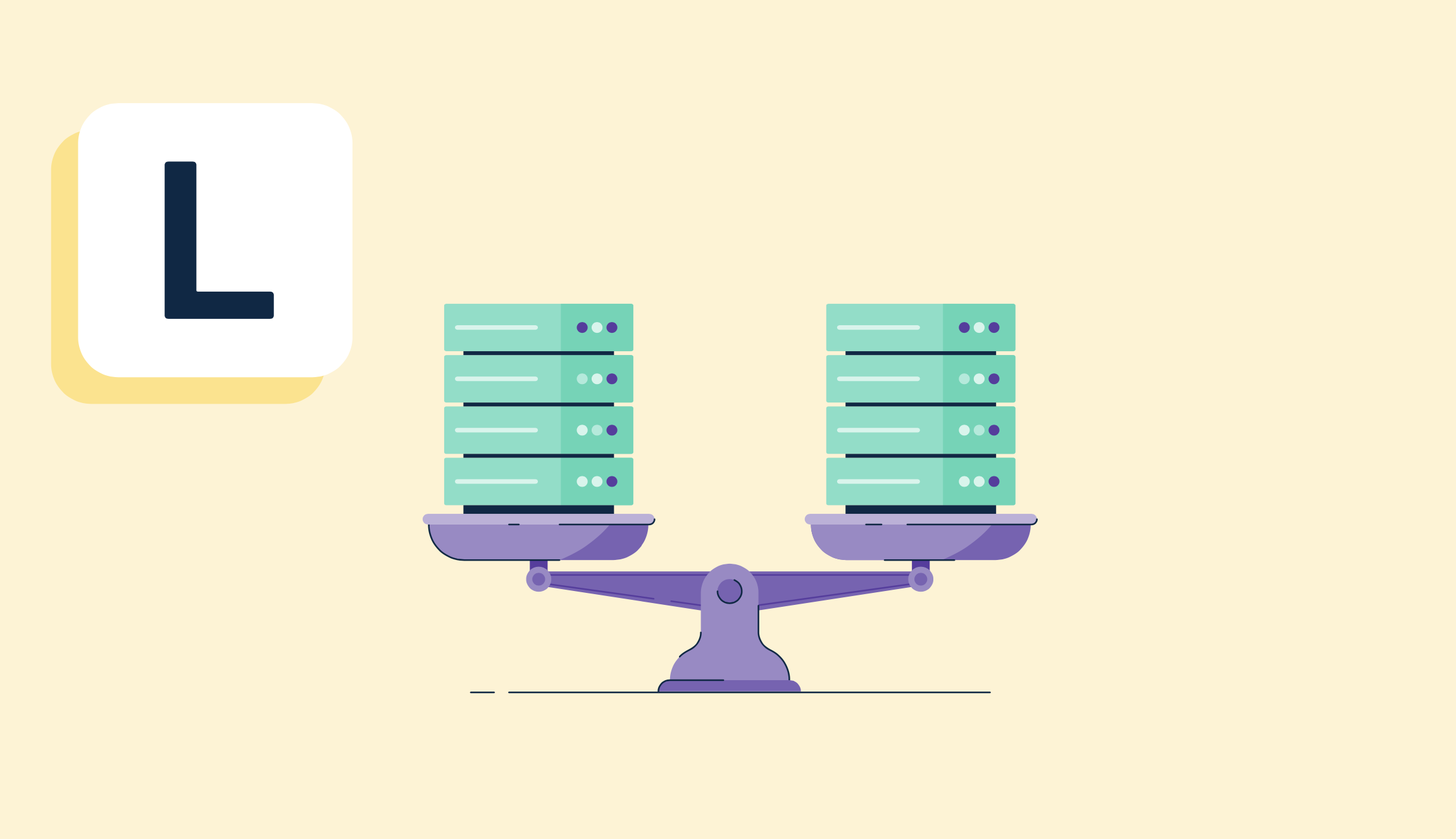
Load balancing is the process of evenly dispersing network traffic across multiple servers to avoid overworking them. Server professionals like IT managers and network administrators use load balancing across company servers to ensure a smooth workflow and keep an eye on which servers are used and how often. 

Load balancing in networking isn't just about company servers. Load balancing tools help popular websites distribute incoming traffic to ensure proper functionality. 

Neglecting to do this causes website downtime, and the more a website is unavailable, the more visitors are turned away. If the website aims to make sales, customers are lost just because the network isn't balanced appropriately to support traffic. 

Companies use load balancing software to automate how resources and traffic are portioned out amongst websites, applications, and servers. These solutions allow businesses to monitor network traffic, disperse resources as needed, adjust workloads to offset traffic, and utilize backup services in case of server failure or downtime. 

Types of load balancing

There are seven types of load balancers. All are useful in dispersing traffic effectively, and companies may combine different types according to their needs.

  1. A network load balancer (NLB) is the most common and well-known load balancer that simply focuses on distributing network traffic evenly between a group of servers. 
  2. An application load balancer (ALB) distributes network traffic based on existing variables. It uses automation to make load balancing decisions with content element awareness. 
  3. A global server load balancer (GSLB) helps in distributing traffic amongst global servers. This improves performance by relying on servers that are geographically closer. 
  4. A hardware load balancer device (HLD) is a physical, on-premise device that distributes network traffic. 
  5. A software load balancer (SLB) makes use of a virtual software installation for balancing network traffic. These can be commercially sold or applied through an open-source system.
  6. A virtual load balancer (VLB): combines the previous two load balancers by running hardware applications on a virtual machine. 
  7. A gateway load balancer (GLB) focuses on security elements by managing firewalls and intrusion prevention systems. It balances the load by creating one point of entry and exit to distribute traffic.

Load balancing algorithms

There are two significant types of load balancing algorithms: static and dynamic. There is no right or wrong algorithm or method for load balancing servers. There is simply the best way to approach it depending on the necessities and capabilities of a company and its server system.

Static load balancing algorithm

In static load balancing, traffic is distributed throughout different servers without keeping the state of those servers in mind during the process. How the traffic is distributed is determined by what is known about the server system altogether. 

It is a more straightforward algorithm to implement and maintain, although it may not be considered as detailed in its balancing methods.

There are six different types of static load balancing algorithms:

  • Round-robin rotates how traffic is distributed to servers. 
  • Weighted round-robin rotates traffic distribution with specific characteristics in mind. 
  • Source IP hash converts traffic sources and IP addresses into a hash assigned to a particular server. 
  • Randomized static randomly distributes traffic amongst servers. 
  • Central manager disperses traffic using a central node that chooses the processer with the least current traffic. 
  • Threshold assigns incoming traffic to the newest servers available. 

Dynamic load balancing algorithm

With dynamic load balancing, the current state of the servers is considered as traffic is distributed. This method helps traffic move more efficiently by supplying a more robust course of action with more information to back up the way it balances. 

Unlike the static algorithm, dynamic is not as straightforward to implement and can take a lot of time and effort to design and install.

There are four different types of dynamic load balancing algorithms:

  • Least connection identifies which servers currently have the least connections and distributes traffic to those as needed. 
  • Weighted least connection allows users to assign weights to different servers. This pinpoints how many connections a server can handle and, therefore, how they are balanced.
  • Weighted response time determines the speed of a server’s response time. Users may choose to weigh these servers at a rate where they can handle more connections because they respond faster than others.
  • Resource-based (adaptive) relies on the resources available within a server at a specific time. Usually, a computer program is installed on the system to track this information. The network load is balanced depending on which server is the most prepared to handle incoming traffic.

Benefits of load balancing

There are many advantages to implementing a load balancing technique into an existing server system. Once companies choose the correct algorithm or method for their environment, they can reap the benefits.

  • Improved performance. The more balanced networking traffic, the less chance of creating bottlenecks from overworked existing servers. When load balancing is done right, optimal performance is a given. 
  • Guaranteed reliability. Load balancing’s primary goal is to ensure that server downtime is minimal and measure the recovery time objective (RTO). When there is a backup plan to the backup plan, issues are much less likely to occur. 
  • Enhanced user experience. When companies invest in the reliability of their servers, users are left with a more seamless and pleasant experience.
  • Increased flexibility. It can be common for companies to want to change elements of their networking system without disrupting services. Creating a solid load balancing system can allow specific servers to be shut down for maintenance while the others pick up the slack and keep operations running smoothly. 
  • Added security layers. Companies should think of their servers as their shields. The more there are, the more challenging to breach. Load balancing essentially creates an army of strong, capable servers to stall attacks in time for security measures to be put into place to stop them.
  • Predictable downtimes. Certain load balancing methods can actually help companies predict instances of downtime or error in advance. Companies can use this information to address those issues and balance traffic as necessary before the problem becomes an emergency.

Load balancing best practices

There are a few tips and tricks that companies should keep in mind as they decide to implement load balancing and as they maintain and manage the process.

  • Determine long-term needs. The benefits of load balancing may take a while to come to fruition. In order to choose the correct method of balancing for a specific business, it’s important to identify long-term network needs. This will also help to avoid having to change things later on.
  • Predict potential load. It’s not always easy, but businesses should try to predict how much network traffic they expect to incur. This educated guess helps them choose an algorithm that can balance their traffic effectively.
  • Create a budget. Whether a company chooses a load balancing method based on software or hardware, they need to make some purchase decisions. Budget tracking for the project should be organized ahead of time to prepare for those costs.
  • Keep maintenance in mind. Load balancing isn’t over once the processes have been implemented. Every type of load balancing requires consistent upkeep and management. Companies should keep this in mind as they budget and allocate workload so the load balancing materials are maintained.

Hardware load balancing vs. software load balancing

As mentioned earlier, hardware load balancing and software load balancing are both solid choices for building a load balancing system. However, they differ in what they can offer to a company.

Hardware load balancing uses a physical load balancer that is held on-site. It acts as the middleman between incoming traffic and company servers. 

Usually, companies will implement customized rules onto the hardware to optimize traffic distribution. Because hardware load balancers are physical in nature, they require a lot of attention for implementation and maintenance. Some companies may take issue with hardware load balancing devices as they attempt to scale and grow their server base. 

Software load balancing uses a digital load balancer that lives in a virtual environment. These pieces of software can be installed directly onto existing servers or outsourced. 

Like any other load balancer, it aims to distribute network traffic. Because software load balancers work digitally, they can expand to improve scalability as needed. Some companies may take issue with how expensive it can be to build and manage the software.

Alexandra Vazquez
AV

Alexandra Vazquez

Alexandra Vazquez is a former Senior Content Marketing Specialist at G2. She received her Business Administration degree from Florida International University and is a published playwright. Alexandra's expertise lies in copywriting for the G2 Tea newsletter, interviewing experts in the Industry Insights blog and video series, and leading our internal thought leadership blog series, G2 Voices. In her spare time, she enjoys collecting board games, playing karaoke, and watching trashy reality TV.

Load Balancing Software

This list shows the top software that mention load balancing most on G2.

HAProxy One helps you manage, secure, and observe all your application traffic — in any environment — with a unified platform. The platform consists of a flexible data plane (HAProxy Enterprise and HAProxy ALOHA) for TCP, UDP, QUIC and HTTP traffic, a scalable control plane (HAProxy Fusion), and a secure edge network (HAProxy Edge), which together enable multi-cloud load balancing as a service (LBaaS), web app and API protection, API/AI gateways, Kubernetes networking, application delivery network (ADN), and end-to-end observability.

Kemp LoadMaster with advanced load balancing capabilities, LoadMaster ensures the availability and resilience of applications across multi-cloud, hybrid-cloud, and data centers. LoadMaster includes WAF (Web Application Firewall) and authentication and single sign-on capabilities that enhance the security of applications and provide ongoing protection from attacks.

Azure Application Gateway is a web traffic load balancer that enables you to manage traffic to your web applications. Unlike traditional load balancers that operate at the transport layer (Layer 4), Application Gateway operates at the application layer (Layer 7), allowing it to make routing decisions based on attributes such as URL paths and host headers. This capability provides more control over how traffic is distributed to your applications, enhancing both performance and security. Key Features and Functionality: - Layer 7 Load Balancing: Routes traffic based on HTTP request attributes, enabling more precise control over traffic distribution. - Web Application Firewall (WAF): Protects applications from common web vulnerabilities like SQL injection and cross-site scripting by monitoring and filtering HTTP requests. - SSL/TLS Termination: Offloads SSL/TLS processing to the gateway, reducing the encryption and decryption overhead on backend servers. - Autoscaling: Automatically adjusts the number of gateway instances based on traffic load, ensuring optimal performance and cost efficiency. - Zone Redundancy: Distributes instances across multiple availability zones, enhancing resilience and availability. - URL Path-Based Routing: Directs requests to backend pools based on URL paths, allowing for efficient resource utilization. - Host Header-Based Routing: Routes traffic to different backend pools based on the host header, facilitating multi-site hosting. - Integration with Azure Services: Seamlessly integrates with Azure Traffic Manager for global load balancing and Azure Monitor for centralized monitoring and alerting. Primary Value and User Solutions: Azure Application Gateway provides a scalable and highly available solution for managing web application traffic. By operating at the application layer, it offers intelligent routing capabilities that enhance application performance and reliability. The integrated Web Application Firewall ensures robust security against common web threats, while features like SSL/TLS termination and autoscaling optimize resource utilization and reduce operational overhead. This comprehensive set of features addresses the needs of organizations seeking to build secure, scalable, and efficient web front ends in Azure.

NetScaler is an application delivery and security platform for large enterprises that need high-performance application delivery, integrated security, and end-to-end observability. Because NetScaler abstracts the complexities of networking configuration and works the same in both on-premises and cloud environments, infrastructure and operations teams can move faster to deliver new products and services.

free, open-source, high-performance HTTP server and reverse proxy

F5 BIG-IP Local Traffic Manager is an advanced application delivery controller designed to optimize the performance, security, and availability of applications across diverse network environments. By intelligently managing network traffic, LTM ensures that applications remain reliable and responsive, even under varying load conditions. Its comprehensive suite of features addresses the complexities of modern application delivery, providing organizations with the tools needed to maintain seamless user experiences. Key Features and Functionality: - Intelligent Traffic Management: LTM employs sophisticated load balancing algorithms, such as Round Robin and Least Connections, to distribute incoming traffic efficiently across multiple servers, preventing any single server from becoming a bottleneck. - SSL/TLS Offloading: By handling SSL/TLS encryption and decryption processes, LTM offloads these resource-intensive tasks from backend servers, enhancing overall system performance and simplifying certificate management. - Application Health Monitoring: Continuous monitoring of server health allows LTM to detect and respond to server failures promptly, ensuring uninterrupted application availability. - iRules for Customization: LTM's scripting language, iRules, enables administrators to create custom traffic management policies, offering granular control over data flows and security measures. - Protocol Optimization: With support for protocols like HTTP/2 and advanced TCP optimizations, LTM enhances data transmission efficiency, leading to faster application response times. - High Availability and Scalability: LTM supports device failover and clustering, ensuring applications remain available during hardware failures and can scale to meet increasing traffic demands. Primary Value and Problem Solving: F5 BIG-IP LTM addresses critical challenges in application delivery by ensuring high availability, robust security, and optimal performance. It mitigates the risk of server overload through intelligent load balancing, enhances security by managing SSL/TLS encryption, and improves user experiences with protocol optimizations. By providing real-time analytics and customizable traffic management, LTM empowers organizations to maintain control over their applications, adapt to evolving demands, and deliver consistent, high-quality services to their users.

FortiGate SD-WAN is a comprehensive solution that integrates software-defined wide area networking (SD-WAN) capabilities with advanced security features into a single platform. Designed to enhance network performance and security, it enables organizations to manage and optimize their WAN infrastructure efficiently. Key Features and Functionality: - Integrated Security and Networking: Combines SD-WAN functionalities with next-generation firewall (NGFW) security, intrusion prevention, and secure web gateway services, eliminating the need for separate security appliances at branch locations. - High Performance: Utilizes purpose-built ASIC processors to deliver accelerated performance for application identification, steering, and overlay performance, ensuring low latency and optimal user experience for business-critical applications. - Flexible Deployment Options: Available in various form factors, including physical appliances and virtual machines, to accommodate diverse branch sizes and bandwidth requirements. - Centralized Management: Offers single-pane-of-glass management through FortiManager, simplifying operations and providing unified visibility and control over the entire network. - Advanced Routing and WAN Optimization: Supports advanced routing protocols and WAN optimization techniques, such as protocol optimization and caching, to enhance application performance and bandwidth efficiency. Primary Value and Solutions Provided: FortiGate SD-WAN addresses the challenges of modern WAN management by reducing operational costs, simplifying network complexity, and improving application performance. By integrating security and networking functions, it ensures consistent policy enforcement and protection against cyber threats across all WAN connections. The solution's high-performance capabilities and flexible deployment options make it suitable for organizations transitioning from traditional MPLS to broadband, seeking to enhance their network agility and user experience without compromising security.

Cloud Load Balancing allows users to scale their applications on Google Compute Engine from zero to full-throttle.

AWS Elastic Compute Cloud (EC2) is a web service that provides resizable compute capacity in the cloud, making web-scale computing easier for developers.

AWS Elastic Beanstalk is a fully managed service that simplifies the deployment and scaling of web applications and services. It supports applications developed in various languages, including Java, .NET, PHP, Node.js, Python, Ruby, Go, and Docker. By uploading your code, Elastic Beanstalk automatically handles the provisioning of resources, load balancing, auto-scaling, and monitoring, allowing developers to focus on writing code without managing the underlying infrastructure. Key Features and Functionality: - Simplified Deployment: Deploy applications by uploading code without the need to provision resources or manage configurations. - Automated Management: Handles platform updates, security patches, and health monitoring automatically. - Scalability and Availability: Provides built-in high availability, automatic scaling, and integrated security controls to ensure applications are secure and can handle varying loads. - Cost Efficiency: Operates as a managed service with no additional cost; users pay only for the AWS resources consumed. Primary Value and Problem Solved: AWS Elastic Beanstalk addresses the complexity of deploying and managing web applications by automating infrastructure tasks. This enables developers to concentrate on business logic and application development, reducing operational overhead and accelerating time-to-market. It is particularly beneficial for organizations migrating traditional applications to the cloud or those seeking a straightforward solution for deploying containerized applications without delving into complex container orchestration.

Increase application availability and performance with highly-available and provisioned bandwidth load balancing.

Elastic Load Balancing automatically distributes incoming application traffic across multiple Amazon EC2 instances.

F5 NGINX Plus is a software load balancer, web server, and content cache built on top of open source NGINX. NGINX Plus has exclusive enterprise‑grade features beyond what's available in the open source offering, including session persistence, configuration via API, and active health checks. Use NGINX Plus instead of your hardware load balancer and get the freedom to innovate without being constrained by infrastructure.

Kong Gateway can run anywhere, in the cloud or on-premise - in a single, hybrid or multi-datacenter setup.

Ultimate enterprise firewall performance, security, and control.

Compute Engine enables you to create and run large-scale workloads on virtual machines hosted on Google Cloud. Get running quickly with pre-built and ready-to-go configurations or create machines of your own with the optimal amount of vCPU and memory required for your workload.

The Netgate pfSense project is a powerful open source firewall and routing platform based on @FreeBSD.

Alteon VA is a fully-featured Alteon application delivery controller (ADC), packaged as a virtual load balancer running on virtualized server infrastructure.

WatchGuard has deployed nearly a million integrated, multi-function threat management appliances worldwide. Our signature red boxes are architected to be the industry's smartest, fastest, and meanest security devices with every scanning engine running at full throttle.