

MC
Miguel C.
CS support
Small-Business (50 or fewer emp.)
"Supercharges Communication with Ease and Speed"
What do you like best about Text Blaze?
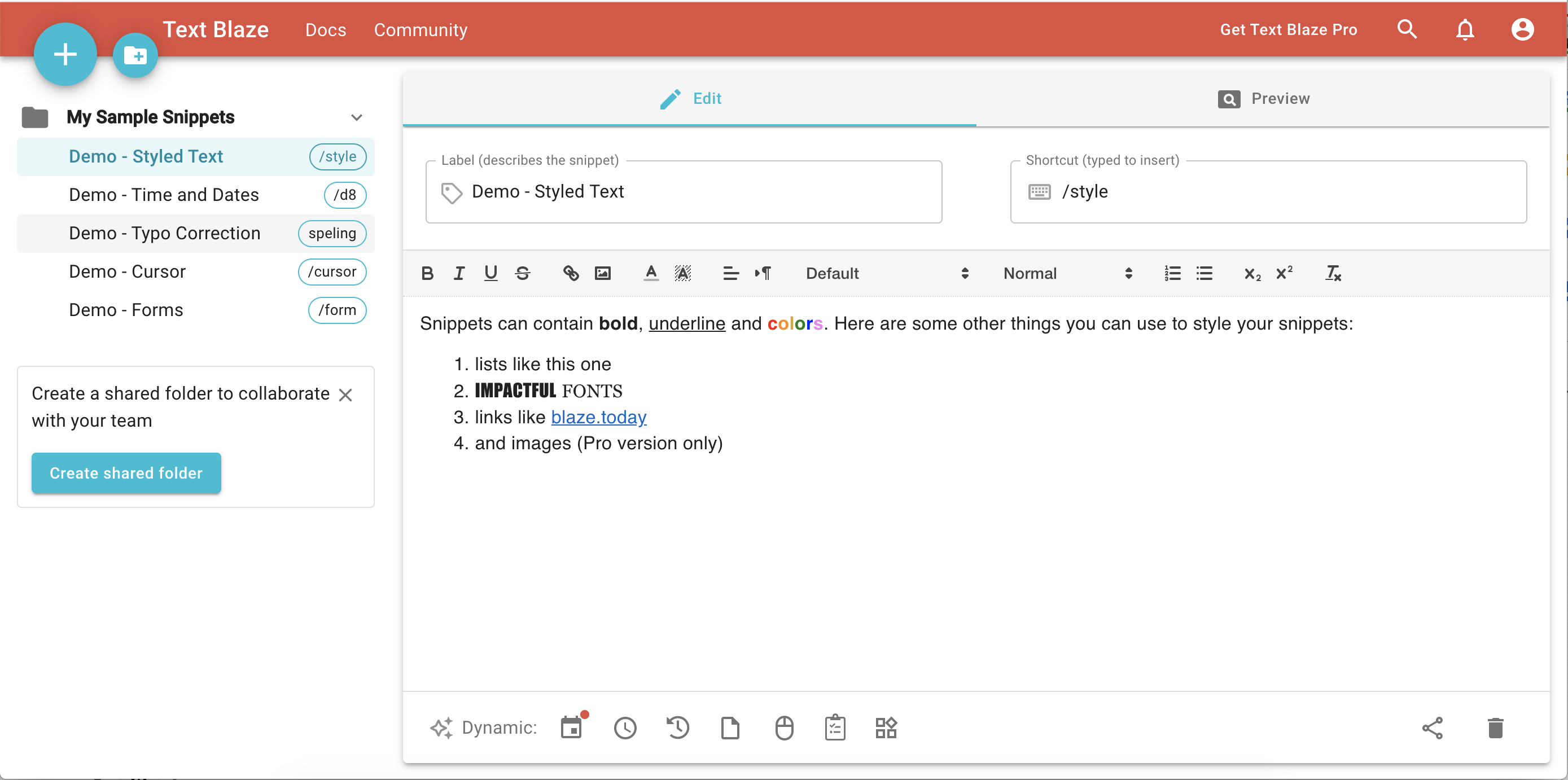
I love Text Blaze because it saves me so much time by helping me quickly reply to text and emails, especially for repetitive tasks. It allows me to send text and emails at a speed I wouldn't be able to achieve without it, making everything twice or even triple as fast. I appreciate that even the free version has a lot of snippets that you can set up easily with just a slash and a key letter that connects to a prewritten response. It's just so easy to use, which is what I love the most. Review collected by and hosted on G2.com.
What do you dislike about Text Blaze?
Sometimes Text Blaze shortcuts interfere with each other. So there should be a way to, you know, maybe use different keys or strokes that can prevent that from happening. Review collected by and hosted on G2.com.