

Compara esto con otras herramientasGuárdalo en tu tablero y evalúa tus opciones lado a lado.
Guardar en el tablero

Adobe Express Reseñas y Detalles del Producto

Precios

Precios proporcionados por Adobe Express.

Free Plan

$0.00
Soluciones de Adobe
(1)

Ve cómo los productos de Adobe pueden trabajar juntos para resolver problemas reales.

Contenido Multimedia de Adobe Express

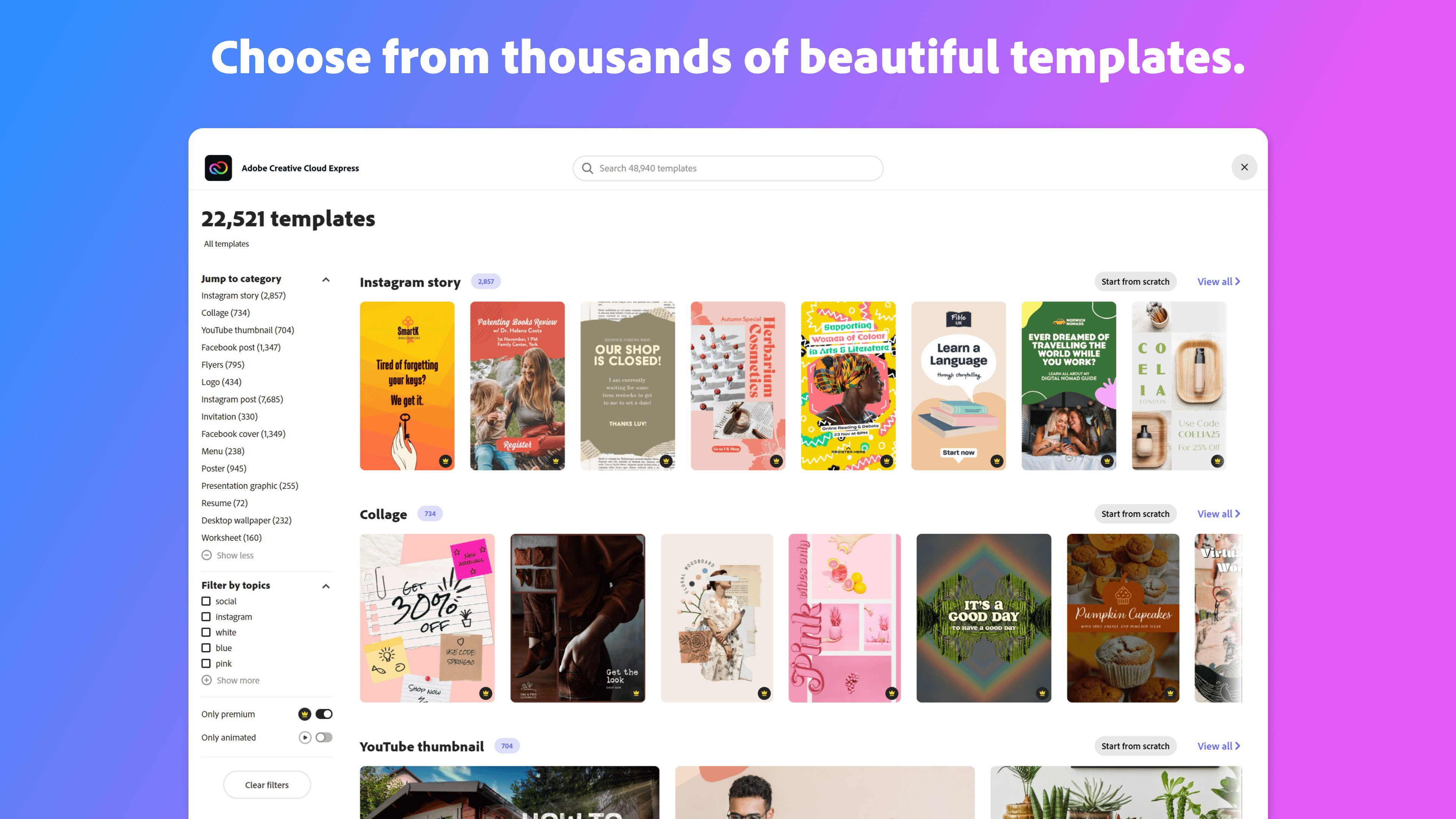
Demo Adobe Express - Thousands of beautiful templates
Start from thousands of templates or from a blank canvas.
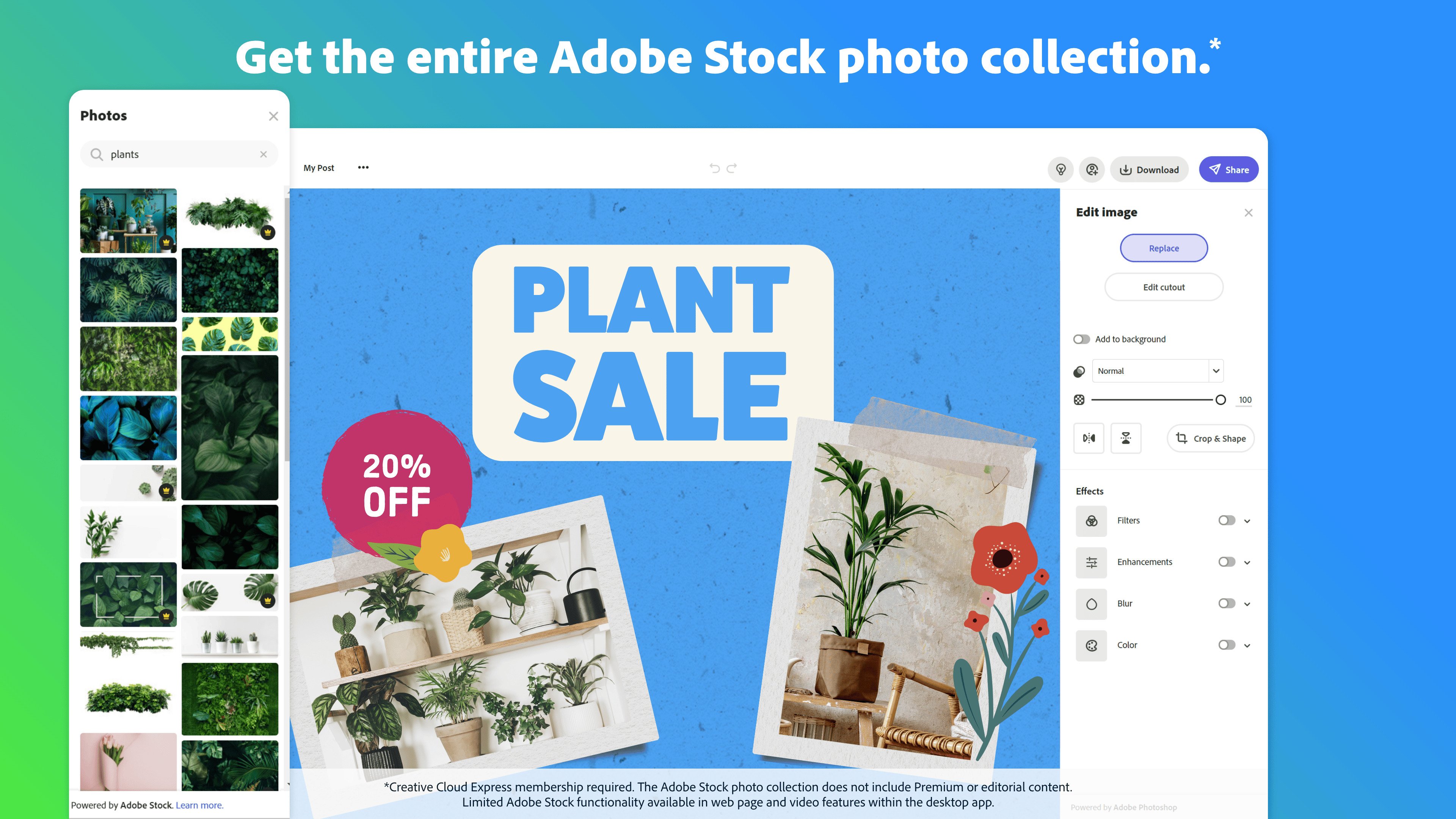
Demo Adobe Express - Adobe Stock photos
Chose from royalty-free high quality Adobe Stock photos.
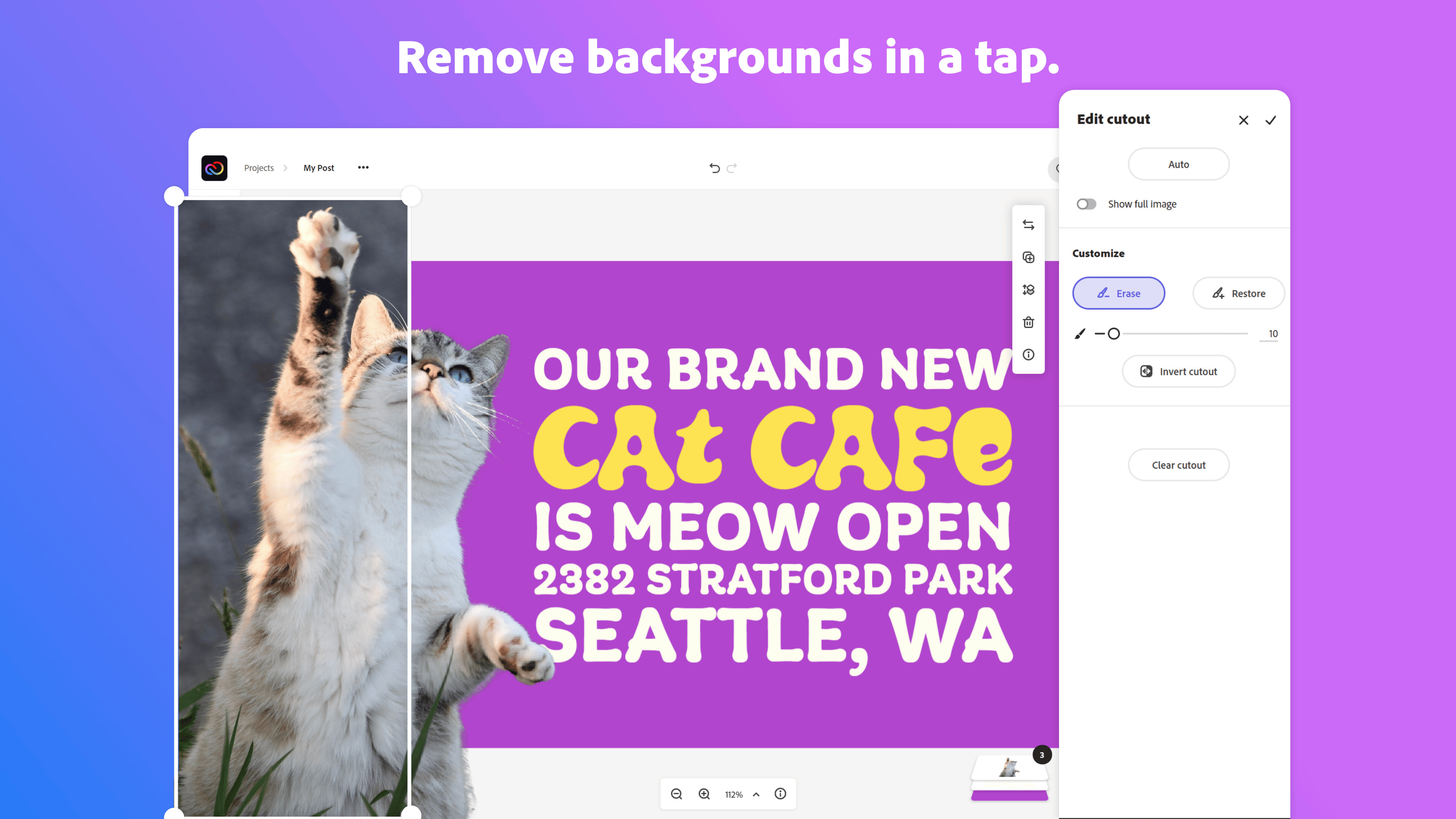
Demo Adobe Express - Remove backgrounds
Start from thousands of templates for social media graphics, stories, and thumbnails, as well as posters, flyers, business cards, logos, and more.
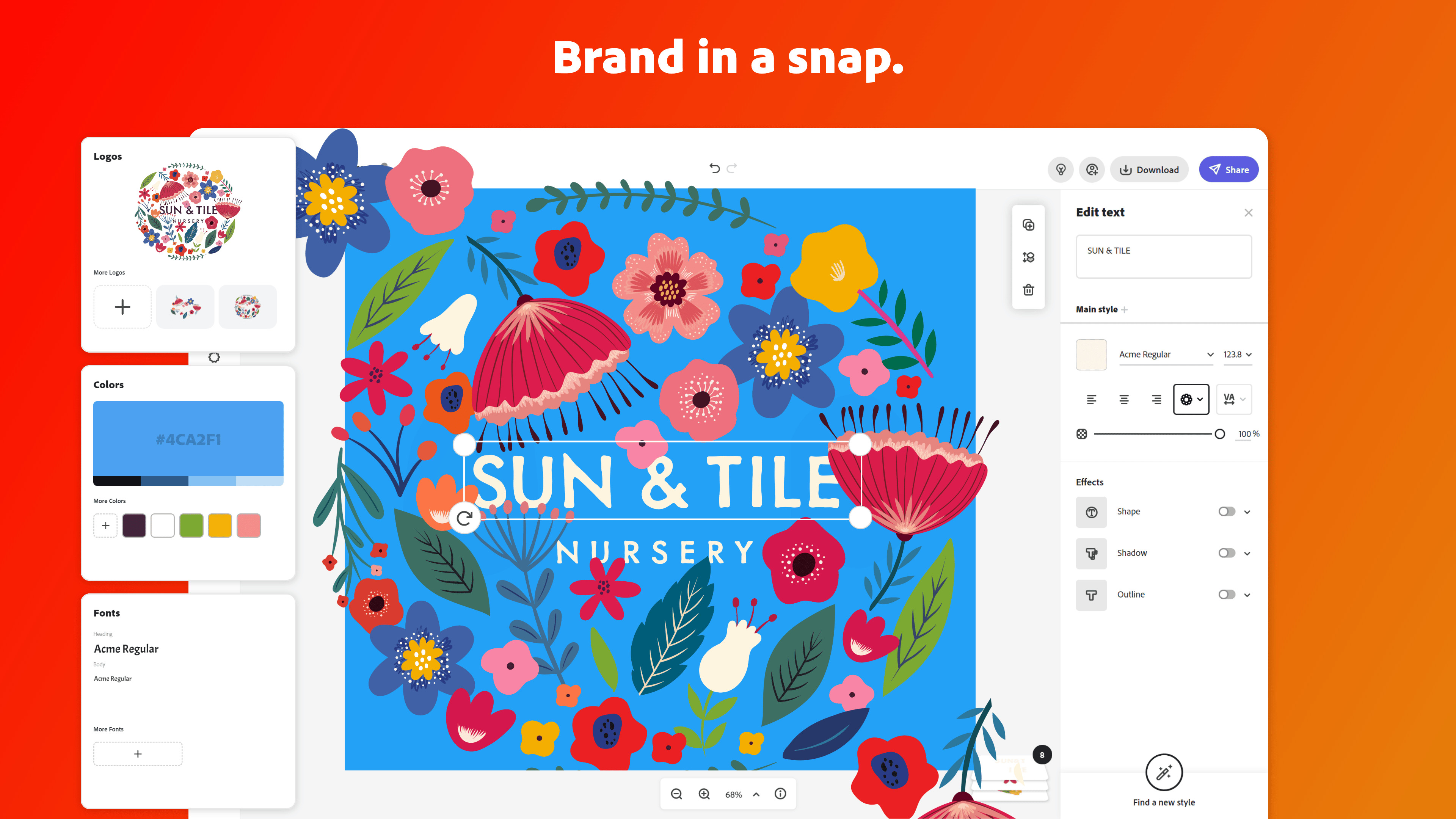
Demo Adobe Express - Brand in a snap
Upload your brand logo, fonts, and colors and apply them to any design with one tap.
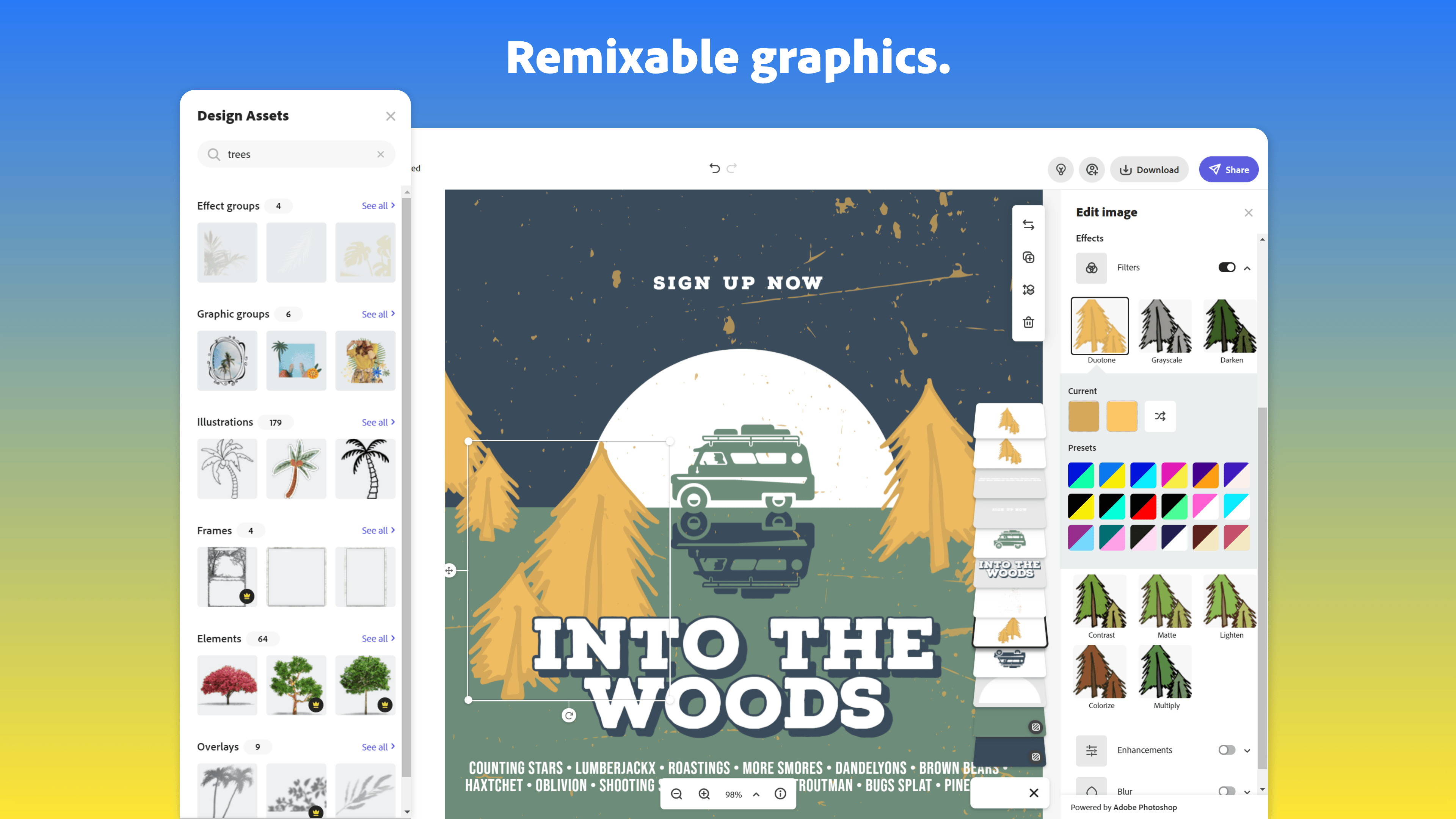
Demo Adobe Express - Remixable graphics
Effortlessly cut out backgrounds without having to outline your subject.
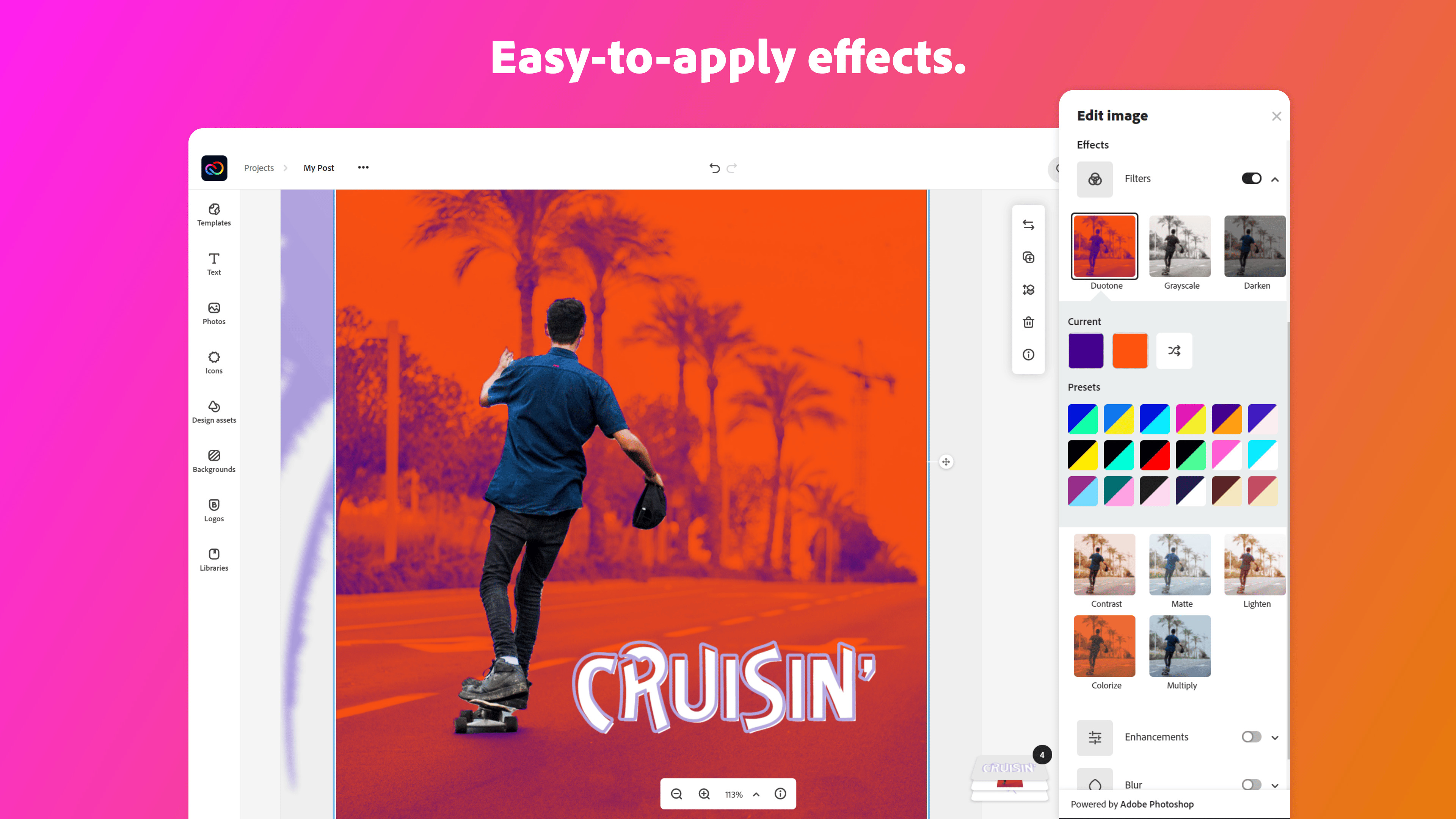
Demo Adobe Express - Easy to apply effects
Get the look you want with easy-to-apply effects, filters, textures, and overlays.
Imagen del Avatar del Producto

¿Has utilizado Adobe Express antes?

Responde algunas preguntas para ayudar a la comunidad de Adobe Express

Reseñas de Adobe Express (820)

Ver reseñas en video de 4
Reseñas

Reseñas de Adobe Express (820)

Ver reseñas en video de 4
4.5
Reseñas de 820

Resumen de Revisión

Generado usando IA a partir de reseñas reales de usuarios
Los usuarios elogian constantemente a Adobe Express por su facilidad de uso y plantillas que ahorran tiempo, lo que permite que incluso aquellos sin experiencia en diseño puedan crear gráficos de apariencia profesional rápidamente. La integración con otros productos de Adobe mejora la eficiencia del flujo de trabajo, convirtiéndolo en una herramienta valiosa para contenido de redes sociales y marketing. Sin embargo, algunos usuarios señalan que carece de funciones de edición avanzadas, lo que puede limitar la personalización para proyectos más complejos.

Pros y Contras

Generado a partir de reseñas de usuarios reales
Ver Todos los Pros y Contras
Buscar reseñas
Filtrar Reseñas
Borrar resultados
Las reseñas de G2 son auténticas y verificadas.
Arkajit D.
AD
Chief Technology Officer
Tecnología de la información y servicios
Mediana Empresa (51-1000 empleados)
"Fast, Professional Designs with an Easy Interface and Helpful AI Tools"
¿Qué es lo que más te gusta de Adobe Express?

In my personal opinion, the aspect I value most about Adobe Express is the ability to create high-quality, professionally looking content within a short period of time regardless of one's knowledge of graphic design techniques. In everyday working life, there are instances when some content needs to be created quickly in support of any presentation, marketing campaign, internal communication efforts, or just posting something on social media. In such cases, Adobe Express enables people from various positions within a company to create their content quickly, efficiently, and professionally.

Moreover, I appreciate the fact that many AI features included in Adobe Express significantly improve productivity. For example, the possibility of creating a design based on an existing piece of content, removing a background automatically, generating images from text, or even designing images using artificial intelligence helps cut down a considerable amount of manual work. Such features help generate and edit content faster and save much time that could be spent doing tedious and repetitive tasks.

Finally, another advantage is the integration with the rest of the Adobe tools. It means that switching from one platform to another becomes much easier and faster because one can seamlessly move assets between them. Reseña recopilada por y alojada en G2.com.

¿Qué es lo que no te gusta de Adobe Express?

However, one major limitation associated with Adobe Express is that although it is an amazing platform for creating fast, easy, and basic content, it can be quite limiting for creating customized and sophisticated designs. Those users who have worked on other professional-grade software will notice that some editing and designing options are not as flexible as they would like.

The second limitation involves the fact that some of the assets, templates, and features that require artificial intelligence are exclusive to higher-tier accounts, which can become expensive for companies that use Adobe Express extensively.

Finally, the third limitation is that Adobe Express does not always perform as smoothly as one would hope, especially when dealing with large files and projects. Reseña recopilada por y alojada en G2.com.

Priyanshu K.
PK
Video Editor
Diseño
Pequeña Empresa (50 o menos empleados)
"Fast Content Creation with Time-Saving Resize and Useful Templates"
¿Qué es lo que más te gusta de Adobe Express?

I liked most was how fast it made basic content creation

The resize feature saved me a lot of time when I had to adapt the same design for different platforms

I mainly used it for thumbnails, and quick LinkedIn graphics and more The templates are actually useful and don’t feel too outdated like some other tools. Reseña recopilada por y alojada en G2.com.

¿Qué es lo que no te gusta de Adobe Express?

The biggest limitation for me was customization. Once I wanted to make more detailed edits or work with layered designs, it started feeling restrictive

I also noticed small lag issues when working on heavier projects with multiple elements Reseña recopilada por y alojada en G2.com.

Sapna b.
SB
Educational Content Creator (Freelance)
E-Learning
Pequeña Empresa (50 o menos empleados)
"The Best All-in-One Design Tool for Modern Authors"
¿Qué es lo que más te gusta de Adobe Express?

What I like best is the Generative AI integration. As an educational content creator, being able to generate specific illustrations using simple text prompts is a game-changer for my workbooks. I also love the Content Scheduler, which makes managing my LinkedIn professional presence much faster. It feels like a 'pro' tool that is still as easy to use as Canva. Reseña recopilada por y alojada en G2.com.

¿Qué es lo que no te gusta de Adobe Express?

One thing I dislike is that the mobile app can sometimes be glitchy or laggy, especially when working with heavy templates or large projects. It would also be great to have more advanced design tools for fine-tuning graphics, as it can feel a bit limited compared to Photoshop. Additionally, many of the best templates and premium assets are locked behind a subscription, which can be a hurdle for small creators starting out. Reseña recopilada por y alojada en G2.com.

Akshay P.
AP
Graphic Designer
Pequeña Empresa (50 o menos empleados)
"Fast, Pro-Grade Design with Firefly AI for High-Quality Social Assets"
¿Qué es lo que más te gusta de Adobe Express?

What I appreciate most is the seamless balance between professional-grade tools and speed. The Firefly AI integration for text-to-image and generative fill allows me to create high-quality social assets in minutes. Features like one-click background removal and the brand kit sync save me hours of repetitive formatting, making it my go-to for quick-turnaround projects. Reseña recopilada por y alojada en G2.com.

¿Qué es lo que no te gusta de Adobe Express?

While the web-based platform is convenient, I occasionally experience lag when working with high-resolution assets or complex multi-page documents. There are also times when the auto-save feature can be a bit slow, leading to minor sync issues if I try to switch between the mobile app and the desktop version too quickly. Improving the overall snappiness of the UI would make a big difference. Reseña recopilada por y alojada en G2.com.

MASHUP365 A.
MA
Senior Account Executive
Mediana Empresa (51-1000 empleados)
"Effortless, Polished Designs and Consistent Social Content with Adobe Express"
¿Qué es lo que más te gusta de Adobe Express?

What I like most about Adobe Express is how effortless it makes design feel, even for someone who isn’t a pro. I can quickly create clean, polished content without wasting time, and it also helps me keep my social media ideas consistent from post to post. Reseña recopilada por y alojada en G2.com.

¿Qué es lo que no te gusta de Adobe Express?

One thing I dislike about Adobe Express is that the app can sometimes hang or freeze during more intensive edits, such as when I’m adding multiple layers or applying several effects. It interrupts my workflow and often forces me to restart the app, which is especially frustrating when I’m working on a tight deadline. Reseña recopilada por y alojada en G2.com.

Dharamveer p.
DP
Application Security Engineer
Tecnología de la información y servicios
Pequeña Empresa (50 o menos empleados)
"Simple and fast tool for creating professional designs"
¿Qué es lo que más te gusta de Adobe Express?

What I like best about Adobe Express is how easy it is to create high quality visuals without needing advanced design skills. The interface is simple and beginner friendly, and it offers a wide range of templates for social media posts, presentations, and marketing materials. I’ve mainly used it for quick creatives and it helps save a lot of time compared to starting designs from scratch. The drag and drop functionality and built in assets make the whole process smooth and efficient. Reseña recopilada por y alojada en G2.com.

¿Qué es lo que no te gusta de Adobe Express?

One limitation I’ve noticed is that customization options can feel slightly restricted compared to more advanced tools like Adobe Photoshop. While it’s great for quick designs, making very detailed or highly customized edits can be a bit challenging. Also, some premium templates and features are locked behind a subscription, which might be a drawback for some users. Reseña recopilada por y alojada en G2.com.

LaToya B.
LB
Associate Director of Rec Programming
Pequeña Empresa (50 o menos empleados)
"Intuitive and Worth the Cost—Adobe Express Empowers Non-Tech Teams"
¿Qué es lo que más te gusta de Adobe Express?

The best feature is how intuitive it is. We use Express in our office so that program coordinators do not always need to come to the marketing team to let patrons know the pool is closed or to notify them of holiday hours. This platform allows even our non-tech folks to take ownership in some of their postings (paper and digital). I also appreciate the AI features for image generation and image editing. If you were to get just Adobe Express, it is definitely worth the monthly cost!

It integrates with the rest of the Creative Cloud; I tend to link assets from Photoshop or Illustrator. But it also has add-ons you can get through its marketplace. If you're doing basic editing and exporting, it has pretty quick responsiveness. Reseña recopilada por y alojada en G2.com.

¿Qué es lo que no te gusta de Adobe Express?

If you're on the free plan, there are very few things you have access to and you are comparing it to Canva or other platforms, it definitely has a smaller stock of templates. It is also not the strongest video editor. Reseña recopilada por y alojada en G2.com.

Kate W.
KW
Case Manager/Paralegal
Pequeña Empresa (50 o menos empleados)
"Fast, Beginner-Friendly Design with Templates, AI Tools, and Easy Resizing"
¿Qué es lo que más te gusta de Adobe Express?

What I like most about Adobe Express is how fast and beginner-friendly it is compared to more advanced design programs. It makes it easy to create polished social media content, flyers, presentations, and short-form graphics without spending hours designing everything from scratch. I also appreciate the built-in templates, AI tools, and quick resizing options for different platforms. It’s especially helpful for content creation because I can produce professional-looking visuals quickly, while still customizing them to match my style and branding. Reseña recopilada por y alojada en G2.com.

¿Qué es lo que no te gusta de Adobe Express?

One downside of Adobe Express is that it doesn’t offer as much detailed creative control as programs like Illustrator or Photoshop. Some of the templates can also start to feel repetitive if you use the platform often. Occasionally the app can lag a little with larger projects or when switching between features. While it’s great for quick content creation, it’s not always the best option for highly detailed or advanced design work. Reseña recopilada por y alojada en G2.com.

Ishan S.
IS
Manager and Dietician at Chaitanya Homoeo Clinic, Medical Store Owner, Content Creator
Atención hospitalaria y sanitaria
Pequeña Empresa (50 o menos empleados)
"Fast and Easy Content Creation Tool for Videos and Health Education"
¿Qué es lo que más te gusta de Adobe Express?

Adobe Express makes my daily work simple and quick. I dont have to spend much time on editing, I can just open it and start creating content. It is easy to use and I understood it without any training. Performance is also good, it runs smooth most of the time and I did not face major lag while working on normal videos and designs.

In my daily routine I work as a dietician and nutritionist, manage a homeopathy clinic and also create health education content, so I need to explain things in simple way to patients and learners. I use it regularly to make short explaination videos, diet charts and also thumbnails for my videos so that content looks more clear and proper. Templates help me a lot because I dont need to design everything from start.

I also like that everything is available in one place, so I can complete my work without switching tools. It fits well in my workflow and I use it quite often in my daily work. It helps me make content which is easy to understand and useful for both patients and teaching. Reseña recopilada por y alojada en G2.com.

¿Qué es lo que no te gusta de Adobe Express?

when I am working on slightly longer videos or multiple elements together, it can feel a bit slow while previewing or adjusting things. It does not stop my work, but I have to wait little in between. One more thing I noticed is that internet connection matters, if speed is low then loading can feel a bit slow. Apart from these small things, it works fine for my daily content work and I did not face any major issue. Reseña recopilada por y alojada en G2.com.

Claire  M.
CM
Creative lead
Mediana Empresa (51-1000 empleados)
"Una solución simple para un diseño rápido y acorde con la marca"
¿Qué es lo que más te gusta de Adobe Express?

Lo que más me gusta de Adobe Express es lo rápido que te permite crear contenido pulido y acorde a la marca sin necesidad de construir todo desde cero. Las plantillas están realmente bien diseñadas y son flexibles, lo que facilita la producción de publicaciones en redes sociales, presentaciones o activos de exhibición en minutos. Reseña recopilada por y alojada en G2.com.

¿Qué es lo que no te gusta de Adobe Express?

Lo que menos me gusta de Adobe Express es que puede sentirse bastante limitante una vez que necesitas un control de diseño más avanzado. Es excelente para la rapidez y la simplicidad, pero eso viene a costa de la flexibilidad: los ajustes finos, los diseños complejos y la manipulación creativa más profunda no son tan fuertes como en herramientas como Adobe Photoshop o Illustrator. Reseña recopilada por y alojada en G2.com.

¿Preguntas sobre Adobe Express? Pregunta a usuarios reales o explora respuestas de la comunidad

Obtén respuestas prácticas, flujos de trabajo reales y pros y contras honestos de la comunidad de G2 o comparte tus ideas.

GU
Guest User
Última actividad hace 10 meses

¿Es realmente gratuito Adobe Spark?

1 Voto positivo
2
Únete a la conversación
Stephanie P.
SP
Stephanie Pendrys
Última actividad hace aproximadamente 4 años

¿Cómo giro una de las formas de texto 180 grados sin voltear el texto al revés?

1 Voto positivo
2
Únete a la conversación

Opciones de precios

Precios proporcionados por Adobe Express.

Free Plan

$0.00

Premium Plan

$9.99

Teams

A partir de $4.99
Adobe Express Comparaciones
Características de Adobe Express
Carga de imágenes
Biblioteca de imágenes de stock
Edición de arrastrar y soltar
Forma y clip art
Selección de fuentes
Escala
Horario
Plantillas
Editor de diseño
Formatos de publicación
Imagen del Avatar del Producto
Adobe Express