OCR Software Resources
Articles, Glossary Terms, Discussions, and Reports to expand your knowledge on OCR Software
Resource pages are designed to give you a cross-section of information we have on specific categories. You'll find articles from our experts, feature definitions, discussions from users like you, and reports from industry data.
OCR Software Articles

Claim Peace of Mind: Decode the Work of Insurance Adjusters
Like the saying, "When life gives you lemons, make lemonade," we often find ways to make the best out of difficult situations.
by Devyani Mehta
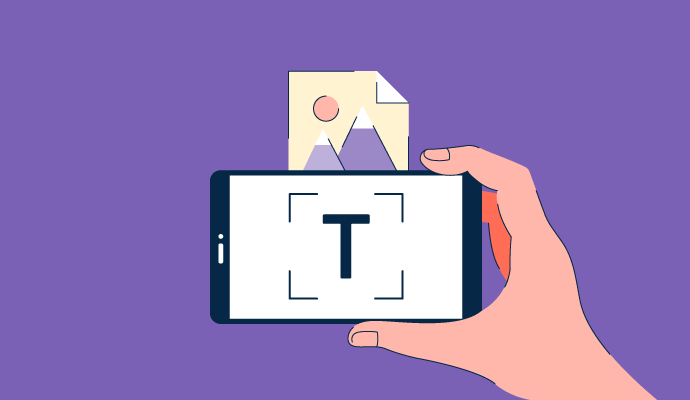
What Is OCR? How It Creates Editable Documents
Managing paper documents is like juggling ping pong balls.

by Sagar Joshi
The Importance of Accounts Payable (AP) Automation
The phrase “time is money” has never been more true than it is now.
by Nathan Calabrese
OCR Software Glossary Terms
OCR Software Discussions
0
Question on: FlexiCapture
what do most likely error with FlexiCaptureExecution Time Out Error: As a user of flexicapture I faced this issue in many cases, this happens when the files we are processing are of huge volume and we are trying to process many files at once.
Other common errors occur if we are using scripts.
Show More
Show Less
0
Question on: TextIn
What is the simple and an easy way to convert the documents with a short-cut method?It takes time to convert the documents in a single go, step wise.
Show More
Show Less
The simplest and fastest procedure is as follows.
1. Using your phone's camera, snap the pictures of all the documents you want to convert to scans and save them in your phone's gallery.
2. Open Camscanner in your phone, click on the ellipsis button at the top right corner, then click on 'import from gallery'. Select all the files you want to convert to scans.
3. After selecting the files, click on the 'import' button at the bottom-right of your screen.
4. All the selected documents will be automatically converted to scans (without any further action from you), and saved in the folder in your phone's memory where Camscanner files are saved by default.
Show More
Show Less
0
Question on: Ephesoft
Thick client v.s BrowserIs Ephesoft 100% browser-based?
Show More
Show Less
Yes, Ephesoft is thin client and 100% browser based. If you'd like to learn more, please visit www.ephesoft.com.
Show More
Show Less
OCR Software Reports
Mid-Market Grid® Report for OCR
Spring 2026
G2 Report: Grid® Report
Grid® Report for OCR
Spring 2026
G2 Report: Grid® Report
Enterprise Grid® Report for OCR
Spring 2026
G2 Report: Grid® Report
Momentum Grid® Report for OCR
Spring 2026
G2 Report: Momentum Grid® Report
Small-Business Grid® Report for OCR
Spring 2026
G2 Report: Grid® Report
Enterprise Grid® Report for OCR
Winter 2026
G2 Report: Grid® Report
Small-Business Grid® Report for OCR
Winter 2026
G2 Report: Grid® Report
Mid-Market Grid® Report for OCR
Winter 2026
G2 Report: Grid® Report
Grid® Report for OCR
Winter 2026
G2 Report: Grid® Report
Momentum Grid® Report for OCR
Winter 2026
G2 Report: Momentum Grid® Report