Desktop Publishing Software Resources
Articles, Glossary Terms, Discussions, and Reports to expand your knowledge on Desktop Publishing Software
Resource pages are designed to give you a cross-section of information we have on specific categories. You'll find articles from our experts, feature definitions, discussions from users like you, and reports from industry data.
Desktop Publishing Software Articles
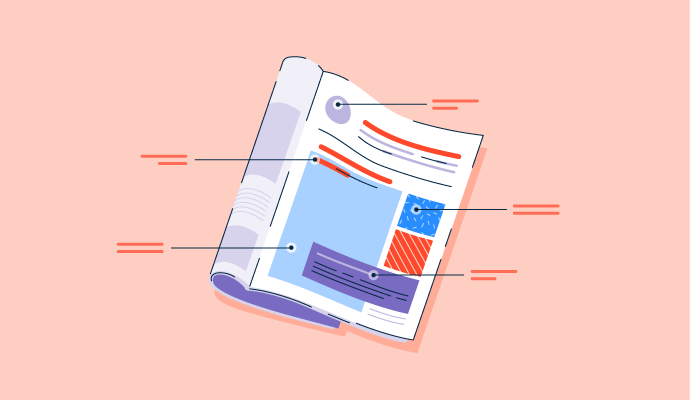
Magazine Layout: 6 Tips to Fine-Tune Your Spread


What Are the 7 Elements of Art? How To Use Them
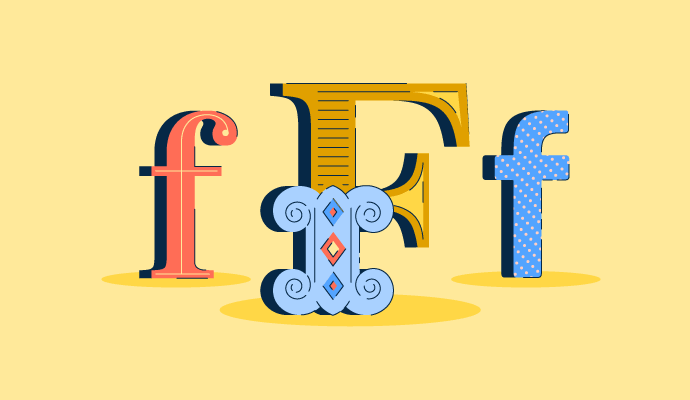
40+ Typography Terms and Definitions: Beginner's Guide

Is Technology Making Design Obsolete?
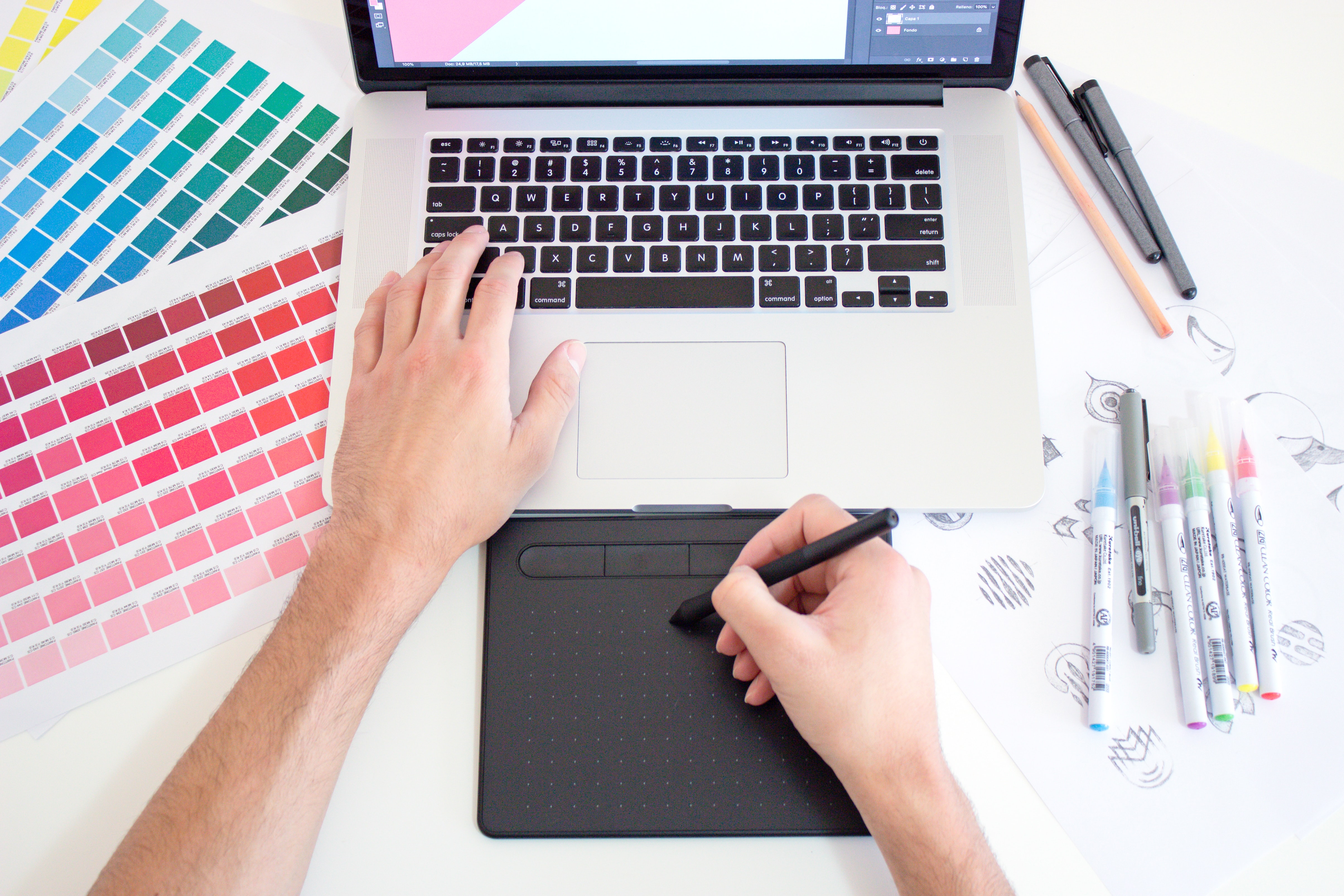
Digital Design for a Human World

The 3 Types of Logos: A Method to the Madness
Desktop Publishing Software Glossary Terms
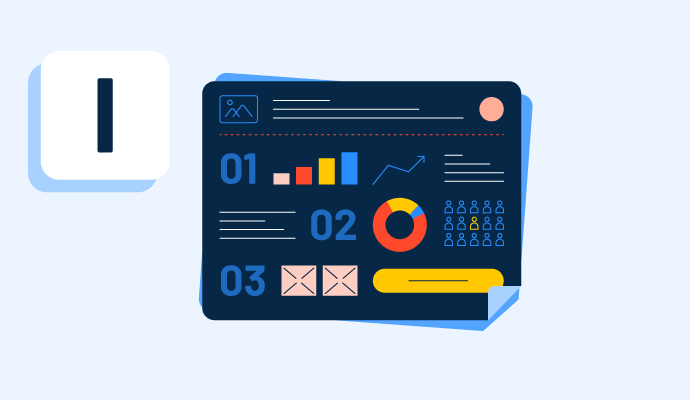
Infographics provide a variety of information in an easy-to-read digital format. Learn more about the types of infographics and how to make one.
Explore our Technology Glossary
Browse through dozens of terms to better understand the products you purchase and use everyday.
Desktop Publishing Software Discussions
Researching the best desktop publishing software with out-of-the-box templates for small businesses producing quick flyers, banners, and invoices for a roundup I'm putting together on tools that genuinely work for teams without a dedicated designer. The challenge with small business use is that the template quality and variety matters a lot, and so does the ability to get something production-ready fast without a steep setup process.
Here are the options that stand out from small business reviews in this category:
- Canva (4.7 stars, 7,602 reviews): The template library is extensive and trend-aware, so a rushed flyer or promo banner looks intentional rather than thrown together, and the drag-and-drop editor gets you from blank canvas to finished asset in minutes.
- Microsoft Publisher (4.3 stars, 1,006 reviews): Solid for brochures, flyers, and event materials, especially for small teams already in the Microsoft ecosystem where the familiar interface keeps the learning curve minimal.
- Visme (4.5 stars, 510 reviews): Wide range of template categories for different content types, with quick filtering to find a starting point, and setup that takes only a few minutes to get producing.
- Marq (4.5 stars, 210 reviews): Drag-and-drop templates that support third-party content integration, letting small teams create professional branded pieces without needing to hunt for assets elsewhere.
- Venngage (4.7 stars, 128 reviews): Large template library with AI-assisted design, well-suited for non-designers who need polished output quickly and don't want to start from scratch.
Which of these has actually worked for a small business team that needed to hit the ground running, and did the template quality hold up once you started customizing for your specific brand?
From what I’ve seen, template quality matters less than how forgiving the editor is when you move fast. Canva gets picked because you can mess things up and still recover quickly. Some tools look better out of the box, but slow you down when you need quick tweaks. Did you notice whether teams cared more about design polish or just getting something usable out fast?
Canva would be my pick for a small team that needs to start producing immediately. The large template library and drag-and-drop editor remove a lot of the design work upfront, and I think template quality holds up best when the team establishes its brand fonts, visual style, and reusable layouts before everyone starts customizing independently.
Canva's brand kit feature is what made customizing templates hold up for us. Once the fonts and colors are saved once, every new flyer or invoice pulls them in automatically instead of resetting each time.
If a team member uses an off-brand font or color once, does the system warn them or just let it through? Canva gets praised for forgiveness, but teams that actually need brand consistency often find it's too forgiving. Ask whether brand enforcement can be toggled from permissive to strict as the team matures.
We're putting together a roundup on the best desktop publishing platforms for marketing teams creating brand-compliant collateral without a designer, and this one keeps surfacing as a genuinely unsettled question. The range of what "works" is wide: some teams need locked templates so non-designers can't break the brand, others just need fast output that looks consistent. What the tools do well varies a lot more than the marketing suggests.
Four platforms that come up most in this context:
- Canva: Brand Kit keeps fonts, colors, and logos locked across the whole team, so non-designers can produce on-brand assets without going rogue; the template library is large enough that most standard collateral formats are covered without starting from scratch.
- Marq: Lets marketing lock down brand elements while still giving sales and other teams the ability to customize within defined limits, which is specifically useful for teams that need to decentralize production without losing brand control.
- Adobe Express: Brand kit sync and reusable templates let non-designers stay on-brand without touching anything structural; sits inside the Adobe ecosystem, which helps teams already using Creative Cloud.
- Visme: Covers presentations, reports, infographics, and social graphics in one platform alongside standard print collateral, which suits marketing teams producing a wider content mix rather than just one format.
For teams that have solved this without a dedicated designer: which platform held up in practice, and where did brand consistency actually break down?
I’ve seen this break down less at the template level and more at the last 20 percent edits. Canva works great until someone needs to tweak the layout hierarchy or spacing, and suddenly things drift. Marq feels closer to “safe scaling” when more people start touching assets. Curious, in your research, where did teams actually lose brand consistency? Was it during edits or when creating net new assets?
My read is that it breaks on the assets nobody thought to template. Brand kits hold fonts, colours and logos steady very effectively, and Canva's Brand Kit genuinely solves that layer across a whole team. What escapes is the one-off: a trade show banner in an odd size, a one-pager for a single customer, a slide someone needs before a call in ten minutes. There's no template because it only happened once, so somebody improvises, and that file then becomes the starting point for the next person who needs something similar. Which is a decent argument for Visme's breadth if your content mix is genuinely wide, since the fewer formats falling outside the system, the fewer improvised originals get into circulation.
For a company where sales or ops also need to produce their own collateral, Marq's approach of locking brand elements while letting other teams customize within limits is what I'd want. Giving people room to adjust without touching what matters for brand feels more sustainable than locking everything down.
Canva is heavily reviewed and the clear fit for marketing teams without a designer on staff, built around brand kits and templates that keep collateral on-brand without deep design skill.
Have anyone tried canva for wireframing ? How good it is with Canva AI ?