Desktop Publishing Software Resources
Articles, Glossary Terms, Discussions, and Reports to expand your knowledge on Desktop Publishing Software
Resource pages are designed to give you a cross-section of information we have on specific categories. You'll find articles from our experts, feature definitions, discussions from users like you, and reports from industry data.
Desktop Publishing Software Articles
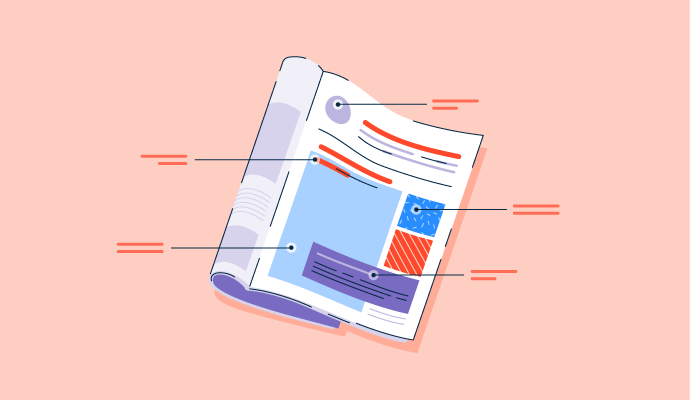
Magazine Layout: 6 Tips to Fine-Tune Your Spread


What Are the 7 Elements of Art? How To Use Them
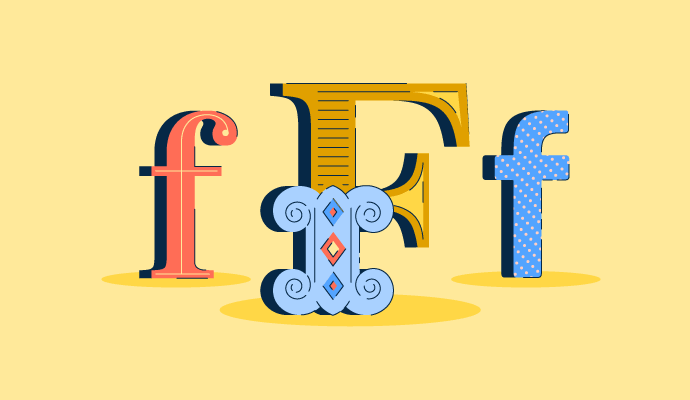
40+ Typography Terms and Definitions: Beginner's Guide

Is Technology Making Design Obsolete?
Digital Design for a Human World

The 3 Types of Logos: A Method to the Madness
Desktop Publishing Software Glossary Terms
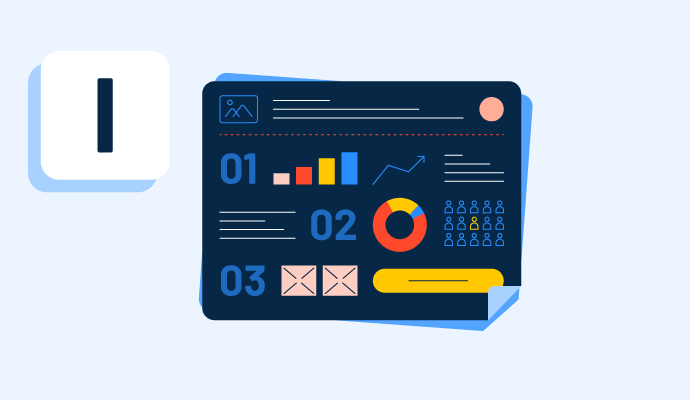
Infographics provide a variety of information in an easy-to-read digital format. Learn more about the types of infographics and how to make one.
Explore our Technology Glossary
Browse through dozens of terms to better understand the products you purchase and use everyday.
Desktop Publishing Software Discussions
I'm putting together a piece on what desktop publishing software actually cuts the time it takes to create digital marketing materials from hours down to something a team can manage daily. The benchmark that keeps coming up in reviews is deceptively simple: can a marketer go from brief to finished asset without the whole thing becoming a project? Three names come up most consistently for this: Adobe Express, Canva, and Renderforest.
A closer look at what reviewers say when time-to-output is the actual filter:
- Adobe Express: Brand kit sync, one-click resizing, and AI-powered background removal collapse what used to be multi-step formatting tasks into a single session, particularly for teams producing recurring campaign assets across multiple channels.
- Canva: Magic Resize reformats a single design across multiple platforms in a few clicks, and Brand Kit means the second asset in a campaign takes a fraction of the time of the first.
- Renderforest: An all-in-one platform for logos, mockups, and marketing visuals that small teams describe as eliminating the tool-switching that used to fragment the production process across a working day.
- Visme: Saving and reapplying brand blocks and themes means each subsequent piece in a campaign builds on the last rather than starting over, which is where the daily time saving compounds most.
- Shorthand: Teams producing digital reports and brand narratives describe it as replacing a process that used to require developer involvement, cutting production time on long-form content considerably.
For marketing teams specifically: what was the actual before-and-after when you switched to one of these? And was the time saving consistent across material types, or did it show up mainly in one part of the workflow?
The biggest time saver I’ve seen isn’t templates, it’s reuse. Brand kits, saved blocks, and duplication workflows matter more than design features. Tools that reduce “start from scratch” moments tend to win. Did your research show where the biggest time drop actually came from?
Putting together a feature on desktop publishing platforms for teams that need to avoid steep learning curves and designer-heavy workflows. The gap between what software markets itself as "easy" and what actually has a low barrier in practice is wide. Pulling from user reviews directly, these are the tools that come up most when reviewers specifically mention ease of setup and getting to a finished output without design expertise:
- Kittl (4.8 stars, 32 reviews): Drag-and-drop interface that users with no design background describe as genuinely easy from the first session, with templates organized well enough that most people start producing before they finish exploring the platform.
- Canva (4.7 stars, 7,602 reviews): The interface clicks fast for non-designers, and real-time collaboration means teams can work on the same asset without the back-and-forth of file sharing.
- Renderforest (4.7 stars, 447 reviews): Covers logos, marketing visuals, and brand materials in one place without requiring design knowledge, which teams describe as removing the tool-switching overhead from the content creation process.
- Visme (4.5 stars, 510 reviews): Initial setup described in reviews as taking only a few minutes, with menus and template categories that make it easy to find the right starting point without a tutorial.
- Adobe Express (4.5 stars, 849 reviews): Web-based with no installation, and a template-to-finished-asset workflow that non-technical users consistently describe as fast to learn and easy to repeat.
Which of these actually held up over time for a team with no designer on staff? And was there a point where the simplicity became a ceiling, or did it genuinely cover what the team needed day to day?
Reliability here usually means “people actually keep using it after week one.” A lot of tools test well in onboarding but fall apart when teams try to standardize workflows. Did any platform show consistency in repeat usage across different roles, not just marketers?
Canva would be my pick for a team without a designer because the simplicity seems to hold up beyond initial setup, especially when multiple people need to collaborate on the same assets. I’d expect the ceiling to appear only when the team starts needing highly specialized design control rather than everyday branded content.
For our team simplicity hasn't turned into a ceiling yet, mostly because the work has stayed in the flyer and social graphic range rather than needing full print production. If we ever needed press-ready files that might change.
what happens when a non-designer uses the same template twice? If they build the first version and then try to start from the same template again, does the platform create version confusion or let them diverge?
This is a question I keep circling back to while writing a comparison piece on desktop publishing tools for marketing teams: Is Canva actually good enough for brand-consistent marketing collateral, or do desktop publishing tools like Marq and Visme give teams more control without the complexity of InDesign?
The tension in the review data is real. Canva's Brand Kit works well at speed, but teams needing tighter brand governance or more structured asset management tend to hit a ceiling. Marq and Visme both position themselves as that middle ground, and Adobe Express sits in the same lane with the added pull of fitting into a broader Adobe workflow.
- Canva: Brand Kit and Magic Resize handle the majority of day-to-day marketing collateral well, but precise typography control and complex layout work start to feel limited as collateral gets more demanding.
- Marq: Lets admins lock brand elements at the template level so distributed teams can produce independently without straying from guidelines, which Canva doesn't enforce at the same level of granularity.
- Visme: Central brand asset storage and automatic application across pieces gives teams a tighter consistency loop, especially for data-heavy collateral like proposals and reports.
- Adobe Express: Reusable brand kit templates and centralized asset sharing let teams maintain visual consistency across assets without anyone needing to reset brand settings from scratch.
Has anyone made this call for a marketing team recently? What pushed you toward Marq or Visme over Canva, or was it something else entirely?
Canva is good enough until consistency becomes a scaling problem. That’s where teams start feeling the gaps. Marq and Visme seem to step in when there’s more coordination across teams, not just better design control. In your comparison, was the switch driven more by governance needs or design limitations?