Desktop Publishing Software Resources
Articles, Glossary Terms, Discussions, and Reports to expand your knowledge on Desktop Publishing Software
Resource pages are designed to give you a cross-section of information we have on specific categories. You'll find articles from our experts, feature definitions, discussions from users like you, and reports from industry data.
Desktop Publishing Software Articles
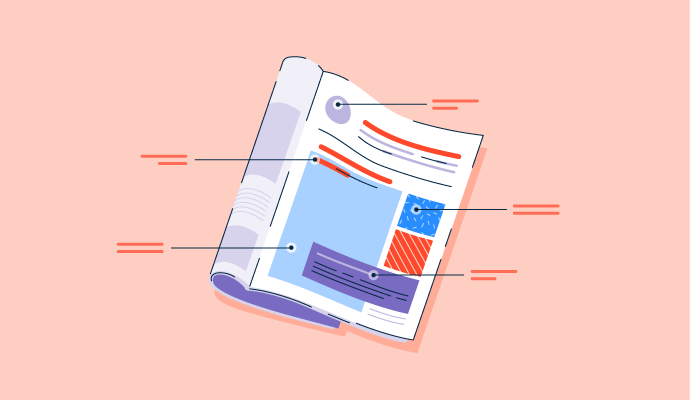
Magazine Layout: 6 Tips to Fine-Tune Your Spread
There are infinite ways to lay out a finite amount of information.

by Daniella Alscher

What Are the 7 Elements of Art? How To Use Them
Are you ready to take your stick figure drawings to the next level?
by Emily Goorevich
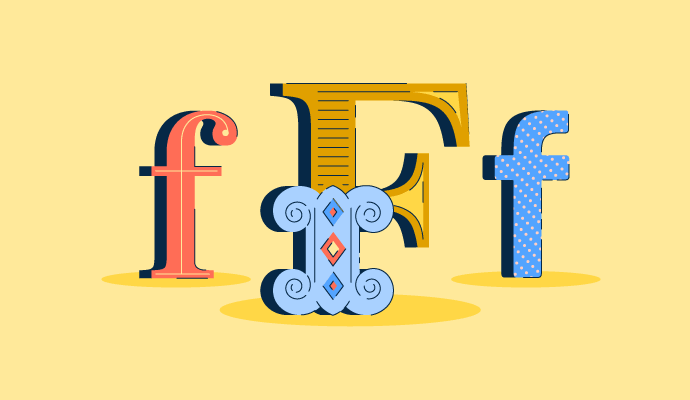
40+ Typography Terms and Definitions: Beginner's Guide
What’s the difference between a typeface and a font?
by Daniella Alscher

Is Technology Making Design Obsolete?
There’s no doubt artificial intelligence (AI) is finding a permanent home in several industries. Whether we’re using face ID to unlock our phones, a web mapping platform to find the optimal route back home, or built-in text editor software to make sure our emails are error free, AI technology is at play. It is revolutionizing the way that we work and how we go about our daily lives.
by Priya Patel

Digital Design for a Human World
Society evolves over time. Whether due to social, political, scientific, or technological occurrences, there are significant moments, such as the current global pandemic, that shift the way we collectively perceive and behave. To help us adapt to these shifts, there’s design. Design responds to the changing world and helps us navigate unprecedented times.
by Priya Patel

The 3 Types of Logos: A Method to the Madness
A picture is worth more than a thousand words — sometimes, it’s worth a billion dollar company.
by Daniella Alscher
Desktop Publishing Software Glossary Terms
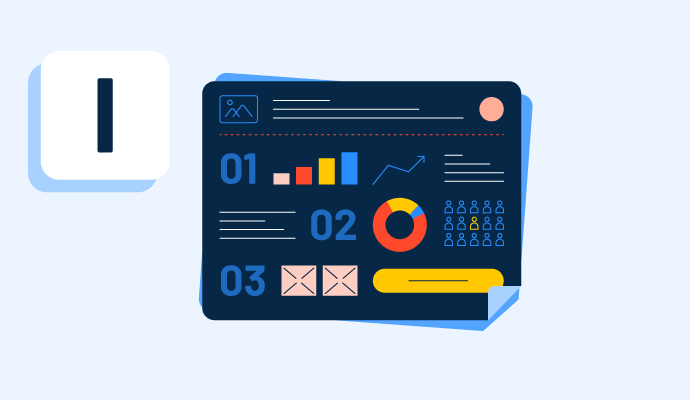
Infographics provide a variety of information in an easy-to-read digital format. Learn more about the types of infographics and how to make one.
by Whitney Rudeseal Peet
Explore our Technology Glossary
Browse through dozens of terms to better understand the products you purchase and use everyday.
Desktop Publishing Software Discussions
0
Question on: Canva
How much is Canva for enterprise?
How much is Canva for enterprise?
Enterprise price depends on business-to-business. Like the size of the company, number of team members, long-term contract offers, and other many stuff. For accurate pricing and to get more benefits it is recommended to contact the Canva team directly.
Its best thing that you can buy it for 1 day just for 69 INR. If you want to use it for 1 day
INR 9,980 per year
never paid for it, I am using it comfortably in the free version.
Canva Enterprise doesn't have a publicly listed price. It uses a custom quote system based on the size of your team. However, we can get an idea of the ballpark range:
Minimum: Canva states their Enterprise plan starts at a cost of $300 per person per year (average).
This means for a team of 100 people, you can expect to pay around $30,000 annually.
Contact for Exact Pricing: Since the pricing is customized based on team size, it's best to contact Canva's sales team directly for an accurate quote.
It depends on business to business. But as per my knowledge minimum starting price is around $300 per person.
Canva for Enterprise doesn’t have a fixed public price. The cost is customized based on your organization’s size and needs, and companies typically report paying a few hundred dollars per user per year after negotiating with Canva’s sales team.
Canva Enterprise has custom pricing, meaning there’s no fixed cost.
Canva for Enterprise pricing isn’t a fixed public number like the Pro or Teams plans — it’s typically custom-quoted based on your company’s size and needs. That means you usually have to contact Canva’s sales team to get an exact price for your organization.
Wise
However, based on available pricing info and reports from pricing trackers:
• Some listings show around $30 per user per month when billed annually as a baseline for Enterprise plans.
8designers.com
• Higher tiers with additional services (like advanced analytics or dedicated support) can cost $60 per user per month or more if billed annually.
8designers.com
• Real-world enterprise contracts can vary widely — for example, buyers report about $300 per user per year in some cases, with discounts depending on team size and negotiation.
PriceLevel
In short, Canva Enterprise pricing depends on your organization’s requirements, number of users, and feature set, so contacting Canva for a tailored quote is the standard approach.
not expensive
0
Question on: Canva
Can you use Canva designs for commercial purposes?
Can you use Canva designs for commercial purposes?
Definitely you can use canva design for commercial purpose. But you have to make sure which branding and all using under design have no copyright issue and then good to go.
Yes, you can! Although the free version has so many features, the paid version is better.
yes
Easily useable software for commercial use.
Yes, Absolutely!! It is master design for Commercial Use!
Yes,absolutely
Definitely! It is one of the convenient tool to use for commercial purposes.
Yes, we can use this designs for commercial use and also they are easy to edit.
Why not ? It is one of the finest software in designing and suited for commercial use !
YES, i am using canva for commercial purpose onn my instagram post creation.
Yes, why not!! Canva offers a variety of paid plans, including a Canva Pro subscription, which allows users to create and use designs for business, marketing, and other commercial activities. It's a cost-effective way to produce professional graphics and materials for your company.
Yes--I use Canva for major projects at work and personally.
Yes ,certainly you can use it but keep in mind that you should do editing while working on Pre made designs,donot do copy pasting
Yes, you can use Canva designs for commercial purposes with some limitations. Here's a breakdown:
Canva Content (Free and Pro): This includes photos, icons, illustrations, videos, audio, fonts, and templates. You can use all this content to create designs for commercial use like marketing materials, social media posts, or even merchandise with your design on it. Canva licensing explained: https://www.canva.com/licensing-explained/
Important Restrictions:
You can't resell, redistribute, or claim ownership of Canva's content itself.
If an image contains an identifiable person, place, logo, or trademark, double-check the source or contact Canva for clarification. Archive: https://www.canva.com/policies/content-license-agreement/
For Canva for Education users, Pro content is only for educational, non-commercial purposes. You'll need a separate team for commercial designs in your Canva account.
In short, Canva allows you to create commercial designs using their content, but the content itself remains theirs. Be sure to check for any usage limitations on specific elements within your design.
Yes, we can use Canva for commercial purposes for sure. But make sure if you're using custom images and fonts then you have licence/permission to use it, or it must be open to use for commercial stuffs.
yes.. its is best to use
you can use Canva for almost any purpose.. yes even for commercial real estate
yes
Yes
Yes provided you have signed up for the PRO Version to use licensed photos
You definitely can it’s awesome for creating your business designs and literally anything you can think of
Yes, you can use most Canva designs for commercial purposes, as long as you follow Canva’s licensing rules and don’t resell unmodified stock content.
Absolutely without hesitation!
Yes. Canva designs can be used for commercial purposes as long as you follow Canva’s licensing rules. You can use them for marketing, client work, and selling products, but you can’t resell Canva’s stock elements on their own or claim exclusive ownership of them.
Of course, you can use it for Commercial purpose. Whether you use Free or Pro or any version of Canva, "Your Design remains your property"
0
Question on: Foxit PDF Editor
How does the Foxit PDF Editor Suite stand out in terms of features and usability for professional PDF management?
How does the Foxit PDF Editor Suite stand out in terms of features and usability for professional PDF management?
Foxit PDF is really ahead of the game with the options. The features are incredibly necessary for my day to day professional use of this app. Its my go to when I am on the go, which is always!
The solution is not the same like a decade ago. However the electronic signature and the PDF editor allow PDF Editor Suite to stay on the market in terms of features and usability for professional PDF management.
Foxit PDF Editor Suite stands out because it gives you powerful PDF tools without feeling like a heavyweight, unlike some older software that slows everything down. Its editing, annotation, and conversion features are solid and practical for real work. The interface is straightforward, making it easier to jump in and start managing documents without a steep learning curve. It may not beat every high-end enterprise tool, but for professional PDF work with good performance and usability, it’s a strong choice.
Desktop Publishing Software Reports
Mid-Market Grid® Report for Desktop Publishing
Fall 2026
G2 Report: Grid® Report
Grid® Report for Desktop Publishing
Fall 2026
G2 Report: Grid® Report
Enterprise Grid® Report for Desktop Publishing
Fall 2026
G2 Report: Grid® Report
Momentum Grid® Report for Desktop Publishing
Fall 2026
G2 Report: Momentum Grid® Report
Small-Business Grid® Report for Desktop Publishing
Fall 2026
G2 Report: Grid® Report
Enterprise Grid® Report for Desktop Publishing
Summer 2026
G2 Report: Grid® Report
Small-Business Grid® Report for Desktop Publishing
Summer 2026
G2 Report: Grid® Report
Mid-Market Grid® Report for Desktop Publishing
Summer 2026
G2 Report: Grid® Report
Grid® Report for Desktop Publishing
Summer 2026
G2 Report: Grid® Report
Momentum Grid® Report for Desktop Publishing
Summer 2026
G2 Report: Momentum Grid® Report