Construction Management Software Resources
Articles, Discussions, and Reports to expand your knowledge on Construction Management Software
Resource pages are designed to give you a cross-section of information we have on specific categories. You'll find articles from our experts, discussions from users like you, and reports from industry data.
Construction Management Software Articles
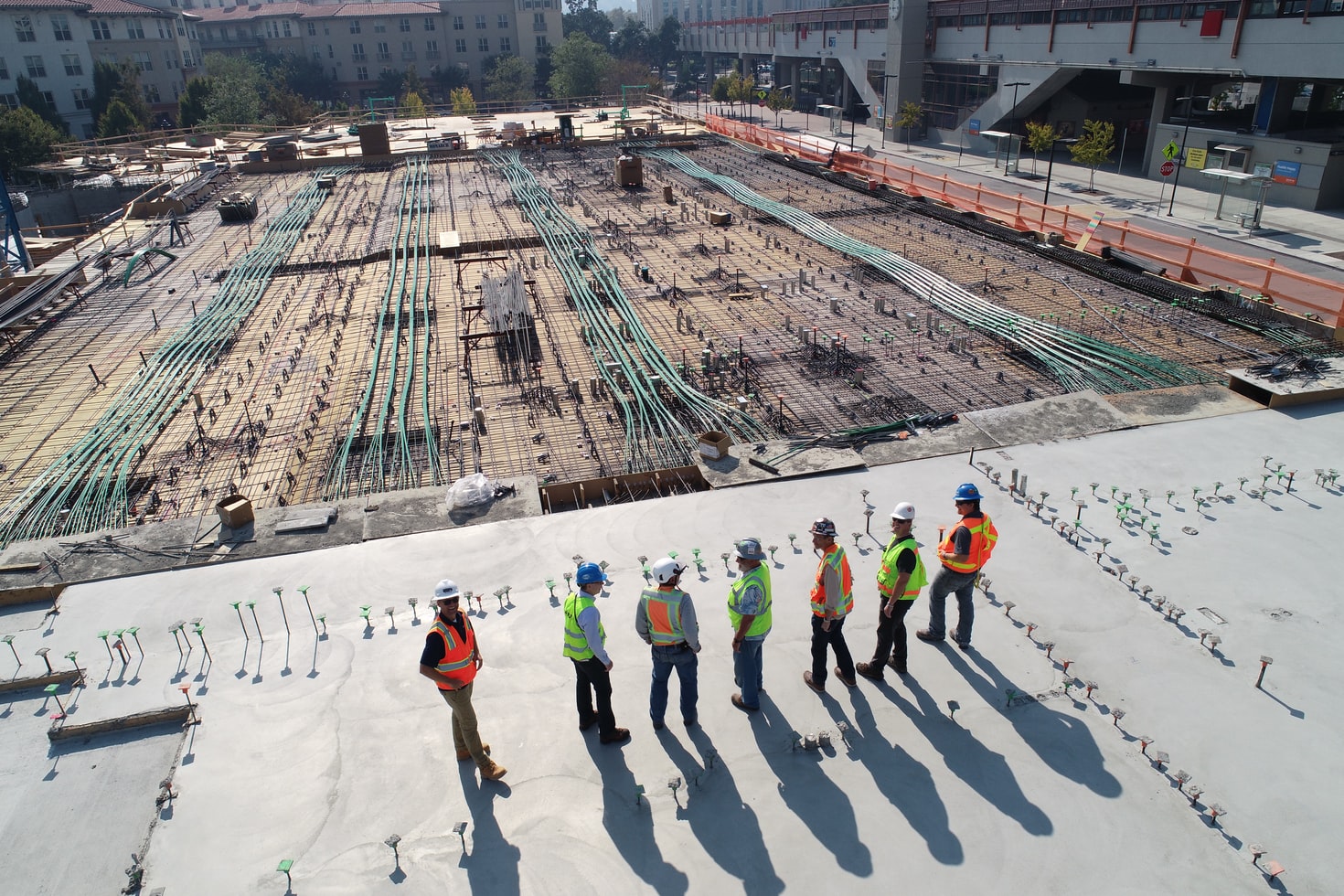
Construction Shifts to the Cloud

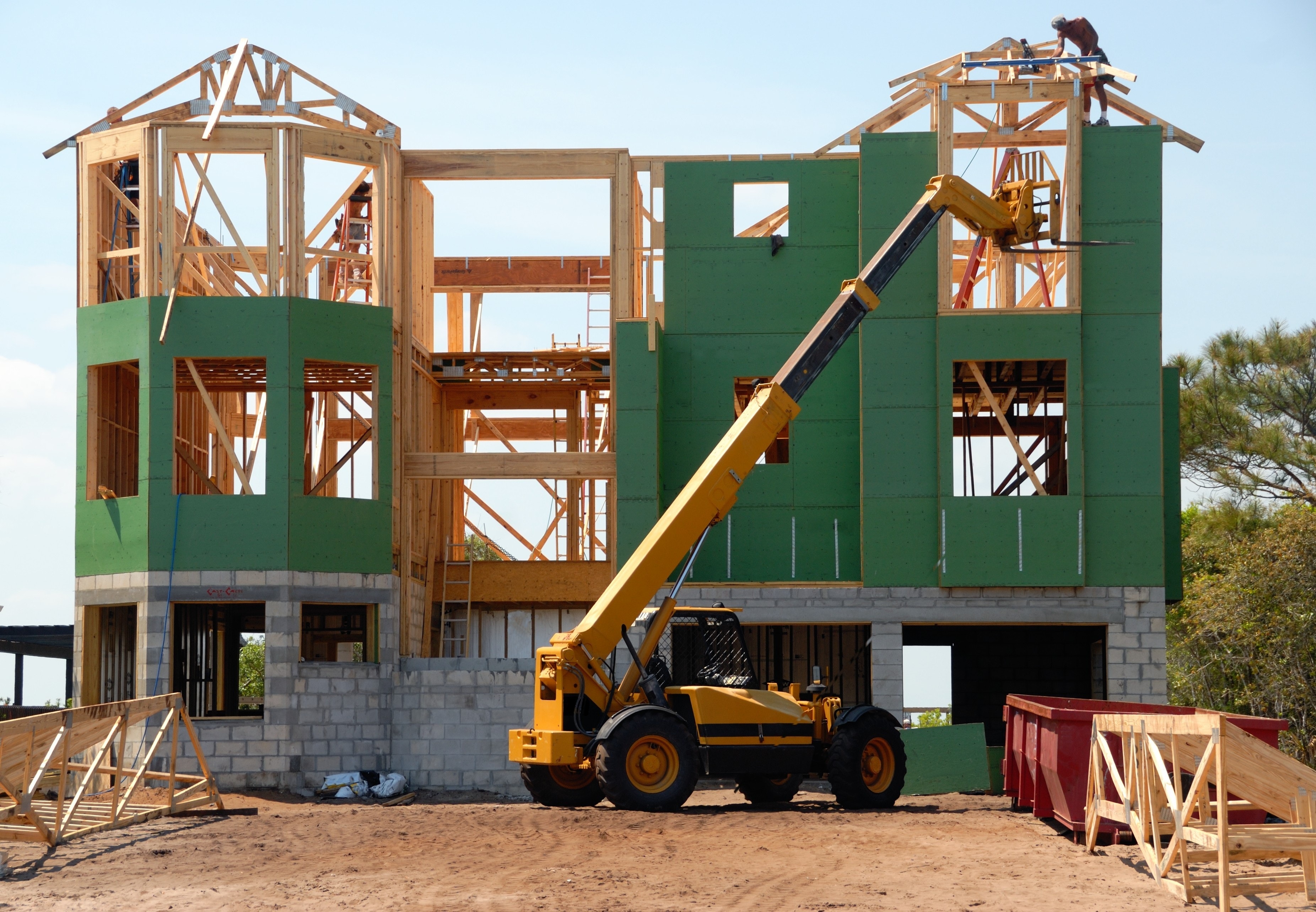
The Construction Project Lifecycle Drives Innovation in Construction Technology
Construction Management Software Discussions
Finding highly rated construction management software is fairly straightforward. Finding a platform that keeps schedules and subcontractor communication aligned when plans change is much harder.
What I’m hoping to find:
- One current schedule that office and field teams can access
- Clear task ownership across subcontractors and trade partners
- Fast communication when drawings, deadlines, or dependencies change
- Enough visibility to spot delays before they affect other trades
Three products have the clearest review signals:
- JobTread (5.0, 101 reviews): Contractors use it to manage jobs, schedules, documents, customer details, and payments in one place. Reviews also call out its subcontractor features, although I’d like to know how much access subcontractors receive without additional admin work.
- Procore (4.6, 4,312 reviews): Reviewers say subcontractors can work from the same project information as the main team, reducing coordination through email. Teams also use it to track trade-partner action items, RFIs, submittals, and pending decisions that could delay the schedule.
- Fieldwire by Hilti (4.5, 585 reviews): Fieldwire’s task-based approach lets teams attach assignments, photos, and punch-list items directly to plans. Reviewers connect this with clearer field communication, better contractor accountability, and easier scheduling across jobs.
For teams coordinating several subcontractors, which matters more in practice: giving every trade direct platform access or keeping updates controlled by the general contractor? Which of these tools handles last-minute schedule changes without leaving crews with outdated information?
For me, direct access for every trade makes the most sense when schedules are changing frequently. Procore’s shared project information stands out here because subcontractors can see the same updates as the main team instead of relying on someone to relay every change.
Hi G2 community, I’m researching the best construction management software for general contractors managing multi-site projects. Autodesk Forma, Procore, and RDash appear to be the strongest starting points, but CMiC Platform and InEight also address parts of this workflow well.
Managing several jobs creates a different set of problems from running one project. Teams need consistent processes across sites, but they also need enough flexibility to manage different crews, documents, schedules, permissions, and costs.
- Autodesk Forma: Reviewers highlight its ability to manage multiple projects involving internal employees and external contractors. Templates support consistency across jobs, while permissions help site crews access the drawings and documents relevant to them.
- Procore: Procore brings drawings, RFIs, submittals, schedules, and project communication together. Reviewers value having one place where teams can find current information, with access controls for different project participants.
- RDash: RDash helps connect site teams, back-office staff, and company leadership. Its dashboards, mobile access, schedules, procurement information, and site updates give teams a clearer view of project health without gathering updates from separate systems.
- CMiC Platform: CMiC combines project management, accounting, and job costing. Reviewers say this reduces manual reconciliation across systems, while one project manager noted that it helped standardize processes that had previously varied between sites.
- InEight: InEight connects document control, cost tracking, scheduling, field services, and contract management. It looks best suited to contractors that need detailed controls across larger or more complex projects.
For general contractors already managing several active sites, which platform gives leadership a useful cross-project view without making field workflows harder? Are standardized templates genuinely helpful across jobs, or do teams end up rebuilding them for every site?
Is Procore worth it for punch list management in construction? Worth it is doing a lot of work in that question, so I wanted to look at what reviewers actually say cuts both ways rather than just repeating the overall rating.
- Procore (4.6 stars, 4214 reviews): the majority of reviewers describe genuine value in having bidding, RFIs, submittals, drawings, and closeout all in one connected platform, with 1,614 of its reviews specifically touching punch list use. The real friction points are a learning curve for new users, a drawing markup interface that several reviewers say hasn't kept pace with competitors, and pricing that a few longer-tenured reviewers now describe as steep.
- Fieldwire by Hilti (4.5 stars, 583 reviews): for comparison, reviewers describe a faster, more field-first experience at a different price point, with 290 of its reviews specifically about punch list use, though its own drawing viewer gets criticized in a similar way to Procore's.
- Bluebeam (4.5 stars, 461 reviews): for teams whose punch list work is mostly markup-driven rather than full project management, reviewers describe Bluebeam as a more focused, sometimes preferred alternative for the drawing review piece specifically.
For anyone who's actually weighed Procore's cost against a narrower alternative for punch list work specifically: did the broader platform end up worth it because you used the rest of what Procore does too, or would a smaller, cheaper tool have covered the punch list piece just as well on its own?
Platform pricing makes sense amortized across the jobs it replaces, bidding, RFIs, submittals, drawings, closeout together. So the honest exercise is a list: write down the modules your team would truly use in year one, not aspirationally. Four or five, and the platform price divides into something reasonable per job it's doing. One or two, and you've learned you're a point-tool buyer, and the markup-focused options do that work at a fraction of the cost. The question "is it worth it for X" asked of a platform is usually the answer arriving.