Construction Management Software Resources
Articles, Discussions, and Reports to expand your knowledge on Construction Management Software
Resource pages are designed to give you a cross-section of information we have on specific categories. You'll find articles from our experts, discussions from users like you, and reports from industry data.
Construction Management Software Articles
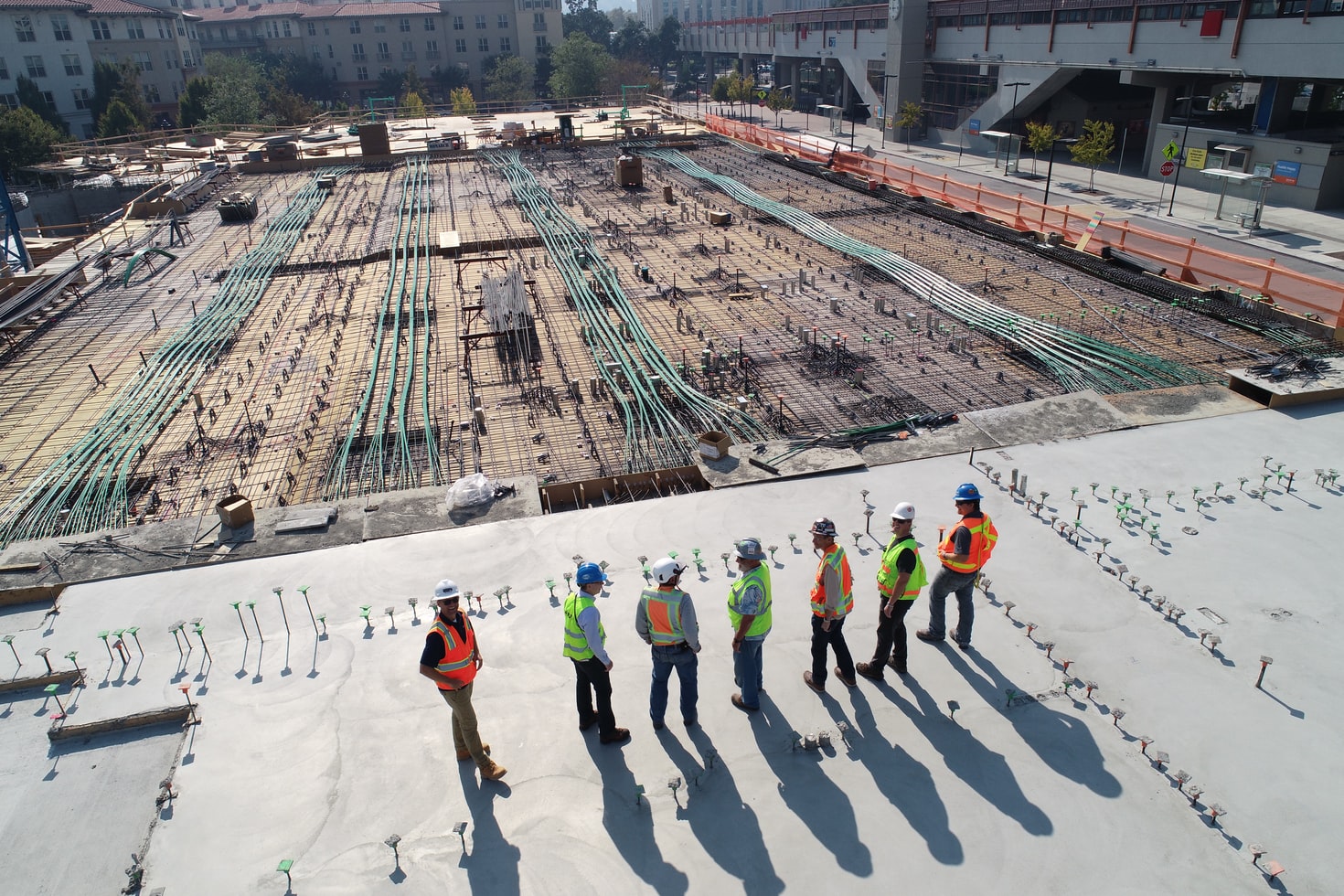
Construction Shifts to the Cloud

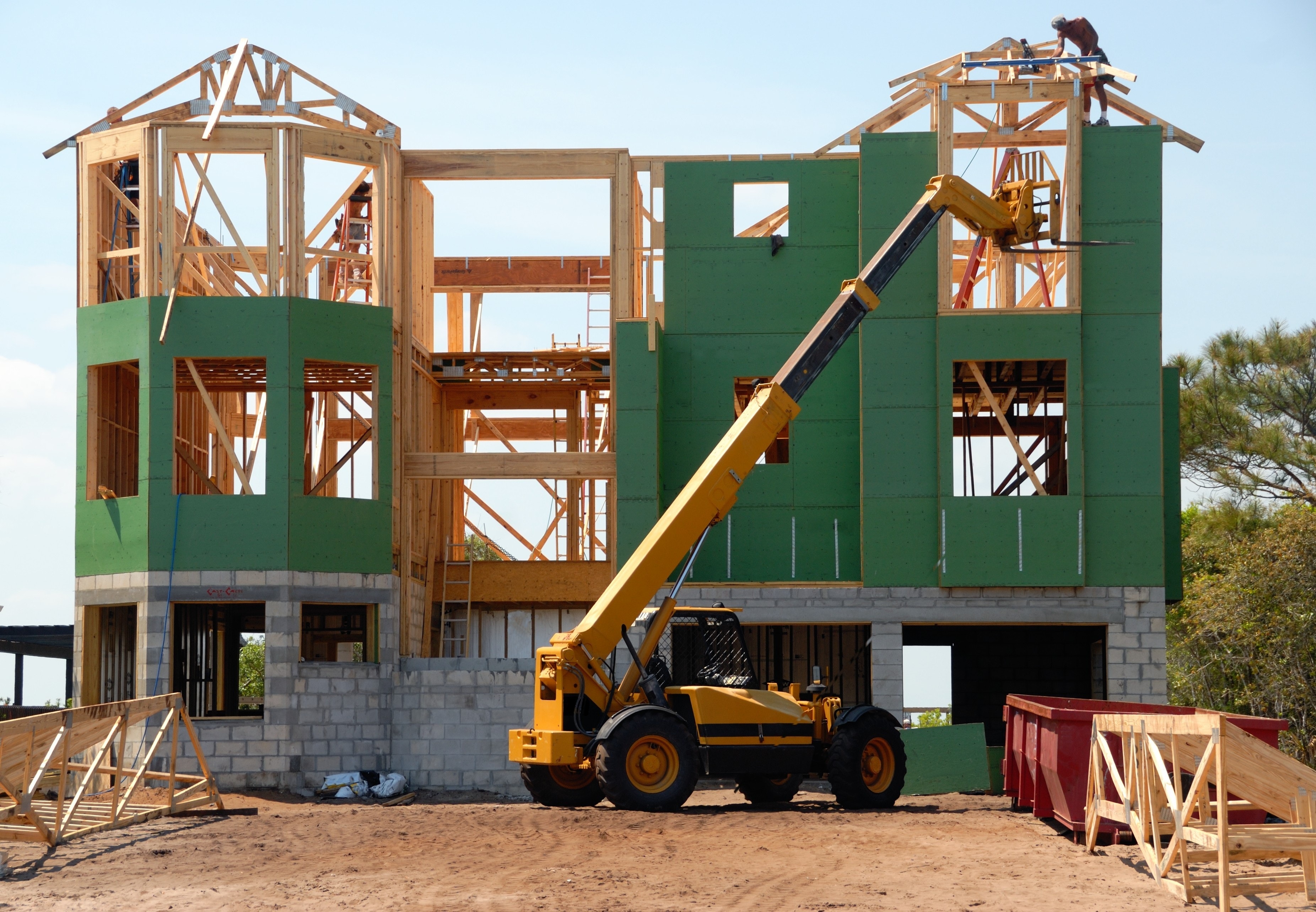
The Construction Project Lifecycle Drives Innovation in Construction Technology
Construction Management Software Discussions
Which punch list software enables quick final inspections and digital project closeout? Closeout is usually the point where everyone is most tired of the project and most tempted to let something slip through, so quick and thorough are both doing real work in this question.
- Procore reviewers describe managing a project from early bidding all the way through closeout in one connected system, which at least means closeout data doesn't require switching tools or re-entering information from earlier phases.
- Bluebeam reviewers describe using Studio Sessions so multiple people can review and close out markups together in real time, cutting down the back and forth that used to happen over paper or email. Does that real-time review actually speed up sign-off though, or just make the same process feel more organized?
- PlanRadar reviewers describe generating reports in just a few clicks once inspections are done, with one reviewer specifically saying onboarding took as little as a week, which matters if you're trying to get closeout moving quickly on a tight timeline.
For anyone who's actually run a full digital closeout process start to finish: what was the slowest part, generating the final documentation, getting every trade to actually close out their items, or something else entirely?
On what the real bottleneck is: it's rarely the report, it's the verification loop. An item gets fixed, or the sub says it did, and now someone has to walk back out, confirm it, and reopen it if the fix is bad. Multiply that loop across a few hundred items and a few dishonest "done" claims and that's where closeout weeks disappear. Report generation is minutes either way. So the feature worth evaluating isn't the export, it's whatever shrinks re-walks: photo proof of fix required from the sub before an item can be marked complete, so you only physically re-inspect the doubtful ones. Cut the loop count and closeout speed follows on any of these platforms.
Getting every trade to close its items would probably be the slowest part for me. Generating reports can be automated, but closeout still stalls when ownership and deadlines aren’t clear. I’d want each punch item assigned to a specific trade with due dates, automatic reminders, photo evidence, and a clear verification step before it can actually be marked closed.
The thread asks whether real-time collaboration in something like Bluebeam's Studio Sessions actually speeds up closeout or just makes the same back-and-forth feel more organized. That's worth testing yourself before choosing, because the bottleneck in closeout is usually getting every trade to actually close out their items, not the speed of marking them resolved once they agree.
Which punch list platforms offer offline functionality and automatic cloud sync? These two things sound like they should always come as a pair, but the reviews suggest that's not always true in practice.
- Filio: reviewers describe syncing photos to the cloud specifically to avoid losing data if a device is damaged or forgotten, though the same reviewers describe real problems when connectivity drops mid-capture.
- PlanRadar: reviewers describe offline apps built for iOS, Android, and Windows, with cloud sync catching up once connectivity returns, though larger projects with many tickets can slow that sync down noticeably.
- Bluebeam: reviewers describe Bluebeam Cloud extending Studio Sessions to browser and mobile so contributors can keep working and stay synced no matter where they are, though this is more about keeping distributed teams aligned than working fully offline at a disconnected site.
For anyone who's actually depended on offline mode and then had it sync back up later: did anything get lost or duplicated in that process, or did it genuinely pick up right where you left off?
The sync question that never gets demoed: what happens when two people edited the same ticket offline? Two inspectors walk the same floor, one closes an item, the other adds a photo and a comment to it, both sync back an hour apart. Somewhere in that merge is the failure mode that matters, because losing data announces itself, but a quiet overwrite or a duplicated ticket just sits there wrong. Ask the vendor to run exactly that scenario in front of you: same ticket, two devices, conflicting edits.
If you want the short version: Bluebeam has the most direct feature match for tracking resolution status specifically, while Procore and PlanRadar both handle accountability more through broader task assignment and reporting. Here's what the punch list reviews actually show for tracking status and ownership across multiple trades.
- Bluebeam: reviewers describe assigning status categories to individual markups, letting them filter and confirm what's complete versus outstanding, plus applying visibility settings to unclutter a drawing once items are resolved, which is a fairly direct fit for cross-trade accountability.
- Procore: reviewers describe centralizing RFIs, submittals, and drawing updates so different trades aren't tracking things in separate systems, though a few mentioned inconsistencies showing up when teams don't follow the same naming conventions.
- PlanRadar: reviewers describe task tracking that clearly assigns responsibility so nothing gets overlooked, with the tradeoff being that setup and template creation can take some time upfront to get those assignments configured well.
For anyone managing accountability across several different trades on the same project: did the software actually change how trades responded to being assigned an item, or did that still come down to how the responsibility was communicated outside the app?
On whether software changes how trades respond: mostly no, and it's worth being clear about why. Subs respond to what affects payment. A punch item, however beautifully assigned and photographed, competes with the next job's mobilization for their attention. What the software genuinely does is make the list undeniable, timestamped, photographed, assigned, so when completion ties to the payment application or retention release, there's no fog to hide in. That combination changes behavior. The tool alone doesn't. So pick the platform for how cleanly it documents, and pair it with commercial terms that make the documentation matter.
Building on the payment point, the mechanism worth being specific about is which document the punch status feeds. If completion percentage on the pay application is pulled from the punch tool, the link is real. If someone re-types it into a schedule of values each month, the tool stays a record and the commercial pressure is coming from somewhere else. Worth checking whether the platform exports in the format your pay applications already use.
The software helps most when ownership, due dates, and status are visible to everyone in the same place. But accountability still depends on how clearly the assignment is communicated and whether teams actually use the app as the source of truth.
The payment connection also makes disputed completion worth testing. A subcontractor may mark an item complete while the GC rejects the fix and reopens it. The useful accountability trail is therefore not just open versus closed, but who changed the status, why it was rejected, what evidence was added, and how many times it cycled before acceptance.