



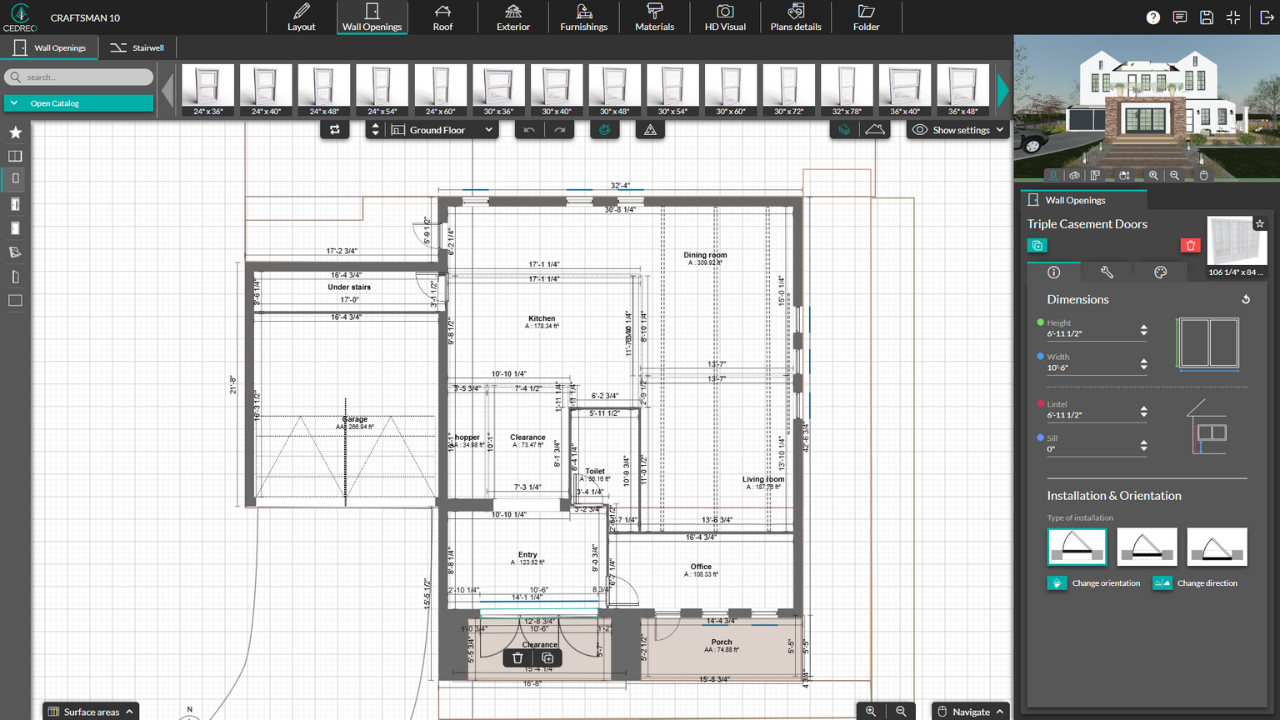

I like that it’s web-based, so it doesn’t require a download to my computer and I can access it from anywhere. It’s also been easy to learn the basics of drafting within the software. The videos in the Support and Help section have been especially helpful when I need guidance on more specific adjustments. On top of that, the pricing feels reasonable, and it loads and renders quickly. Review collected by and hosted on G2.com.
I dislike that some customization options are limited or simply not available. I also don’t like that when I insert furniture in certain areas it shows up, but in other places it doesn’t, or other elements fail to appear. If I place a chair, that chair should show up in the plans view with the chair symbol. I’m also not happy with the dimension-adjustment tools. Manual dimensions feel limited, and the text and standoffs are difficult to adjust. Review collected by and hosted on G2.com.
Hi Rachel,
Thanks for your detailed feedback—we’re glad to hear Cedreo is easy to learn, fast, and helpful for creating quick layouts and 3D presentations.
Regarding the furniture symbols, you need to check the “Display the associated symbol on 2D” box located in the customization panel on the right in the furnishing step when a furniture is selected (if it's not check by default). But, you're right, some furnishing still doesn’t have the corresponding 2D symbols yet.
We also appreciate your comment on dimension tools. This is valuable input which will be forwarded to our product team.
Thanks again for sharing your experience!
The Cedreo Team



