Mind Mapping Software Resources
Articles, Glossary Terms, Discussions, and Reports to expand your knowledge on Mind Mapping Software
Resource pages are designed to give you a cross-section of information we have on specific categories. You'll find articles from our experts, feature definitions, discussions from users like you, and reports from industry data.
Mind Mapping Software Articles
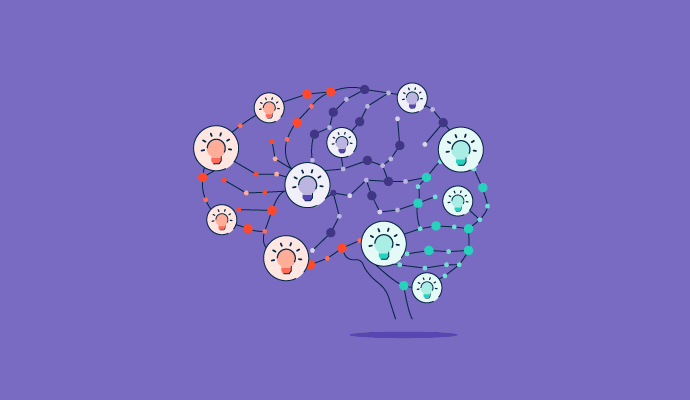
Where Is My Mind? How to Use Mind Mapping to Plan Your Next Great Idea
How Design Thinking Leads to Better Problem Solving
What Is a Gantt Chart? How It Can Help Plan Your Next Project
Mind Mapping Software Glossary Terms
Mind Mapping Software Discussions
I want to start a discussion with this Miro community. Wondering how other professionals approach turning Miro boards into real product documentation. Any advice on how to do this?
Many teams use Miro as the foundation for building product documentation. After ideation or planning sessions, you can use Miro AI to generate structured summaries or outlines, which can be exported, embedded, or copied into strategy docs. Paired with integrations (like Notion or Confluence), Miro becomes a launchpad for creating briefs, specs, or post-mortems with full visual and contextual history preserved.
Hey Miro community. I have a question regarding a design sprint. Is it possible to use AI to speed up my decision making? If you've used Miro in the past, I would love to learn from your experiences.
During design sprints, Miro AI helps reduce the time spent on clustering, decision-making, and documentation. You can use AI to summarize HMWs, identify emerging themes from ideation, and auto-generate next steps based on team input. This allows facilitators to keep momentum without pausing to manually sort or reframe inputs — which is especially valuable in fast-paced, remote workshops.
I currently use Miro AI to help streamline collaborative roadmap sessions by extracting patterns from raw input, suggesting prioritization structures, and summarizing initiative ideas into clear next steps. Instead of stitching together updates from multiple tools, I can manage everything inside Miro’s collaborative product roadmap template. Pair that with AI Sidekick for gap analysis and Spaces to separate initiatives by team or timeline, and you’ve got a real-time product roadmap that updates as fast as your teams move.
If you have first-hand experience using Miro AI, do you have any tips on how to best use the feature to improve efficiency and not add roadblocks?