--- title: ContractorHUB Reviews meta_title: 'ContractorHUB Reviews 2026: Details, Pricing, & Features | G2' meta_description: Filter reviews by the users' company size, role or industry to find out how ContractorHUB works for a business like yours. aggregate_rating: rating_value: 5.0 review_count: 2 scale: '5' date_modified: '2026-09-28' parent_category: name: Construction url: https://www.g2.com/categories/construction ---

ContractorHUB Reviews & Product Details

Profile Status

This profile is currently managed by ContractorHUB but has limited features.

Are you part of the ContractorHUB team? Upgrade your plan to enhance your branding and engage with visitors to your profile!

Brendon T.
BT
Brendon T.
Co-Owner
Small-Business (50 or fewer emp.)
"All-in-One Platform with Exceptional Support"
5/5
What do you like best about ContractorHUB?

I really appreciate the full scale usability of ContractorHUB and the support from their team, making migrating and onboarding incredibly easy. We went from using 10+ pieces in our tech stack to just 2 or 3, and for the pieces it didn't replace, it integrates effectively. The platform allows me to manage everything from one place, which is a huge relief. The team's responsiveness and the amazing ticket support system also stand out to me. Review collected by and hosted on G2.com.

What do you dislike about ContractorHUB?

It's a big platform with a lot of pieces. While it's not that they don't work, we need to get in and explore the system to figure out the best way to integrate everything and make this a living, breathing part of our business. Review collected by and hosted on G2.com.

Garrett M.
GM
Garrett M.
Director of IT/Marketing
Construction
Small-Business (50 or fewer emp.)
"Finally, a system that brings all my data into one view."
5/5
What do you like best about ContractorHUB?

Everything is in one spot. Before ContractorHUB, I had RoofLink for jobs, QuickBooks for accounting, spreadsheets for tracking my data that was never accurate or matched the systems. Now it all talks to each other. The integrations actually work - I connected our CRM and accounting software in about 20 minutes and data just flows.

The command center dashboard is what my guys actually use every day. They open one screen and see their tasks, schedule, and any messages. No more "I didn't see that text" excuses.

The AI assistant surprised me. I asked it to write an SOP for roof inspections and it pulled from our actual job data to make it specific to how we work. Saved me hours. Also it gives me alerts when something I wouldn't even realize is starting to drop (like my estimate conversion rate). Review collected by and hosted on G2.com.

What do you dislike about ContractorHUB?

It's still new so some industry-specific features aren't there yet. We're roofers and it works amazing for us, but my buddy in HVAC is waiting for his industry to get the same attention.

The mobile experience could be better - my field guys mostly work from phones and some screens feel cramped, although it's greatly improved and promised to be updated in the coming 2 weeks.

Also wish there were more pre-built report templates. The custom reporting is powerful but takes time to set up. Review collected by and hosted on G2.com.

There are not enough reviews of ContractorHUB for G2 to provide buying insight. Below are some alternatives with more reviews:

1
Flowcase Logo
Flowcase
4.6
(30)
Flowcase is a SaaS tool that helps to automate the process of filtering, tailoring, and formatting CVs, resumes, and case studies, enabling professional services firms to build bid proposals more efficiently.
2
Primavera Submittal Exchange Cloud Service Logo
Primavera Submittal Exchange Cloud Service
4.5
(20)
Primavera Submittal Exchange Cloud Service is a collaborative, secure online system for exchanging, reviewing, and archiving construction submittals, RFIs and other design and construction communications electronically.
3
Solo Logo
Solo
4.6
(12)
Solo (gosolo.io) is a sales enablement platform for residential solar and home energy contractors. Built for high-volume installers and sales organizations, Solo powers the full proposal workflow, from AI-assisted system design to financing, contracts, and close. With over 6 million proposals created and more than 900,000 installations supported, Solo is trusted by leading EPCs, solar installers, and sales teams across the country. Solo's product ecosystem includes Solo Studio, a self-serve SaaS platform for design-driven teams; Solo On Demand, which generates instant proposals for battery storage, HVAC, and other product-only sales without site design; and Solo Concierge, where Solo's expert agents deliver finished solar proposals in under five minutes. All three offerings run on a shared AI foundation and integrate financing, contracts, and proposal delivery in one platform. Solar contractors rely on Solo to close more deals, expand into new verticals, and scale without adding operational overhead.
4
Kantiv Logo
Kantiv
4.9
(11)
Kantiv is a technology company dedicated to revolutionizing the AEC industry through innovative solutions. Powered by artificial intelligence and machine learning, Kantiv empowers business development and marketing professionals to effectively manage project data, streamline proposals and enhance team collaboration. Kantiv's mission is to transform the proposal process for the built world.
5
NoteVault Logo
NoteVault
4.6
(10)
NoteVault is a voice-to-text-based mobile reporting solutions for construction, architectural, and engineering industry it enable staff to quickly and easily report activity from the field using voice and mobile phone.
6
GuildQuality Logo
GuildQuality
4.5
(10)
GuildQuality provides customer satisfaction surveying, web-based performance reporting, and marketing services for home builders, remodelers, contractors, and real estate professionals. More than 2000 of North America's best home professionals rely on GuildQuality to help them deliver an exceptional customer experience, and articulate the quality of their service to prospective customers.
7
Smartbuild PF Logo
Smartbuild PF
4.8
(8)
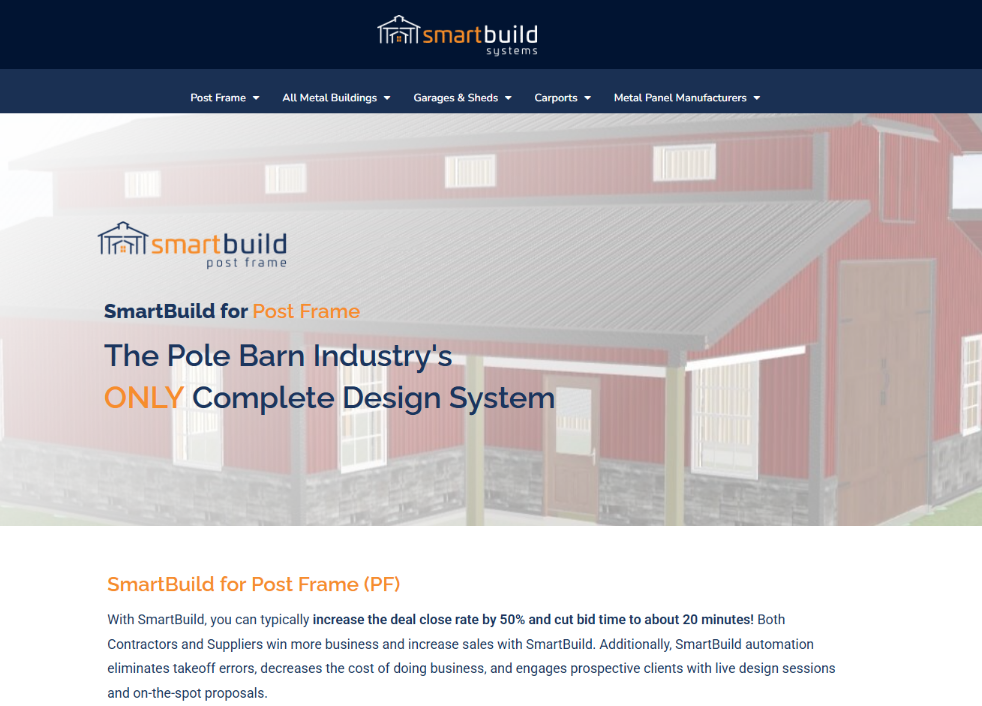
SmartBuild Systems is the construction industry's only complete design system for buildings, carports, barndominium interiors, roofing and reroofing. Simple enough for anyone to use, this web-based software quickly generates a 3D model, material lists, pricing, proposals, and construction documents for almost any building, floor plan, carport, or roof.
8
SkillSignal Logo
SkillSignal
5.0
(6)
Pioneering technology to promote safety, savings & compliance in Construction.
9
MedicalConstructionData Logo
MedicalConstructionData
4.0
(5)
MedicalConstructionData provides the entire picture of a sales opportunity through three reports- the Project Report, Company Report and People Report. Together they provide the information you need to win more customers, not just projects.
10
PlanForm Logo
PlanForm
5.0
(3)
Planform is a lightweight and fast pdf solution for construction,measure,mark up,and manage pdf drawings.has a wide range of applications in engineering cost management (budgeting and cost control), Below are its core use cases and advantages: 1. Quantity Takeoff and Measurement ① easy to measure and tabulate: Measure length, area, and quantity in a variety of ways on PDF drawings to quickly tabulate material quantities (e.g., concrete, rebar, piping, etc.). Use the Auto Fill Tool to automatically calculate repetitive quantities such as paving areas and wall finishes. ② Category: Categorize markups to efficiently summarize quantities for different trades (civil, MEP, finishes) for further consolidation. Supports data export to Excel. 2. Drawing Comparison & Version Control Multi-version Drawing Comparison: Overlay different versions of construction drawings (e.g., initial vs. revised) and highlight differences in distinct colors to avoid missing cost impacts from changes. Identify the effect of design changes on costs (e.g., wall position adjustments, material substitutions). 3. Cost Estimation & Quoting Markup & Annotation: Directly annotate material unit prices, labor rates, and other cost details on drawings, linking measurements to generate preliminary quotes. 4. Progress Tracking & Cost Monitoring Progress Marking: Mark completed areas on construction drawings (e.g., "1F Rebar Completed") and compare actual costs against the budget. Use image insertion to document on-site changes as evidence for claims or final accounts.
Show More
Pricing

Pricing details for this product isn’t currently available. Visit the vendor’s website to learn more.