Identity and Access Management (IAM) Software Resources
Articles, Glossary Terms, Discussions, and Reports to expand your knowledge on Identity and Access Management (IAM) Software
Resource pages are designed to give you a cross-section of information we have on specific categories. You'll find articles from our experts, feature definitions, discussions from users like you, and reports from industry data.
Identity and Access Management (IAM) Software Articles
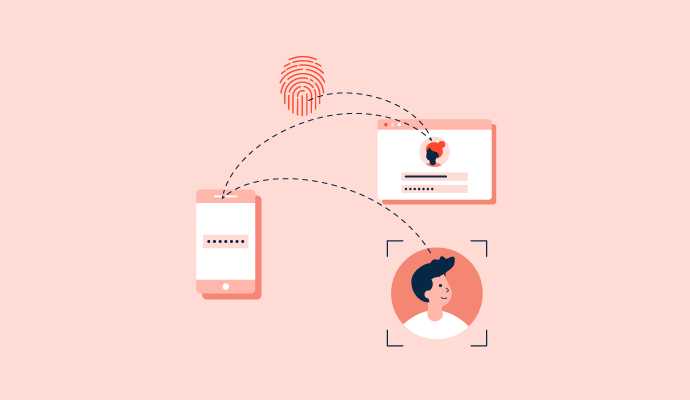
What is Identity and Access Management? Effects on Security


Centralized Vs. Decentralized Identity Management Compared
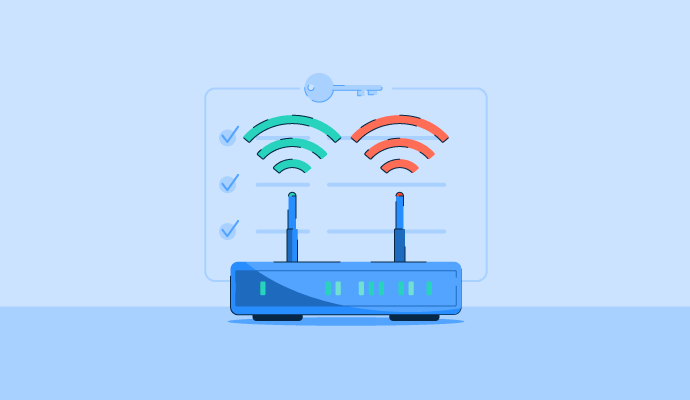
What Is an Access Control List (ACL)? Types and Examples






Identity and Access Management (IAM) Software Glossary Terms

Identity management helps prevent unauthorized access to company systems and data. Understand the benefits, challenges, and best practices.
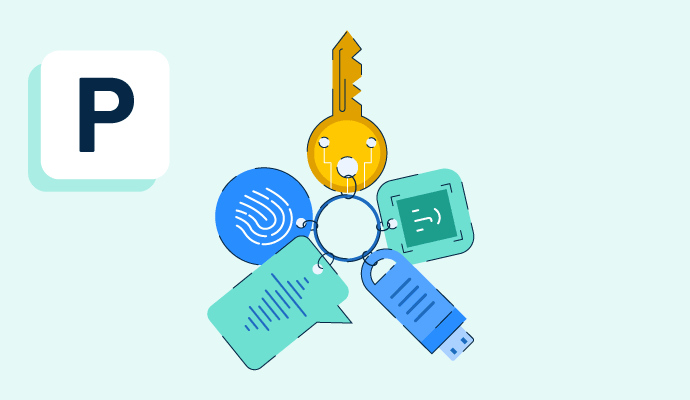
Passwordless authentication takes the hassle out of entering passwords. Learn the benefits, types, and how it differs from multi-factor authentication.

Cloud-native applications are built to reside on cloud platforms to offer more agility. Learn about their benefits, security measures, and key features.
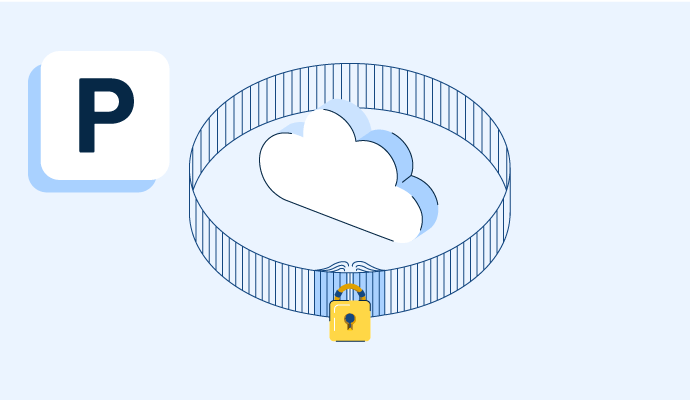
A private cloud is a dedicated cloud computing environment used by a single organization. Learn about the four types, benefits, and best practices .
Multi-factor authentication uses two or more methods of identification to allow logins to an app or account. Learn more about using MFA in business.
Identity and access management (IAM) helps businesses verify users and control access to apps, systems, and data to improve security and efficiency.
Data security is the practice of protecting data from unauthorized parties. Learn more about data security strategies and best practices to prevent data breaches, and find helpful information on creating a data security policy.

What is user role and access management and why is it important as a software feature?