Identity and Access Management (IAM) Software Resources
Articles, Glossary Terms, Discussions, and Reports to expand your knowledge on Identity and Access Management (IAM) Software
Resource pages are designed to give you a cross-section of information we have on specific categories. You'll find articles from our experts, feature definitions, discussions from users like you, and reports from industry data.
Identity and Access Management (IAM) Software Articles
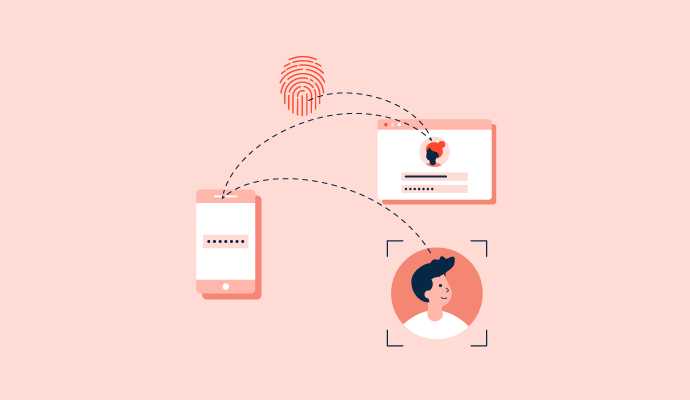
What is Identity and Access Management? Effects on Security
A lot goes into ensuring employees have the right access to company resources to do their jobs.
by Sagar Joshi
Centralized Vs. Decentralized Identity Management Compared
Managing user identities in an organization is a nightmare for IT teams.
by Soundarya Jayaraman
What Is an Access Control List (ACL)? Types and Examples
Where there are no rules, there is chaos.
by Soundarya Jayaraman
What Is CSPM? How It Ensures a Secure Cloud Environment
Imagine your organization's cloud environment as a grand city with countless digital skyscrapers, data highways, and virtual neighborhoods. Just like in an actual city, ensuring the security of this bustling digital metropolis is paramount.
by Tanuja Bahirat
How Small Business Employees are Adjusting to Remote Work
G2 is constantly following the evolving B2B tech industry, especially during this uncertain time. As part of a series of articles based on a recent survey we conducted, G2 analysts have highlighted some key issues and statistics about what small business employees are facing while working from home, along with possible tools and courses of action everyone can take away.
by Nathan Calabrese
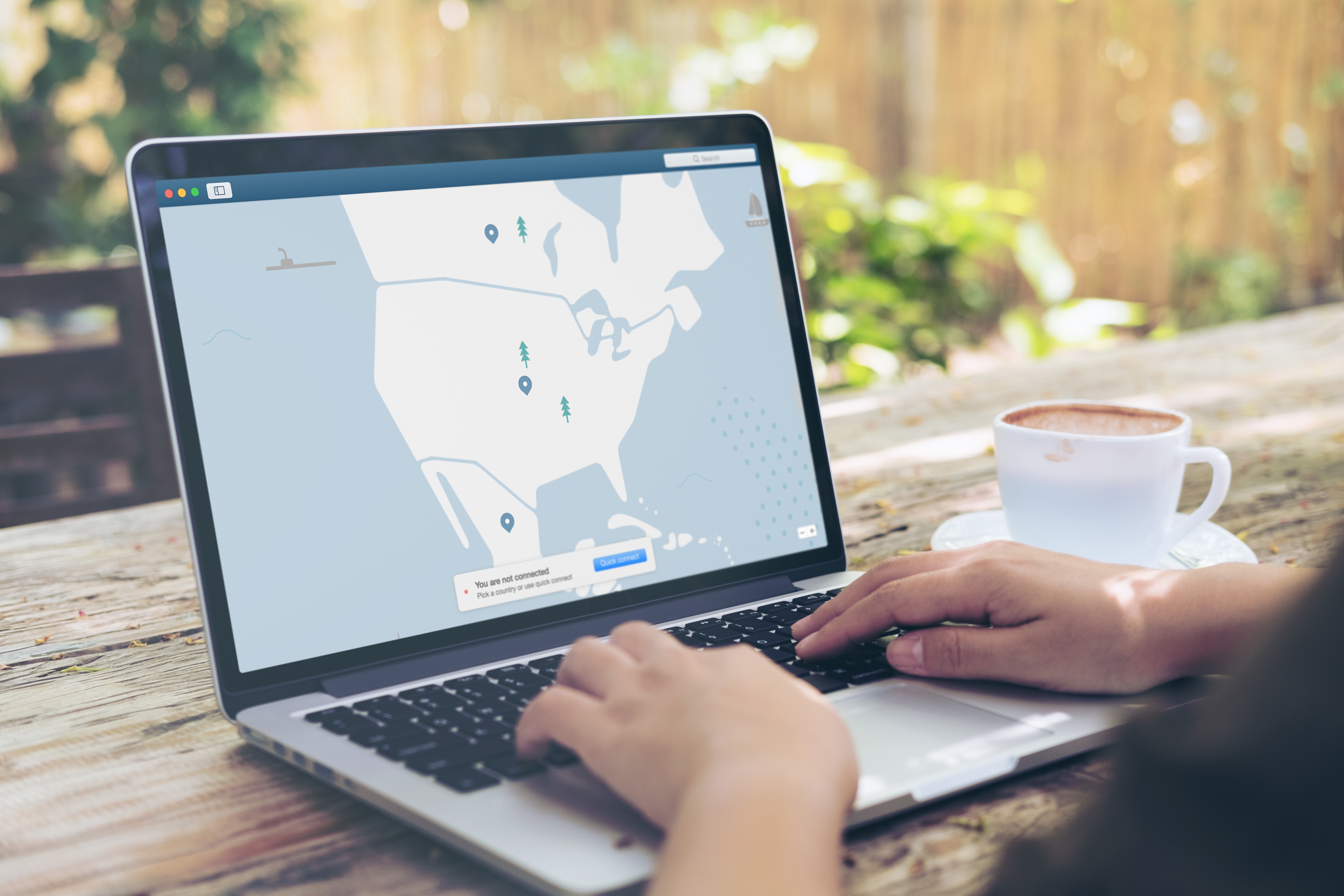
How to Authenticate Remote Workers in a Zero Trust Security Model
Where and how employees work has changed drastically in the last decade. Workers used to only be able to access corporate resources while working at the office.
by Merry Marwig, CIPP/US
How to Strengthen Remote Workforce Security During Crises
The coronavirus health crisis has forced millions of workers (who are able) to transition to working from home. That poses numerous obstacles to workers meeting their deadlines and doing their jobs. Security management and enforcement have become some of the most important and critical transitional needs involved for both workers and their employers.
by Aaron Walker
The Case for Multicloud Infrastructure Adoption
Putting all your eggs in one basket doesn’t always work out well. We’ve all done it, and when done in a business context (e.g., Cloudflare’s July outage that briefly tanked numerous web-based businesses), the consequences can be far-reaching and dire.
by Zack Busch
What Is Corporate Governance? (+Why It's Vital to Your Business)
Businesses have their own internal governance system – and I’m going to explain how it works.
by Lauren Pope
Identity and Access Management (IAM) Software Glossary Terms
Identity and Access Management (IAM) Software Discussions
0
Question on: Descope
What are the top-rated passwordless authentication solutions for large enterprises?
Large enterprises require passwordless platforms that scale globally, integrate with existing identity systems, and support phishing-resistant authentication while maintaining strong security controls, compliance, and seamless user experiences.
Descope is well suited for large enterprises because it delivers passwordless authentication that works across complex environments and global user bases. It supports modern, phishing-resistant login methods such as passkeys and biometrics while augmenting existing authentication systems if required, helping enterprises reduce credential-based attacks and password reset overhead without increased engineering effort.
By aligning passwordless login with the safest MFA methods, Descope helps organizations strengthen security without adding friction for end users.
0
Question on: 1Password
I'm struggling with 1Password's secure sharing features. Can anyone explain the best way to use them?
You can either use the share button in the object view, using afterward the option to input the email of the person you want to share the object with and copy the link and send it to that person only
The trick with 1Password’s secure sharing is knowing there are two different roads you can take, depending on whether you’re inside a team/family account or just sharing ad-hoc.
1. If you’re in a Family or Business plan:
Shared vaults are your friend. Drop the item (login, doc, etc.) into the shared vault, and everyone with access automatically gets it.
Permissions are vault-level, so you can fine-tune who can view, edit, or manage items.
This is the safest, cleanest route if you’ll be sharing with the same people often.
2. If you just need to share one-off with someone (even if they don’t use 1Password)
Use “Share Item” (on desktop, web, or mobile). It generates a secure link.
You can set an expiry (like 1 hour, 1 day, 1 week, etc.) and limit views (e.g., “only once”).
The recipient clicks the link, sees the secret, and it self-destructs after the limit.
This is great for handing off a password to a contractor or a friend without giving them vault access.
The easiest way to securely share with 1Password is by using shared vaults. You can create a vault, add the items you want to share, and then invite others with the right permissions. For one-time or limited sharing, 1Password also has a “share item” feature that generates a secure link with an expiration time and access controls. This way, you stay in control of what you share and for how long.
0
Question on: Salesforce Platform
What are the essential Salesforce Platform features a beginner should learn to improve customer relationship management?
Need to learn CRM data model and OOB functionality of the Salesforce CRM . Also better to start Salesforce Flow learning .
Learn how to create new accounts, and update existing leads and contacts.
Use trailhead within Salesforce to learn some of the basics. I found self learning with Salesforce the best use of time. You can create your own trail on the topics that you want to complete and then it will recommend best next steps. It will depend how you want to improve customer relationship management, is it the process, understanding data driven decisions the list is totally endless, but I would break it down into chunks and answer the following questions:
- What do you want to improve
- What does good look like
It could be as simple as improving a case layout, so you want to look at objects and fields, or it could be about dashboards and reporting
A beginner should start by learning the overview of Salesforce and its business processes. The first step is to understand the Sales Cloud and Service Cloud, as these are the core components of Salesforce. Once you grasp these, you will have a good understanding of the CRM (Customer Relationship Management) process.
Salesforce also provides a built-in learning platform called Trailhead. You can sign up for a free Trailhead account and explore the basic modules on CRM, Sales Cloud, and Service Cloud.
These modules will guide you through:
1. What Salesforce is and how it works
2. How to create objects, fields, and records
3. The fundamentals of managing sales and service processes
This forms the foundation for moving into more advanced Salesforce features and customizations.
Below mentioned points might help you as a beginner into Salesforce CRM:
1) Creating objects and fields
2) User permissions
3) Flows
4) Page layouts and Record Pages.
These are good to go as of now, there are lot of things to explore in this.
Identity and Access Management (IAM) Software Reports
Mid-Market Grid® Report for Identity and Access Management (IAM)
Fall 2026
G2 Report: Grid® Report
Grid® Report for Identity and Access Management (IAM)
Fall 2026
G2 Report: Grid® Report
Enterprise Grid® Report for Identity and Access Management (IAM)
Fall 2026
G2 Report: Grid® Report
Momentum Grid® Report for Identity and Access Management (IAM)
Fall 2026
G2 Report: Momentum Grid® Report
Small-Business Grid® Report for Identity and Access Management (IAM)
Fall 2026
G2 Report: Grid® Report
Enterprise Grid® Report for Identity and Access Management (IAM)
Summer 2026
G2 Report: Grid® Report
Small-Business Grid® Report for Identity and Access Management (IAM)
Summer 2026
G2 Report: Grid® Report
Mid-Market Grid® Report for Identity and Access Management (IAM)
Summer 2026
G2 Report: Grid® Report
Grid® Report for Identity and Access Management (IAM)
Summer 2026
G2 Report: Grid® Report
Momentum Grid® Report for Identity and Access Management (IAM)
Summer 2026
G2 Report: Momentum Grid® Report