

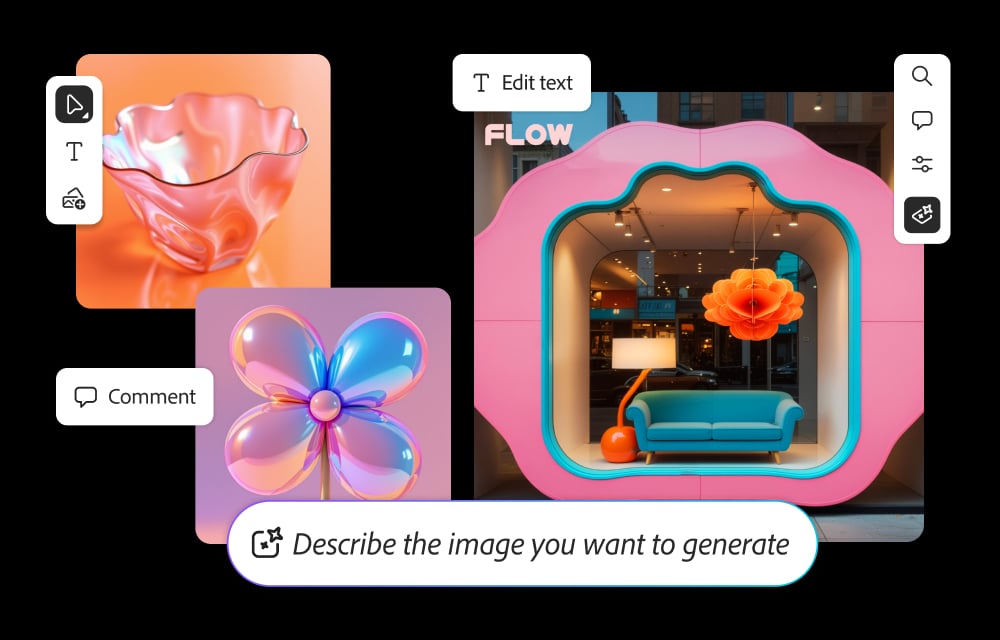
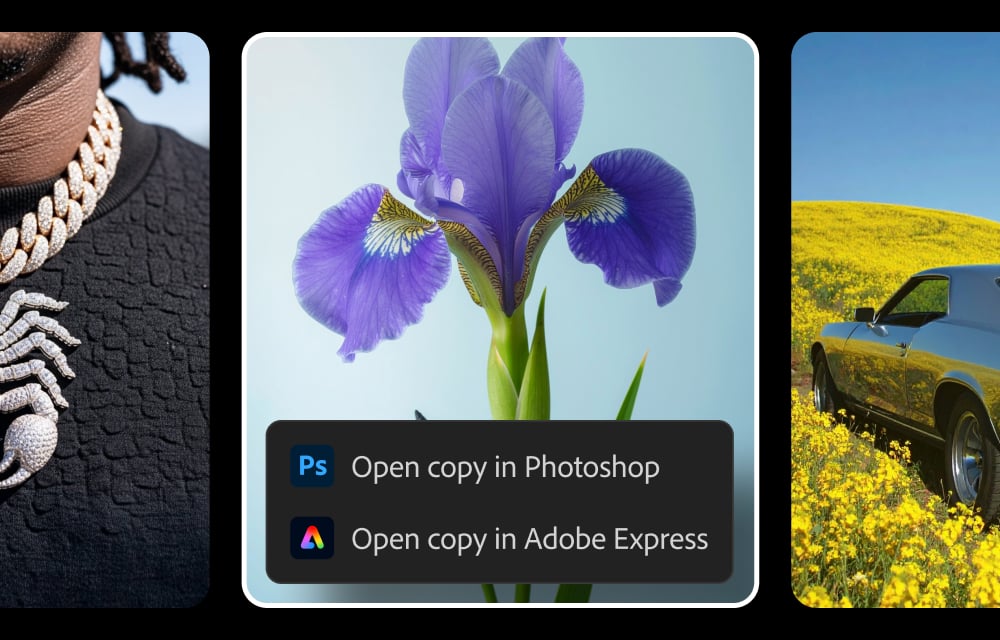
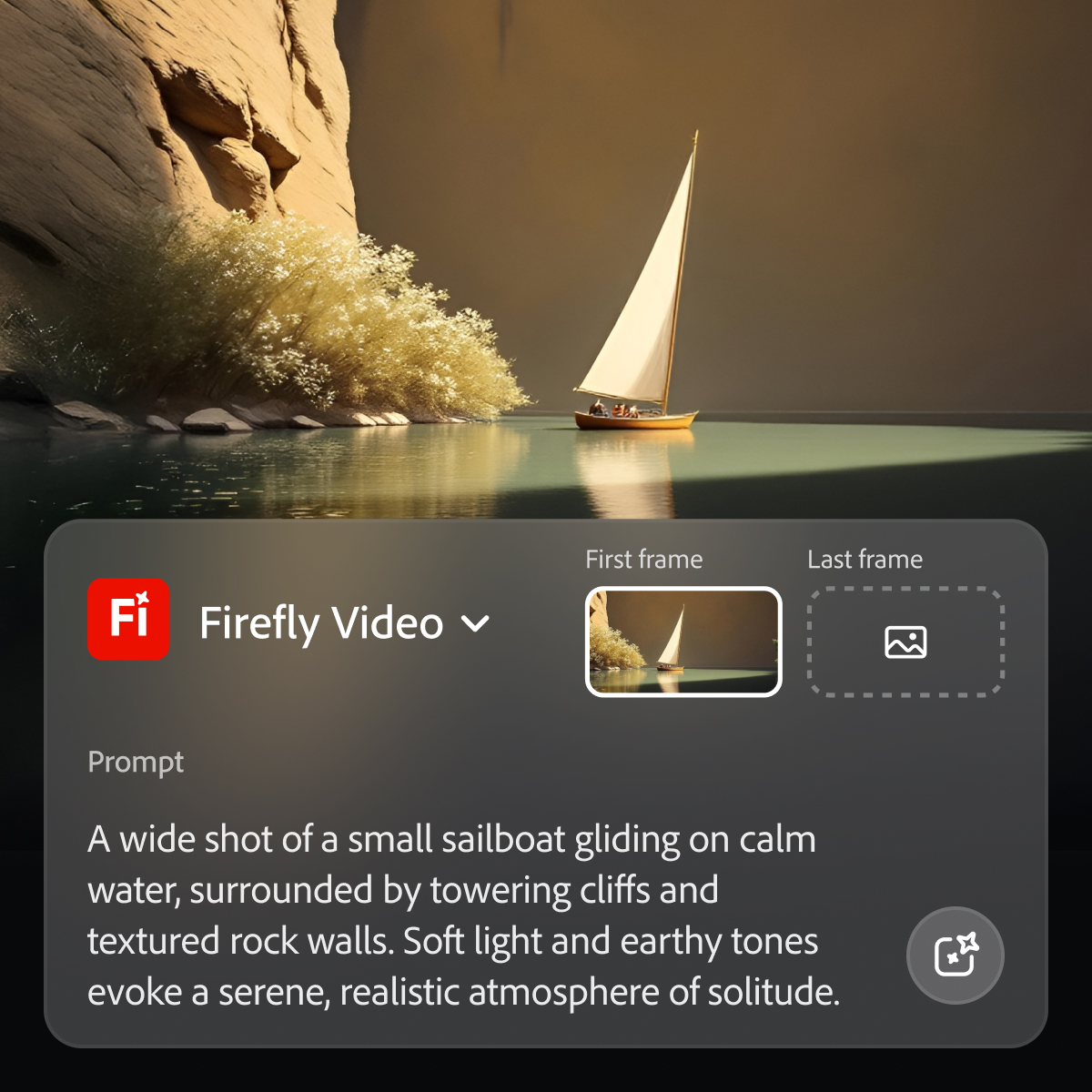

What I like best about Adobe Firefly is how easily it turns simple ideas into high quality visuals without needing advanced design skills. I have mainly used it for quick concept creation, social media creatives, and mockups, and the text to image generation works well when prompts are clear. The generative fill feature is especially useful because it allows adding or removing elements from images in seconds, which saves a lot of manual editing time. I also like how smoothly it connects with other Adobe tools like Adobe Photoshop and Adobe Illustrator, making it easy to use in real workflows. Another strong point is that the content is commercially safe to use, which gives confidence when creating professional designs. Overall, it makes the creative process faster and more efficient, especially during the ideation stage. Análise coletada por e hospedada no G2.com.
One thing I dislike about Adobe Firefly is that the output quality can sometimes feel inconsistent, especially with more complex prompts where the results don’t always match expectations. It works well for basic designs, but when you try to generate highly detailed or very specific visuals, it may require multiple attempts to get the desired result. Another limitation is that customization and control are still not as advanced compared to manual tools like Adobe Photoshop, so fine tuning can be a bit restrictive. It also depends heavily on internet connectivity, which can slow down the workflow at times. Overall, while it is great for quick ideation, it still has room for improvement in precision and flexibility. Análise coletada por e hospedada no G2.com.