PDF Architect’s built-in OCR (Optical Character Recognition) feature lets you convert images and scanned files—like invoices, contracts, or historical documents—into fully editable and searchable text.
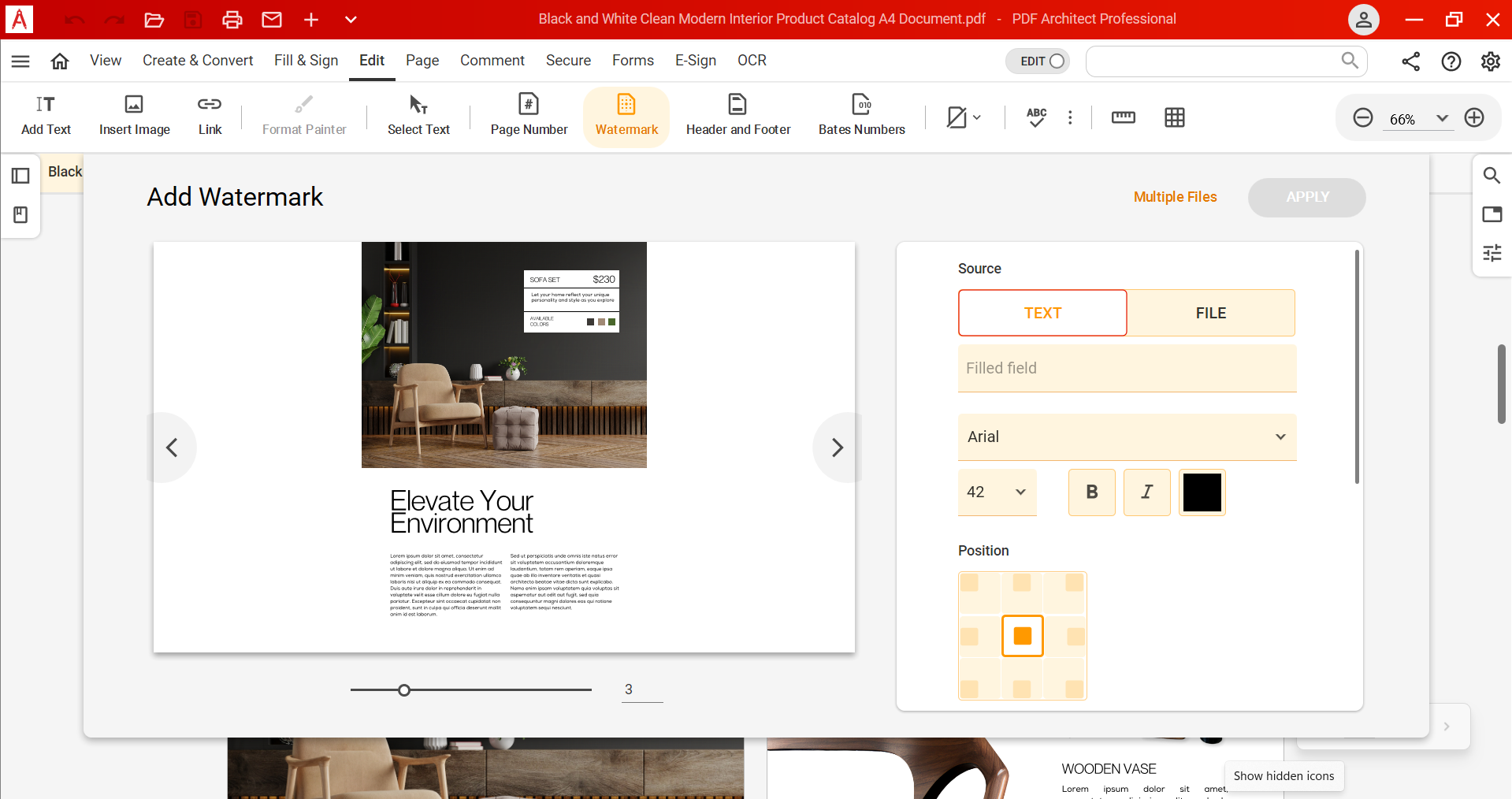
PDF Architect simplifies PDF editing with intuitive tools that save you time. Easily add or remove text, images, or entire pages. Customize fonts, layouts, and formatting to suit your exact needs — no steep learning curve, just efficient and precise control over your documents.
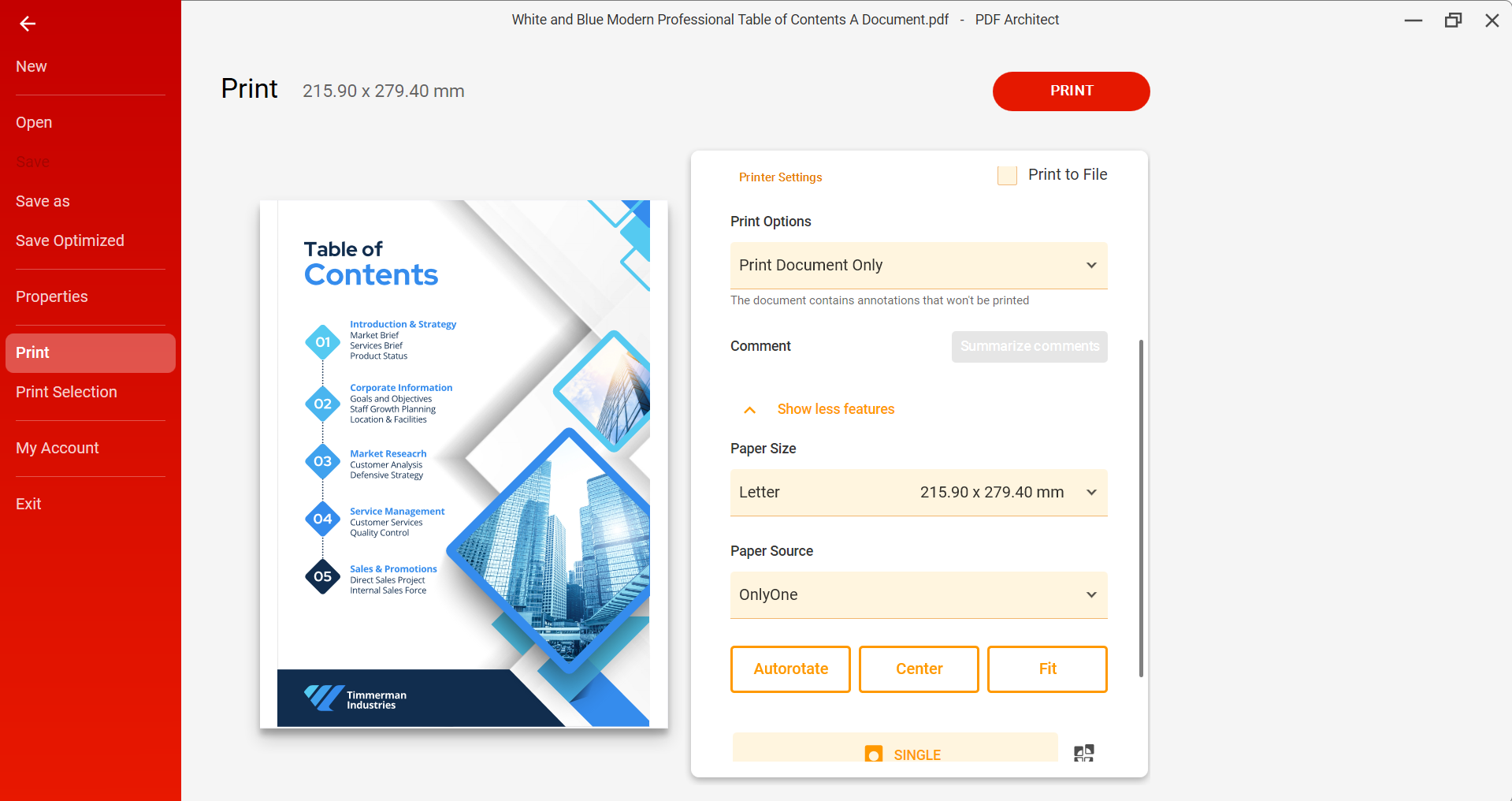
PDF Architect’s Print tool makes printing easy and efficient. Choose specific pages, fine-tune layout settings, and customize print options to get exactly what you need.
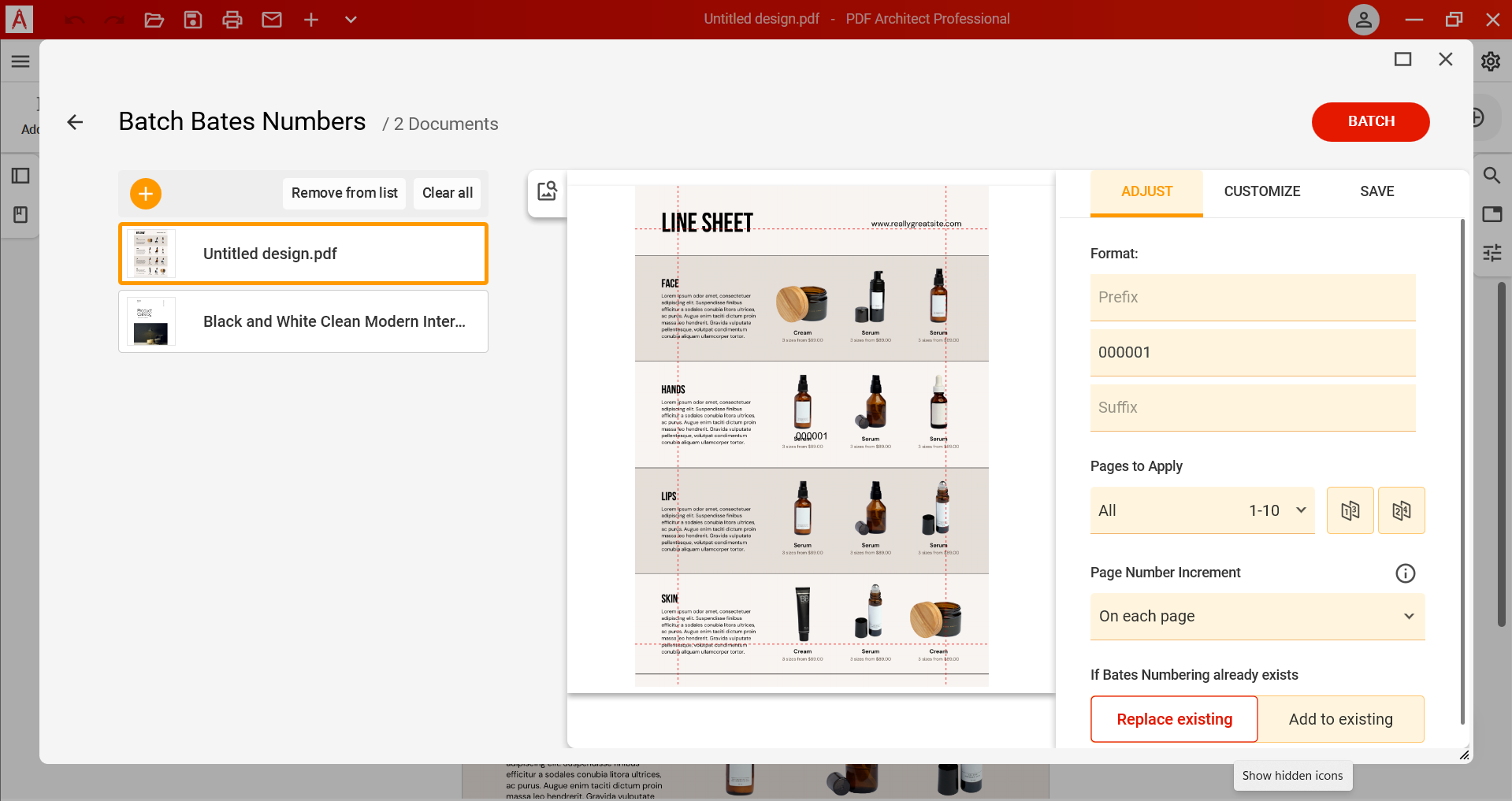
PDF Architect’s Bates Numbering tool lets you apply consistent, sequential identifiers across multiple PDFs in one step. Ideal for legal, medical, and business workflows, it helps you stay organized and ensures every document is easy to reference and track.
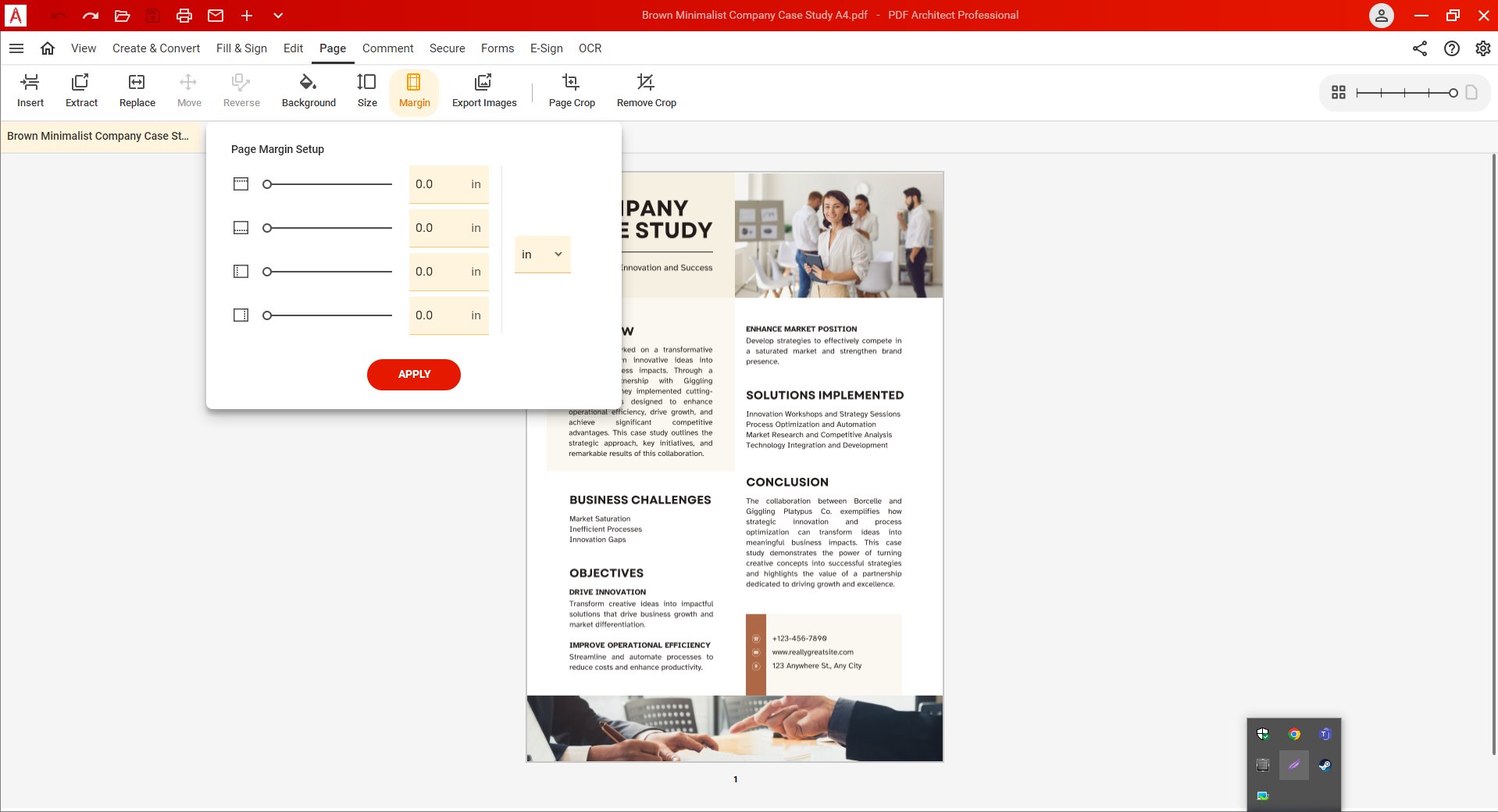
PDF Architect’s Margins tool lets you customize page spacing with ease, whether you need to add extra room for binding, meet formatting standards, or improve readability.
PDF Architect makes it simple to add notes, highlights, stamps, and other annotations directly to your documents. Whether you're reviewing contracts, giving feedback, or marking up reports, these tools help you communicate clearly and keep everything organized.
PDF Architect puts you in control. Edit, convert, secure, sign, and more — with fully customizable features tailored to your workflow. No bloated tools or overpriced plans. Just the PDF power you need, built the way you want it.
With PDF Architect, you get exactly what you need — and nothing you don’t. Choose the tools that matter most: edit, convert, protect, sign, and more. Pay only for what you use. It's PDF made efficient, flexible, and built around you.