3D Modeling Software Resources
Articles, Glossary Terms, Discussions, and Reports to expand your knowledge on 3D Modeling Software
Resource pages are designed to give you a cross-section of information we have on specific categories. You'll find articles from our experts, feature definitions, discussions from users like you, and reports from industry data.
3D Modeling Software Articles
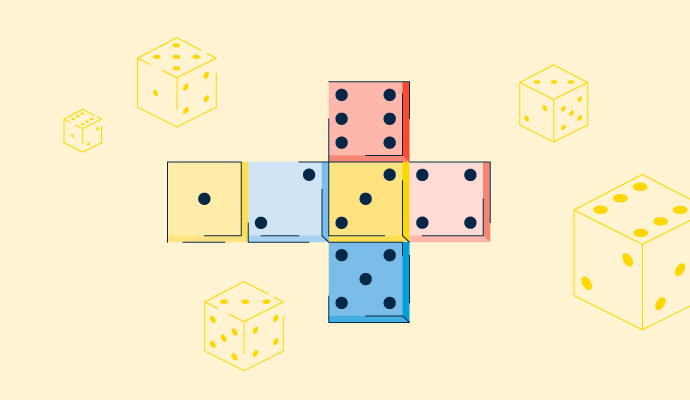
What Is UV Mapping? How It Makes 3D Models Come to Life

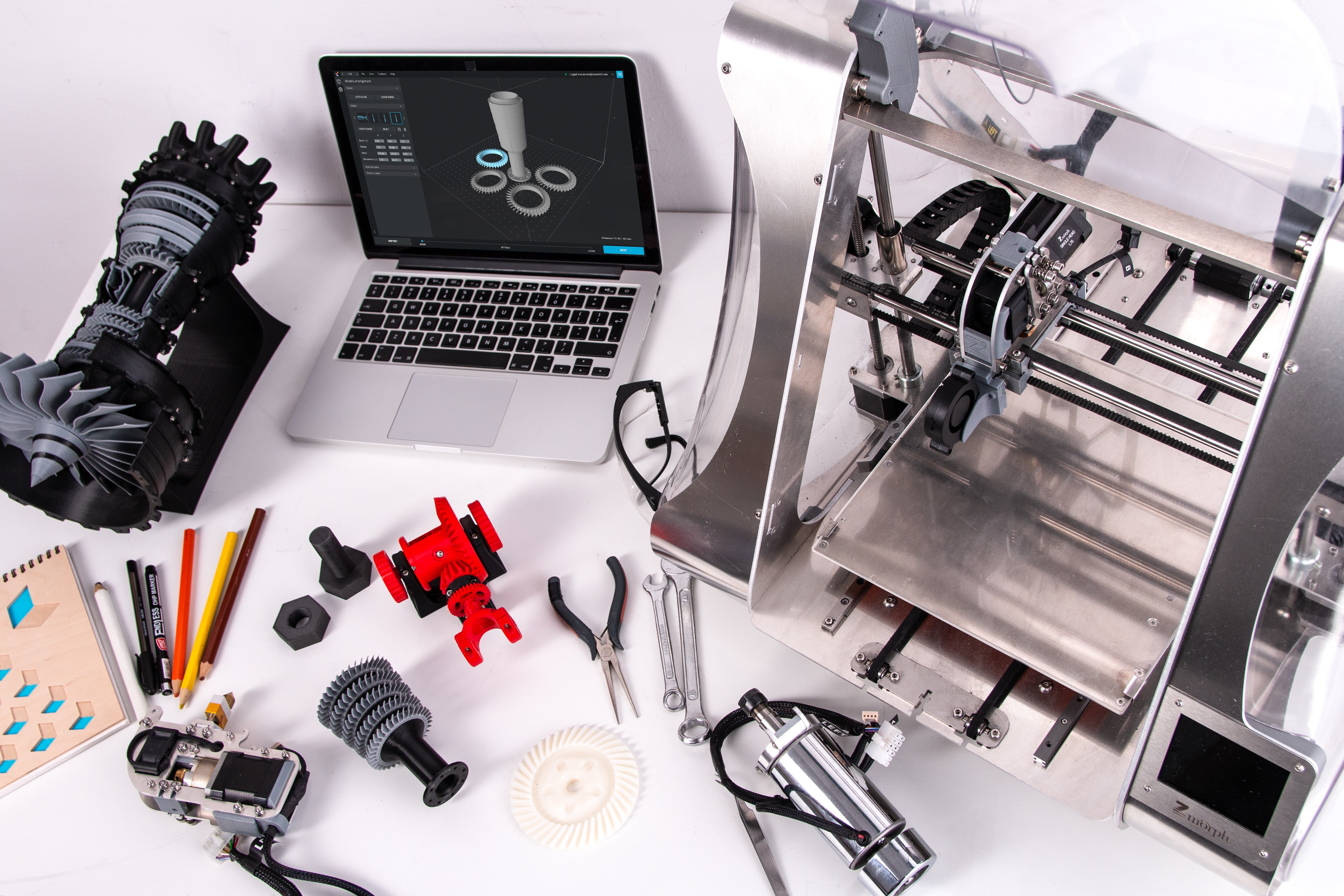
3D Printing Opens New Horizons in the Field of Education
Product Design: Create a Product Your Customers Will Love
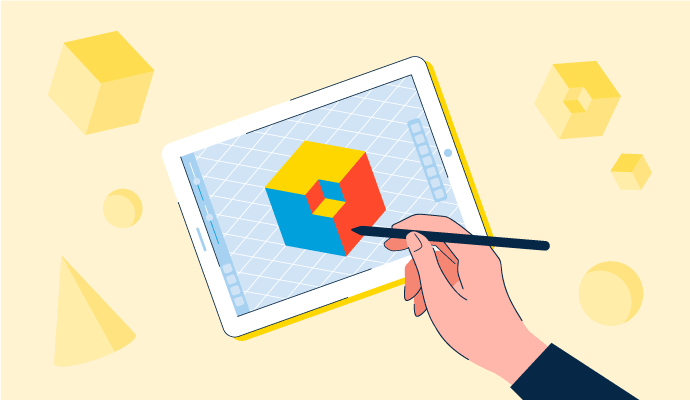
3D Modeling: How to Grasp the Futuristic Design Concept

3D Modeling vs. CAD vs. BIM: What's the Difference?
3D Modeling Software Glossary Terms
Building information modeling (BIM) is an all-inclusive process of generating and handling information for a constructed asset. Learn more about its types.
3D printing is an additive method that builds up layers of material to form a three-dimensional object. Read about its types, technologies, and utilities.

Created using software, a 3D model represents any three-dimensional object. Learn the types, benefits, and how it differs from creating a 3D render.
3D Modeling Software Discussions
Hey G2 users,
Trying to get a clear read on whether ZBrush justifies the subscription for character artists who aren't attached to a studio budget in the 3D modeling software category. The tool has a reputation that's hard to argue with, but reputation doesn't pay the annual fee.
From reviews by character artists, game developers, and people doing organic sculpting work:
- ZBrush: Reviewers describe it as the tool where organic sculpting stops feeling like a fight against the software. The ability to work at genuinely extreme polygon counts, use Dynamesh to explore silhouettes without worrying about topology, and move fluidly between detail levels is described as qualitatively different from anything else. The interface is routinely described as unintuitive, but for people who stick with it, the output is consistently described as worth the pain. Does the cost feel different depending on whether you're selling character assets or just building a portfolio?
- Blender: Free, increasingly capable on the sculpting side, and reviewers doing character work describe the gap between it and ZBrush as narrower than it was a few years ago. For game-resolution characters that don't require extreme detail, some reviewers describe Blender as sufficient. Is there a specific complexity threshold where Blender's sculpting tools start falling short?
- Meshy: Comes up in a hybrid context. Reviewers describe using it to quickly generate a character base mesh, then taking it into ZBrush or Blender for the actual sculpting. The time saved in the blocking phase is the main argument. At what point does the AI-generated base create more retopology headaches than starting clean?
- Maya: Not a direct alternative for sculpting, but reviewers consistently describe it as living alongside ZBrush in a character pipeline: ZBrush for the sculpt, Maya for rigging and animation. Does anyone use Maya's modeling tools as their primary character workflow without ZBrush in the pipeline at all?
At the individual artist level, what's the honest calculation when the subscription comes up for renewal?
The subscription question is really a throughput question, not a capability one. ZBrush earns its keep by saving hours per sculpt at high detail, so if you ship character work regularly the sub pays for itself many times over, but if you finish a couple of portfolio pieces a year the honest number is cost per sculpt you actually ship, and on that math Blender's narrower-than-it-used-to-be gap wins. The quiet part is the months between gigs where you're paying to own nothing, which is exactly where lumpy freelance income and a subscription fit each other worst. At what monthly output did it start clearly paying for itself for you, rather than Blender being fine?
Which 3D modeling software is best for 3D printing miniatures at home, where detail accuracy and export quality actually matter?
Miniature printing is its own subset of this conversation. The scale is unforgiving. Details that look fine in a viewport become a blob at 28mm. Export quality isn't just about resolution; it's about whether the mesh is actually watertight, whether the file opens in your slicer without errors, and whether what you modeled is what actually prints.
What reviewers in the 3D printing segment of the 3D modeling software category actually said:
- ZBrush: The sculpting ceiling is simply higher here than in anything else. Reviewers describe working at resolutions that would crash most software, switching between high- and low-poly subdivision without losing detail, and exporting models that go straight to the resin printer. Character sculptors and miniature artists mention it repeatedly as the tool built for exactly this kind of work.
- Meshy: Several reviewers from the 3D printing community describe it as what replaced hours of manual blocking. Upload a reference photo, and a base mesh comes back in minutes. One reviewer described cutting design-to-print time by around 60% using it as the starting point before any cleanup. The platform also includes direct slicer integration.
- Tripo Studio: Reviewers who print miniatures weekly describe generating STL files from photos and going to the slicer with minimal repair work. The retopology tools for getting low-poly clean meshes also come up specifically in printing contexts.
- Blender: Handles the full workflow from sculpting through cleanup and export. Reviewers in the additive manufacturing segment describe it as reliable for producing watertight meshes and note that the UV and geometry tools give precise control over what the final file looks like.
How much of your current workflow is actually modeling versus fixing the mesh before it's printable?
At 28mm the ceiling on detail isn't the software, it's your printer and the physics of the material, so past a point sculpting finer just gives the slicer detail it throws away. The skill that actually separates printable minis is designing for the scale: deepening recesses so they read, thickening fragile bits like spear tips and fingers so they survive handling, and watching overhangs so supports don't scar a face, and almost none of that depends on which program you sculpt in.
There's a version of this question that's easy to answer, and another that's actually hard. The easy version is: just download Blender, it's free. The hard version is: what does "easy" mean when someone has never opened a 3D application and genuinely wants to make something in the next few days, not the next few months?
Digging through beginner reviews in the 3D modeling software category, the tools that came up most for people who got to a result quickly without a long setup phase were Meshy, SketchUp, and Tripo Studio.
The complete picture:
- Meshy: You describe what you want in text, or upload a reference image, and it generates a 3D model. Beginners reviewing it describe going from zero knowledge to a usable file in under an hour. The output sometimes needs cleanup before it's production-ready, but as a first result, reviewers consistently say it was better than expected.
- SketchUp: The push/pull tool is mentioned by nearly every beginner reviewer as the moment 3D modeling made sense. You draw a shape, push it into the screen, pull it out, and you have something. The 3D Warehouse also means you're not building furniture, trees, and cars from scratch just to populate a scene.
- Tripo Studio: Similar to Meshy in that the AI handles the initial model generation. Reviewers doing early-stage game prototyping or 3D printing describe it as the tool that lets them skip the "learning to model" phase entirely and jump to "I have something I can work with."
- Blender: Every beginner reviewer says the same thing: it's free, it's capable, and the first two weeks are rough. But the tutorials cover almost anything you'd want to do, and by the time most people get through the basics, they feel the investment was worth it.
- Cinema 4D: Reviewers from graphic design or Adobe backgrounds specifically note that it lets you click faster than other 3D tools. The interface logic is closer to what those users already know.
For people who've been through this, what actually made the difference: the software choice, or just finding the right tutorial for the thing you specifically wanted to make?
The AI tools really will hand you a model in an hour, and for a first result that feels great. The catch is they hand you a finished mesh, not the ability to change it, so the moment the output is 80% right and you need to fix the other 20%, you're editing geometry you didn't build and don't yet understand, which is harder for a beginner than modeling something simple would have been. If the goal is one object once, the AI route is fine; if the goal is to actually make things, something like SketchUp's push/pull teaches you a mental model you can keep building on.