3D Modeling Software Resources
Articles, Glossary Terms, Discussions, and Reports to expand your knowledge on 3D Modeling Software
Resource pages are designed to give you a cross-section of information we have on specific categories. You'll find articles from our experts, feature definitions, discussions from users like you, and reports from industry data.
3D Modeling Software Articles
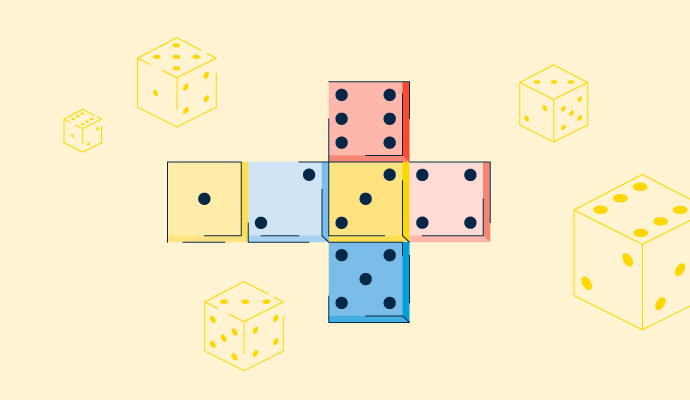
What Is UV Mapping? How It Makes 3D Models Come to Life

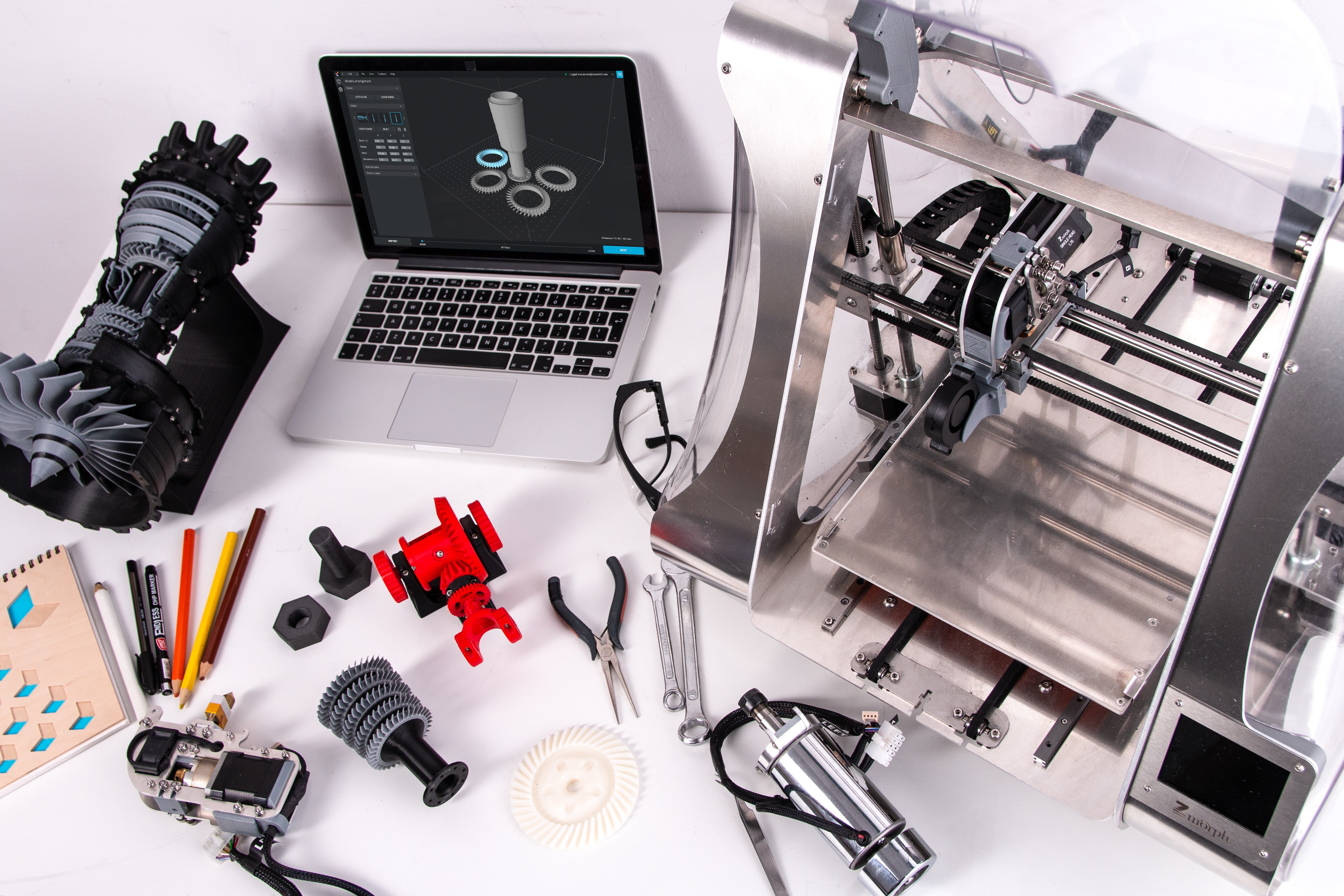
3D Printing Opens New Horizons in the Field of Education
Product Design: Create a Product Your Customers Will Love
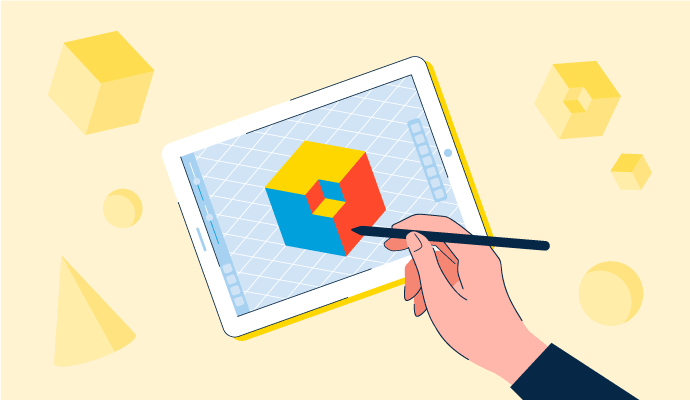
3D Modeling: How to Grasp the Futuristic Design Concept

3D Modeling vs. CAD vs. BIM: What's the Difference?
3D Modeling Software Glossary Terms

Building information modeling (BIM) is an all-inclusive process of generating and handling information for a constructed asset. Learn more about its types.
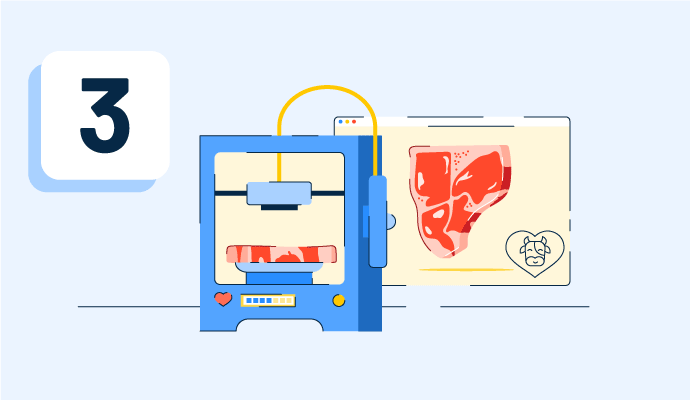
3D printing is an additive method that builds up layers of material to form a three-dimensional object. Read about its types, technologies, and utilities.

Created using software, a 3D model represents any three-dimensional object. Learn the types, benefits, and how it differs from creating a 3D render.
3D Modeling Software Discussions
Blender vs. Autodesk Maya vs. Cinema 4D for a freelance animator or a small studio: which is worth paying for? From the small business grid in the 3D modeling software category, these are the tools showing up most in animation production reviews at freelance and studio scale:
- Blender (4.6 stars, 300+ reviews): Best for freelancers who want a complete animation pipeline without an ongoing subscription cost eating into project margins. Reviewers doing independent character animation, short films, and product visualization describe the full toolset as genuinely production-capable. The interface has a real learning curve that reviewers don't sugarcoat, and heavier scenes test hardware. But the total cost over a career is a meaningful differentiator.
- Maya (4.3 stars, 250+ reviews): Best for freelancers whose clients or collaborators work inside studio pipelines where Maya is the standard. Reviewers who've used it for years describe the rigging and character animation tools as more refined and better organized than in Blender, particularly for complex rigs. The subscription and hardware demands are the consistent negatives, but reviewers who animate characters professionally tend to treat the cost as a business expense rather than a barrier.
- Cinema 4D (4.6 stars, 130+ reviews): Best for freelancers doing motion graphics, broadcast, or branded animation where the After Effects pipeline matters. Reviewers describe getting to client-ready output faster than in either Blender or Maya for this type of work. The MoGraph system and Redshift GPU renderer come up consistently as what makes the subscription defensible for the right use case. Reviewers outside motion graphics describe the pricing as harder to justify.
Which of these matched your actual client work better than expected, and which fell short once you were in a real deadline situation?
For a freelancer I'd flip the question: does anyone ever send you files, or do you only send finished work back? If studios pass you overflow work, that settles it, because a rigged Maya scene only opens properly in Maya. If clients only ever see the rendered output, they will never know or care what you used, and the case for paying gets much thinner. The choice is really about whose pipeline you plug into, and "nobody's" is a perfectly common answer.
What is the best 3D modeling program for character design that does not cost a fortune for an independent artist or small studio?
The budget question in character work is tricky because the best tools are often expensive, and free tools require significant learning investment. Neither option is actually free when you account for either money or time. What changes the answer is which cost the artist is better positioned to absorb.
From small business and independent artist reviews in the 3D modeling software category with a character work lens:
- Blender: The answer most solo artists land on eventually. Reviewers who work as freelance 3D artists describe using it throughout the character production process: sculpting, topology, rigging, and rendering. The cost is the learning curve, which reviewers describe as real but survivable given the tutorial ecosystem. The longer someone sticks with it, the harder it becomes to justify paying for something else.
- ZBrush: The sculpting benchmark that keeps coming up even in budget conversations, usually framed as "worth saving up for" rather than "affordable right now." Reviewers at the small-studio level describe it as the subscription that gets justified the fastest by client work. The interface frustration is consistent across reviews, but no one describes the output as inadequate.
- Meshy: One small creative studio reviewer described using image-to-3D to go from 2D character art to a full cast of printable 3D figures without outsourcing modeling. For studios where time is the binding constraint, the credit-based pricing is a trade-off worth making in specific scenarios.
- Cinema 4D: Appears in character work discussions mainly for motion graphics and animation contexts. Reviewers flag the subscription as difficult to justify for purely character-focused work where the MoGraph features don't apply.
Where does your current setup create the most friction: the tool cost, the hardware, or the time to learn what you're using?
Worth asking what you're actually selling before picking based on price. If clients buy finished images or animations, Blender covers the whole job and the only real cost is your learning time. But if you're selling the model itself into someone else's pipeline, like game-ready characters, then clean topology and proper poly counts are part of the product. A sculpt that looks great but needs someone else to retopologize it just moves the cost onto the buyer, and they notice. That's the case where ZBrush plus a proper retopo step stops being a luxury and becomes the thing you're charging for.
Which iPad-compatible 3D modeling app is worth paying for when you need to sketch and model on a tablet without being chained to a desktop?
The honest version of this question is messier than most articles about it admit. A lot of software has mobile apps or browser versions that technically run on a tablet, but "runs on a tablet" and "is actually useful for 3D modeling on a tablet" are different things. The workflow assumptions built into most 3D tools, keyboard shortcuts everywhere, multi-button mouse navigation, and high-VRAM rendering are exactly the things a tablet doesn't give you.
Looking for what works in the 3D modeling software category with portability as the actual filter, not just a checkbox:
What users actually seem to need for this to be viable:
- Tools that were designed for touch or work naturally without modifier keys
- Cloud-based processing, so the tablet's hardware isn't the rendering bottleneck
- Clean export that connects to desktop tools when more precision is needed
What the reviews say:
- Meshy: Browser-based, and reviewers describe using it across devices without hardware friction. The text-to-3D and image-to-3D workflows are inherently less input-dependent than traditional modeling, which makes the tablet experience far less awkward. You're directing the AI rather than navigating a complex viewport.
- SketchUp: The web version works on tablets, and reviewers doing concept modeling and layout work describe the push/pull mechanic as translating reasonably to touch. The web version is limited versus the desktop app, but for blocking out ideas and spatial layouts, reviewers describe it as actually functional rather than just technically running.
- Coohom: Cloud-based rendering means the tablet isn't doing the heavy work. Reviewers in architecture and interior design describe using it across hardware setups because the processing lives in the cloud, not on the device.
- Blender: Worth being direct here: reviewers consistently say the workflow does not translate to touch well. The keyboard-shortcut dependency is fundamental, not incidental.
If you've actually shipped a project using a tablet as your primary 3D tool rather than just testing one, what did that workflow actually look like day to day?
Almost everything on that list is either a browser version or a desktop tool, which is why the experience feels off: they're carrying desktop assumptions onto a device with no keyboard or mouse. The apps that actually work on iPad are the ones built for it from scratch: Nomad Sculpt if you're doing organic sculpting, Shapr3D if you're doing precise CAD-style product work, both designed around the Pencil and one hand instead of modifier keys. So the real fork isn't which desktop tool has the best tablet mode, it's sculpt versus CAD, because those two point at completely different native apps.