Product Avatar Image

Dropbox

Show rating breakdown
39,109 reviews
  • 9 profiles
  • 22 categories
Average star rating
4.4
#1 in 4 categories
Grid® leader
Serving customers since
2007

Dropbox Solutions

Discover ready-made solutions that bring related products, reviews, and resources together in one place.
Featured Products

Product Avatar Image
Dropbox Paper

4,516 reviews

Dropbox Paper is a collaborative document-editing service developed by Dropbox, designed to facilitate seamless teamwork and idea sharing. Launched in January 2017, Paper provides a flexible workspace where teams can create, review, and organize content in real-time, enhancing productivity and collaboration. Key Features and Functionality: - Real-Time Collaboration: Multiple users can simultaneously edit documents, with changes instantly visible to all participants. - Rich Media Integration: Embed images, videos, audio files, and even code snippets directly into documents, supporting a wide range of content types. - Task Management: Assign tasks, set due dates, and track progress within documents, streamlining project management. - Commenting and Annotation: Add comments and annotations to specific sections of a document, facilitating clear communication and feedback. - Version History: Access previous versions of documents to track changes and revert to earlier iterations if necessary. - Integration with Third-Party Tools: Connect with popular design and productivity tools like InVision, Figma, and Sketch, allowing for seamless workflow integration. Primary Value and User Solutions: Dropbox Paper addresses the need for a unified platform where teams can collaboratively create and manage content without the constraints of traditional document editors. By combining document creation, media embedding, and task management in a single interface, Paper eliminates the need to switch between multiple applications, thereby reducing workflow fragmentation. Its real-time collaboration features ensure that team members stay aligned, while the integration with various tools enhances versatility. Overall, Dropbox Paper simplifies the collaborative process, making it more efficient and effective for teams of all sizes.

Profile Filters

All Products & Services

Product Avatar Image
Dropbox

31,396 reviews

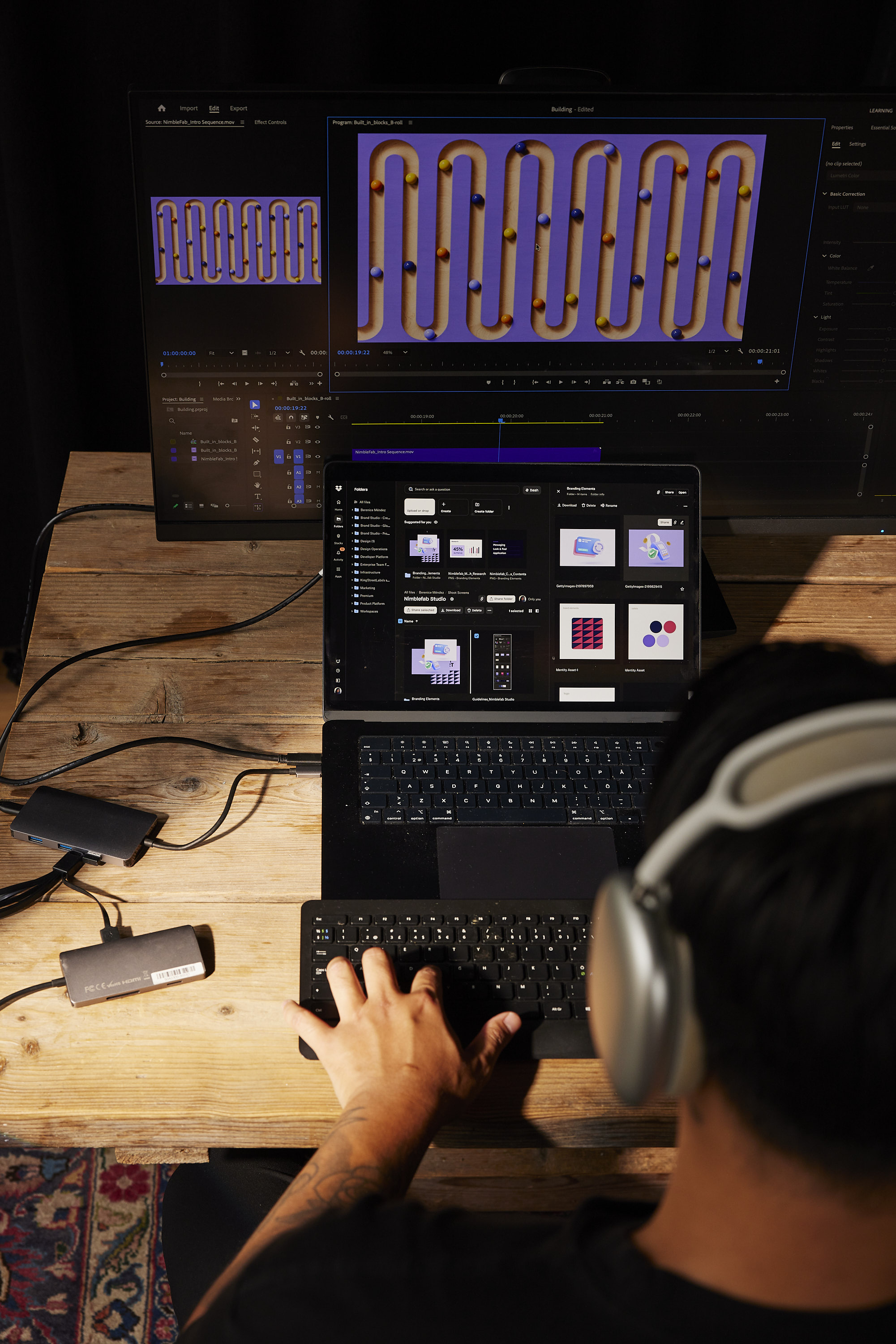
Dropbox lets you save and access all your files and photos in one organized place, and share it with anyone. Whether you run a solo biz or lead a large, complex team, Dropbox helps your work flow better.

Product Avatar Image
Dropbox Paper

4,516 reviews

Dropbox Paper is a collaborative document-editing service developed by Dropbox, designed to facilitate seamless teamwork and idea sharing. Launched in January 2017, Paper provides a flexible workspace where teams can create, review, and organize content in real-time, enhancing productivity and collaboration. Key Features and Functionality: - Real-Time Collaboration: Multiple users can simultaneously edit documents, with changes instantly visible to all participants. - Rich Media Integration: Embed images, videos, audio files, and even code snippets directly into documents, supporting a wide range of content types. - Task Management: Assign tasks, set due dates, and track progress within documents, streamlining project management. - Commenting and Annotation: Add comments and annotations to specific sections of a document, facilitating clear communication and feedback. - Version History: Access previous versions of documents to track changes and revert to earlier iterations if necessary. - Integration with Third-Party Tools: Connect with popular design and productivity tools like InVision, Figma, and Sketch, allowing for seamless workflow integration. Primary Value and User Solutions: Dropbox Paper addresses the need for a unified platform where teams can collaboratively create and manage content without the constraints of traditional document editors. By combining document creation, media embedding, and task management in a single interface, Paper eliminates the need to switch between multiple applications, thereby reducing workflow fragmentation. Its real-time collaboration features ensure that team members stay aligned, while the integration with various tools enhances versatility. Overall, Dropbox Paper simplifies the collaborative process, making it more efficient and effective for teams of all sizes.

Product Avatar Image
Dropbox Sign (formerly HelloSign)

2,274 reviews

Fast, Secure, and Legally Binding eSignatures for Business

Product Avatar Image
DocSend

589 reviews

DocSend tells salespeople how prospects engage with their sales material. Have the right conversation, with the right person, at the right time, and do business faster.
Product Avatar Image
Reclaim.ai

143 reviews

Reclaim is a smart calendar tool for Google Calendar that helps you automatically block time for your tasks and routines across all of your work and personal calendars. Designed for anyone with a busy schedule, Reclaim helps align your priorities with your calendar, understand where your time is going every week, and find the best time for your important solo work sessions through smart time blocking.

Product Avatar Image
Dropbox Dash

86 reviews

Dropbox Dash helps teams work smarter, faster, and more securely than ever before. Bringing advanced content access control and search capabilities to any size business, it’s ideal for those who handle large volumes of content and care about protecting sensitive information.

Product Avatar Image
HelloFax

57 reviews

By removing paper from the process, HelloFax has removed your need to own a fax machine. With HelloFax, everyone in your company can conveniently send and receive faxes online.

Product Avatar Image
DropBox Sign API

47 reviews

Embed eSignature into your application in days

Product Avatar Image
HelloWorks

2 reviews

HelloWorks converts documents and forms into intelligent workflows.

Profile Name

Star Rating

26590
9597
2221
426
276

Dropbox Reviews

Review Filters
Profile Name
Star Rating
26590
9597
2221
426
276
Verified User in Marketing and Advertising
UM
Verified User in Marketing and Advertising
07/07/2026
Validated Reviewer
Verified Current User
Review source: Organic

Intuitive, Secure Sharing, But Upload and Download Can Be Unreliable

It's a reliable and simple tool that works great as intended. It's great for file storage and sharing with clients or other team members in a secure environment. The UI is great and intuitive so it is easy to get onboarded and understand how to use Dropbox.
Aleksandra K.
AK
Aleksandra K.
07/07/2026
Validated Reviewer
Review source: G2 invite
Incentivized Review

Lots of files in one place

I like Dropbox because it gives me access to my files and data from anywhere in the world, using both my computer and my phone. I can also quickly share files with my coworkers. It provides amazing support for information flow within the company."
Yaroslav B.
YB
Yaroslav B.
07/02/2026
Validated Reviewer
Verified Current User
Review source: G2 invite
Incentivized Review

I didn't expect document analytics to be this useful

There are projects where writing the code takes less time than putting together all the documentation that comes with it. Architecture diagrams, temporary credentials, deployment guides, API docs, installation instructions... that's where DocSend has become part of my workflow. The feature I probably use the most is the analytics. Being able to see when someone opens a document and how much time they actually spend reading it sounds like a small thing, but it's surprisingly useful. I don't have to send those follow-up emails asking if anyone had a chance to review the documentation. More than once, I've walked into a meeting already knowing which sections people have read and which ones they've barely looked at. Another feature I really like is versioning. We update a technical guide after spotting an issue, and instead of sending out a new link, I just upload the latest version and everyone keeps using the same one. That's one of those little things that saves more time than you'd expect. I've also had a couple of interactions with support, and they've been quick and genuinely helpful.

About

Contact

Phone:
855-237-6726
HQ Location:
San Francisco, California

Social

@Dropbox

What is Dropbox?

Dropbox is the world’s first smart workspace that helps people and teams focus on the work that matters. With more than 600 million registered users across 180 countries, we’re on a mission to design a more enlightened way of working. Dropbox is headquartered in San Francisco, CA, and has 12 offices around the world.

Details

Year Founded
2007
Ownership
NASDAQ: DBX
Website
www.dropbox.com