Digital Accessibility Platforms Resources
Articles, Glossary Terms, Discussions, and Reports to expand your knowledge on Digital Accessibility Platforms
Resource pages are designed to give you a cross-section of information we have on specific categories. You'll find articles from our experts, feature definitions, discussions from users like you, and reports from industry data.
Digital Accessibility Platforms Articles
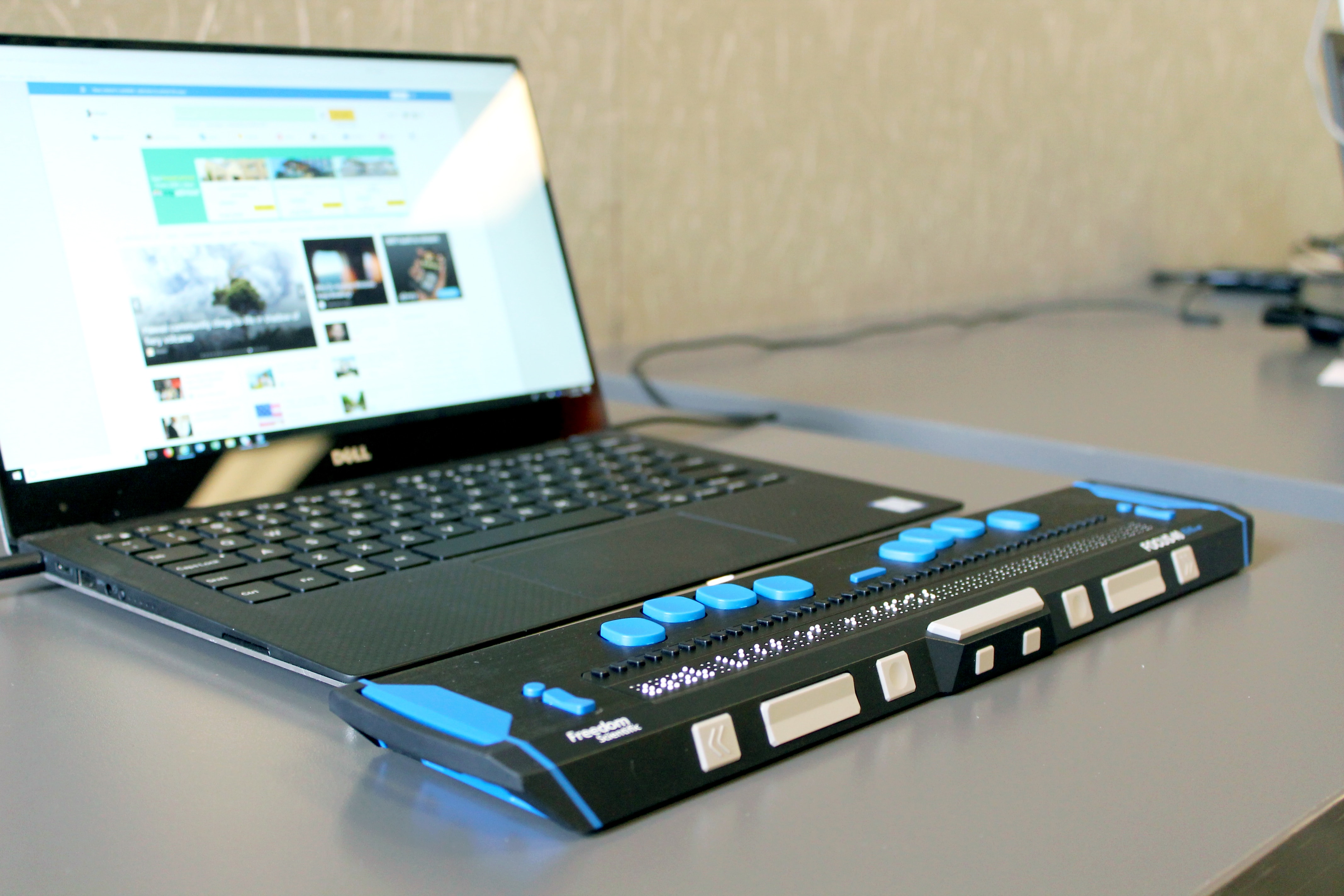
Digital Accessibility Helps Users and Businesses Alike

Digital Accessibility Platforms Glossary Terms

Digital accessibility is a principle used in web development and design to ensure all users have the same opportunity to view and engage with content.
Explore our Technology Glossary
Browse through dozens of terms to better understand the products you purchase and use everyday.
Digital Accessibility Platforms Discussions
I want to get a better understanding of the accessibility standards the checker tool tests against so I know the level of compliance I can achieve.
Anyone running a university, a council or a multi-brand estate knows the problem. You do not have a website. You have four hundred of them, half owned by departments who did not ask permission.
Hi G2 reviewers, which digital accessibility platforms license sensibly across many URLs and subdomains rather than per single site? Worth checking before you shortlist:
- Whether subdomains count as separate sites on the licence
- How many pages per site are scanned, and how often
- Whether each department can be given its own view without buying a seat
- What automated scanning genuinely covers, since some issues only surface in manual testing
Three reviewers raise for multi-site estates:
- Silktide scans whole sites and reports accessibility alongside content quality, SEO and compliance, with task assignment so individual teams own their own fixes. Its review base skews heavily towards government and higher education, which is the multi-site case. Reports on large scans take a while to complete.
- DubBot is built for organisations with many site maintainers, letting settings and notifications be configured at either site or user level. Reviewers say that flexibility can get confusing to administer once there are a lot of sites and people.
- Siteimprove covers large estates with policy rules that flag site-specific issues across the whole portfolio, which is how central teams enforce a standard without checking each site by hand.
Also worth saying plainly: automated scanning finds a portion of WCAG issues, not all of them, whatever the licence covers. Where has automated coverage stopped being enough for you, and what did you have to test by hand?
In my experience, automated scanning stops being enough right around anything involving actual interaction, keyboard navigation through a complex form, whether a screen reader announces a dynamic update correctly, that kind of thing tends to need someone testing it by hand rather than a crawler flagging a missing attribute. The multi-site estate problem makes that worse too, since manual testing capacity rarely scales the way a licence does, so most teams end up hand-testing their highest-traffic or highest-risk sites and trusting automation to catch the baseline everywhere else.
Hi, accessibility leads, web teams and G2 reviewers who have had to hand evidence to a lawyer rather than a developer. I am looking for the best digital accessibility platforms for producing audit trails and documentation that stand up to legal challenge, and would value input from anyone who has actually been asked to produce that record.
This is where the overlay-versus-remediation argument gets real. A widget can improve a page; it cannot show what you knew, when you knew it, and what you did about it. That history is the defensible part. Three platforms reviewers point to:
- Level Access (4.5) keeps a running record of each digital asset's accessibility state and progress, combining automated scans with manual expert testing and in-house legal support, and pushes issues into Jira or Azure DevOps so fixes are traceable. Reviewers describe a steep learning curve and a lot of data to prioritise through, and note pricing is not published.
- Siteimprove (4.6) is built around governance rather than one-off audits, tracking WCAG issues over time alongside content and policy checks, which is what produces a trend line rather than a snapshot. Reviewers say false positives still need human review before anything is reported.
- AudioEye (4.7) combines ongoing automated monitoring with expert audits and remediation carried out by certified specialists, and is explicitly positioned around reducing legal exposure. Reviewers say the different tiers of monitoring, audit and remediation take time to tell apart at the buying stage.
For anyone who has faced a demand letter or an audit: what did you actually have to produce, and did the platform's own reports cover it?
Digital Accessibility Platforms reviews on G2 for Siteimprove specifically describe ongoing compliance monitoring more than the legal-documentation scenario this post is actually asking about. Reviewers consistently credit Siteimprove with WCAG tracking, dashboards that show progress over time, and helping organizations stay compliant with accessibility law in general terms, but none of the reviews in that category actually describe producing a specific audit trail that was handed over during a legal challenge or demand letter. That's a meaningful gap between the post's framing and what the evidence shows, since compliance monitoring and a defensible legal record are related but not identical; one is about catching issues over time, the other is about proving exactly what was known and done at a specific point.
Level Access's mention of in-house legal support is the detail worth following up on directly, since that's a more specific claim about legal-context experience than general accessibility monitoring, which is what most of the reviews across this category actually describe. Anyone who has actually produced documentation in response to a demand letter would know firsthand whether a platform's standard reports covered what was asked for, or whether extra work was needed to assemble something a lawyer could actually use.