Project and Portfolio Management Software Resources
Articles, Glossary Terms, Discussions, and Reports to expand your knowledge on Project and Portfolio Management Software
Resource pages are designed to give you a cross-section of information we have on specific categories. You'll find articles from our experts, feature definitions, discussions from users like you, and reports from industry data.
Project and Portfolio Management Software Articles

State of Project Management Spring 2021


G2 Adds New Categories for Work Management and Project Collaboration

How Industry 4.0 Will Change Project Management


Project and Portfolio Management Software Glossary Terms
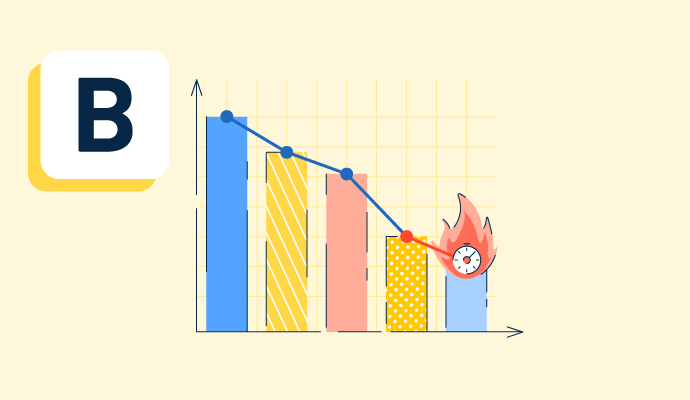
A burndown chart shows the amount of work remaining in a project and the amount of time left to complete it. Discover its benefits and best practices.

Resource management is the process of organizing business assets to provide the greatest value and benefit to a company. Learn its types and benefits.

Concurrent licensing allows multiple users to access a software application simultaneously. Learn about its benefits, features, and operational elements.

Project managers use Gantt charts to illustrate project tasks and their duration. Learn how to create a Gantt chart and why they’re useful to businesses.