Email Marketing Software Resources
Articles, Glossary Terms, Discussions, and Reports to expand your knowledge on Email Marketing Software
Resource pages are designed to give you a cross-section of information we have on specific categories. You'll find articles from our experts, feature definitions, discussions from users like you, and reports from industry data.
Email Marketing Software Articles

What Is Marketing Attribution? How to Measure It


Permission Marketing: How to Earn Customer Trust With Ease
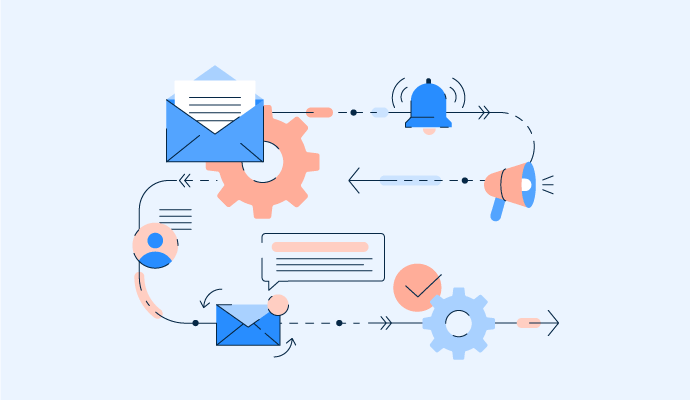
How to Use Email Automation to Simplify Business Processes



Email Marketing Software Glossary Terms

Drip campaigns consist of a series of automated emails triggered by a specific activity. Learn how to use drip campaigns to connect with audiences.

Email marketing lets you acquire and convert leads via email. Read on to boost your email marketing strategy using the provided tips and best practices.

Email deliverability is the ability to deliver emails to receivers’ inboxes. Learn more about it and best practices for implementation.

Automated email responses are pre-determined replies for incoming emails. Learn more about the different types and how to use them.
Email segmentation is the process of segregating a contact database to create email segments with shared and similar characteristics. Learn more about email segmentation, best practices, and how email marketers can perform email segmentation.